
 Hey n8n Community,
My CEO mentioned he’s got a few conferences coming up in the next weeks and he’s actually looking forward to them. There’s just one problem: every time he comes back from an event, he has a stack of business cards in his pocket and zero time to manually add them all to his phone.
So I went looking for a tool I could just hand him. Plenty of business card scanners exist. But every single one of them has the same baffling design choice: you have to photograph each card individually. One at a time. For 20 cards.
That’s not really a scanner. That’s a slightly faster version of typing them in by hand.
So I built him something better in n8n.
 What it does
He lays all the business cards out on a hotel desk, takes ONE photo, and sends it to a Telegram bot. The workflow extracts every contact, deduplicates against a Google Sheet (so contacts he’s already saved don’t get re-added), and sends back a separate vCard file for each new contact. He taps a vCard on his iPhone → “Add Contact” → done. About 15 seconds for 20 cards.
 Full walkthrough
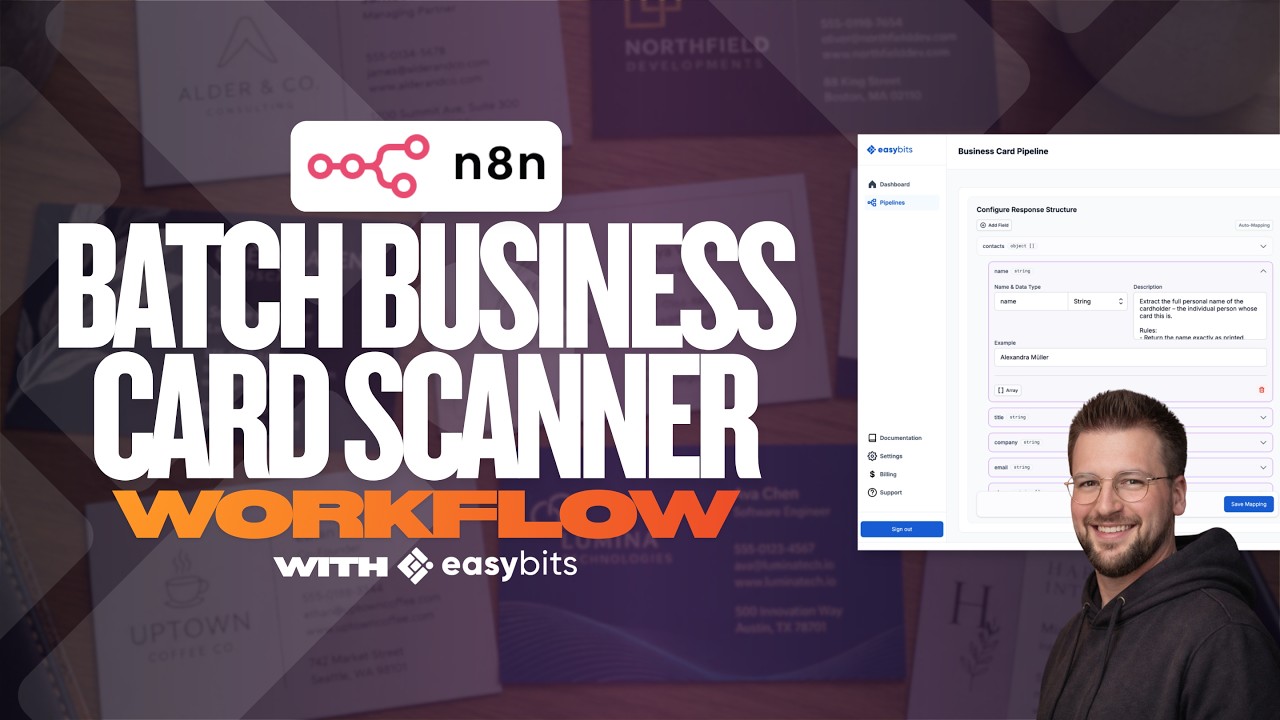
I made a video that walks through the workflow setup in n8n and does a live test run with 8 business cards in one photo – figured it’s easier to see it in action than describe it:
 Workflow JSON
You can grab the workflow JSON here (also linked in the video description along with the easybits Extractor setup info):
Anyone else built something similar for handling event leads? Curious whether people are pushing contacts straight to a CRM (HubSpot, Pipedrive) or keeping it in a sheet. The Sheet → vCard pattern is nice because it works for everyone, but I imagine the CRM version would be even better for sales-heavy teams.
Best,
Felix