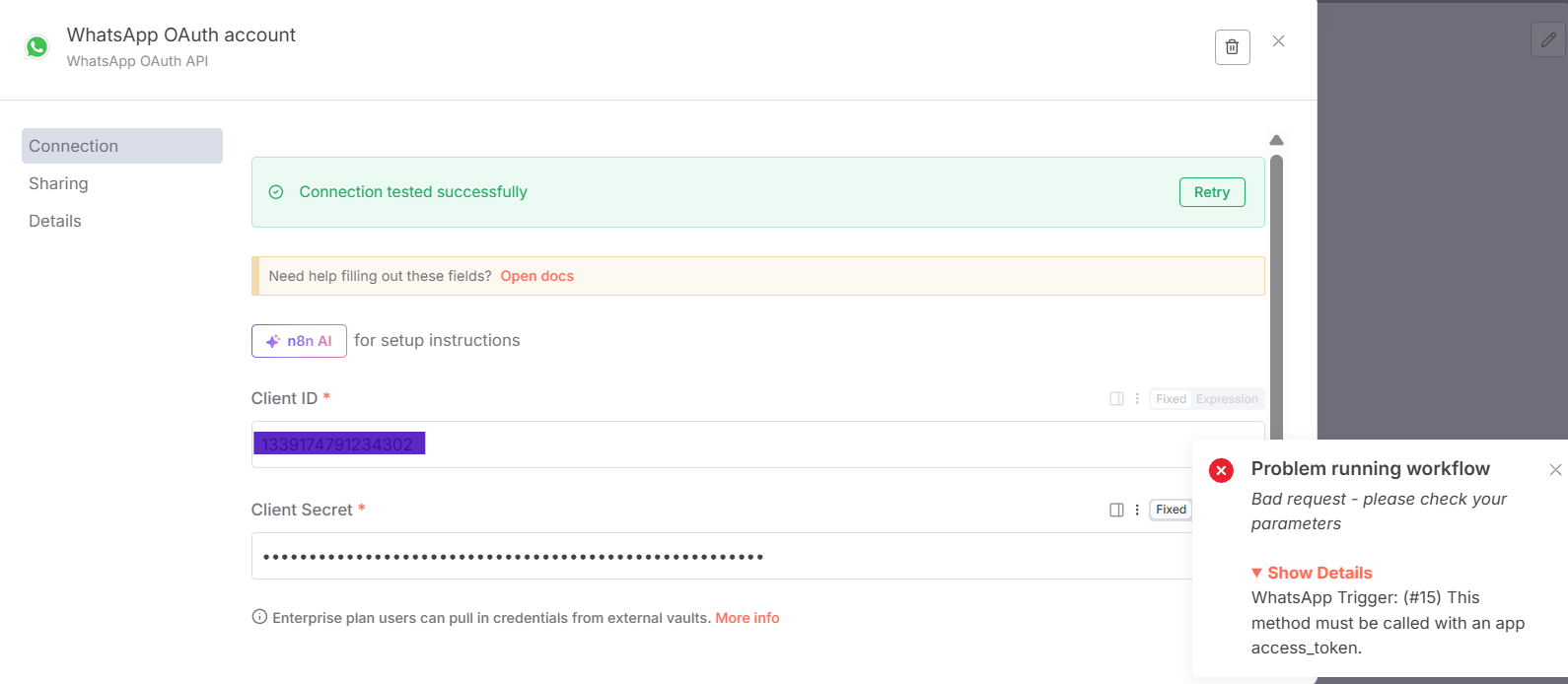
Your WhatsApp Trigger and OAuth credentials look good.
If I researched correctly, the error you are seeing is not n8n’s, but the API’s error message, Bad Request suggests the same. And the credentials used to send messages require access token to work properly. Can you confirm you also have required credentials setup for the message template?
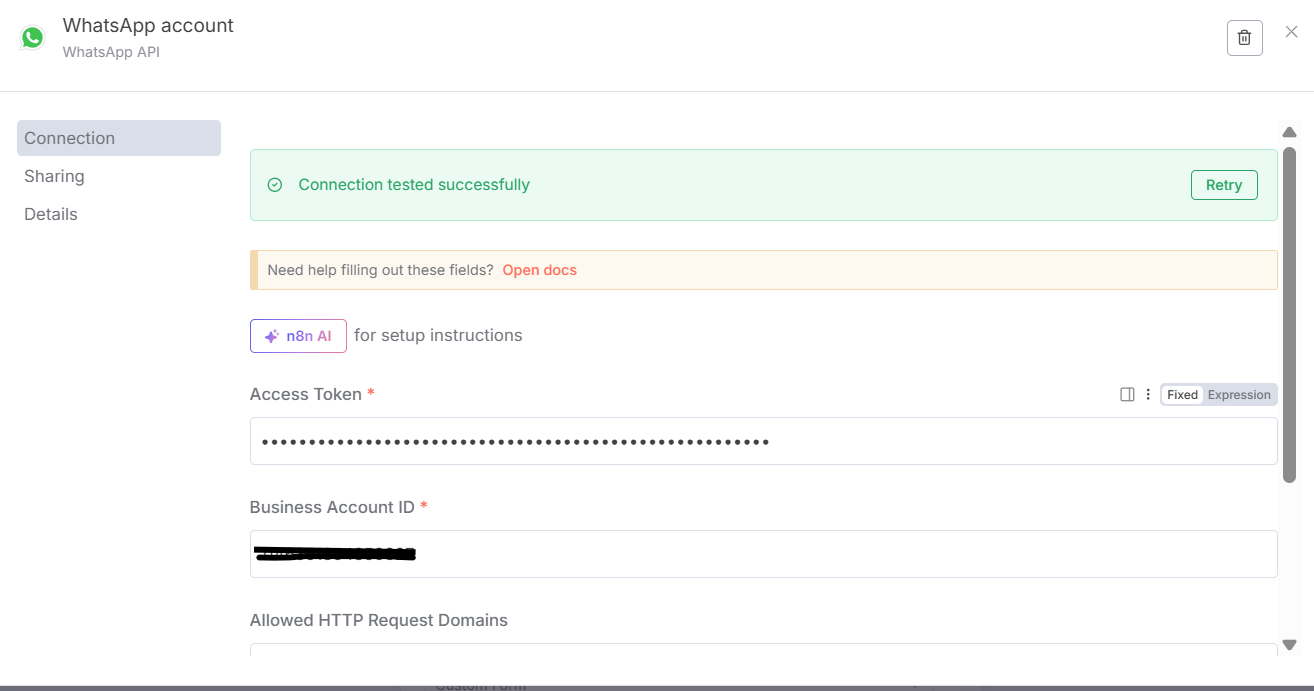
Yyou need to set up two different credentials in n8n:
OAuth2 credentials for the trigger node.
API key credentials (access token) for sending messages.
This separation is required by Meta’s API design and is reflected in n8n’s credential setup.
The WhatsApp Trigger node requires OAuth2 credentials (Client ID and Client Secret from your Meta app) to authenticate and receive events from WhatsApp.
The WhatsApp Business Cloud node (used for sending messages, including templates) requires an API Access Token and Business Account ID. You generate this access token in the Meta Developer Portal.
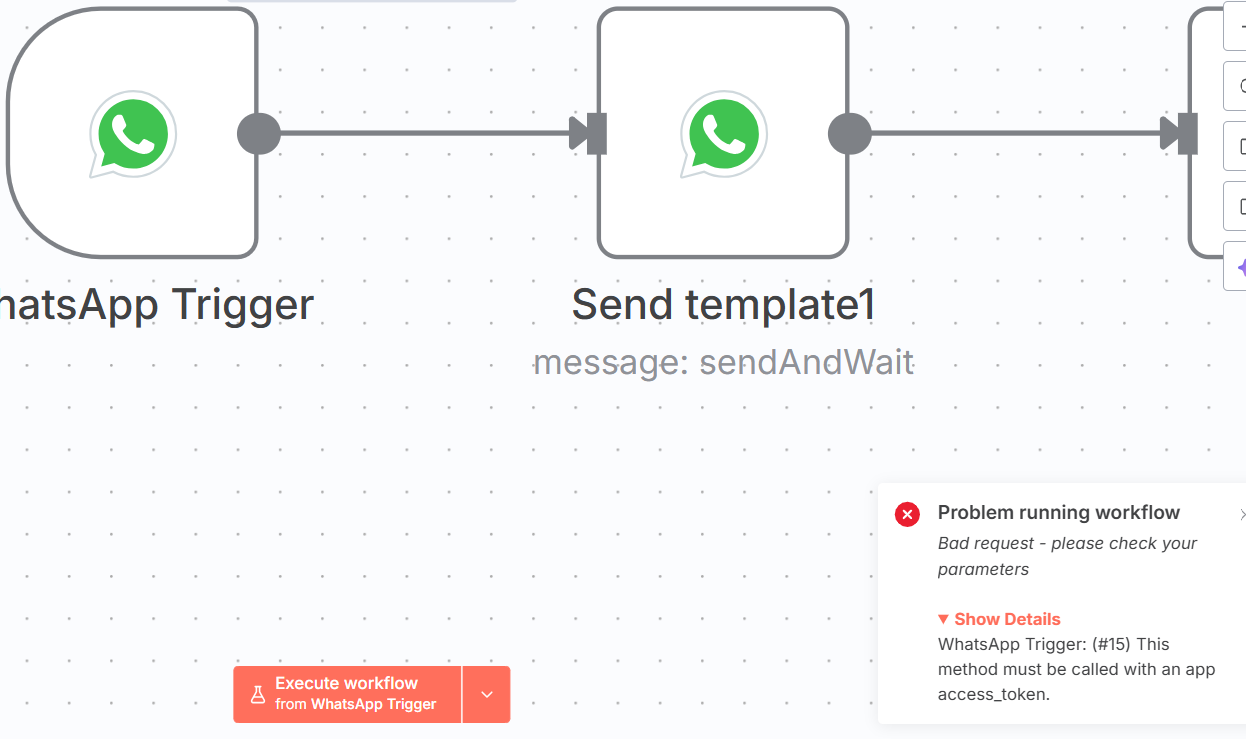
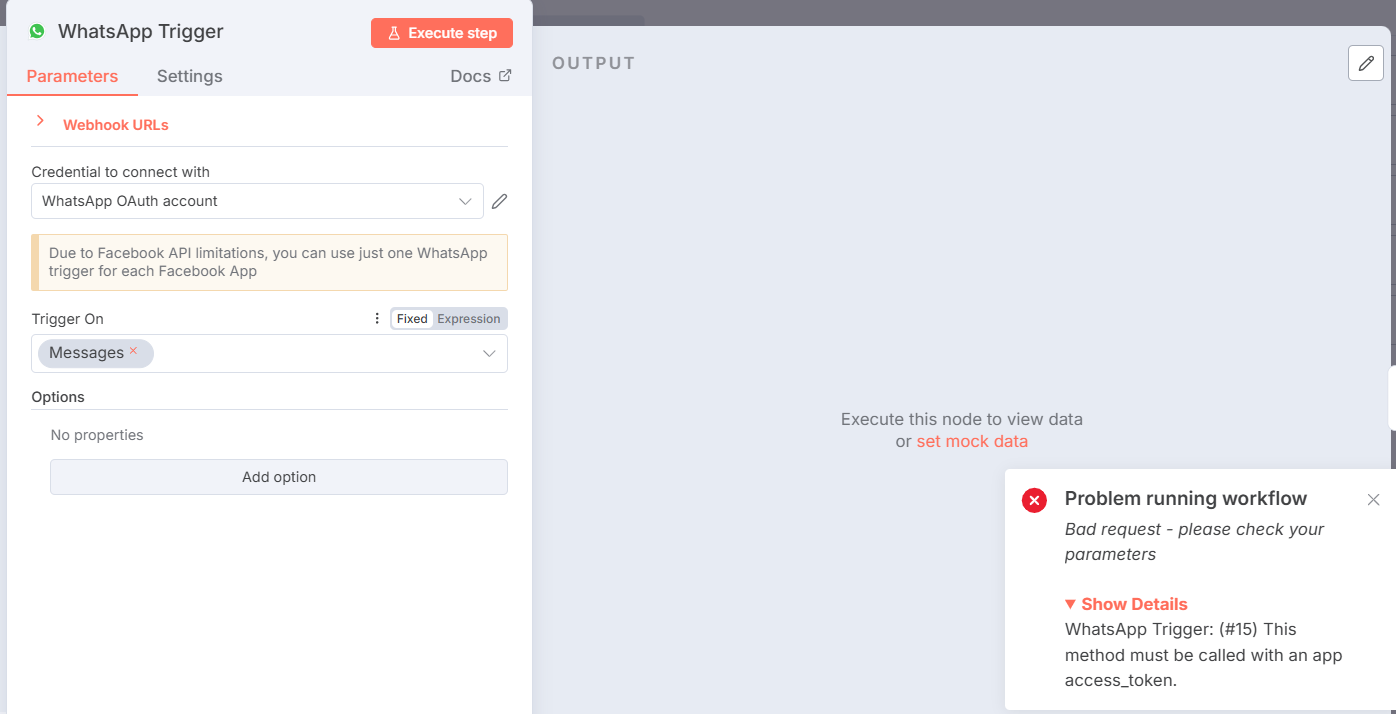
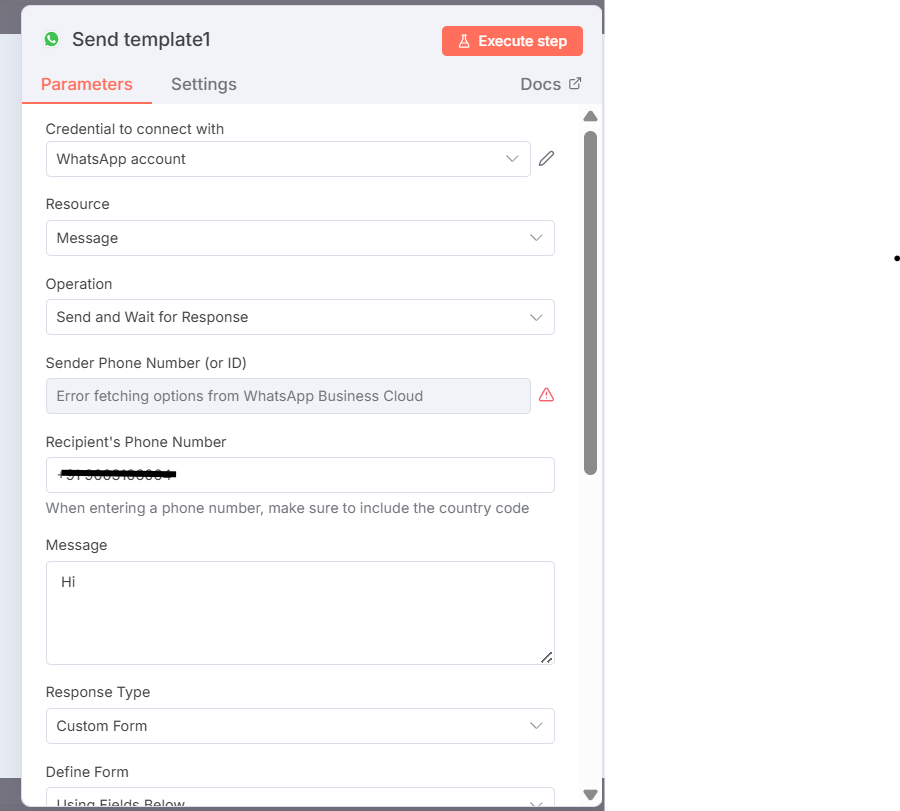
As you can see in screenshot, I have setup two different setup as required. In WhatsApp trigger node, when I try to execute it says access token required which is wrong.
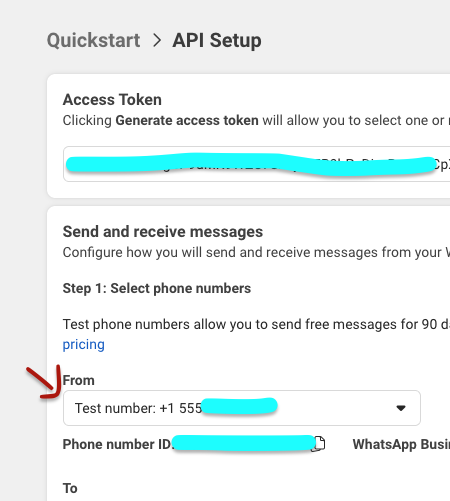
> this might be the issue. When I was testing the connection on my end I also initially left this field as is and it caused error. When you click it, from a drop down list pick the testing number meta provides in API Setup.
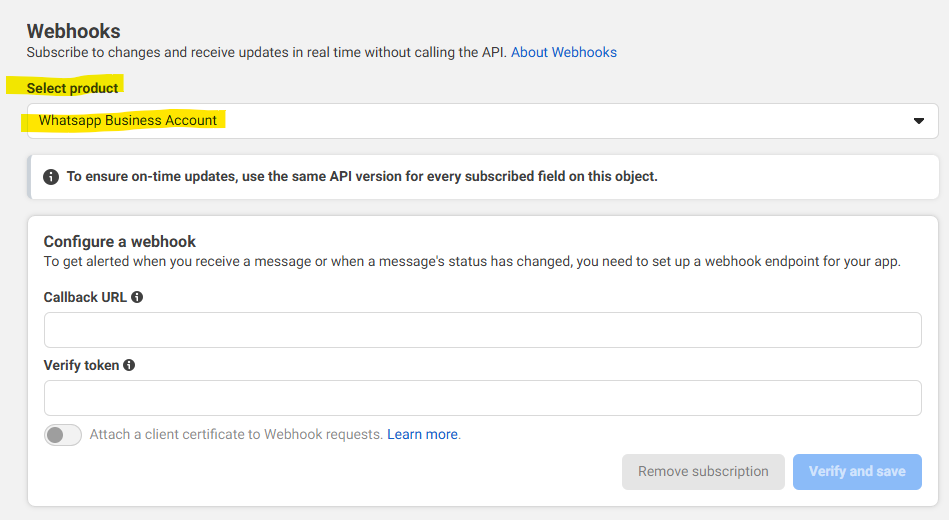
Hey All, Actually I found the problem. In the meta app dashboard, when we register a webhook, we have to select the correct product for webhook from the drop down like, “whatsapp business account”, if the correct product is not selected, the app id and app secret doesnt work properly in the whatsapp trigger node. Previously I had not selected the correct product name and this was the reason for the issue. after fixing this, whatsapp trigger works fine.

 works?
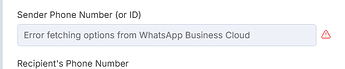 > this might be the issue. When I was testing the connection on my end I also initially left this field as is and it caused error. When you click it, from a drop down list pick the testing number meta provides in API Setup.