We should be able to build workflows in sequence from one node to the next without having to back out to the canvas to add the next node. Once the workflow is built, n8n provides a means of navigating the workflow from the node edit screen, but when building, we’re not able to add a new node unless we back out to the canvas.
Here’s how to add nodes sequentially without returning to canvas:
1. While editing any node, look for the “+” button in the side corner.
(Sorry dude ive been testing something and its been bugging replies)
I’m running 2.3.5 cloud and the bottom right corner contains a button to access the platform’s AI agent.
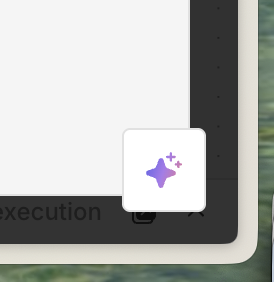
Is your reply slop or do you have some visual evidence?
I looked into it @trijste I don’t believe you can do this anymore. This was a pre version 2.0 feature.