Learn how to set up real-time streaming responses in your n8n AI agents with this complete tutorial.
n8n just launched chat streaming!
Learn how to set up real-time streaming responses in your n8n AI agents with this complete tutorial.
What You’ll Learn: How to upgrade N8N to enable streaming (version 1.106.3+) Configure Chat Trigger, Webhook, and AI Agent nodes for streaming Build a custom chat widget with streaming responses Integrate with Open Web UI for ChatGPT-like interface Bonus tips for custom frontend integration
Perfect for:
n8n users wanting to add streaming to their AI agents
RESOURCES & LINKS: Download Code & Scripts:
You will get the following:- Custom Chat Widget with Streaming Open Web UI Integration Function Complete Setup Guide
No, chaining multiple AI Agent nodes sequentially will not automatically stream the full “thinking process” of all agents to Open WebUI as a single, unified stream.
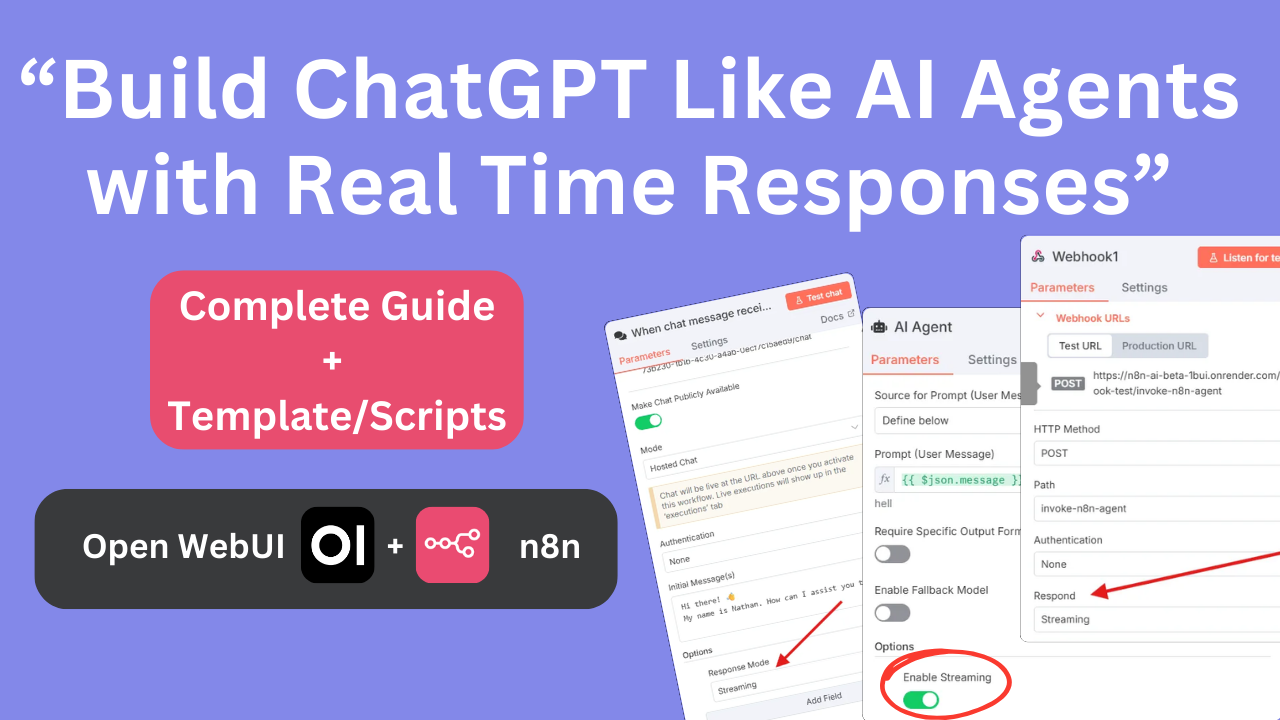
 n8n just launched chat streaming!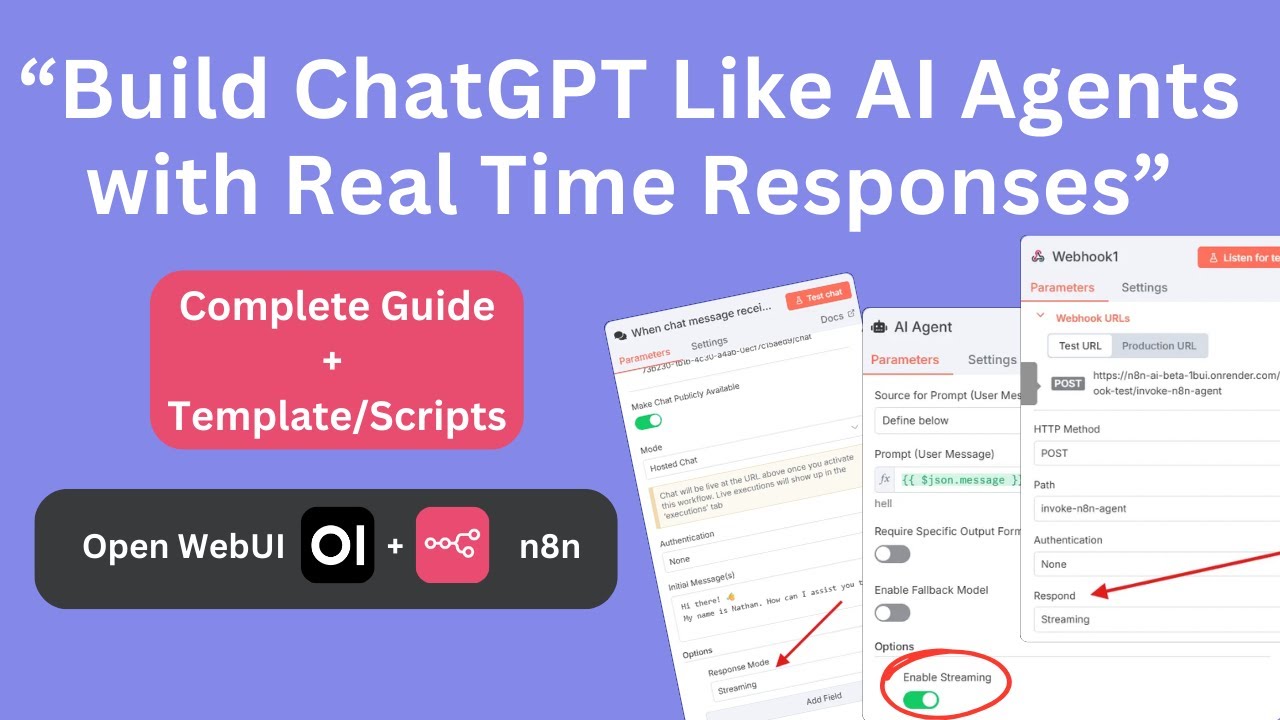
 How to upgrade N8N to enable streaming (version 1.106.3+)
 Perfect for:
 RESOURCES & LINKS:
 Download Code & Scripts:
 Custom Chat Widget with Streaming