AI Agent with Gemini: OCR works for JPEG but not for PDF files

My question: Is there a native way to handle PDF binary files in the AI Agent node with Gemini, similar to how it handles images? Or is it necessary to convert the PDF to an image before passing it to the agent?

Describe the problem/error/question

I’m building a workflow that uses the AI Agent node with Google Gemini to perform OCR on documents sent via the Chat Trigger. The OCR works perfectly when I send a JPEG image, but when I send a PDF file, the agent completely ignores the document and does not extract any data.

What is the error message (if any)?

No error is thrown. The agent simply returns an empty or generic response, not extracting any content from the PDF.

Please share your workflow

Share the output returned by the last node

With JPEG: Works correctly — returns a JSON with all extracted fields from the document.
With PDF: The agent returns a generic response with no extracted data, as if it did not receive or process the file.

Information on your n8n setup

    • n8n version: 1.121.3 (Self Hosted)
    • Database: SQLite (default)
    • n8n EXECUTIONS_PROCESS setting: default
    • Running n8n via: Docker
    • Operating system: Linux
1 Like

Hi @Leonardo_Vale Welcome
Currently AI agents do not handle files like that directly, there 2 things you can do first convert the PDF to images before the Agent and let Gemini OCR those and then process them further into the flow, second you can skip the Agent directly and convert the PDF to binary and then directly send that to the Gemini node and then let it analyze that document and process it further.

Consider reading this for more info about how to actually process PDFs:

1 Like

“Hi @Anshul_Namdev, thanks for the help!
I managed to implement the second option and it worked well. Regarding the first scenario, I wanted to test it specifically to explore the AI Agent’s full capabilities.”

1 Like

The AI Agent node in n8n does not natively support PDF binary input the same way it handles image MIME types — so yes, you need a conversion step for PDFs.

Why JPEG works but PDF does not

When you send a JPEG, n8n passes the binary as an image/* MIME type, which Gemini knows how to handle as a vision input. PDF files are a different story — the Gemini API does support PDFs natively (as application/pdf via the Files API), but n8n’s AI Agent node does not wire up PDF binary data the same way it does for images. It essentially gets ignored.

The two approaches that work

Option 1: Convert PDF pages to images first (most reliable)

Use the “Extract from PDF” node or a Code node with pdf-parse to extract text, or better — use a tool like pdftoppm or ImageMagick in a Code node to render PDF pages to JPEG, then pass those to Gemini. If your PDFs are text-heavy (invoices, forms), the text extraction route is simpler and more accurate than image OCR anyway.

Option 2: Use the Gemini API directly via HTTP Request node

Skip the AI Agent node for PDF processing and call Gemini’s API directly with application/pdf as the MIME type. You’d use the Files API to upload the PDF, then send it to generateContent. This gives you full Gemini PDF support including multi-page docs. More setup but works great.

Practical recommendation

If your PDFs have selectable/typed text: use “Extract from PDF” node to pull the text, then feed that text string to the AI Agent as part of the user message. Fast, simple, and Gemini handles text way better than OCR anyway.

If your PDFs are scanned images: convert to JPEG pages first, then process each page through the Gemini agent.

Happy to share a rough workflow structure for either approach if it helps.

Yeah the AI Agent node’s binary passthrough only works for image MIME types right now, PDFs just get silently dropped which is honestly pretty frustrating. There’s actually a feature request open to extend it to all file types since Gemini handles PDFs natively on the API side, worth upvoting if you want that to happen: Add Binary Passthrough of ALL files to Agents for Gemini

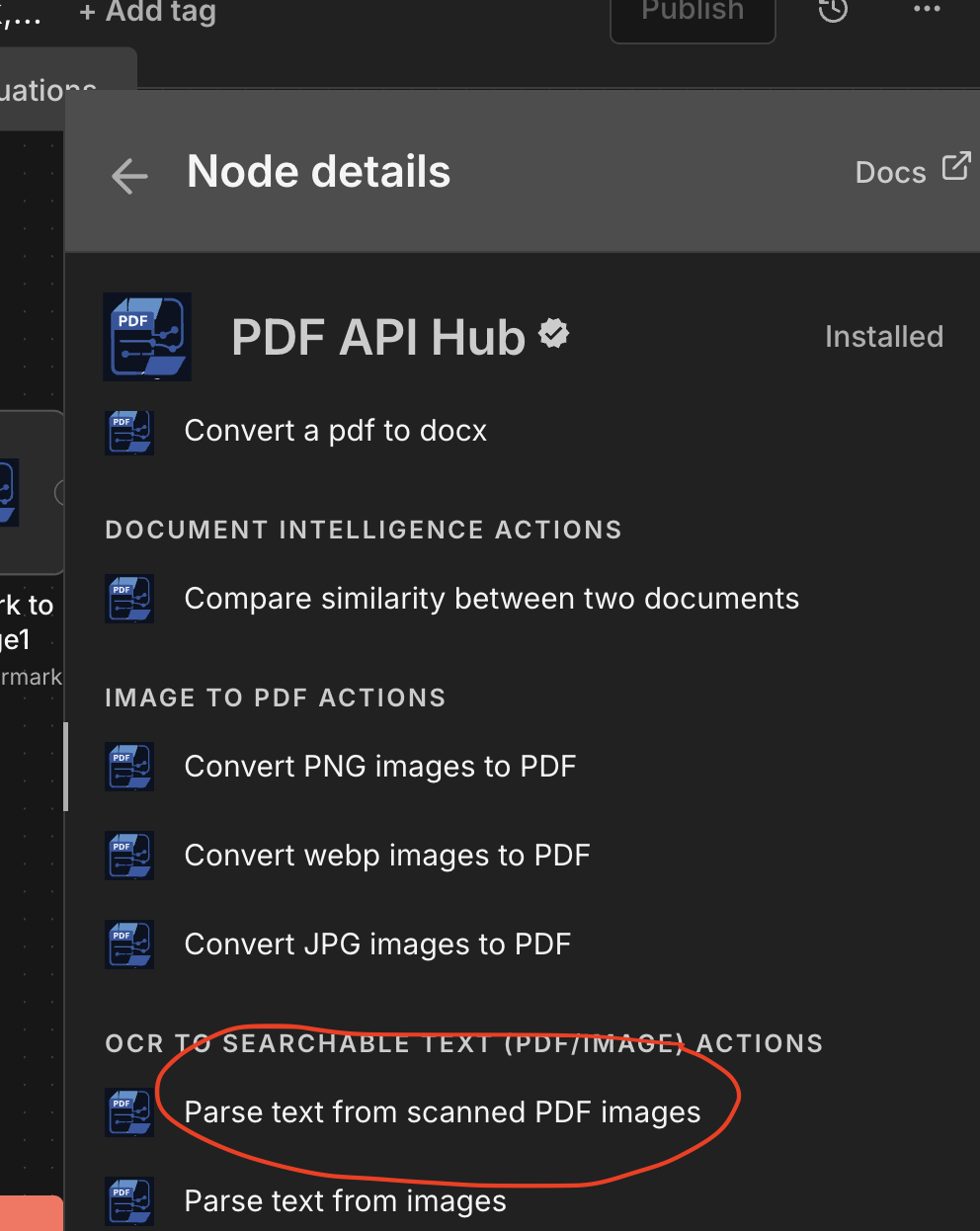
If you would like to try native PDF OCR , you can use PDF Api hub Node, For a 50 page PDF Gemini would cost you 0.02 as compared to 0.001 in pdf api hub.

@Leonardo_Vale Glad it worked! Consider marking that as a solution to let other’s know what is right. Cheers!