Hi, i have started using n8n just this week and i have no experience in networking or docker but learning from videos, so apologies for the non-intelligent questions.
I am running n8n via docker and i ve created a tunnel for my webhook to expose the webhook beyond the localhost in order to send to the webhook a chatInput from a JS call (my ultimate aim is to create a page with a chat interface)
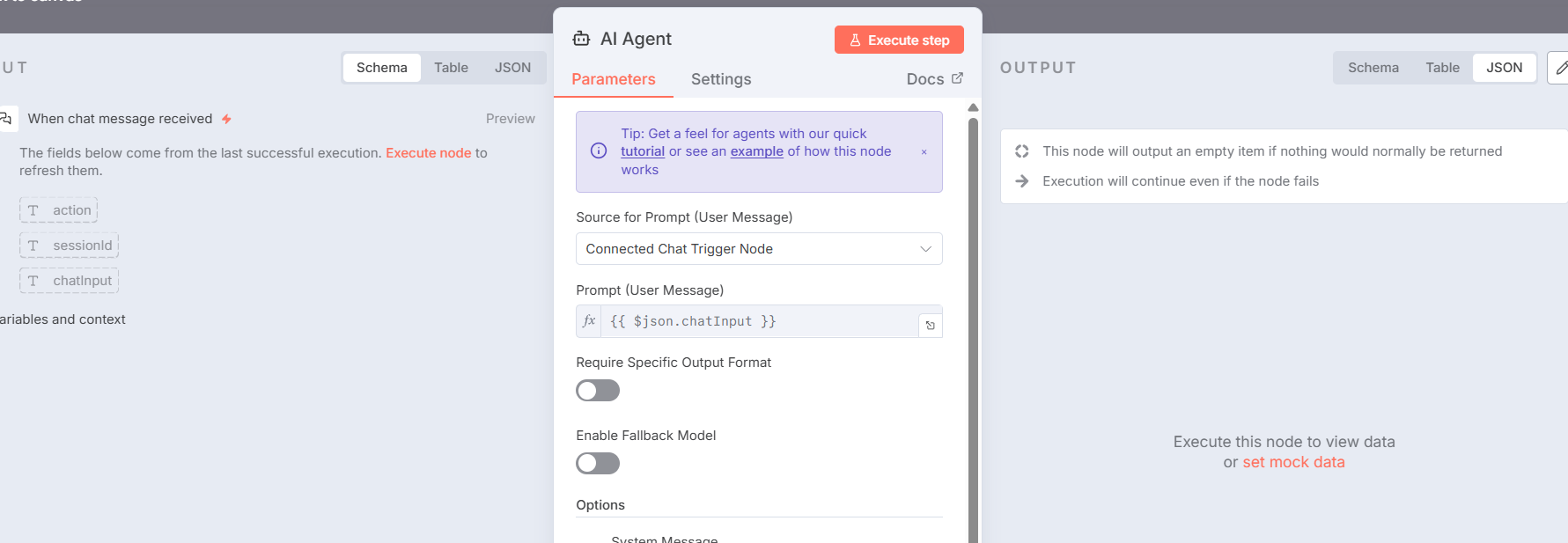
The workflow starts with the node “when chat message received” which works fine when running the chat inside n8n but when i use JS from the developer console the chat node does not seem to receive any information, although the AI replies in the preview of the network call.
What is the error message (if any)?
No error message at the moment, i ve attached the preview with the AI response as well as the workflow.
. Set up a workflow with the following nodes:
• “When chat message received” (trigger).
• “AI Agent” (properly configured with gemini credentials), i do not think it matters
• “Respond to Webhook”
2. Run the workflow by sending a message to the chat, i use a js call on dev console
(Select the nodes on your canvas and use the keyboard shortcuts CMD+C/CTRL+C and CMD+V/CTRL+V to copy and paste the workflow.)
From what I’ve understood, the issue is that your Chat Trigger is not receiving any calls. There are a couple of things you may have to check:
Did you toggle on Make Chat Publicly Available option inside the Chat Trigger node? To expose your trigger, you have to toggle it on.
Did you activate the workflow? In production mode, for triggers to receive calls, the workflow must be activated.
If using Emdedded Chat mode, did you follow the guide correctly? Make sure not to miss any any steps in this guide.
Notes:
If not familiar with making your own chat interface, you can choose Hosted Chat mode temporarily to test your agent.
Make sure to add an option to your Chat Trigger: Response Mode and choose Using 'Respond To Webhook' Trigger mode. This isn’t related to how your receive calls, but how to respond to them.
Hello @Mookie_Lian , thanks for getting back to me.
i did make the chat available, as well as activated the workflow.
i m not using an embed chat since i m just sending the JS call as mimicking a network call request.
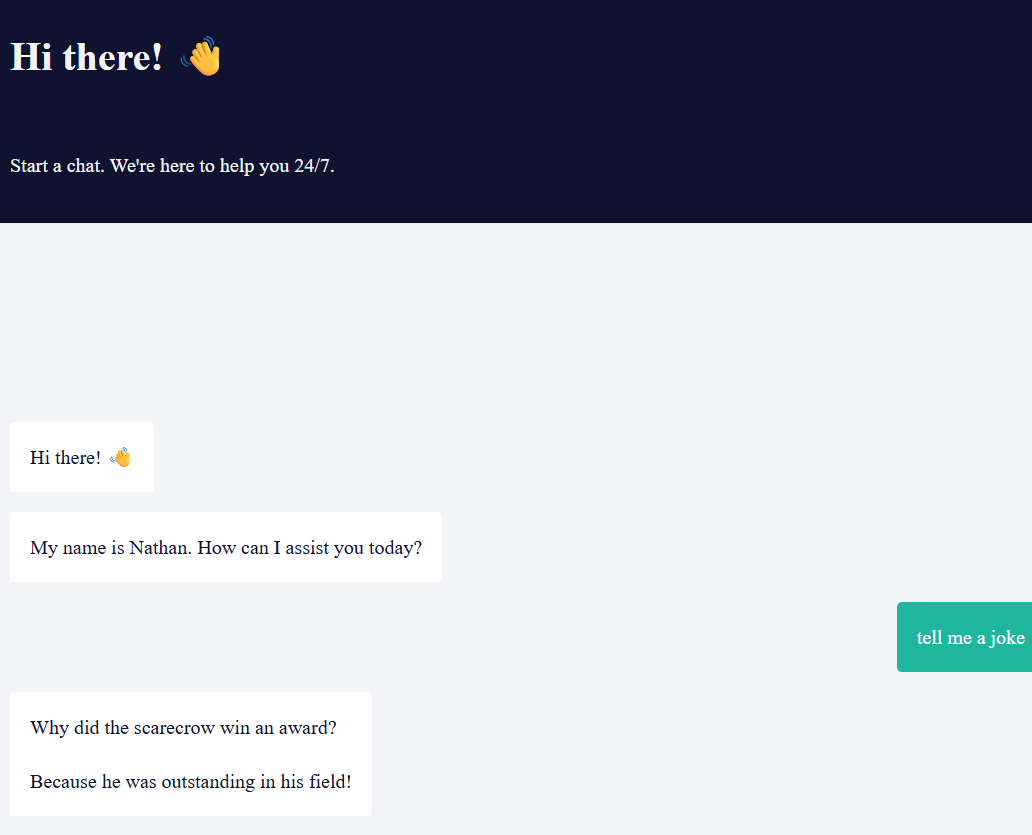
however, by using “ Response Mode” and “when last node finishes” i can see the chat running on my screen after loading the url, screenshot attached.
it does not solve my problem as i cannot see anything in the workflow.
in fact, even though the chat is working, the Workflow is still empty (no green/success connection between the nodes) so it does not allow me to check the logs and so on, as per screenshot (empty workflow) do you happen to know why? and how i can show the logs?
There aren’t any issues in the screenshots you provided, the agent seems to be working. The green lines or node executions you mentioned are only visible on development mode(n8n canvas chat).
You can view past executions from the Executions tab. This tab shows both production and development executions.