Assemblyai credential unfindable

Hello everyone, I have imported a workflow named Call analyzer with AssemblyAI transcription and OpenAI assistant integration, and I was trying to run it, but not working, I had a request to input a assemblyai credential, but I couldn’t find it. I was looking for apps list, but it wasn’t there. Could any one please explain to me how to run it in my phone step by step?

Please share your workflow

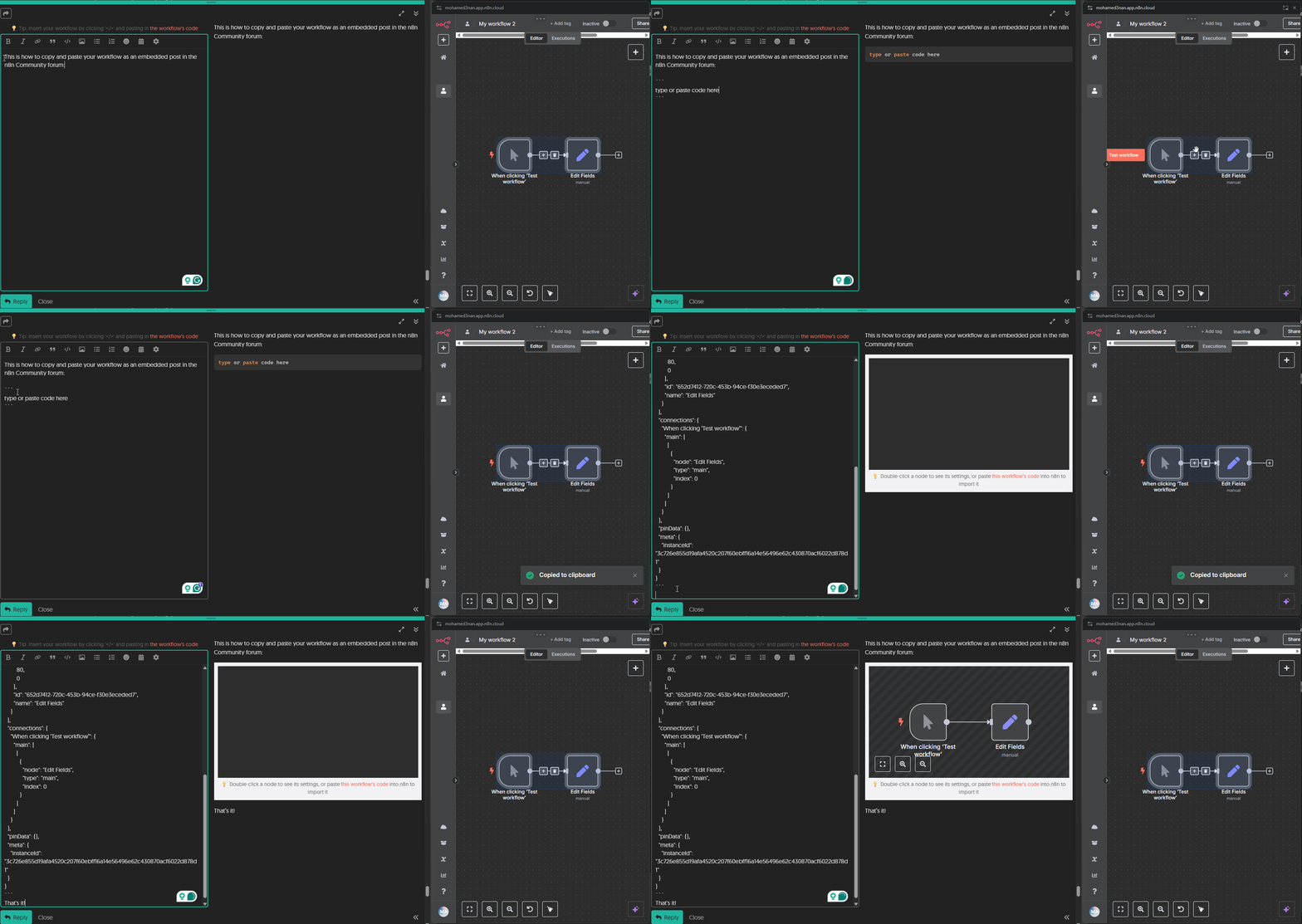
(Select the nodes on your canvas and use the keyboard shortcuts CMD+C/CTRL+C and CMD+V/CTRL+V to copy and paste the workflow.)

Share the output returned by the last node

Information on your n8n setup

  • n8n version:
  • Database (default: SQLite):
  • n8n EXECUTIONS_PROCESS setting (default: own, main):
  • Running n8n via (Docker, npm, n8n cloud, desktop app):
  • Operating system:

Hey, you can use the HTTP node, and create a Generic Credential Type. Choose Header Auth and provide Authorization as the key and your API key as value. Assembly AI’s auth specification: Overview | AssemblyAI | Documentation

This goes for any other credentials you can’t find.
Feel free to mark this as Solution if it helps.

I’m lost, I’m still stuck, have any advices courses for beginners, where I can learn how to personalize a workflow and input data?

Thank you for your response.

Yes, check the text and video courses which will guide you through some hands-on flows. Then, once you have a better idea and can build the workflow you want, feel free to post here again, so we can help with any roadblocks :slight_smile:

Also, if you already have a workflow that you have a specific issue with, you can try to share it here.

OK thank you Sir

No worries, would appreciate if you mark my reply with the course as Solution, if it helped for now :slight_smile:

This topic was automatically closed 90 days after the last reply. New replies are no longer allowed.