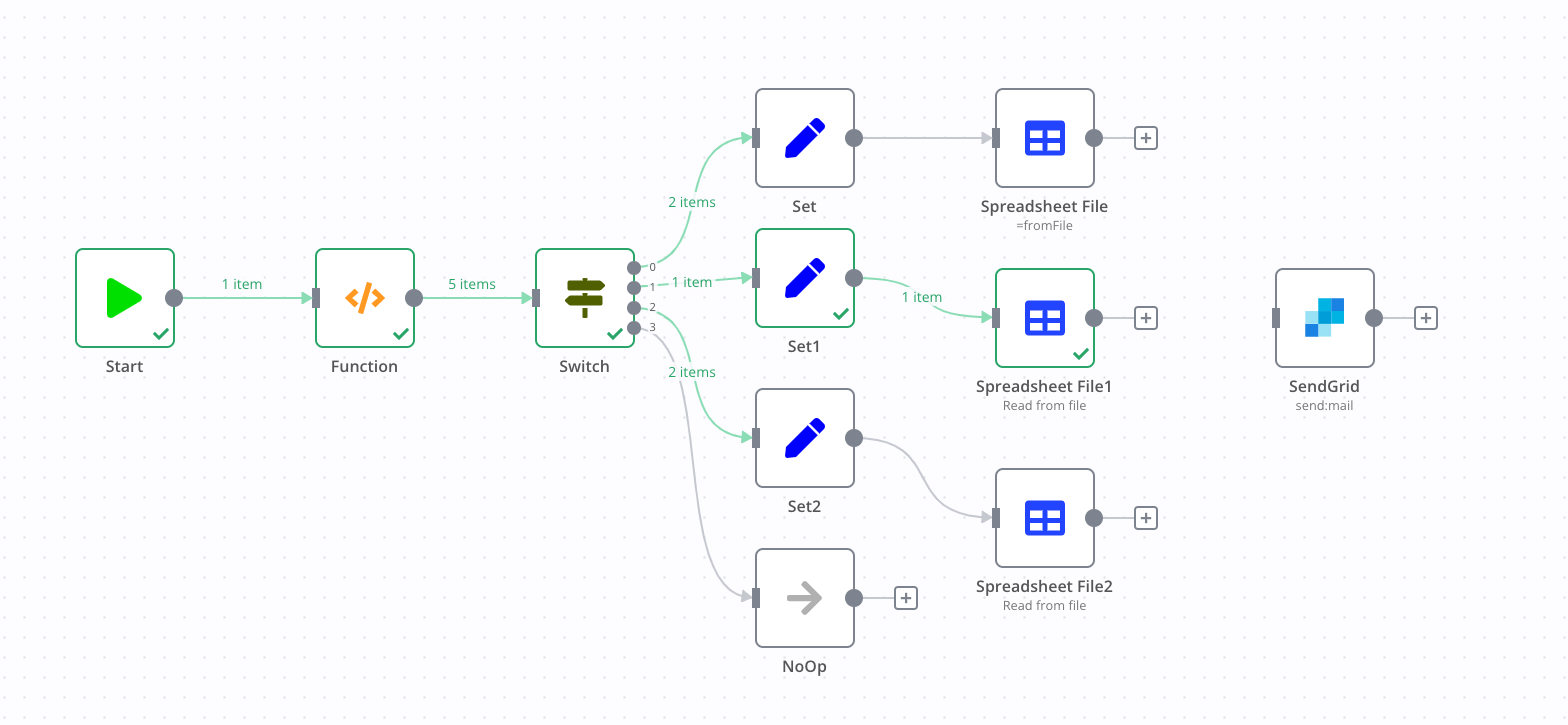
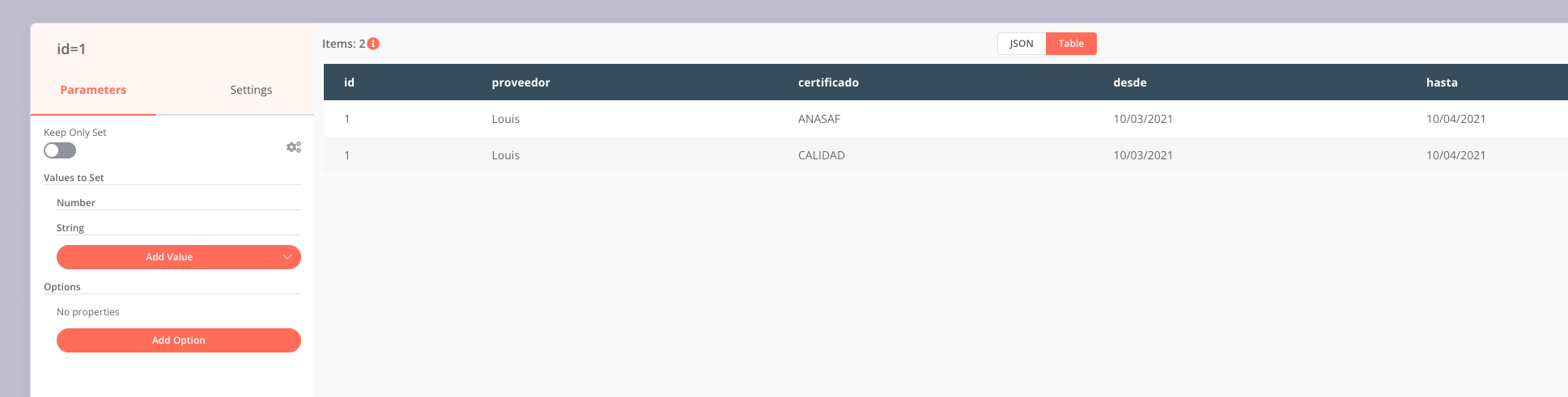
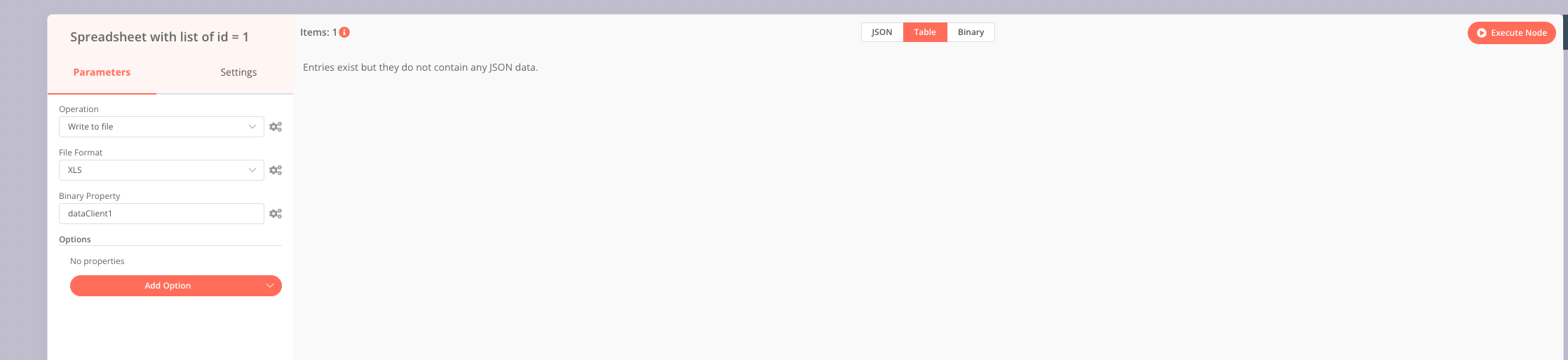
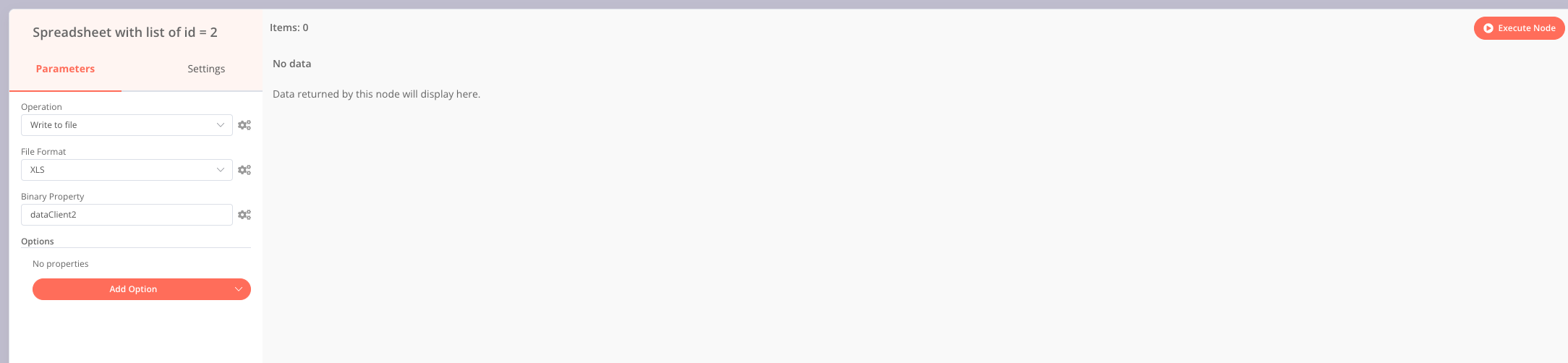
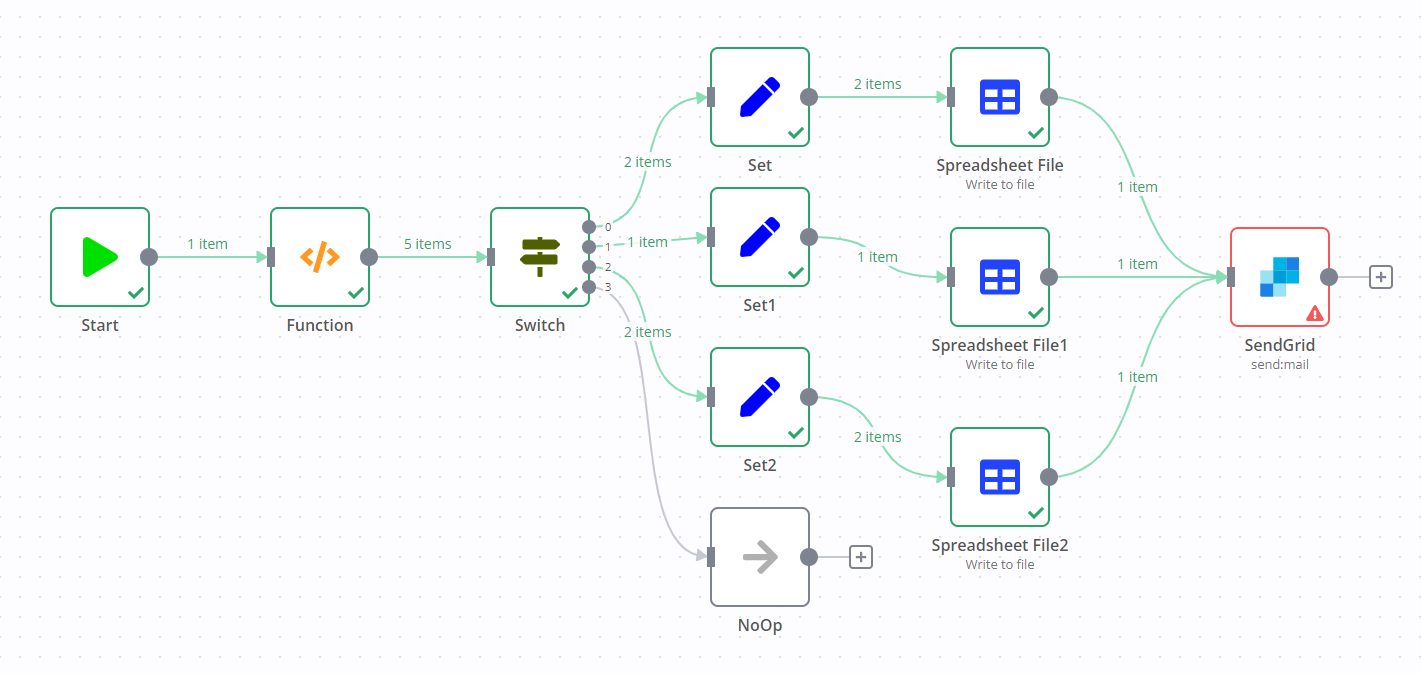
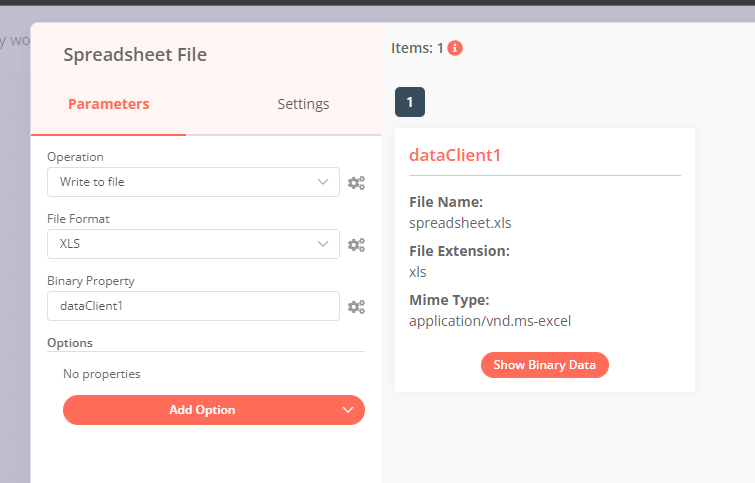
Hey @franchogarcia, it seems your Spreadsheet File nodes don’t return any data. When a node does not output an item, the execution would stop.
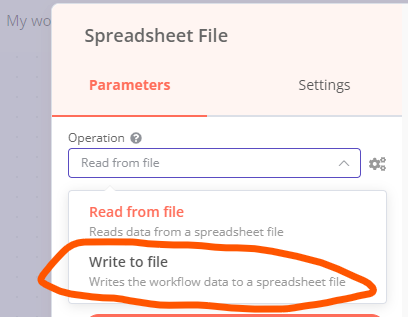
Could this be a simple mix up of the operation used in your Spreadsheet File node? It seems like you are reading from a file, but I reckon you wanted to write a spreadsheet file?
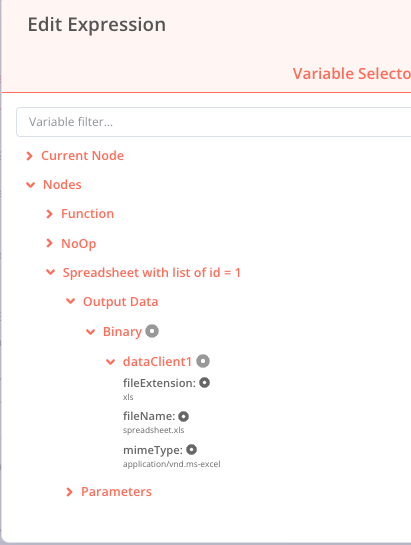
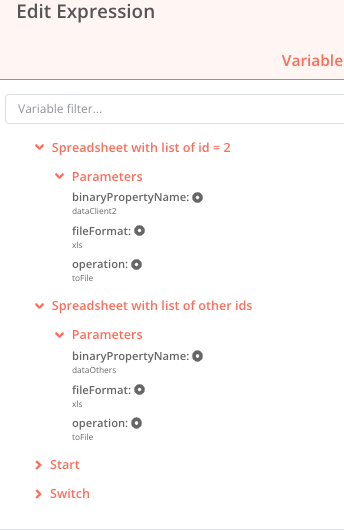
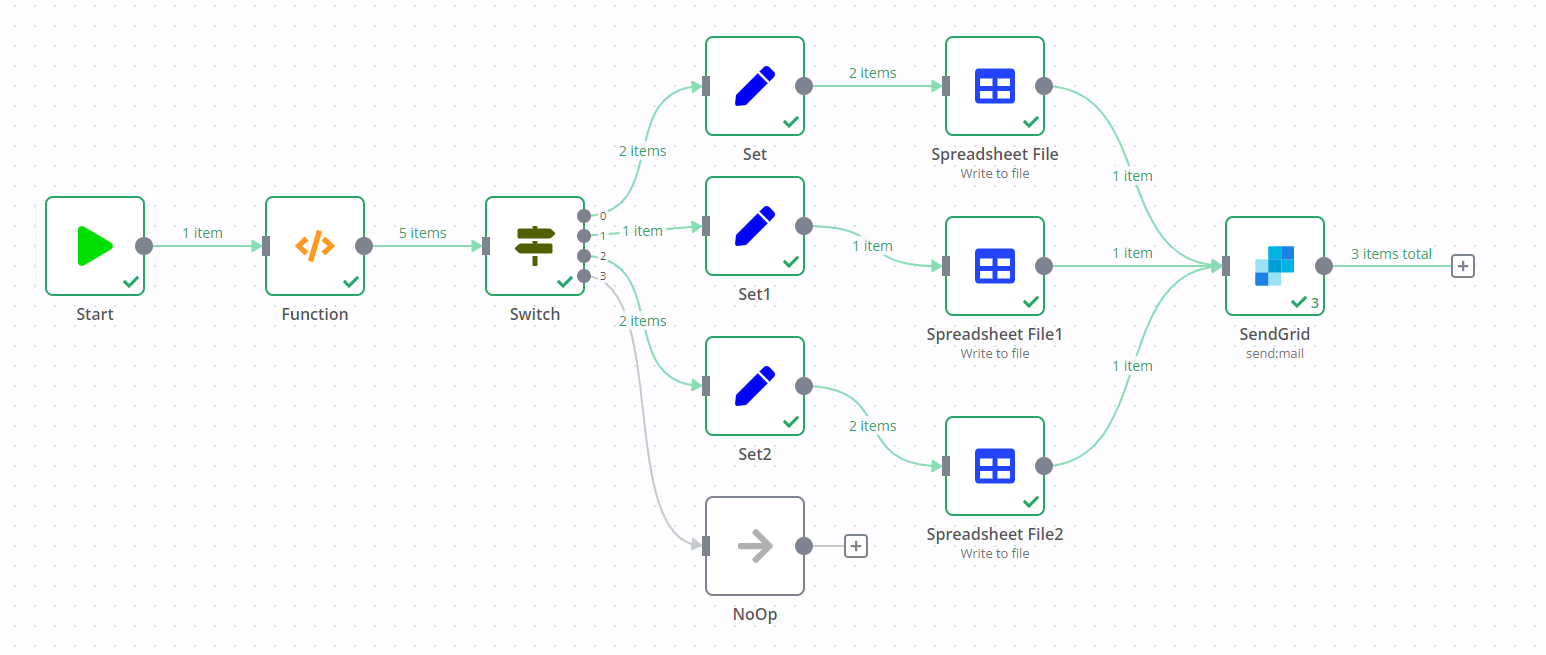
It would, however, run into an error as it would be executed a total of three times. The first time it would run with the data from the first Spreadsheet File node, but hit this error:
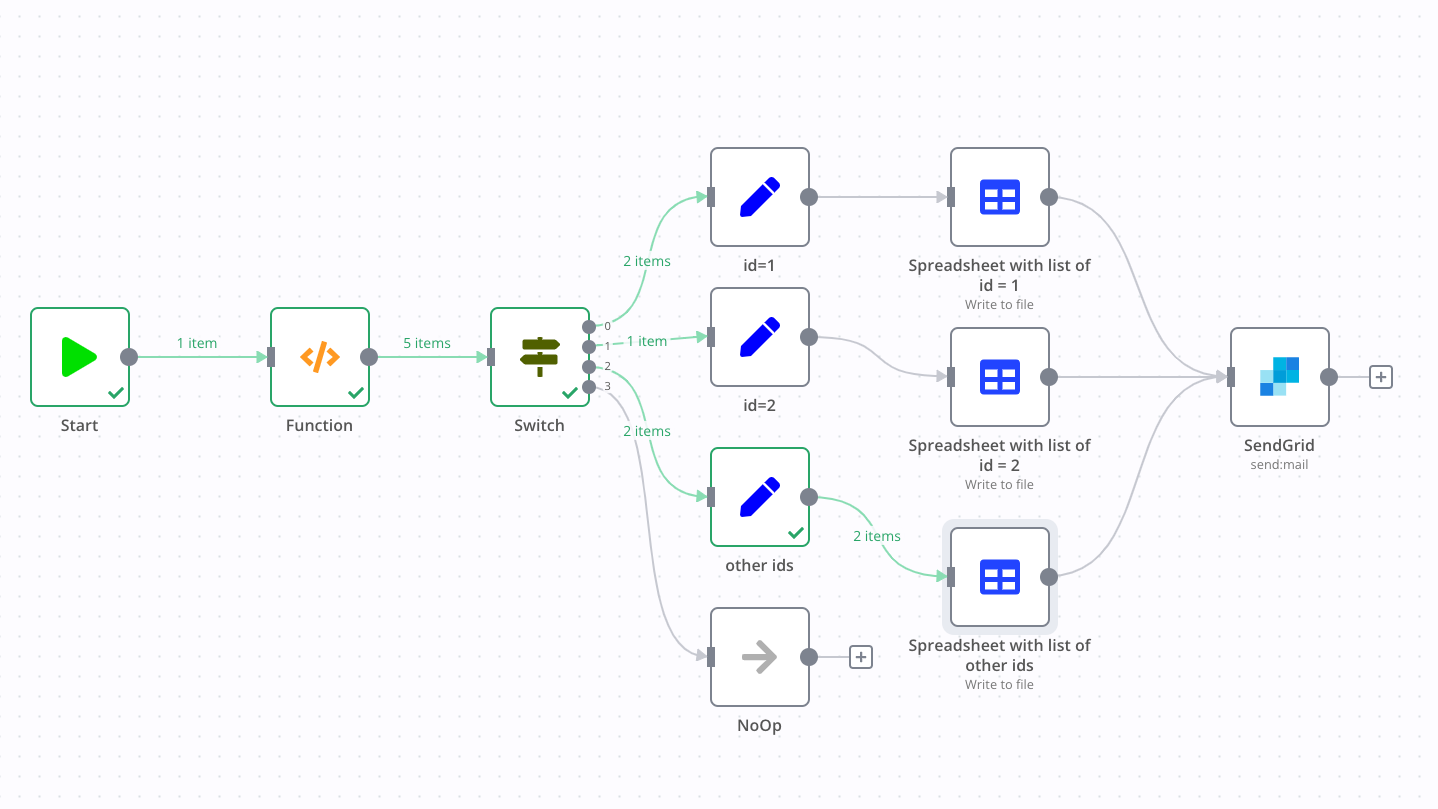
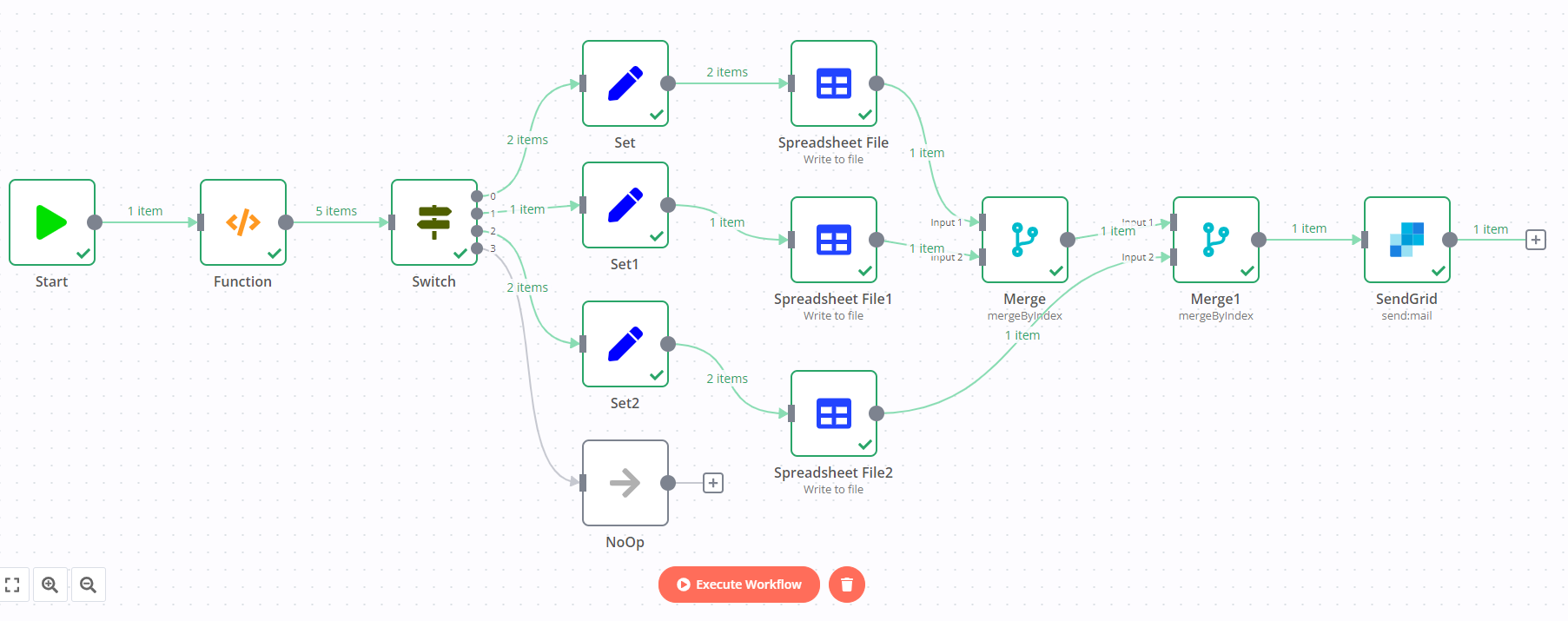
So you’d need to change your workflow a little bit. If you want to send three emails in total, simply make sure all of your Spreadsheet File nodes use the same name for their binary property, for example data. Then, configure this name in the Sendgrid node as well and all three emails would be sent:
Note: While testing this I discovered a bug when using filesystem-based binary data handling which I’ve added to our internal bug tracker for a proper investigation and fix. This data handling is not enabled by default, so unless you have done so manually this should not affect you (but I wanted to point it out anyway in case someone stumbles across this).
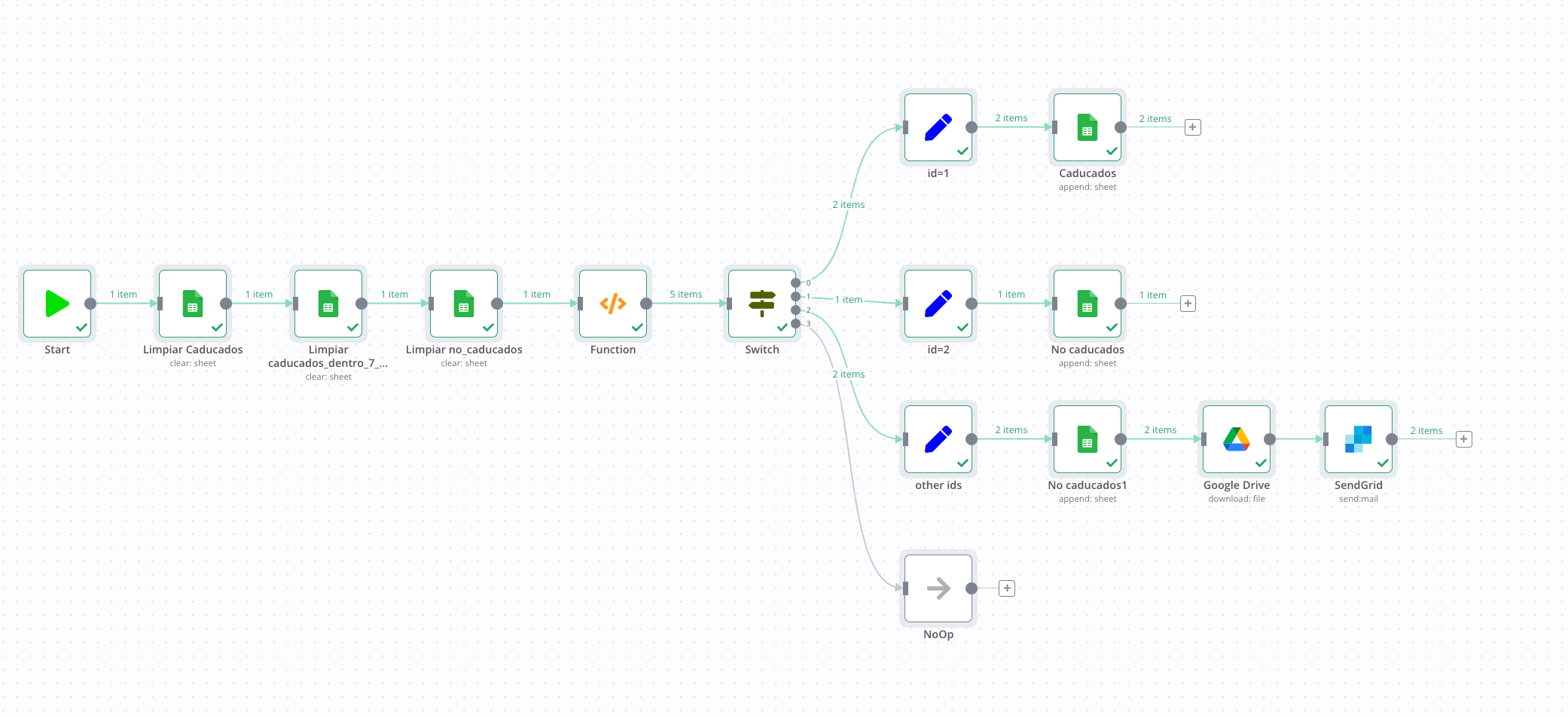
At the end, the goal that I trying to resolve is to read an external excel file, extract info from it and put this info in 3 different sheets in a new excel file. And after to send the new excel as attachment in an email.
The above workflow runs, but SendGrid is sending as many emails as items returned by the Google Drive node.
I am gonna try with your solution
Thank you very much you are the best!
Your solution with SpreadSheets runs!! thank you very much!!
I have tried to send an email with 3 attachments and SendGrid sent them.
Thank you very much!
You are the best!







 Note: While testing this I discovered a bug when using filesystem-based binary data handling which I’ve added to our internal bug tracker for a proper investigation and fix. This data handling is not enabled by default, so unless you have done so manually this should not affect you (but I wanted to point it out anyway in case someone stumbles across this).