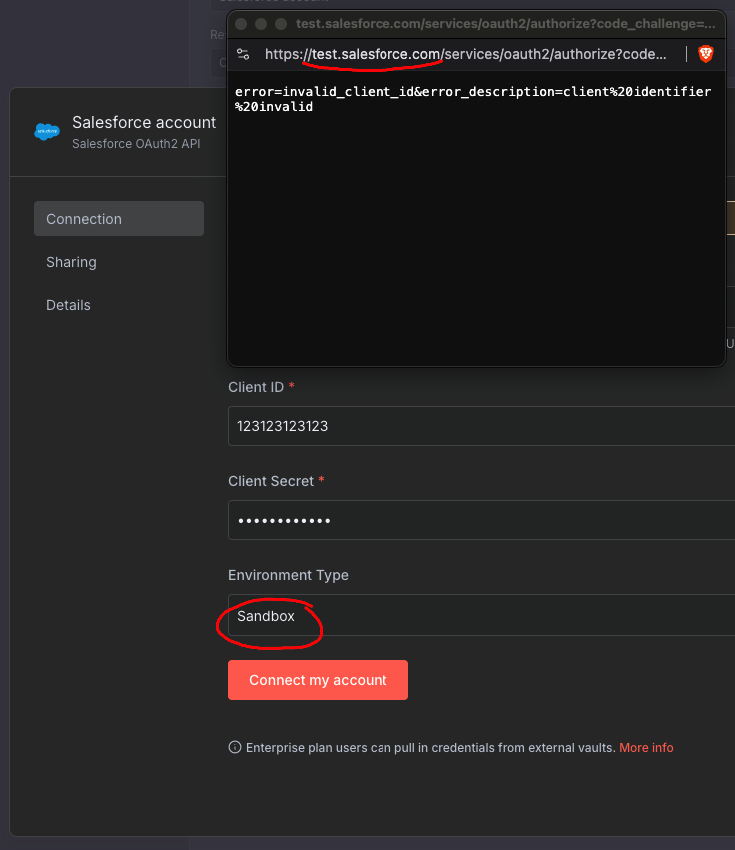
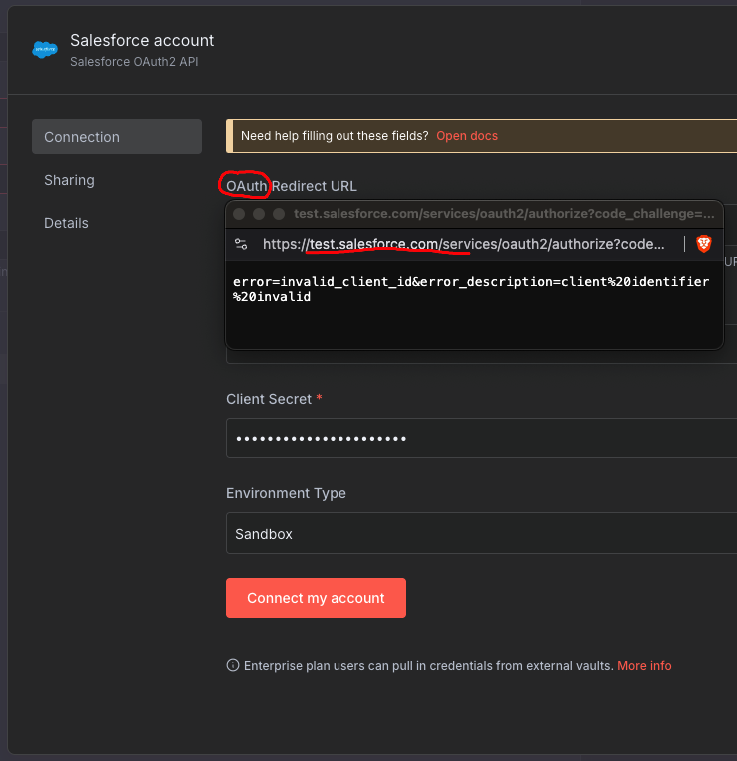
until last week everything was fine. But now my Partial/Sandbox Workflow is not working anymore.
If i try to create the credential again from n8n to Salesforce Sandbox (Testing instance), i am being redirected directly to Salesforce Production (logging in there with Production credentials is working too but not the aim in this case).
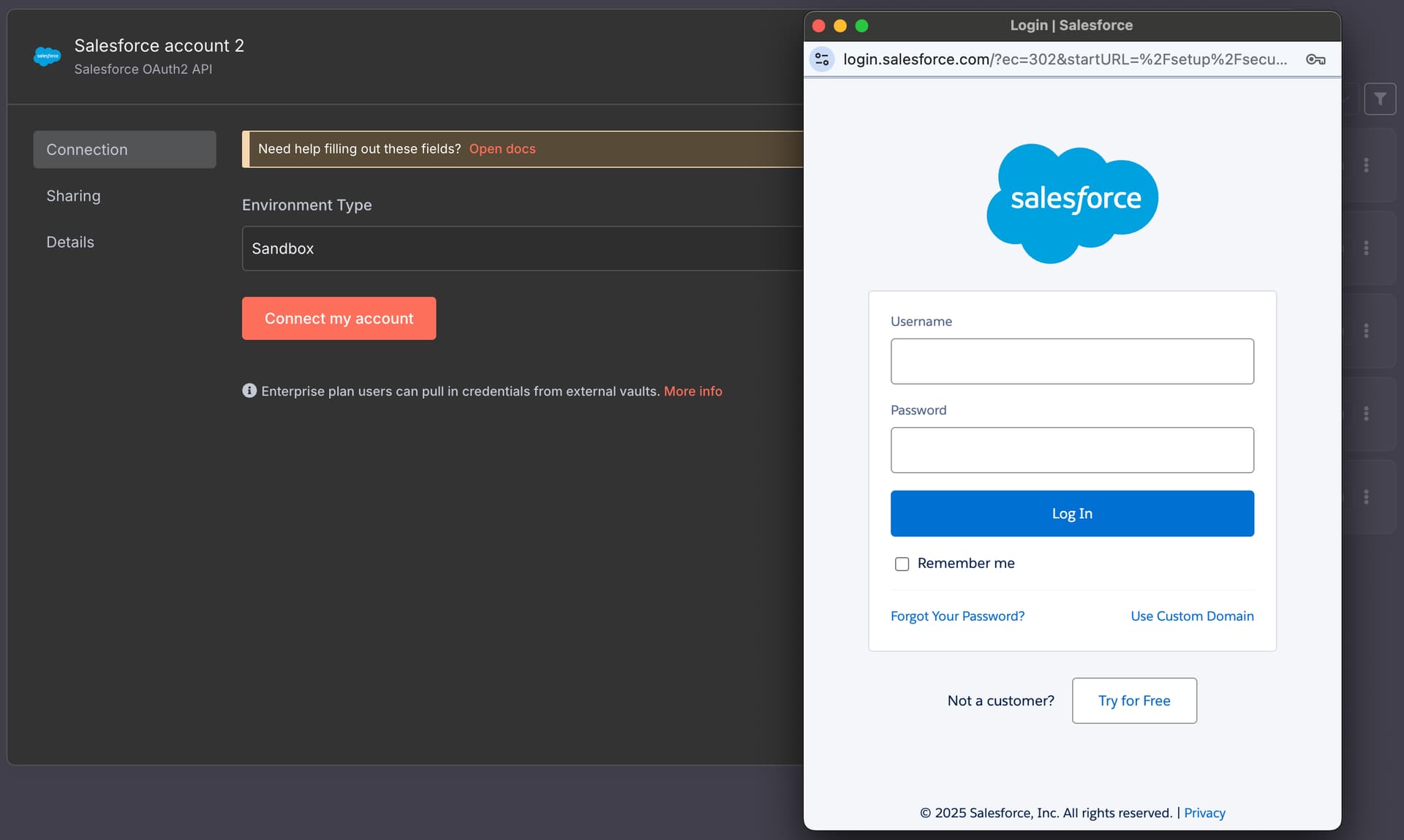
Hey folks, I’ve just come across the same issue with connecting to a Sandbox. I’ve selected the Sandbox environment option, but when I click to connect, the login window is picking up login.salesforce.com instead of the test.salesforce.com that is needed to log in to a Sandbox.
I’ve looked through some of the historical cases addressing identical issues (some from years back) and there’s no indication of how we get around this. It doesn’t appear to be uncommon. Anyone know what the fix is?
It seems like this has been an issue for several years. I am also trying to set up a Salesforce Sandbox credential and it opens the login.salesforce.com login window instead of test.salesforce.com, which is required to login to sandboxes. Would be great if this could be fixed!!
Just tried authenticating against Sandbox, don’t have an account, so obviously cannot go through the whole thing, but when Sandbox is chosen, the popup does bring me to test.salesforce.com (just to say that my credentials are wrong, but that’s not the point):
Are you sure that’s using OAuth2? The fact that Client ID and Secret fields are in your screenshot makes me think that you are using JWT. The JWT mechanism is correctly set up, but it seems like the way that OAuth is configured, it’s setting environment setting using defaults and that is not updating when Sandbox is chosen to point to test URL.
Gotcha. Then why am I not seeing Client ID and Client Secret when I select Salesforce OAuth2 API…? Seems like the authorization flow I am presented with asks user to authenticate via their user account versus supplying a Client ID + Secret.
@MichaelPlunkett I was having the same issue, but I clicked “use custom domain” and then entered in test.salesforce.com and it worked. I was in an incognito window. Hope this helps!