I’m looking for a way to automatically download a specific folder from Google Drive on a daily basis and store it locally on my computer’s hard drive, essentially as a backup solution.
Ideally, I’d like this process to run automatically every day (scheduled), without manual intervention. I’m exploring whether this can be achieved using n8n.
Has anyone implemented something similar or can suggest a best-practice approach?
Any tips, workflows, or examples would be greatly appreciated.
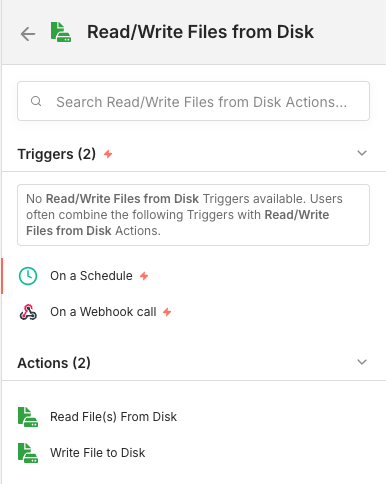
Yes you can. See below example where I find all files from a specific folder by searching for *, then loop over each file to download and save to disk.
Just be aware that since version 2, you need to go enable file access by following the documentation here: