<!-- Hey! The fastest way to find solutions is by using the 🔎 search function at the upper right.
If your question hasn't been asked before, please follow the template below. Skip the questions that are not relevant to you. -->
[Workflow Purpose]
-
To receive a meeting recording (or uploaded audio file),
-
Automatically perform speech-to-text (STT) transcription and summarization,
-
And send the results via email or provide a download link if needed.
[Data Flow and Processing Steps]
-
User Interface
-
Users can record audio directly or upload an audio file via a web UI (HTML/JS).
-
Email input is required, and the uploaded/recorded file is sent to the n8n Webhook node.
-
-
Webhook: Upload (POST /meeting/upload)
-
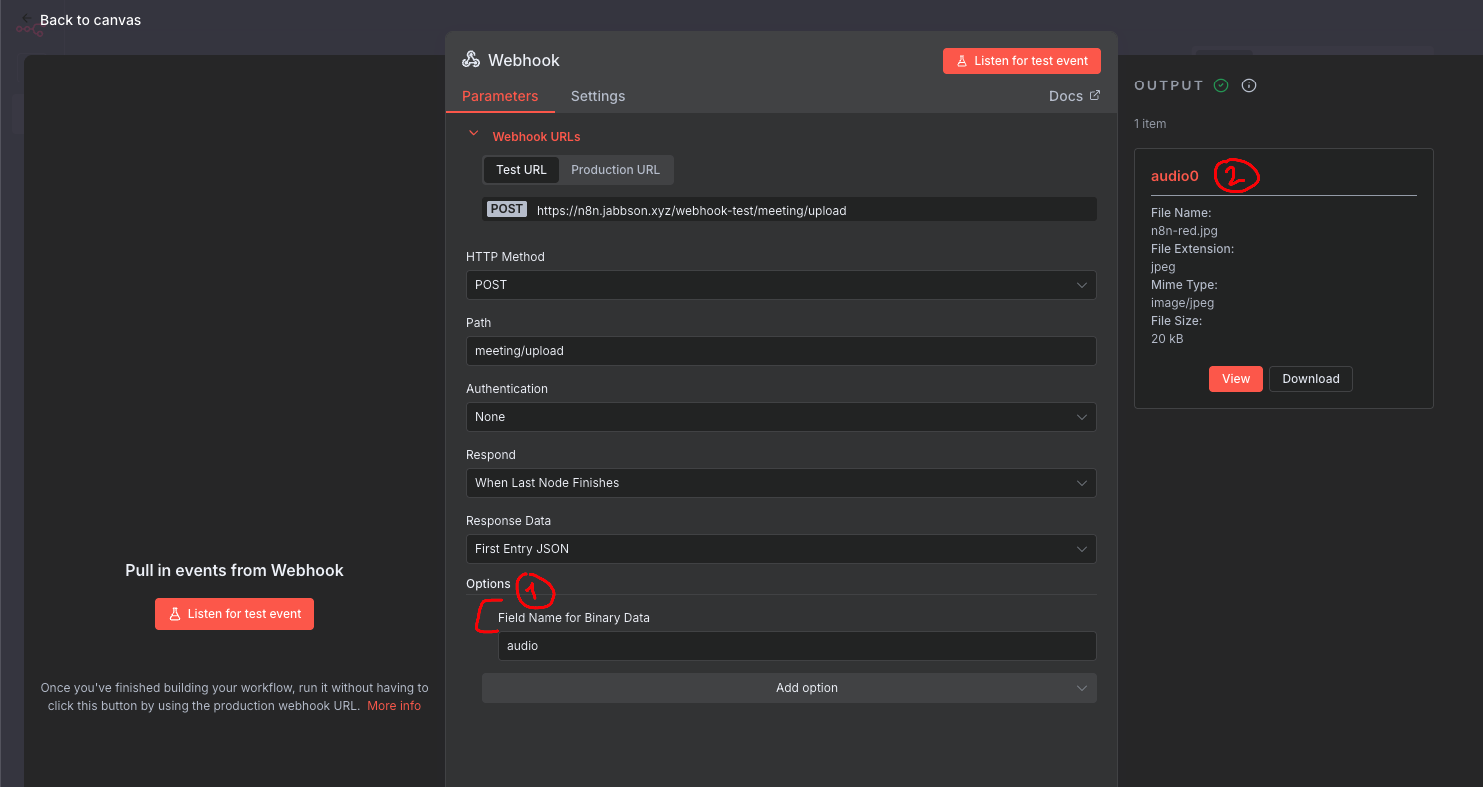
Receives the uploaded audio file as binary data.
-
The binary key is initially data.
-
-
Code: Find binary data
-
Changes the binary key from data to audio.
-
Ensures all subsequent nodes can reference the binary as audio.
-
-
Code: Validate & Pick Binary1
-
Verifies that the audio binary exists and checks file size/extension/MIME type.
-
Normalizes the file name and MIME type.
-
-
HTTP: Whisper STT (OpenAI, etc.)
- Sends the audio binary to an external STT API (e.g., OpenAI Whisper) for transcription.
-
Code: Static Upsert Part & Merge
-
If the upload is split into multiple parts, temporarily stores/merges each part’s text in workflow static data.
-
Once all parts are uploaded, combines the full text.
-
-
Code: Check Text Length
- Checks the total text length and word count to determine if it’s suitable for summarization.
-
HTTP: GPT Summarize (Chat Completions)
- Sends the full text to the OpenAI GPT API to generate a summary.
-
Code: Pick Summary
- Organizes the summary result and metadata.
-
Set: Carry Payload & Send Email
-
Sends the summary and full text to the user via email.
-
If email delivery fails, provides a JSON response for direct download in the browser.
-
[Data Creation and Transfer Summary]
-
Binary data: The file is received by the Webhook, the key is changed to audio in a Code node, and all subsequent nodes reference it as audio.
-
JSON data: Each step passes along necessary metadata (email, group_id, part_index, etc.) and the text/summary results as JSON.
-
Error handling: If validation fails at any step, the workflow stops with an error message or returns a specific error response.
Describe the problem/error/question
-
Webhook node receives binary data correctly (key: “data”, MIME: multipart/form-data, filename and size normal).
-
In the first Code node, I remap the binary key from “data” to “audio” using:
javascript
return [{ json: $json, binary: { audio: $binary.data['data'] } // Assuming input binary key is 'data' }]; -
In the next Code node, $binary.audio is undefined, causing an error: “Binary data is empty or invalid. Size: undefined”.
What is the error message (if any)?
Problem in node ‘Code: Validate & Pick Binary1‘
No binary data found in input. Check previous node output. [line 2]
Please share your workflow
Share the output returned by the last node
<!-- If you need help with data transformations, please also share your expected output. -->
[Workflow Structure]
- Webhook → Code: Find binary data (remaps to 'audio') → Code: Validate & Pick Binary1 (references $binary.audio, which is undefined).
- No intermediate nodes that could lose binary data (e.g., no Split, Merge, IF).
- All nodes are set to "runOnceForEachItem" execution mode.
[Attempted Solutions]
- Changed the return format in Code nodes to a single object instead of an array.
- Ensured all nodes have the same execution mode ("runOnceForEachItem").
- Verified binary data in each node's input/output tabs; the binary exists in the Webhook output but disappears after remapping.
Information on your n8n setup
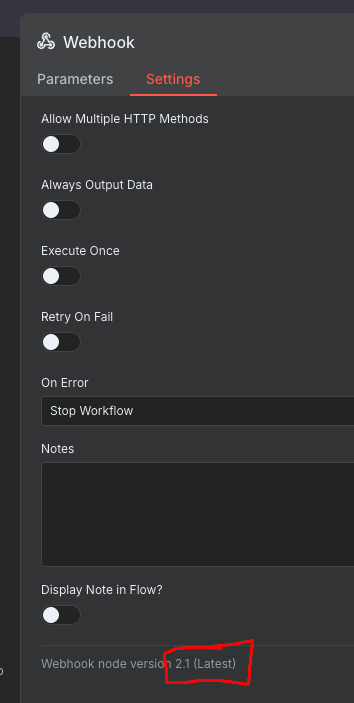
- n8n version: 1.109.1-exp.0 (Cloud)
- Database (default: SQLite): -
- n8n EXECUTIONS_PROCESS setting (default: own, main): -
- Running n8n via (Docker, npm, n8n cloud, desktop app): n8n cloud
- Operating system: -