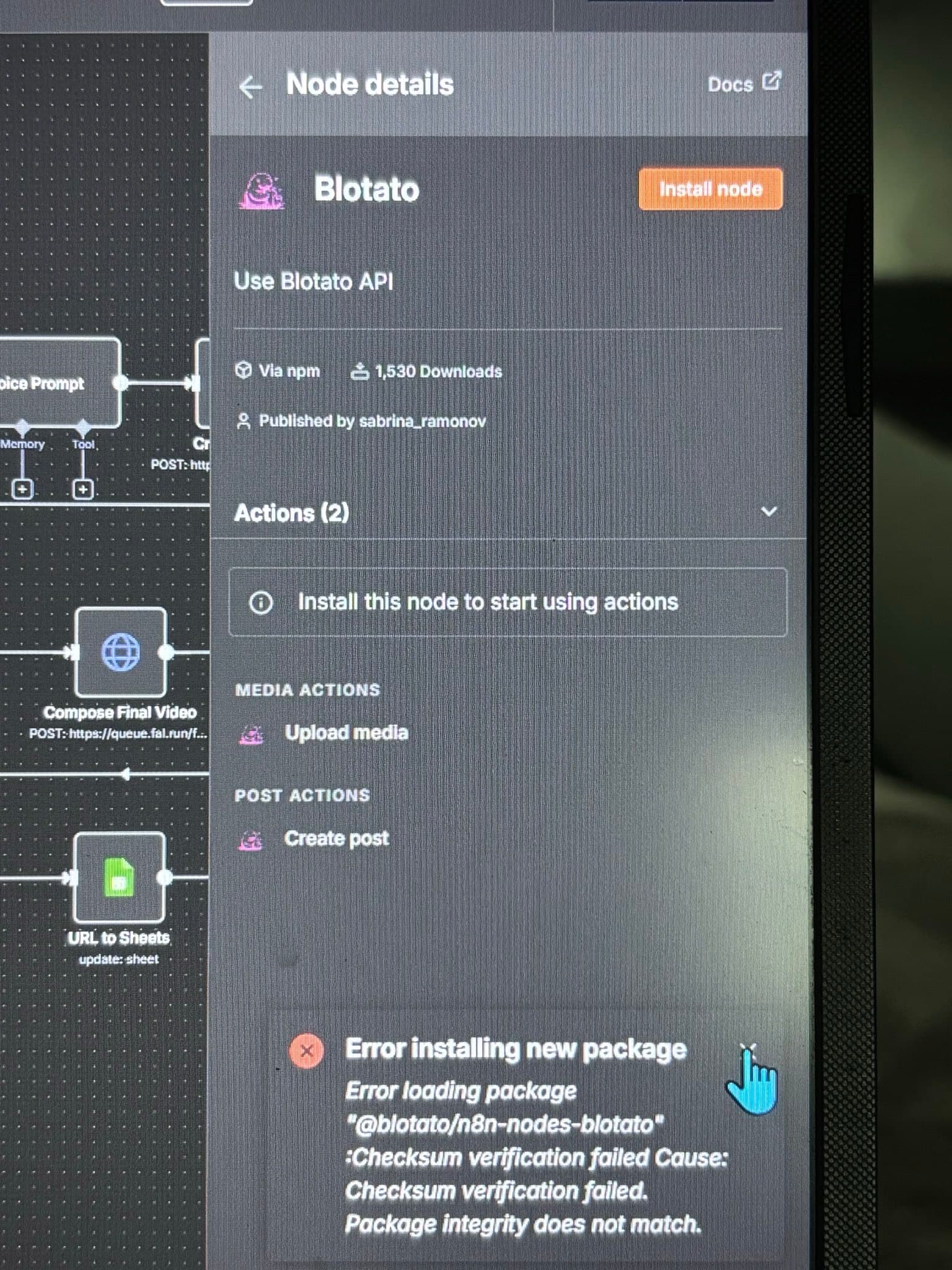
Trying to install blotato node in n8n and it keeps failing the checksum. I tried to install it with npm and that did work, but n8n doesn’t seem to find it.
Error loading package “@blotato /n8n-nodes-blotato” :Checksum verification failed@blotato /n8n-nodes-blotato” :Checksum verification failed
Hey @D_Whitten1 hope all is well. Welcome to the community.
There has been a bug opened for this:
opened 09:43PM - 16 Aug 25 UTC
When trying to install on a selfhosted n8n, that is up to date
<img width="379"… height="237" alt="Image" src="https://github.com/user-attachments/assets/66cda5a8-d71a-41e8-8b48-bbdb6986de88" />
I'm getting this error:
<img width="320" height="156" alt="Image" src="https://github.com/user-attachments/assets/f965cb97-8ae6-438e-aa3b-bb35f6536e49" />
Error installing new package
Error loading package "@blotato/n8n-nodes-blotato" :Checksum verification failed Cause: Checksum verification failed. Package integrity does not match.
System:
Proxmox :
<img width="336" height="42" alt="Image" src="https://github.com/user-attachments/assets/93c60fe6-ff70-4d64-864e-993743ac399c" />
n8n version:
1.106.3
Have not been able to install in any way to is making the node fuctional.
<img width="1357" height="481" alt="Image" src="https://github.com/user-attachments/assets/43fc3204-a174-4097-b8f9-a79bd98cc192" />
Please follow the bug for updates.
1 Like
TY for the welcome @jabbson
1 Like
Following up on this in case anyone else runs into this issue. It was solved with a fresh install of n8n and then the blotato node installed just fine.
Hi Sabrina, I reinstalled the n8n and still see the following message : “Error installing new package
Error loading package “ @blotatoblotato */n8n-nodes-blotato” :Checksum verification failed. Please check your network connection and try again.*“
Do you have a solution? Thanks
UPDATE: It worked after a few reboots.
how do i find this node to install it
Hi Jefferson - if you’re using cloud n8n:
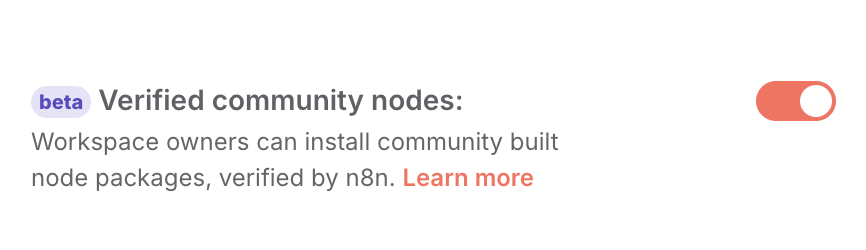
Navigate to your Admin Panel > Workspace Settings > enable “Verified Community Nodes”
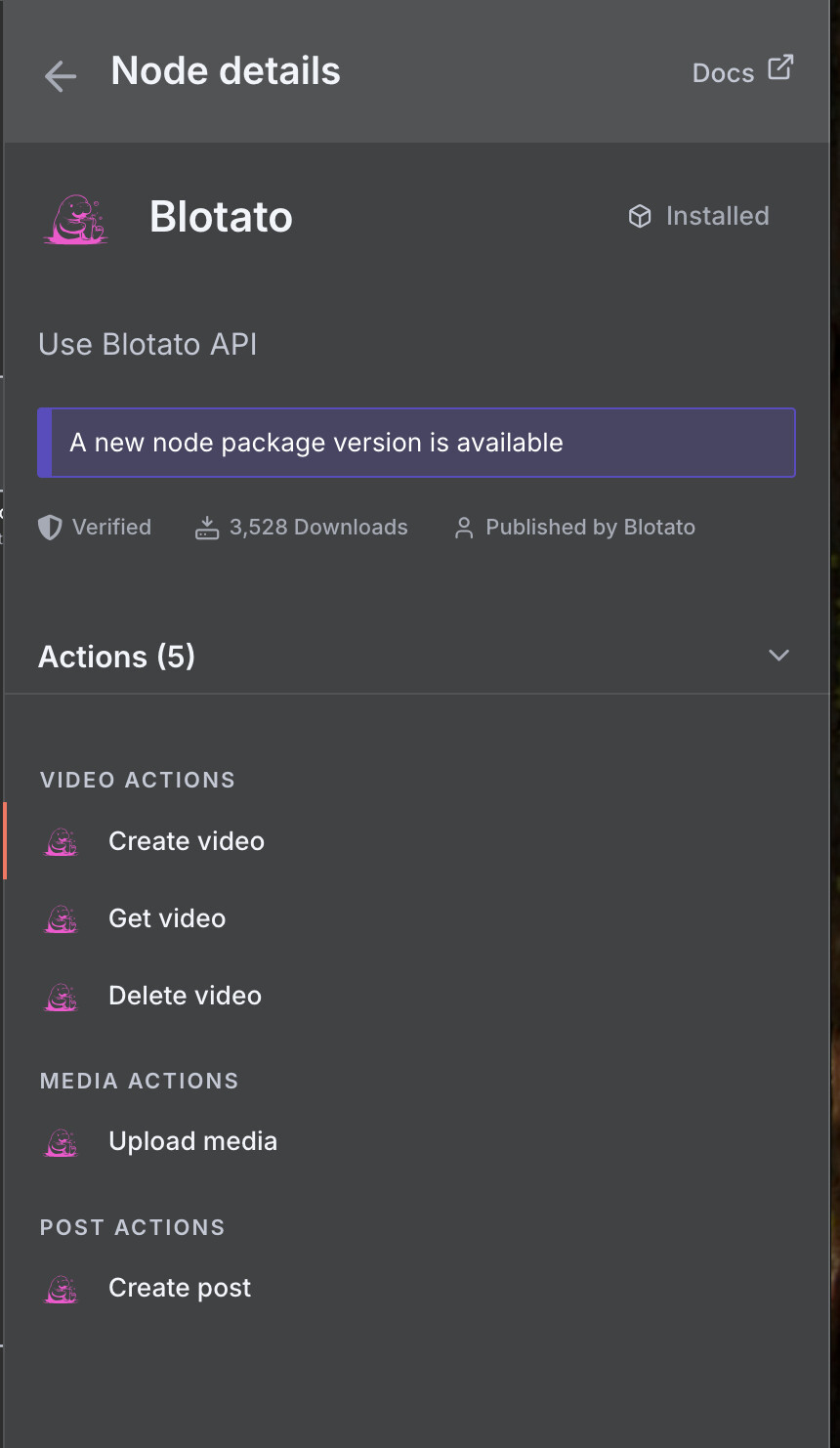
Open any workflow and click the “+” button to add a node. Search for “Blotato” and you should have the option to INSTALL it. The node will look like this:
You can find more automation templates and API tips here .