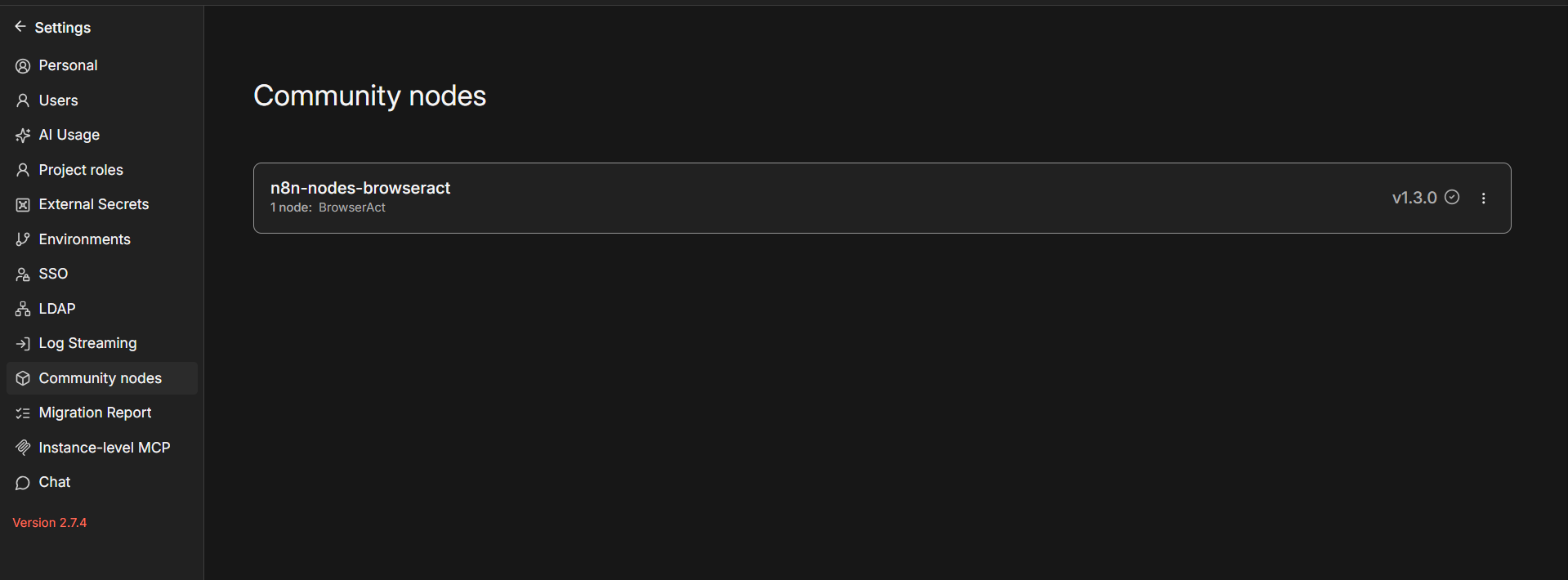
BrowserAct node fails to install on cloud version 2.6.4

I upgraded the cloud version to the latest stable one today and i wanted to use the node BrowserAct.

Describe the problem/error/question

There is an install button but when i hit it it gives error

What is the error message (if any)?

Error installing new package
Error loading package "n8n-nodes-browseract" :Checksum verification failed. Please check your network connection and try again.

Information on your n8n setup

  • n8n version: 2.6.4
  • Database (default: SQLite): no database
  • n8n EXECUTIONS_PROCESS setting (default: own, main):
  • Running n8n via (Docker, npm, n8n cloud, desktop app): n8n cloud
  • Operating system: Windows 11

Hello @Alexandrecsu ,

This “Checksum verification failed” error is really annoying. It basically means n8n downloaded the plugin file, but its “fingerprint” didn’t match what the official registry said it should be. It thinks the file is corrupted.

Since you are on n8n Cloud (where you can’t just open a terminal and clear the cache yourself), here is the best trick to bypass it.

Try this:

  1. Go to Settings (bottom left) > Community Nodes.
  2. Click the Install button.
  3. Type the package name manually: n8n-nodes-browseract
  4. Check the box and hit Install.

If my answer helped solve your question, would you mind marking it as the solution?

It’ll help others find it more easily—and I’d really appreciate it!
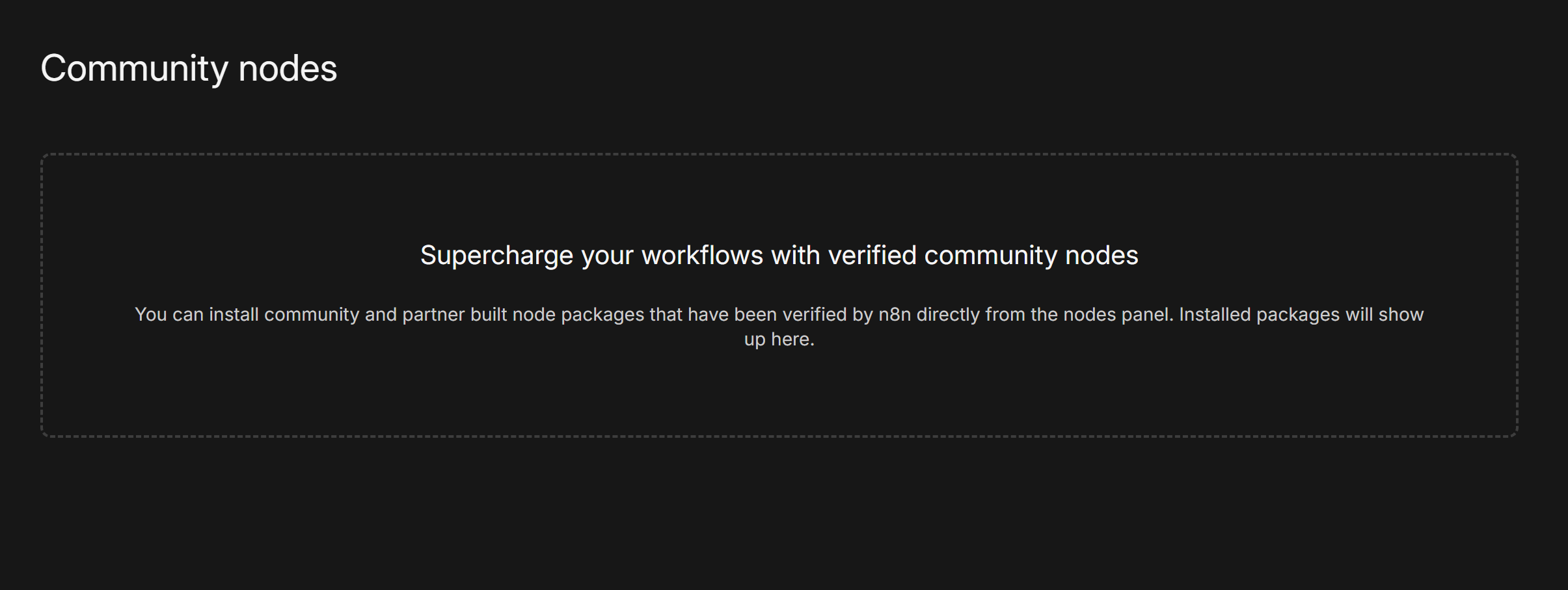
There is no install button in the Community Nodes area in settings


You are using the cloud version, right?

Yes you are right