Hi everyone,
I deployed n8n locally using Docker with the following commands:
mkdir -p /home/user/n8n_data
chown -R 1000:1000 /home/user/n8n_data


docker run -d \
  --name n8n \
  --restart always \
  -p 5678:5678 \
  -e N8N_HOST=localhost \
  -e N8N_PORT=5678 \
  -v /home/user/n8n_data:/home/node/.n8n \
  n8nio/n8n:latest

I was able to reach the screen to create an email account.
1.I entered my email and password, and I made sure to remember the password.
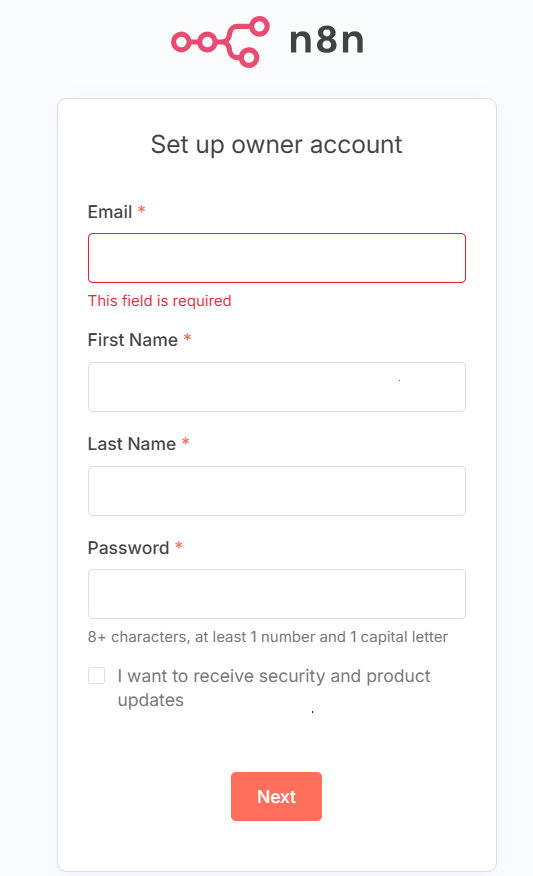
2.I clicked logout.

3.When I tried to log in again with the same email and password (I’m sure it’s correct), it says the password is wrong.
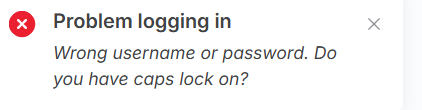
Does anyone know why this is happening?
Do I need to change anything in my docker run command?
Server setup:
windows 11
Docker version 28.3.3, build 980b856
Ubuntu 24.04.2 LTS
Latest version on n8n