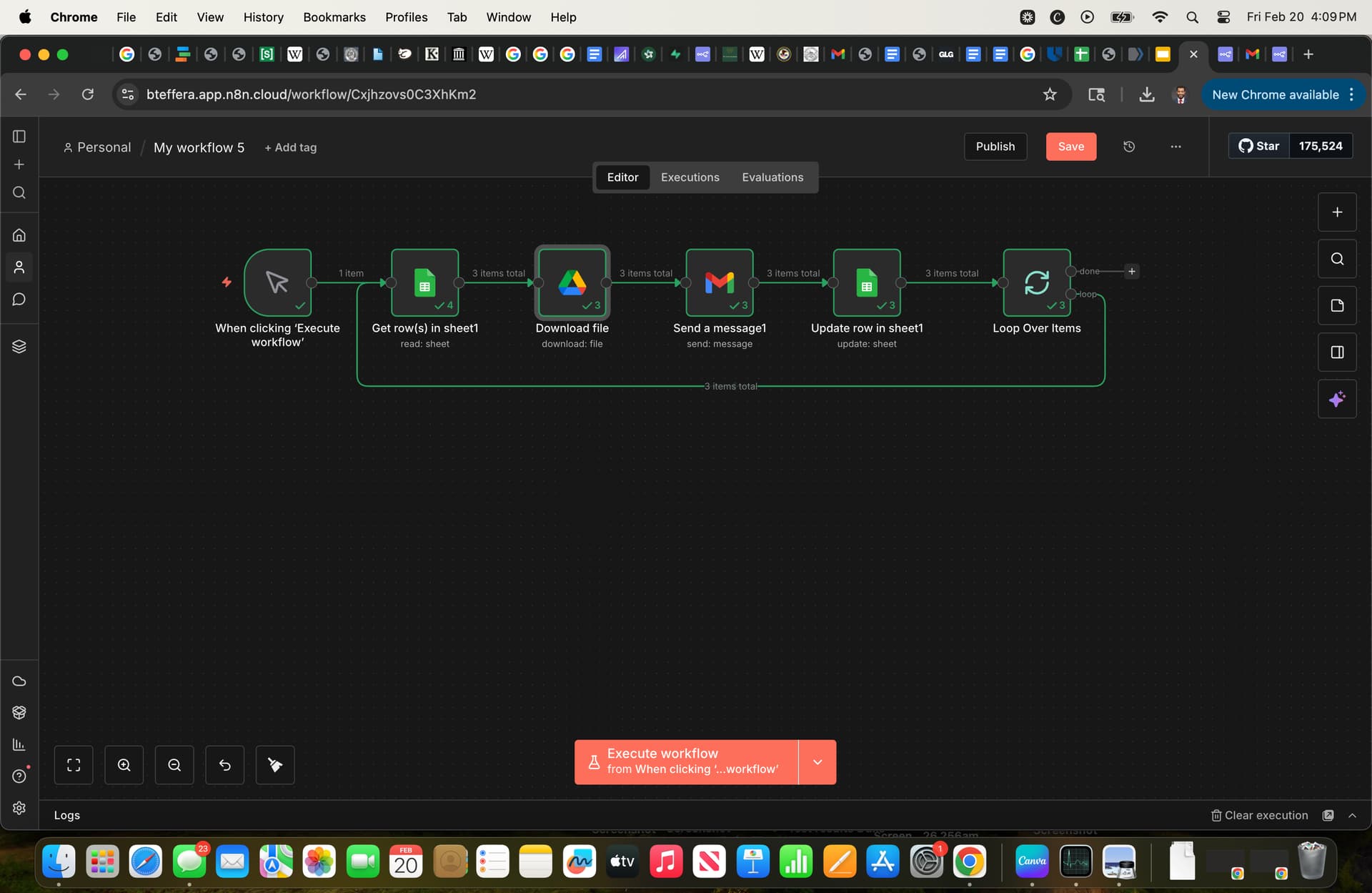
Hi ive got the following problem for an automated email workflow. It sends the email to everyone on the google sheet, it downloads the mp4 attachment, and it even attaches the field ‘data’ with the file name. However, the attachment is always “file type: unsupported” and doesn’t work. I’ve tried everything to make the file extension “.mp4” instead of “mp4”, even changing the file’s name in google drive to “..mp4” in the hopes the second dot would make the filetype work. has anyone figured out how to fix this?
The unsupported file error usually means you’re sending the file name as a text to Gmail instead of the actual file content as binary. Changing the extension dots won’t help if the file data isn’t there.
Firat check your Gmail node
In the binary Property field, just type data or whatever the name of your binary attachment is. Don’t use expressions like {{ $json.name }} here—it just needs the name of the property that holds the file.
If it still fails, copy your nodes and paste them here so we can see how you mapped that field istead of a Screenshot!
your n8n setup is actually working perfectly. the mp4 is sending just fine.
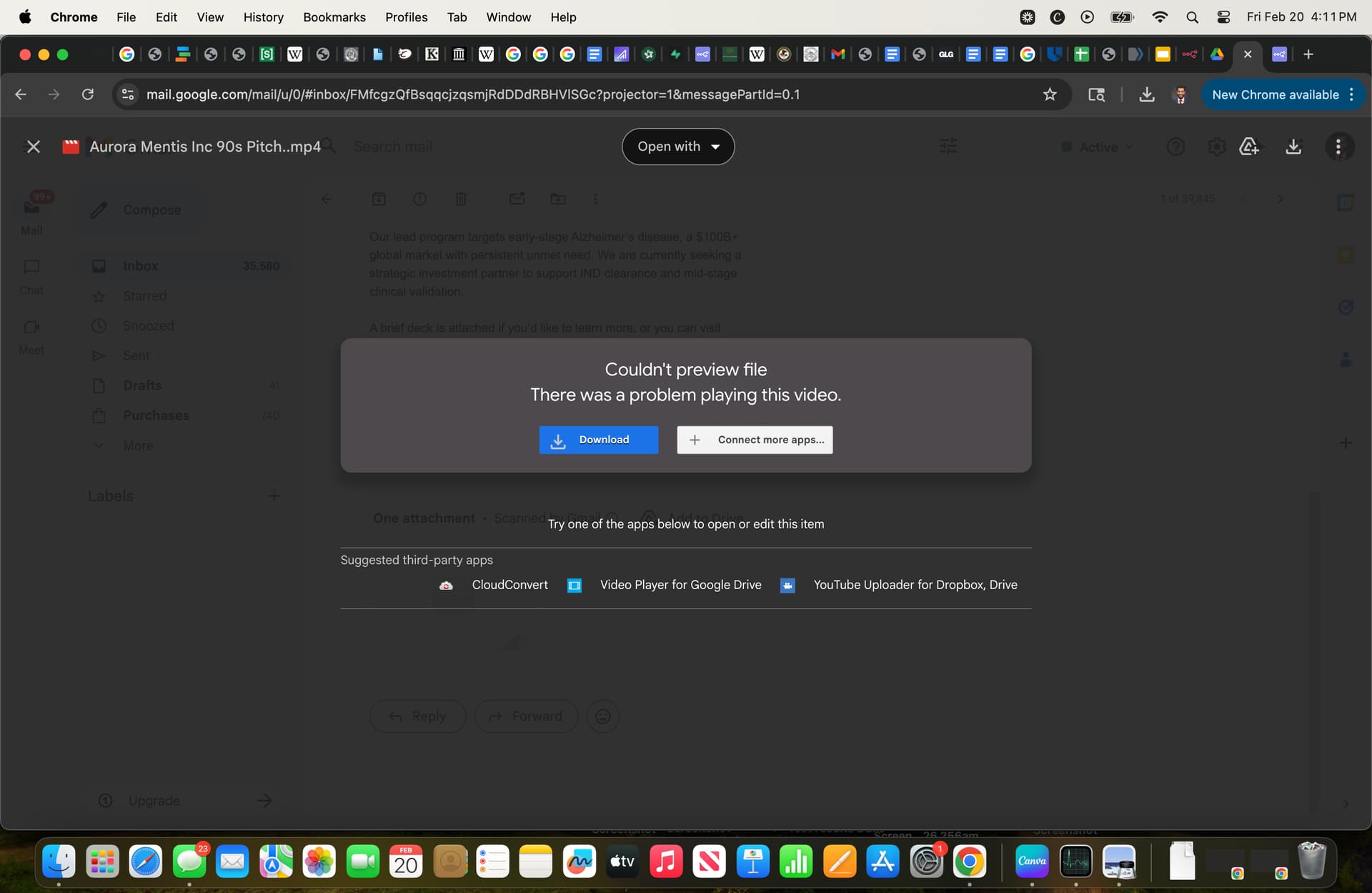
that “couldn’t preview file” error isn’t an n8n bug. it’s just gmail’s web player refusing to play your video’s specific codec. the red video icon in your screenshot proves gmail received the file.
try:
click download and test the file on your computer this will tell you if the file is broken.
to make it play inside the email preview, re-export the video from your editor. strictly use the h.264 format and check “web optimized” or “fast start”.
change the file extension back to a normal .mp4 in google drive. the double dot ..mp4 doesn’t bypass gmail’s player and just looks like a typo.
hey, A_A4 is right here, looking at your third screenshot the file actually arrived in Gmail just fine, that red video icon with the play button means the attachment is there. The “Couldn’t preview file” error is Gmail’s built-in video player choking on the codec, not n8n failing to attach it. If the recipient downloads the mp4 and plays it locally it should work, Gmail’s preview just doesn’t support every video encoding. Your workflow is actually working correctly, the issue is on Gmail’s playback side not the attachment side.
Thanks everyone. A_A24 and achamm were right, it plays locally once downloaded. This is for cold email outreach so i want the preview to work, I’ll look into h.264 format. cheers