Hi,
So I’m new here, and I wanted something that can send a message on a Discord server about the new free game on the Epic Store.
I found the project of someone, but it requires the Puppeteer node. After some research and misunderstanding, I see that n8n has changed in the last few days, and I can’t install Puppeteer because you cannot install community nodes anymore. I really need help ! what can I do ?
Hey @MisterNX hope all is well. Welcome to the community.
- if you are using the self-hosted version, you still should be able to install community nodes
- if you are using the cloud version. you still shouldn’t be able to install community nodes (except verified, which is a whole other deal).
Could you expand on what setup you are running, and how exactly it is failing to install?
How can I use the self hosted version ? because I’m on the cloud so I got this issue
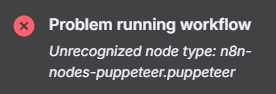
On the cloud, you cannot use community nodes (except those verified) - nor was it possible
Install and manage community nodes | n8n Docs.
As for self-hosting, you can read about how to do this in the documentation:
Ok, i’ll try
I was able to download the node and make it work, but the puppeteer has to use a Chrome page and it’s not working. I got this error :
Failed to launch/connect to browser: getaddrinfo ENOTFOUND n8n-chrome
in the option of the node I have this :
Browser WebSocket Endpoint :
ws://n8n-chrome:3000/?stealth=1&–disable-web-security=true&token=Problem-Crook4-Barstool
Is there anything wrong that’s blocking me?
The error getaddrinfo ENOTFOUND n8n-chrome means your n8n container cannot resolve the hostname n8n-chrome, i.e. it doesn’t know how to reach the browser container you’re pointing to. Are you sure you are running it? Are they in the same network?
Yes, when I try to run it I have this message, and I only have one network so yes I assume
Just to be 100% sure, … if you run docker ps -a, you see BOTH your puppeteer container and n8n-chrome container as running, right?
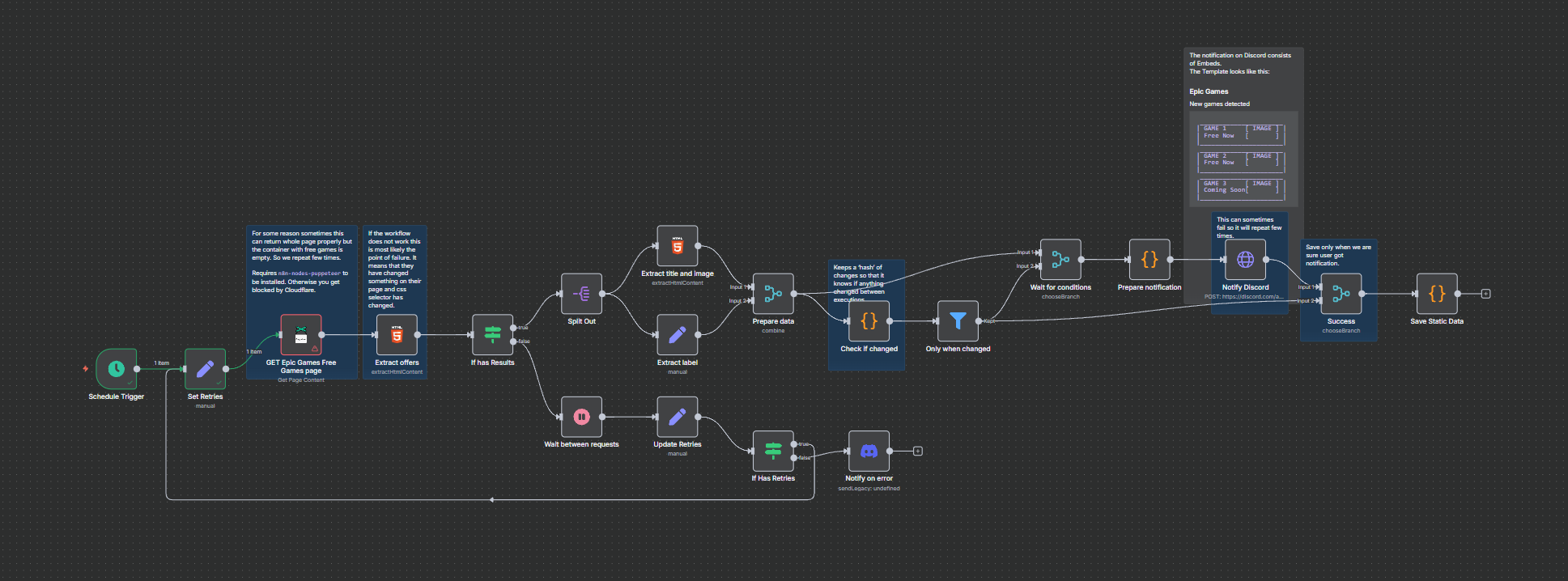
Ok, let’s try to summarize.
- You switched to using hosted version of n8n, right?
- You then installed puppeteer community node, right?
- If above is correct, please let me know which community node you installed.
Yes, I’m using the hosted version with Docker desktop
I follow a tutorial for the installation, so I assume my installation is correct
I install n8n-nodes-puppeteer
Can you please show:
- a screenshot of the community nodes page in n8n showing the node installed
- output of
docker ps -a
Thank you


Hey no worries. When you were following the installation instructions, what did you choose for Browser Options? The puppeteer is just a set of APIs for the browser. Which browser did you choose to use based on the installation instructions?
Hi there, I just wanted to let you know that I’ve installed the required node, which is the n8n-nodes-puppeteer as needed for this template. I’ve also hosted it on Render, but I’m still encountering the same issue. Could you please guide me further on what to check next? Thanks!