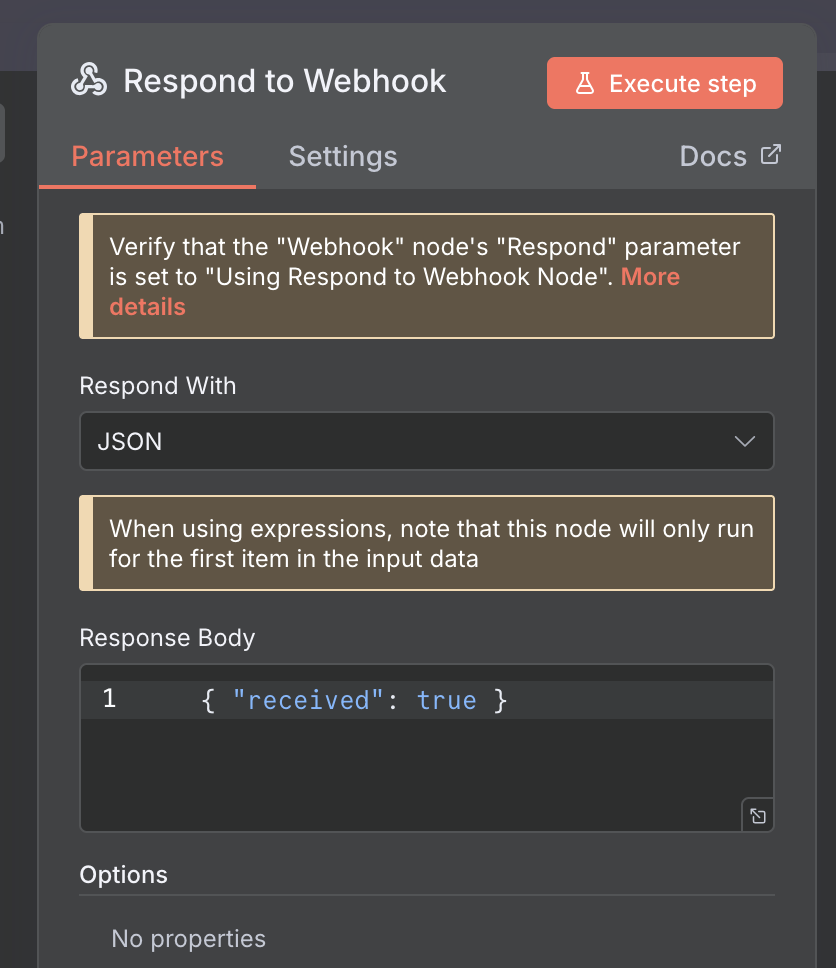
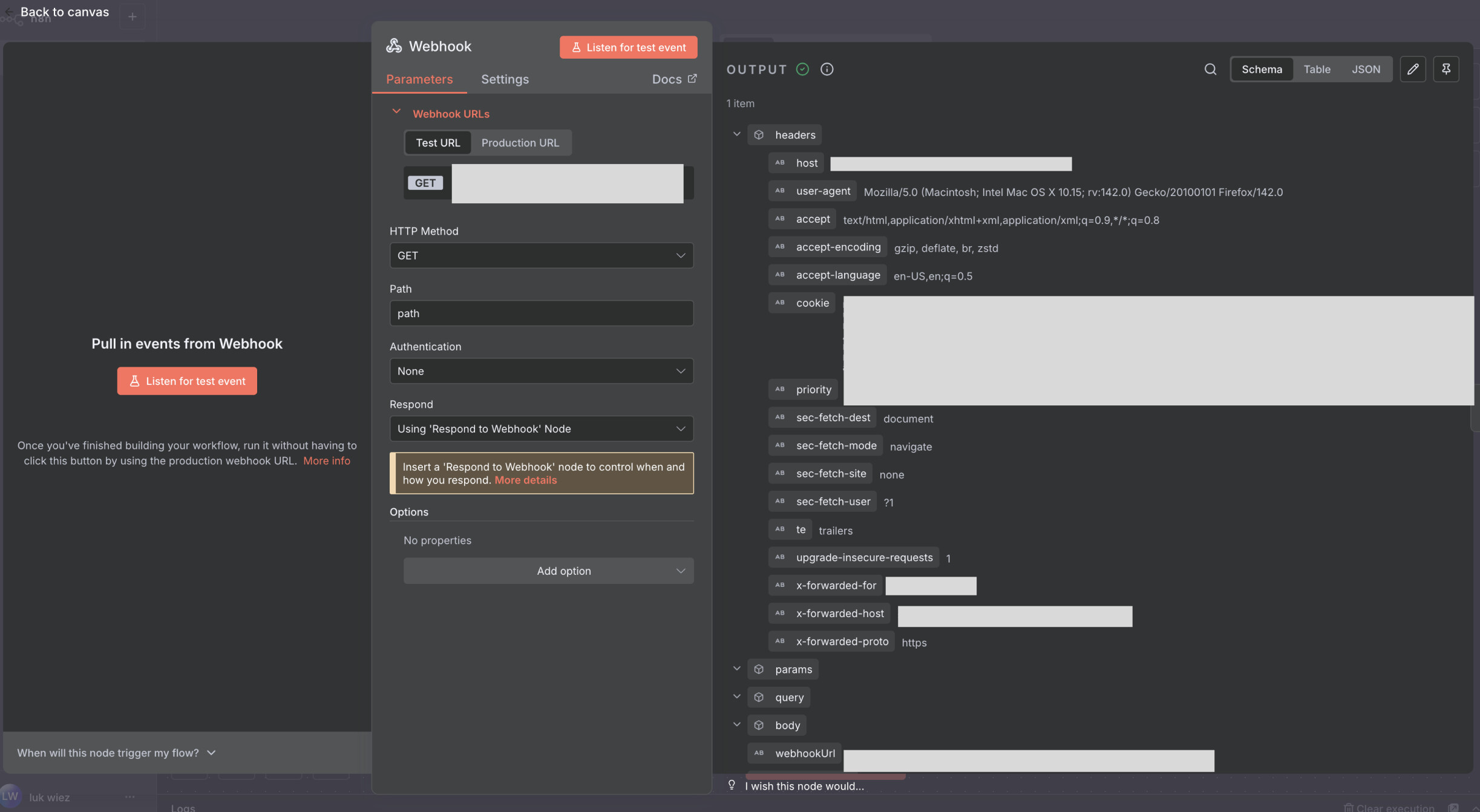
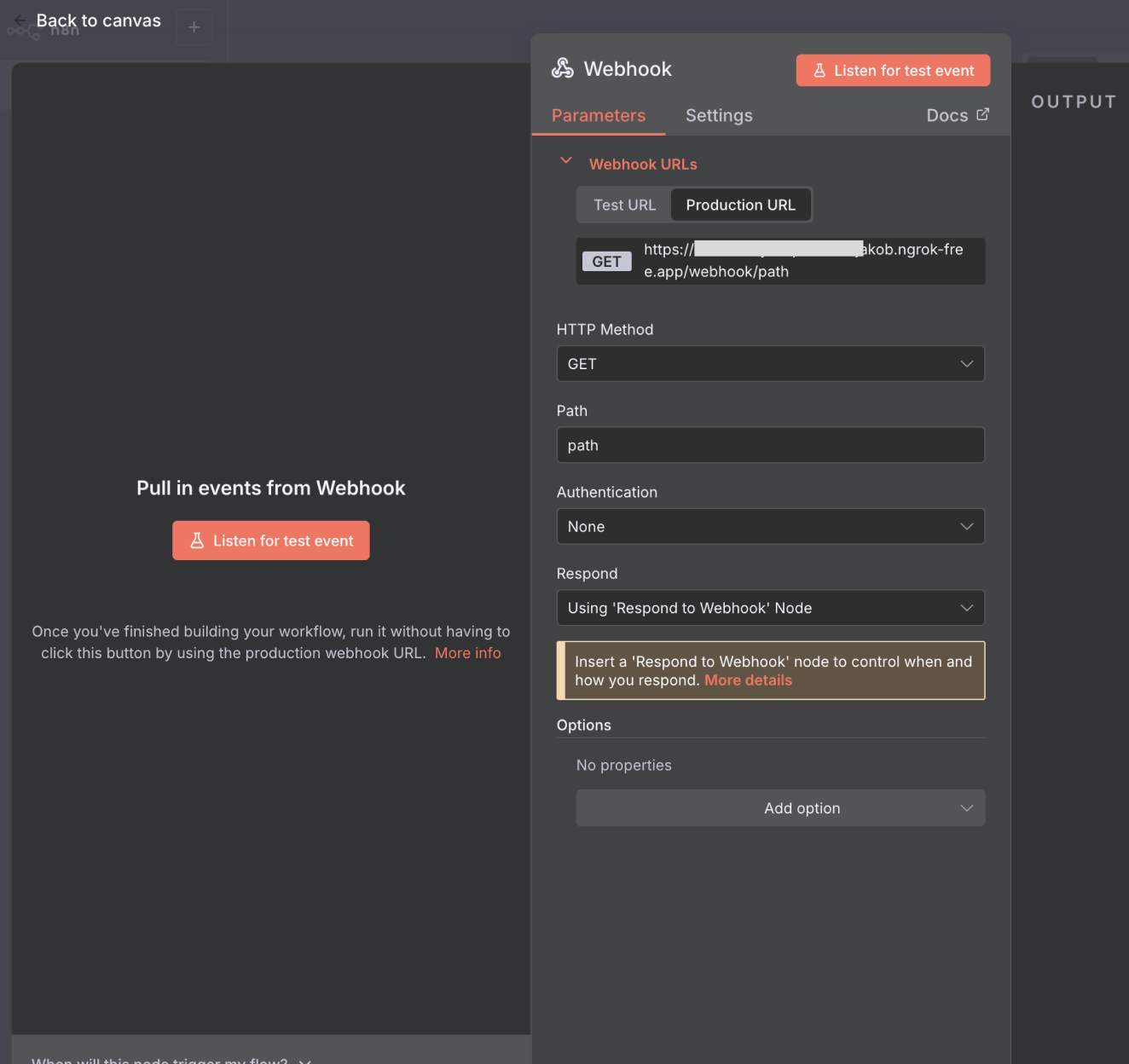
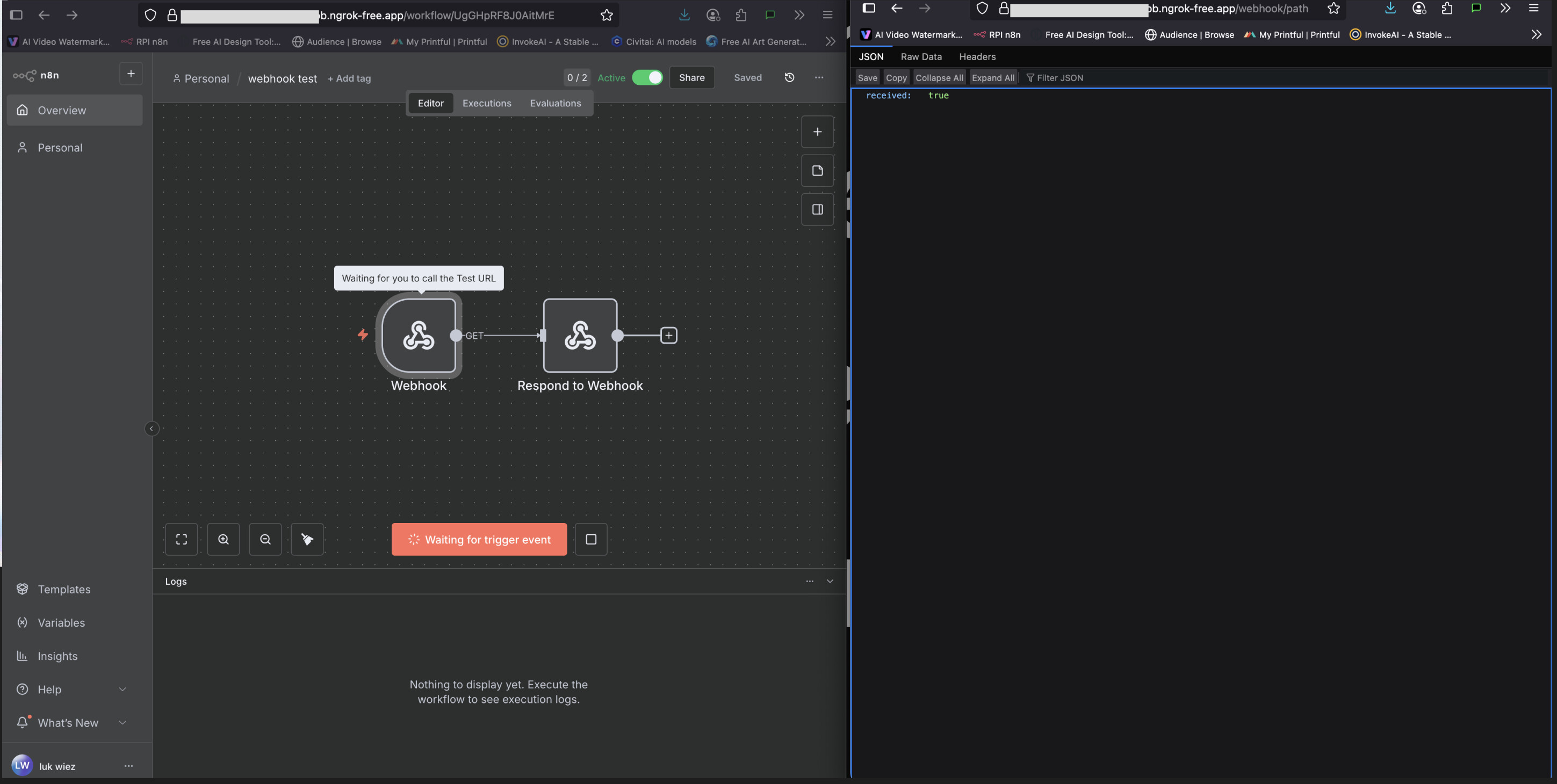
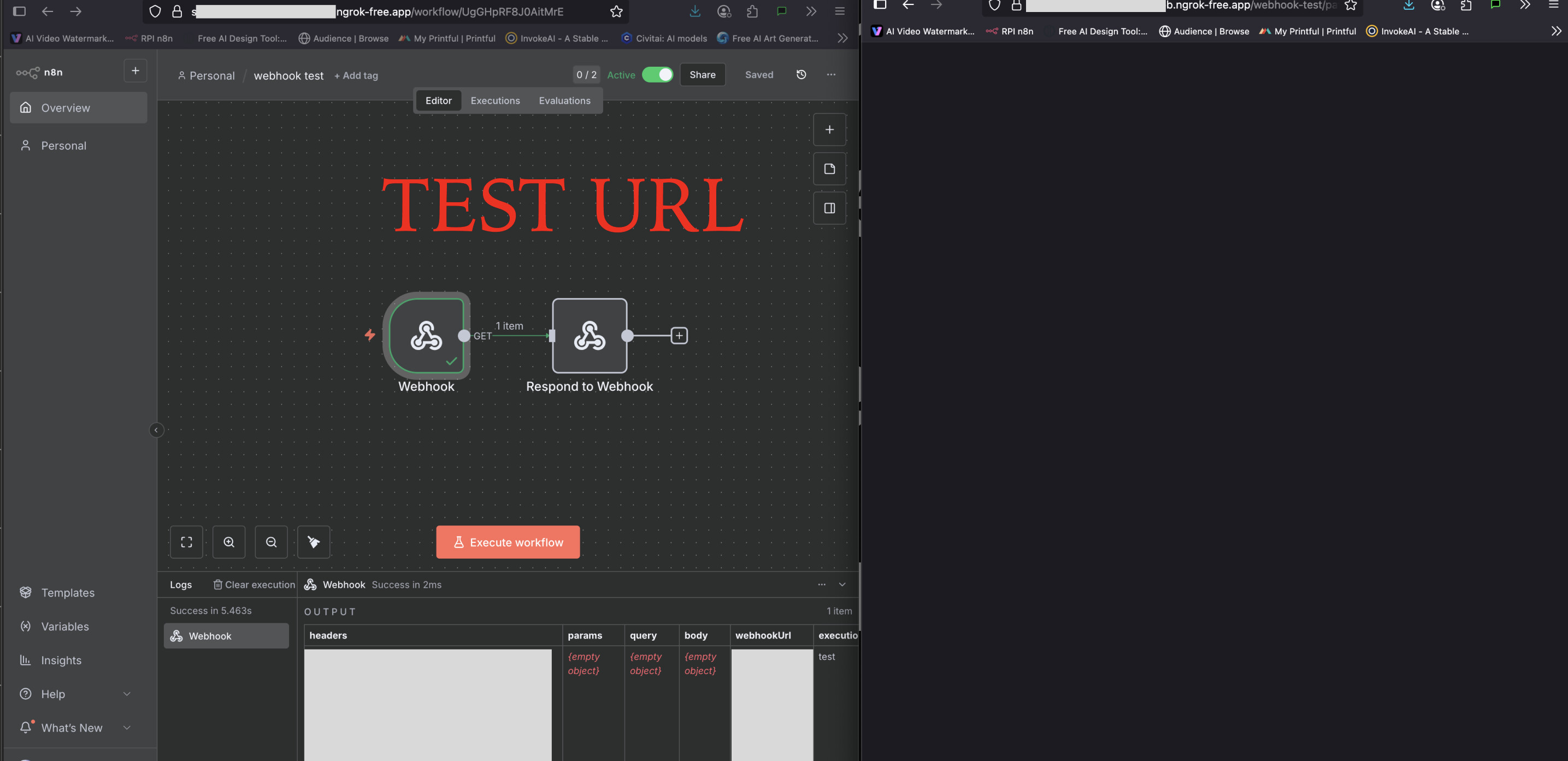
I have n8n installed on an rpi with ngrok working well, its got a static URL which seems to be set up correctly and mirrors inside of the webhook node correctly with ngrok URL. I can get it to receive a test webhook, which also triggers the automation great, this is what I want. however, when I send a production webhook it doesn’t trigger the workflow. Where I get more confused is that I have a respond to webhook node that has { “received”: true } in the response and this seems to reflect what I get in the browser as a response, so it does seem to at least be getting the data. the workflow is set to active but still doesnt trigger, am I missing something?
also I do have n8n registered, that was another suggestion I found online, but no luck.
so with test URL I get a response, but not with production. whats weird is it always says “listen for test events” it doesnt seem to say production, unsure if thats intended in the UI or im missing something.
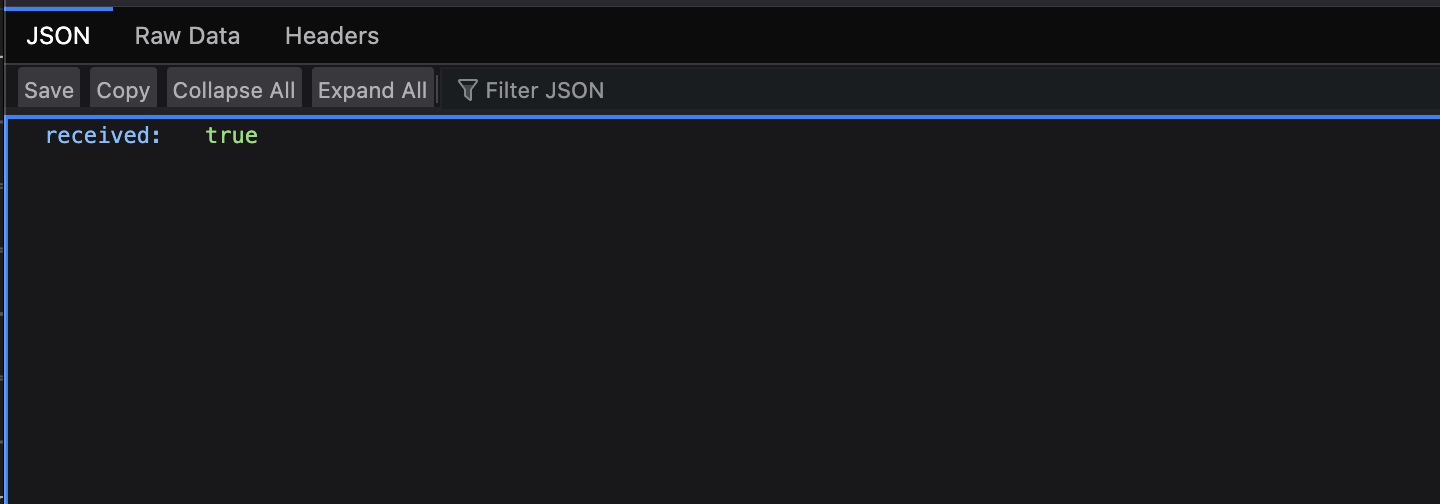
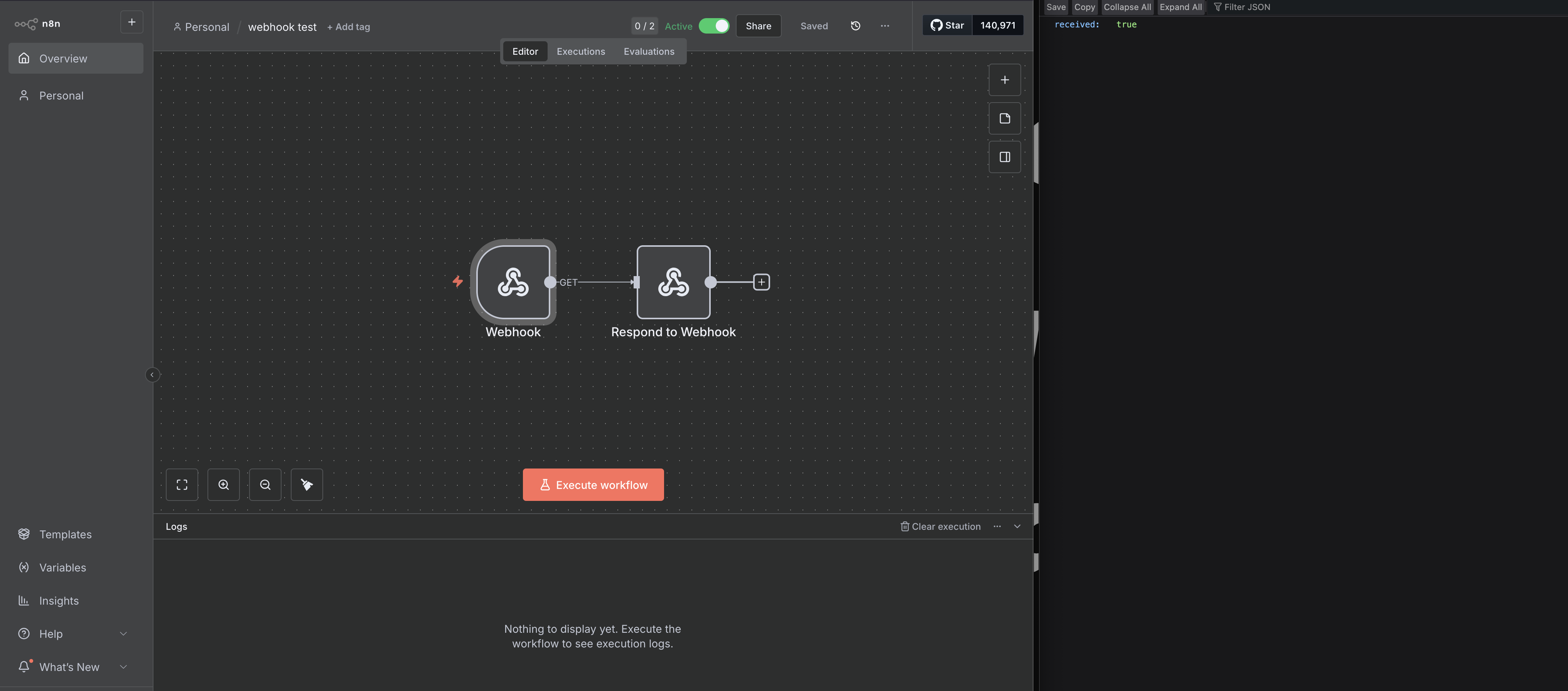
I attached my response node and what I get in the browser, so it is getting something just not triggering the automation.
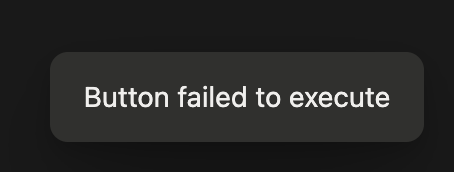
in notion it just says “button failed” assuming its expecting a specific response maybe? unsure. I can get this working very easily in make, local n8n seems a lot more tricky. Thats why im trying to use the webhook URL directly for now to see if I can just trigger it then move on to notion after I get that working. I am just not sure if I dont understand how webhooks work in n8n and am doing it wrong.
With production url doesn’t “say” anything in the UI, it’s just a url which listens on requests whether or not you have the UI even opened.
Ok, is you see received: true in the browser, that means that you are able to reach your webhook production url (that is if you are using the production url in the browser).
yeah. test URL triggers flow and gives different response and production just gives response back without triggering flow. that feels weird that flow is only triggered in test?
here is the exact error in notion. ends in success for make.com
how are you testing that the flow doesn’t trigger in production mode? if you are waiting for UI with workflow canvas to show something, this is not how production works. Executions, triggered by production url can be found under Executions tab, and will not show node by node animation like the one in test url mode.
ok that clears up part of it. however I would expect the production URL to show in the executions tab, but it does not, even if it wont show in the canvas/UI.
OH, I thought it was somewhere else. it is indeed triggering. yeah definitely dont understand how this works.
basically I would like to trigger a workflow N8N using a web hook that’s triggered in notion via a button. Should I be using a different node? I guess I just assumed it worked like make.com
production mode is what you want to use when the executions can happen any time, automatically without you needing to click on any buttons to allow the request. This is achieved with activating the wf.
These requests, sent to the prod url, will trigger your workflow and will be displayed under the Executions tab.
If you are good now and found the answer to your original question, please mark the answer that helped as Solution. For new unrelated questions, feel free to open more topics, I’ll be happy to take a look.
ended up having success with cloudflare and a custom domain setup. I still can get notion button to respond to the webhook, but I can directly if I enter it into a browser so still some setup needed. im guessing I need a response code or something