Hi everyone,
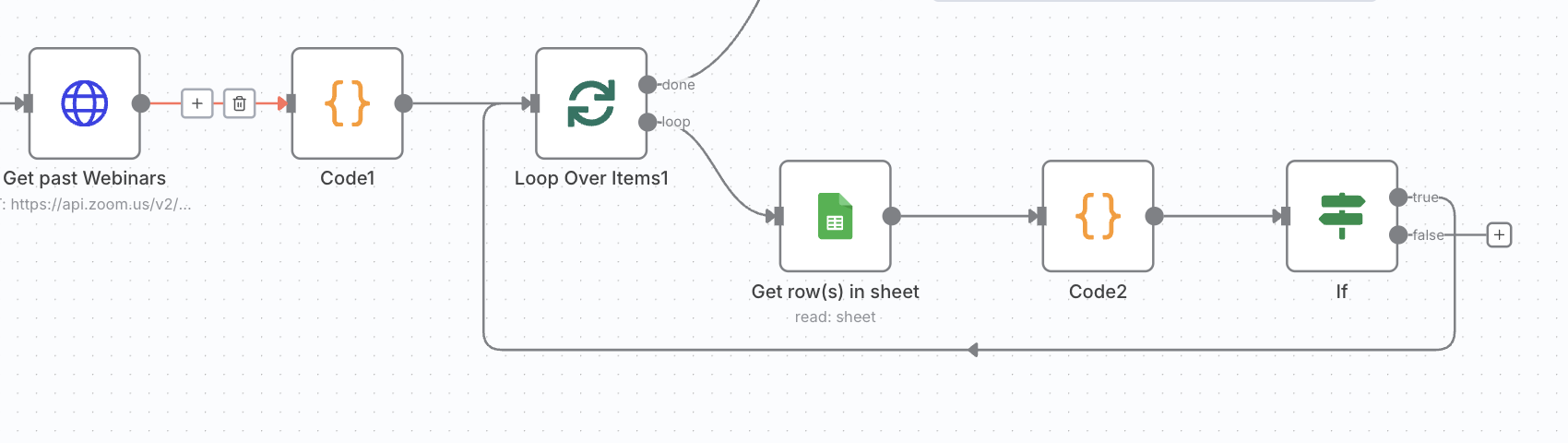
I’m building a workflow where I get a list of items from one source and then add them into a Google Sheet.
Before inserting a new row, I want to check if a given value (X) already exists in a specific column (e.g., column A with header Title) of the sheet. If it exists → skip; if not → insert.
What I have
-
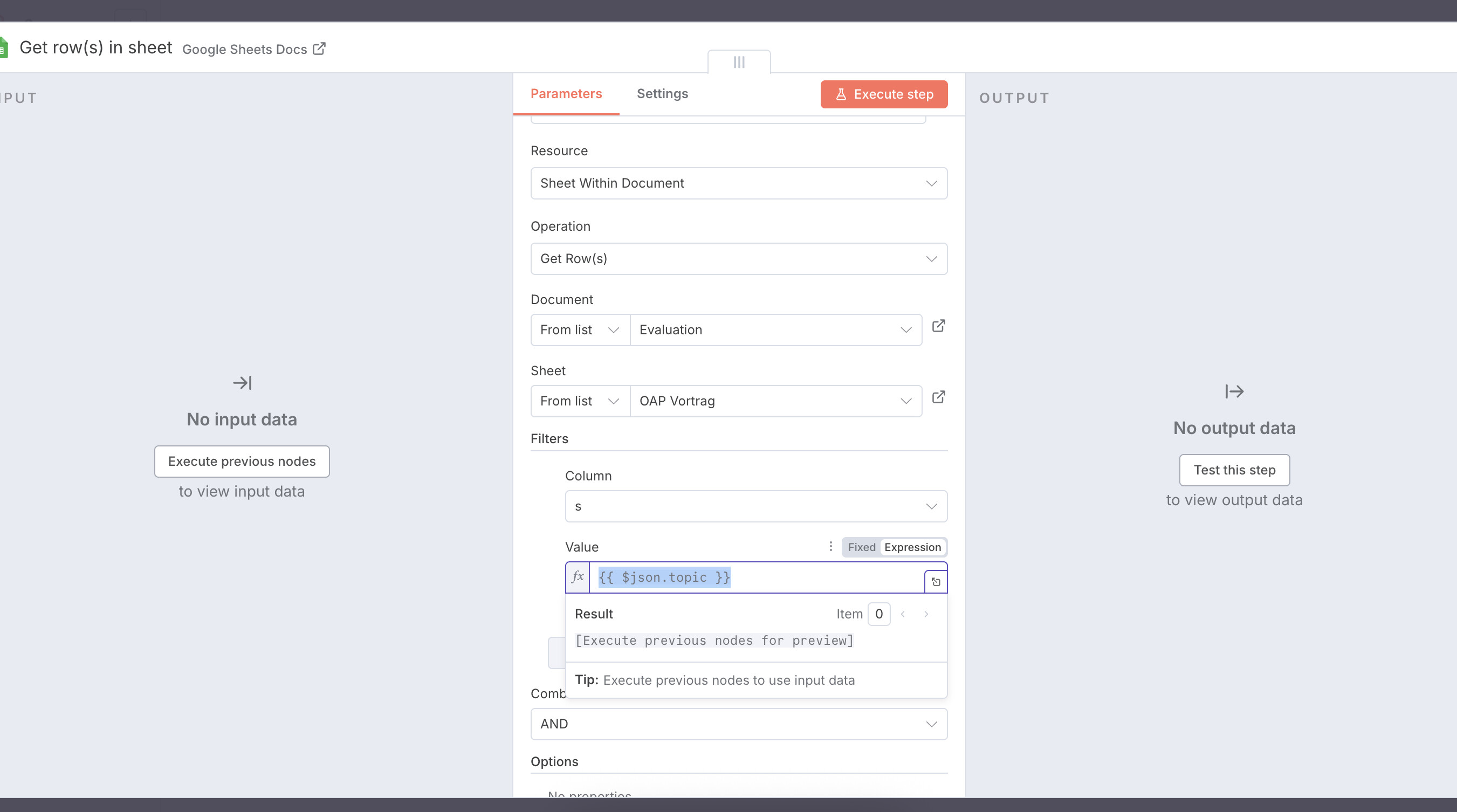
Get row(s) in sheet → fetches the target sheet (about ~140 rows, row 1 = headers).
-
The incoming item from the previous node contains a property
title(string).
What I tried
-
IF Node with “String → contains”
-
Left:
{{$json.title}} -
Right:
{{$json.Title}}(from the sheet)
→ This only checks against the current$jsonrow, not all rows from the sheet.
-
-
Expression with array search
Tried to check across all rows:{{ $items("Get row(s) in sheet") .map(i => (i.json.Title || '').toString().trim().toLowerCase()) .includes(($json.title || '').toString().trim().toLowerCase()) }}This sometimes threw errors (when empty cells exist) or always returned the same result, depending on where it’s placed.
-
Using
.some(){{ $items("Get row(s) in sheet") .some(i => String(i.json.Title || '').trim().toLowerCase() === String($json.title || '').trim().toLowerCase() ) }}Not sure which IF operator is correct here to handle this boolean properly.
What I want
A simple, reliable way to say:
“For each incoming item, check if any row in the Google Sheet already has the same value in a specific column (case-insensitive, ignoring extra spaces). If yes → skip; if no → insert.”
My questions
-
Is using
.some()in an IF expression supported? If so, how do I connect it so the IF node gets atrue/falseresult? -
Is it better to calculate this once in a Set or Code node (add a
existsboolean) and then branch with IF? -
Is there a built-in Google Sheets “find” or “search” method in n8n that avoids fetching all rows each run?
-
Any best practices for normalizing values before comparing (e.g., case, spaces, punctuation)?
Thanks in advance — I’m looking for the cleanest pattern for this since it feels like a common use case.