Describe the problem/error/question
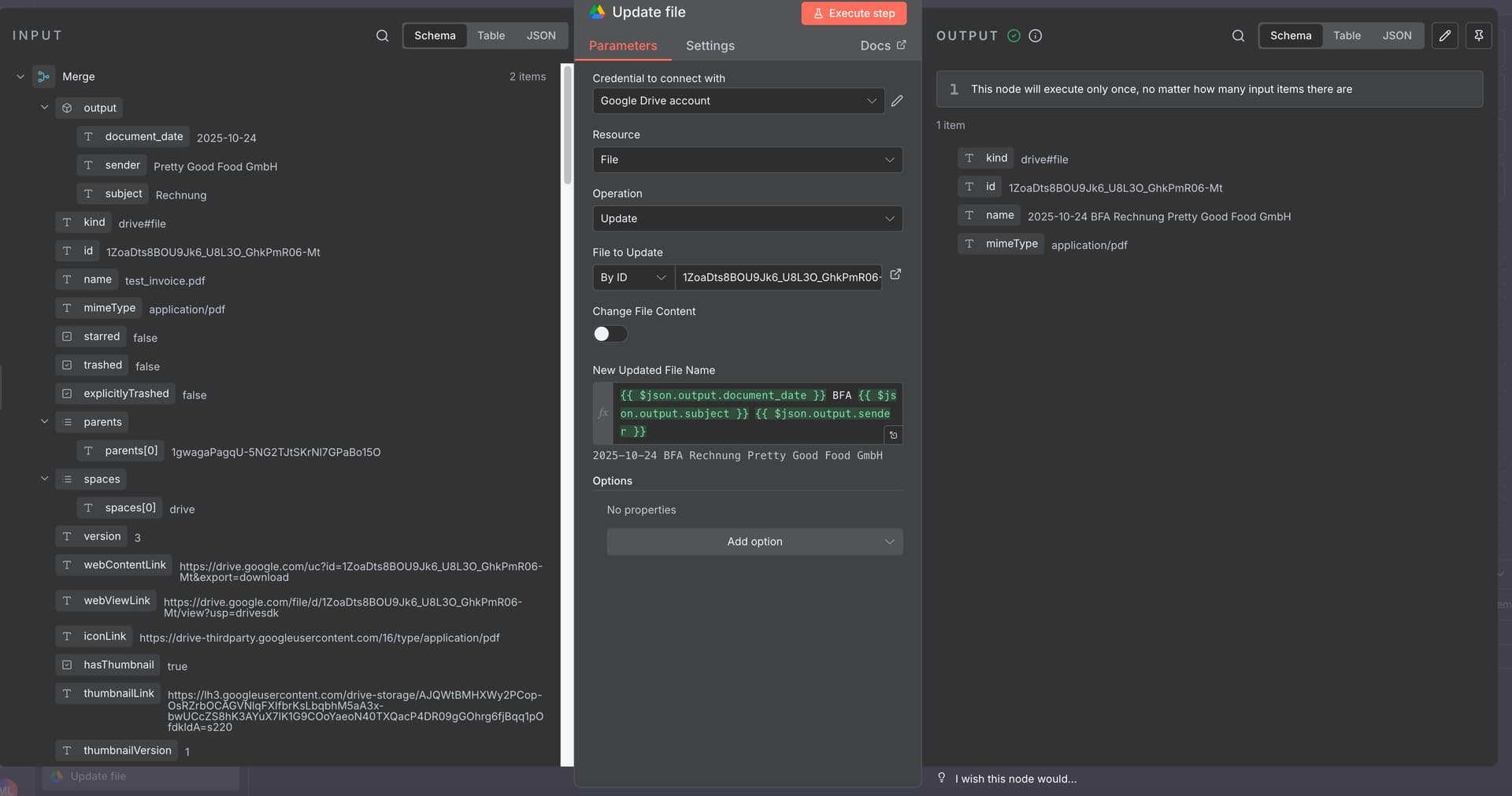
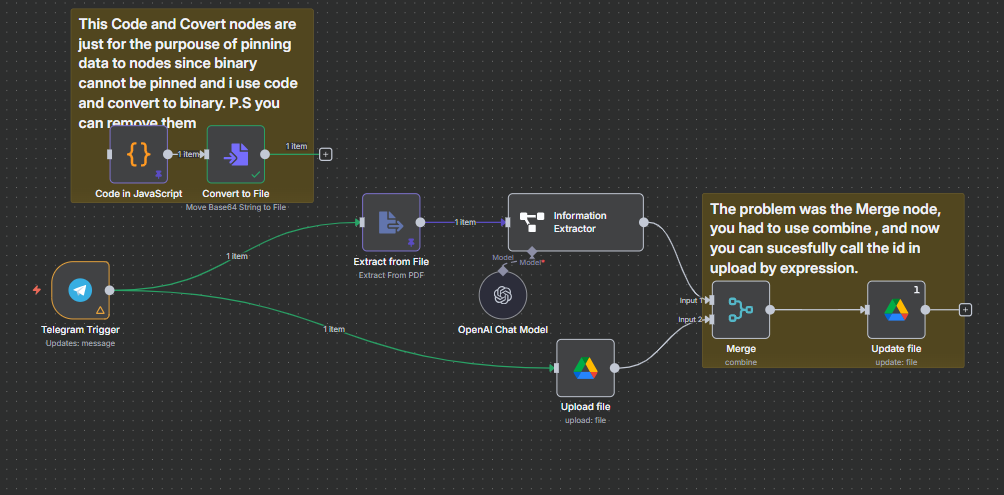
Hi everyone, I want to create a relatively simple workflow in which I receive a file (PDF). This file needs to be read, then uploaded to Google Drive, and then certain parameters from the read content need to be incorporated into the file name, e.g. who created the document and when it was created.
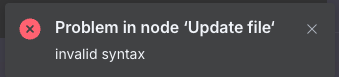
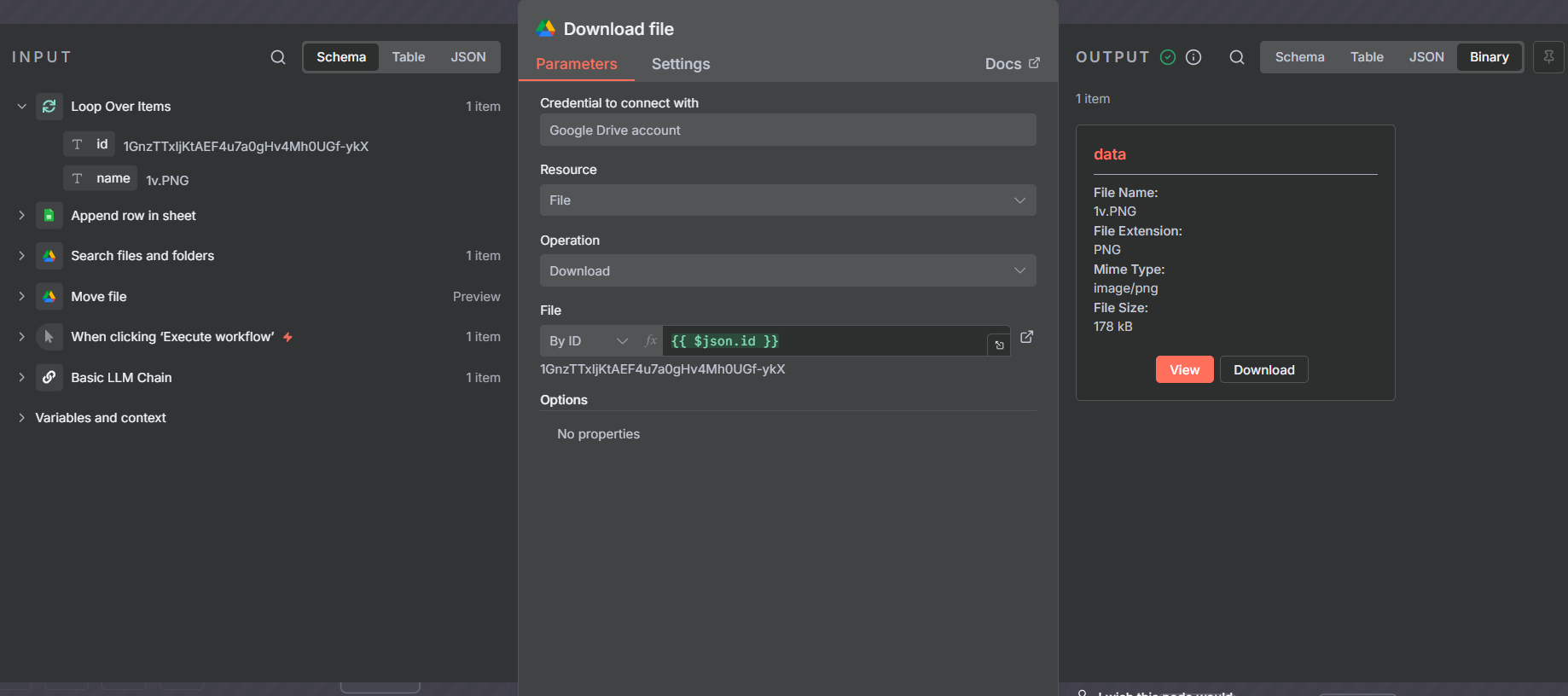
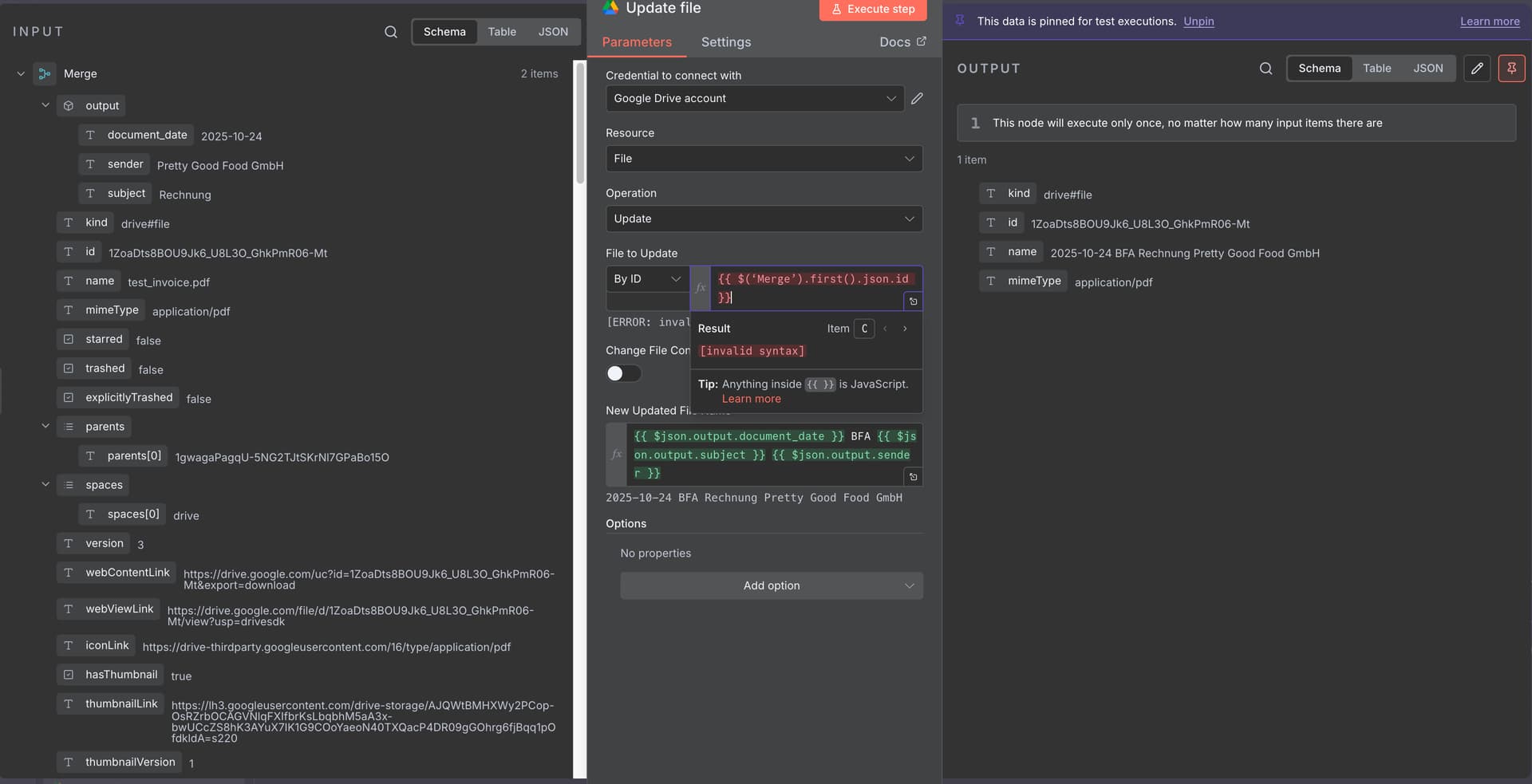
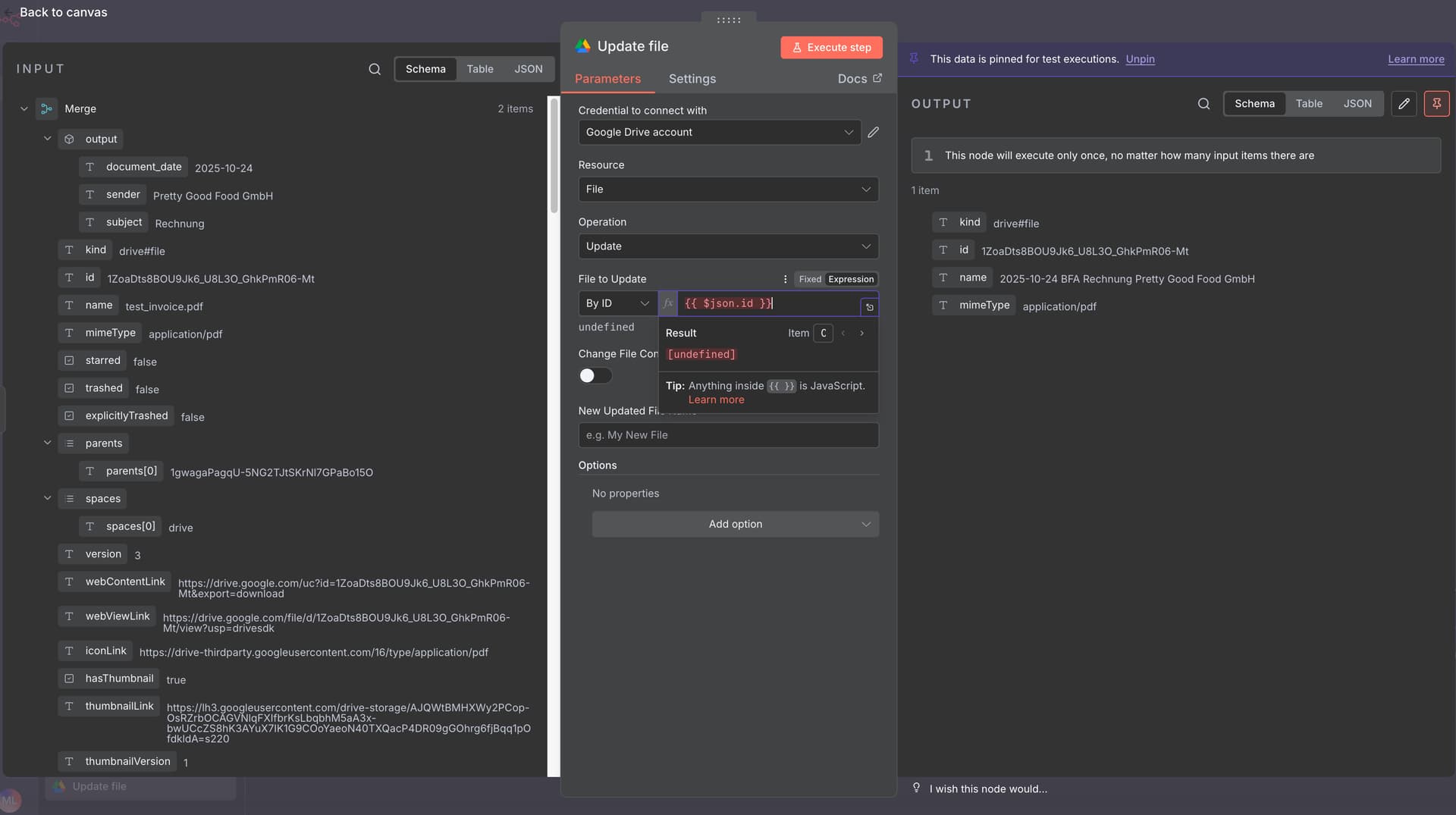
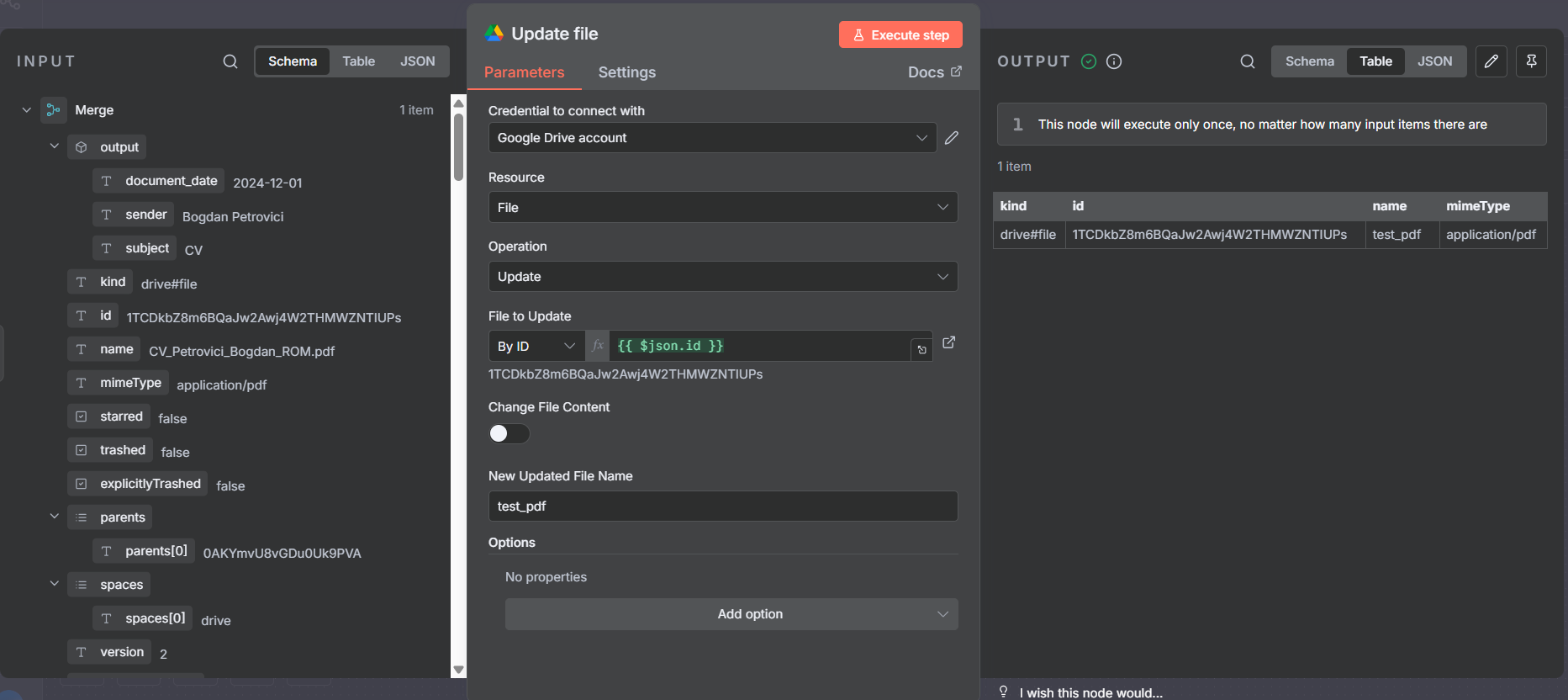
Now, as a final step, I want to rename the file in Google Drive. The identification should be done via the file ID in Google Drive. However, I always get an error and the file is not renamed.
Does anyone have any idea what the problem might be? This is the first workflow I have ever built myself.
Many thanks

What is the error message (if any)?
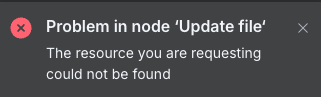
Problem in node ‘Update file‘
The resource you are requesting could not be found
Please share your workflow
Share the output returned by the last node
Error details
From Google Drive
Error code
404
Full message
Request failed with status code 404
Other info
Node type
n8n-nodes-base.googleDrive
Node version
3 (Latest)
n8n version
1.120.4 (Self Hosted)
Time
21.12.2025, 00:06:18
Stack trace
NodeApiError: The resource you are requesting could not be found at ExecuteContext.httpRequestWithAuthentication (/usr/local/lib/node_modules/n8n/node_modules/.pnpm/n8n-core@file+packages+core_@[email protected]_@[email protected]_08b575bec2313d5d8a4cc75358971443/node_modules/n8n-core/src/execution-engine/node-execution-context/utils/request-helper-functions.ts:1391:9) at processTicksAndRejections (node:internal/process/task_queues:105:5) at ExecuteContext.httpRequestWithAuthentication (/usr/local/lib/node_modules/n8n/node_modules/.pnpm/n8n-core@file+packages+core_@[email protected]_@[email protected]_08b575bec2313d5d8a4cc75358971443/node_modules/n8n-core/src/execution-engine/node-execution-context/utils/request-helper-functions.ts:1763:11) at ExecuteContext.googleApiRequest (/usr/local/lib/node_modules/n8n/node_modules/.pnpm/n8n-nodes-base@file+packages+nodes-base_@[email protected]_asn1.js@5_afd197edb2c1f848eae21a96a97fab23/node_modules/n8n-nodes-base/nodes/Google/Drive/v2/transport/index.ts:54:11) at ExecuteContext.execute (/usr/local/lib/node_modules/n8n/node_modules/.pnpm/n8n-nodes-base@file+packages+nodes-base_@[email protected]_asn1.js@5_afd197edb2c1f848eae21a96a97fab23/node_modules/n8n-nodes-base/nodes/Google/Drive/v2/actions/file/update.operation.ts:266:23) at ExecuteContext.router (/usr/local/lib/node_modules/n8n/node_modules/.pnpm/n8n-nodes-base@file+packages+nodes-base_@[email protected]_asn1.js@5_afd197edb2c1f848eae21a96a97fab23/node_modules/n8n-nodes-base/nodes/Google/Drive/v2/actions/router.ts:29:26) at ExecuteContext.execute (/usr/local/lib/node_modules/n8n/node_modules/.pnpm/n8n-nodes-base@file+packages+nodes-base_@[email protected]_asn1.js@5_afd197edb2c1f848eae21a96a97fab23/node_modules/n8n-nodes-base/nodes/Google/Drive/v2/GoogleDriveV2.node.ts:25:10) at WorkflowExecute.executeNode (/usr/local/lib/node_modules/n8n/node_modules/.pnpm/n8n-core@file+packages+core_@[email protected]_@[email protected]_08b575bec2313d5d8a4cc75358971443/node_modules/n8n-core/src/execution-engine/workflow-execute.ts:1093:8) at WorkflowExecute.runNode (/usr/local/lib/node_modules/n8n/node_modules/.pnpm/n8n-core@file+packages+core_@[email protected]_@[email protected]_08b575bec2313d5d8a4cc75358971443/node_modules/n8n-core/src/execution-engine/workflow-execute.ts:1274:11) at /usr/local/lib/node_modules/n8n/node_modules/.pnpm/n8n-core@file+packages+core_@[email protected]_@[email protected]_08b575bec2313d5d8a4cc75358971443/node_modules/n8n-core/src/execution-engine/workflow-execute.ts:1708:27
 aka
aka 
