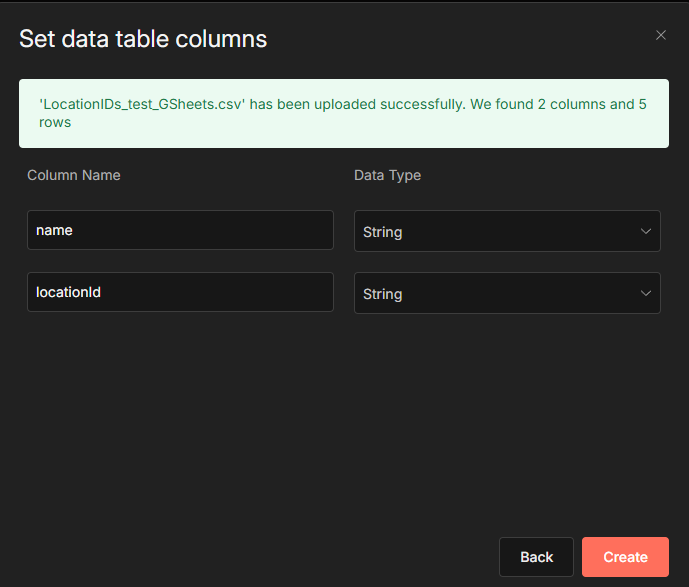
Describe the problem/error/question
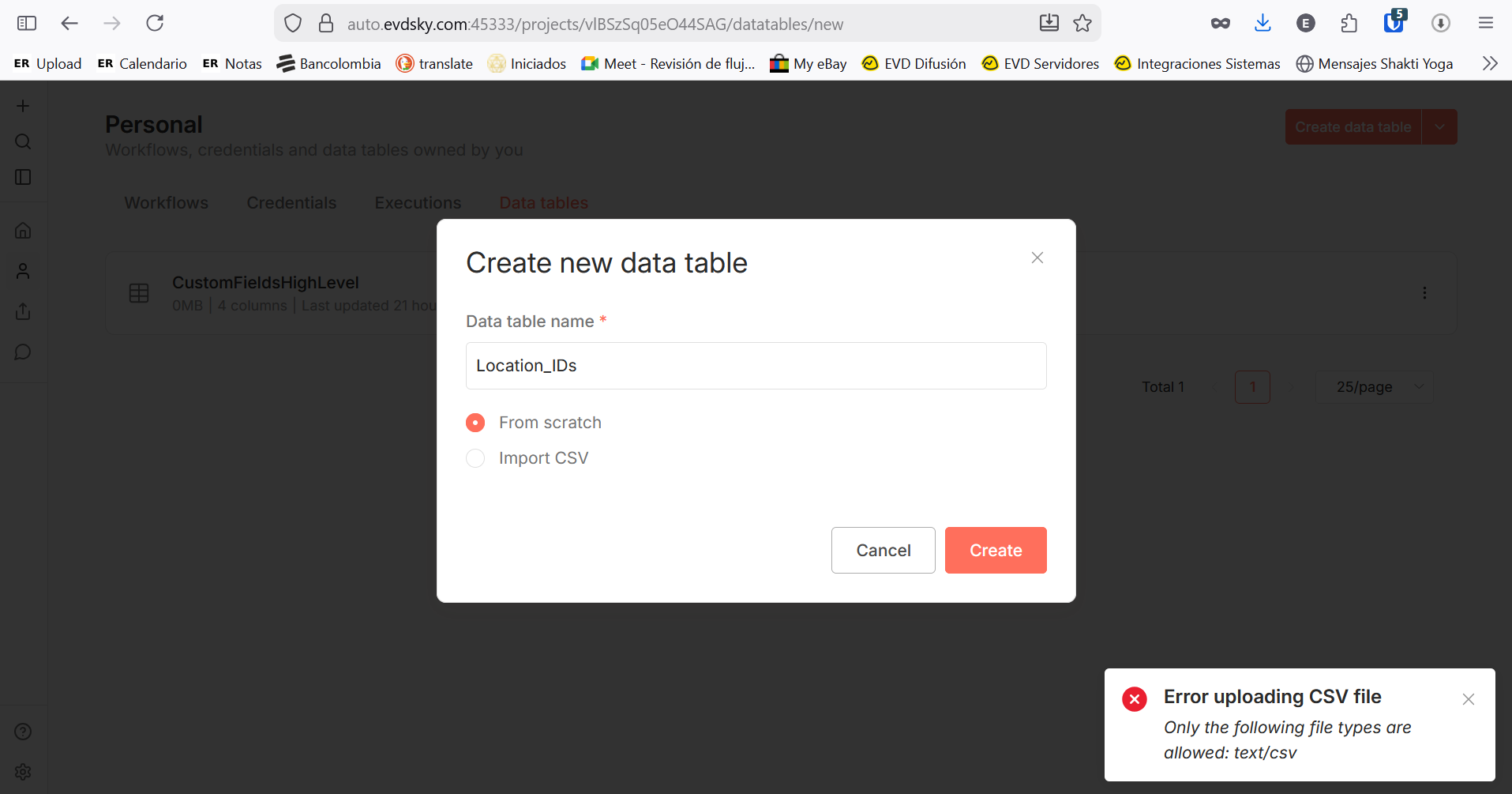
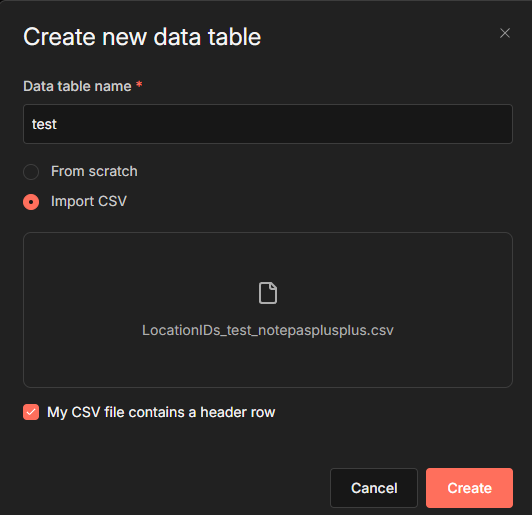
When i try to create a new data table using CSV import, it fails with a wrong file type error. CSV was created using Notepad++ (UTF8, Linux new line style). I tried exporting a CSV from a table created from scratch in n8n and importing it again, also didn’t work. Also created a CSV using LibreOffice, same thing.
n8n is self hosted, using Docker Compose. I’m accessing the editor from Windows, through a VPN with a local DNS that resolves the instance domain name to a local IP. Instance is configured to a non standard port. There is a reverse proxy for external webhooks, using same non standard port number for external access. Editor is not accessible externally, only from VPN, due to company policy.
Here is my docker-compose.yml:
volumes:
  db_storage:
  n8n_storage:

services:
  postgres:
    image: postgres:16
    restart: always
    environment:
      - POSTGRES_USER
      - POSTGRES_PASSWORD
      - POSTGRES_DB
      - POSTGRES_NON_ROOT_USER
      - POSTGRES_NON_ROOT_PASSWORD
    volumes:
      - db_storage:/var/lib/postgresql/data
      - ./init-data.sh:/docker-entrypoint-initdb.d/init-data.sh
    healthcheck:
      test: ['CMD-SHELL', 'pg_isready -h localhost -U ${POSTGRES_USER} -d ${POSTGRES_DB}']
      interval: 5s
      timeout: 5s
      retries: 10
    networks:
      - proxy

  n8n:
    image: docker.n8n.io/n8nio/n8n
    restart: always
    environment:
      - DB_TYPE=postgresdb
      - DB_POSTGRESDB_HOST=postgres
      - DB_POSTGRESDB_PORT=5432
      - DB_POSTGRESDB_DATABASE=${POSTGRES_DB}
      - DB_POSTGRESDB_USER=${POSTGRES_NON_ROOT_USER}
      - DB_POSTGRESDB_PASSWORD=${POSTGRES_NON_ROOT_PASSWORD}
      - N8N_PROTOCOL=https
      - N8N_HOST=<redacted subdomain.domain.com>
#      - N8N_HOST=<redacte IP>
      - N8N_PORT=<redacted Port>
#      - N8N_EDITOR_BASE_URL=https://<redacted IP>:<redacted port>
      - WEBHOOK_URL=https://<redacted subdomain.domain.com>:<redacted port>
      - N8N_WEBHOOK=https://https://<redacted subdomain.domain.com>:<redacted port>
      - N8N_WEBHOOK_URL=https://https://<redacted subdomain.domain.com>:<redacted port>
      - N8N_SSL_CERT=<redacted path>
      - N8N_SSL_KEY=<redacted path>
      - N8N_PUSH_BACKEND=websocket
      - N8N_SECURE_COOKIE=true
      - N8N_RUNNERS_ENABLED=true
      - N8N_ENFORCE_SETTINGS_FILE_PERMISSIONS=true
      - GENERIC_TIMEZONE=America/Bogota
      - TZ=America/Bogota
      - N8N_LOG_LEVEL=info
      - EXECUTIONS_DATA_PRUNE=true
      - EXECUTIONS_DATA_MAX_AGE=2190
      - EXECUTIONS_DATA_PRUNE_MAX_COUNT=100000
      - N8N_BLOCK_ENV_ACCESS_IN_NODE=false
      - N8N_PROXY_HOPS=1
      - N8N_SMTP_HOST=<redacted host>
      - N8N_SMTP_PORT=587
      - N8N_SMTP_USER=<readcted>
      - N8N_SMTP_PASS=<readcted>
      - N8N_SMTP_SENDER=<readcted>
      - N8N_SMTP_SSL=false
#begin prevent your n8n instance from connecting to n8n's servers
      - N8N_DIAGNOSTICS_ENABLED=false
      - N8N_VERSION_NOTIFICATIONS_ENABLED=false
      - N8N_TEMPLATES_ENABLED=false
      - EXTERNAL_FRONTEND_HOOKS_URLS=
      - N8N_DIAGNOSTICS_CONFIG_FRONTEND=
      - N8N_DIAGNOSTICS_CONFIG_BACKEND=
      - N8N_GIT_NODE_DISABLE_BARE_REPOS=true
    ports:
      - <redacted ip>:<redacted port>:<redacted port>
    links:
      - postgres
    volumes:
      - n8n_storage:/home/node/.n8n
      - ./local_files:/files
    networks:
      - proxy
    depends_on:
      postgres:
        condition: service_healthy

networks:
  proxy:
    external: true
Summary
This text will be hidden
What is the error message (if any)?
Error uploading CSV file
Only the following file types are allowed: text/csv
Please share your workflow
No workflow
Share the output returned by the last node
Information on your n8n setup
- n8n version: 2.4.8
- Database (default: SQLite): postgres
- n8n EXECUTIONS_PROCESS setting (default: own, main): default
- Running n8n via (Docker, npm, n8n cloud, desktop app): Docker
- Operating system: Ubuntu 24.04.3