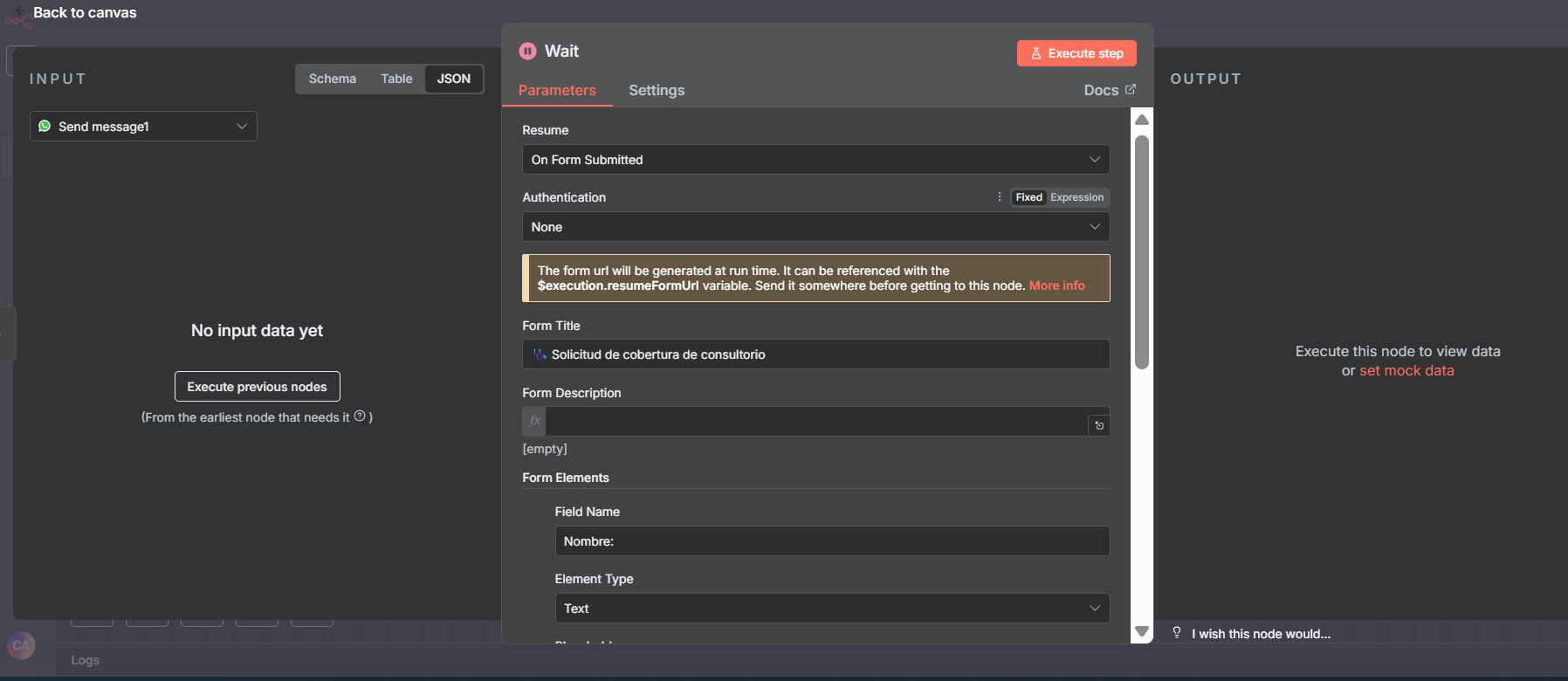
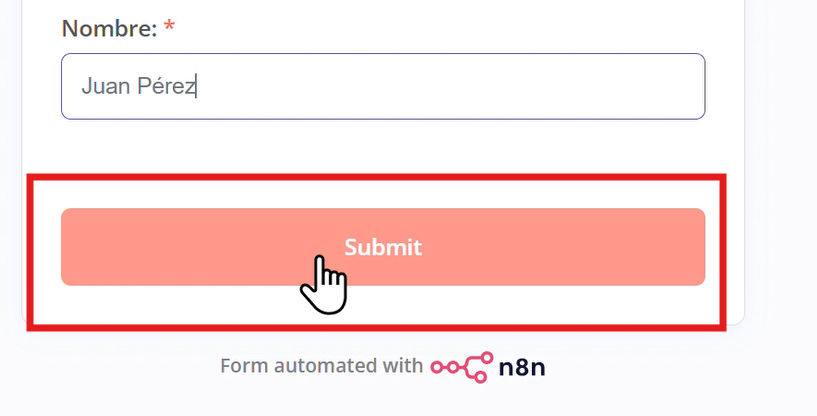
I have created a wait node that uses the option “Respond when Form Is Submitted”, however I don’t see a way to customize the text shown in the form generated by n8n, it says “Submit”. I would like to customize it.
Yes, indeed — the form within the Wait node is quite limited in terms of customization options.
However, there’s always a workaround!
You can use the “On Webhook Call” option and leverage {{$execution.resumeUrl}} by passing it as a parameter to your form link, like this:
On the other hand, have your form trigger as usual, but at the end add an HTTP Request node to call the resumeUrl This will mark the waiting state as complete and allow the workflow to continue and you can also pass the form data in the body to use it..
That’s the general idea I’m trying to explain, let me know if you need more help!