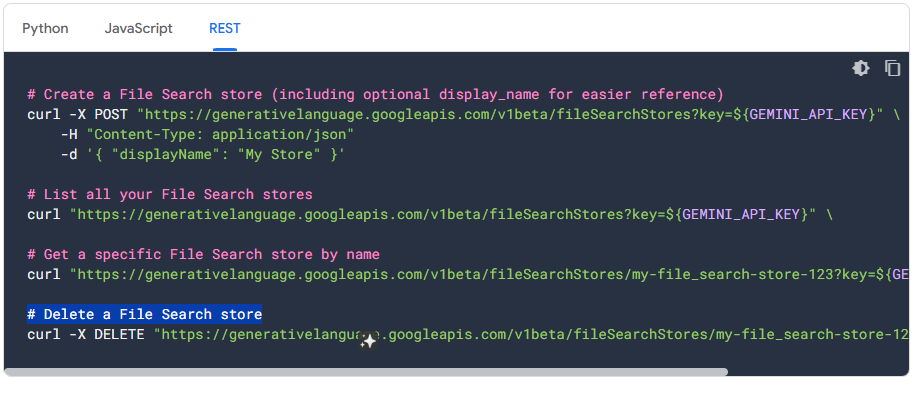
Has anyone implemented automation for updating or deleting files in a Gemini File Search namespace? For example, if a file is deleted from Google Drive, it should automatically be removed from the namespace. If you have a solution or example, please share it.
Describe the problem/error/question
What is the error message (if any)?
Please share your workflow
(Select the nodes on your canvas and use the keyboard shortcuts CMD+C/CTRL+C and CMD+V/CTRL+V to copy and paste the workflow.)
Share the output returned by the last node
Information on your n8n setup
- n8n version:
- Database (default: SQLite):
- n8n EXECUTIONS_PROCESS setting (default: own, main):
- Running n8n via (Docker, npm, n8n cloud, desktop app):
- Operating system: