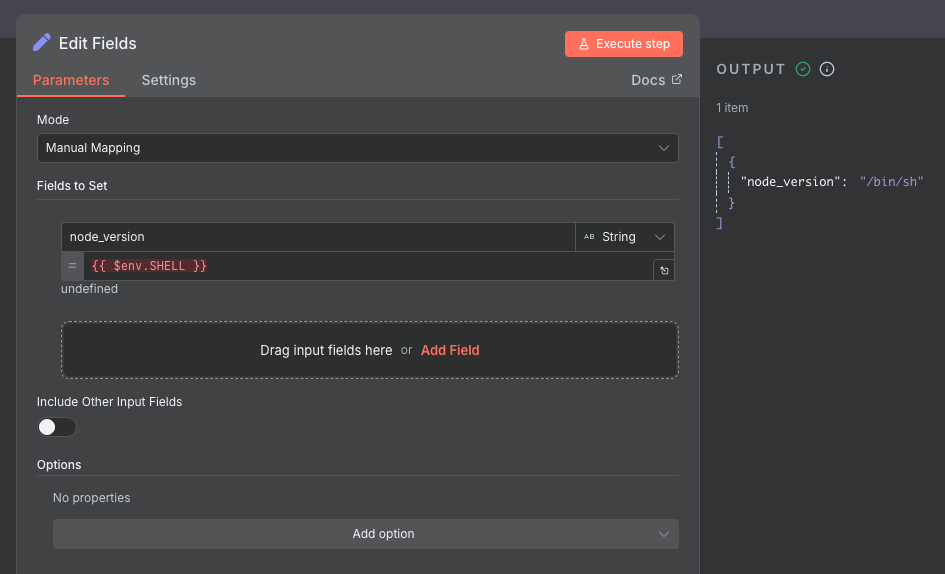
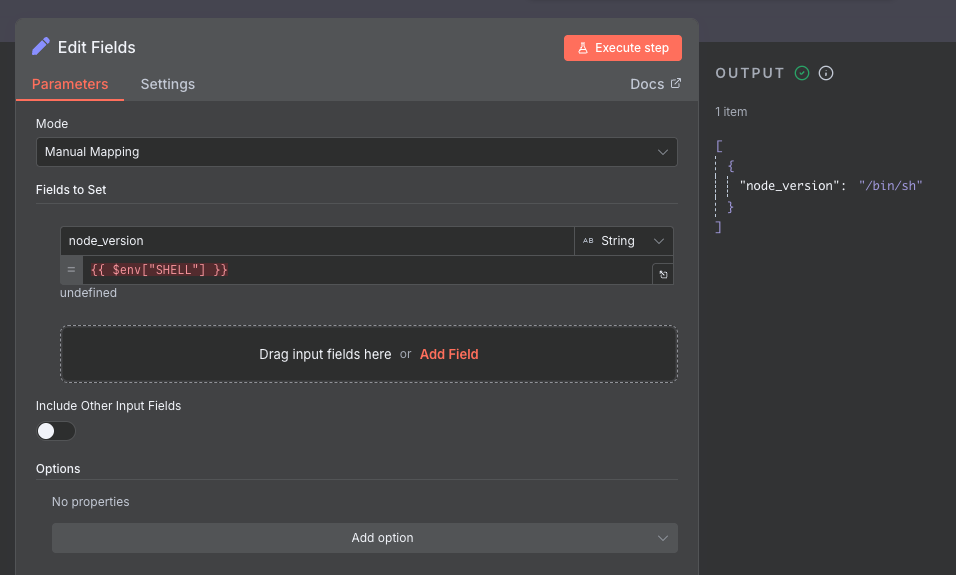
I’m experiencing an issue with accessing environment variables in my self-hosted n8n setup. Expressions like {{$env["TEST"]}}, return null, and $env itself returns an empty object {}.
This used to work before (as referenced in this previous discussion: How to define custom environment variables available in the n8n workflow - #14 by sscarduzio ), but now it seems like environment variables are no longer accessible from workflows.
Information on your n8n setup
n8n version: 1.107.3
Running n8n via Docker
Environment variables are set on the system level
Has anyone encountered this issue recently? Any insights on what might have changed or how to troubleshoot this would be greatly appreciated.
Thank you for your help! I’ve set N8N_BLOCK_ENV_ACCESS_IN_NODE to false, but unfortunately that hasn’t resolved the issue yet. I’ll continue experimenting and will post back with the results.