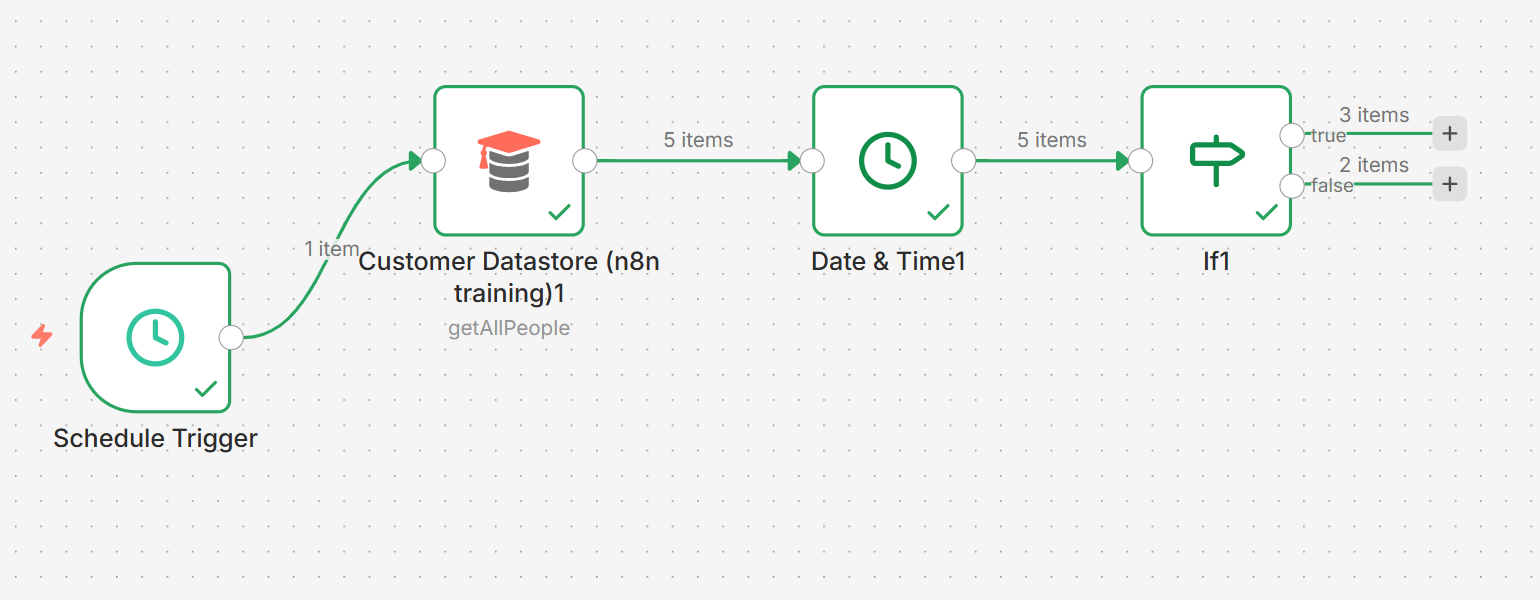
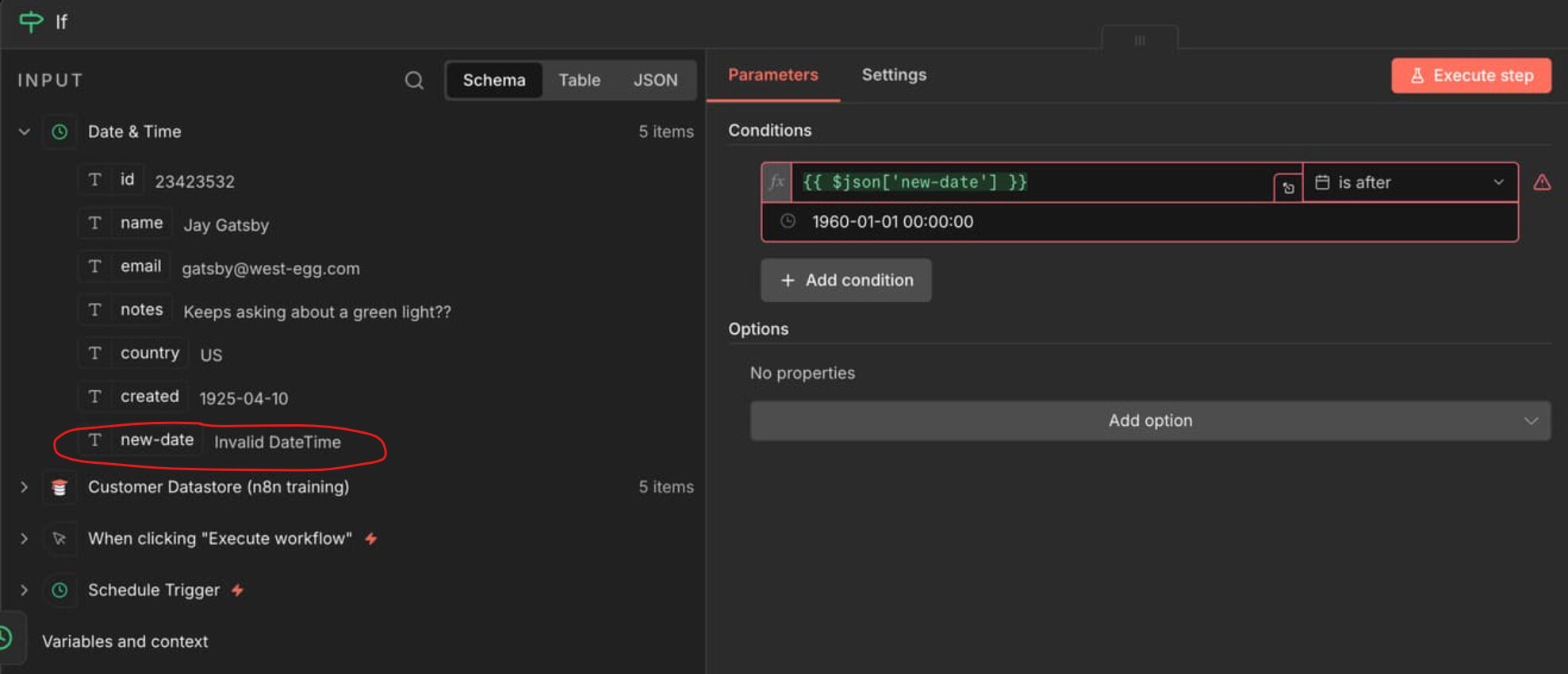
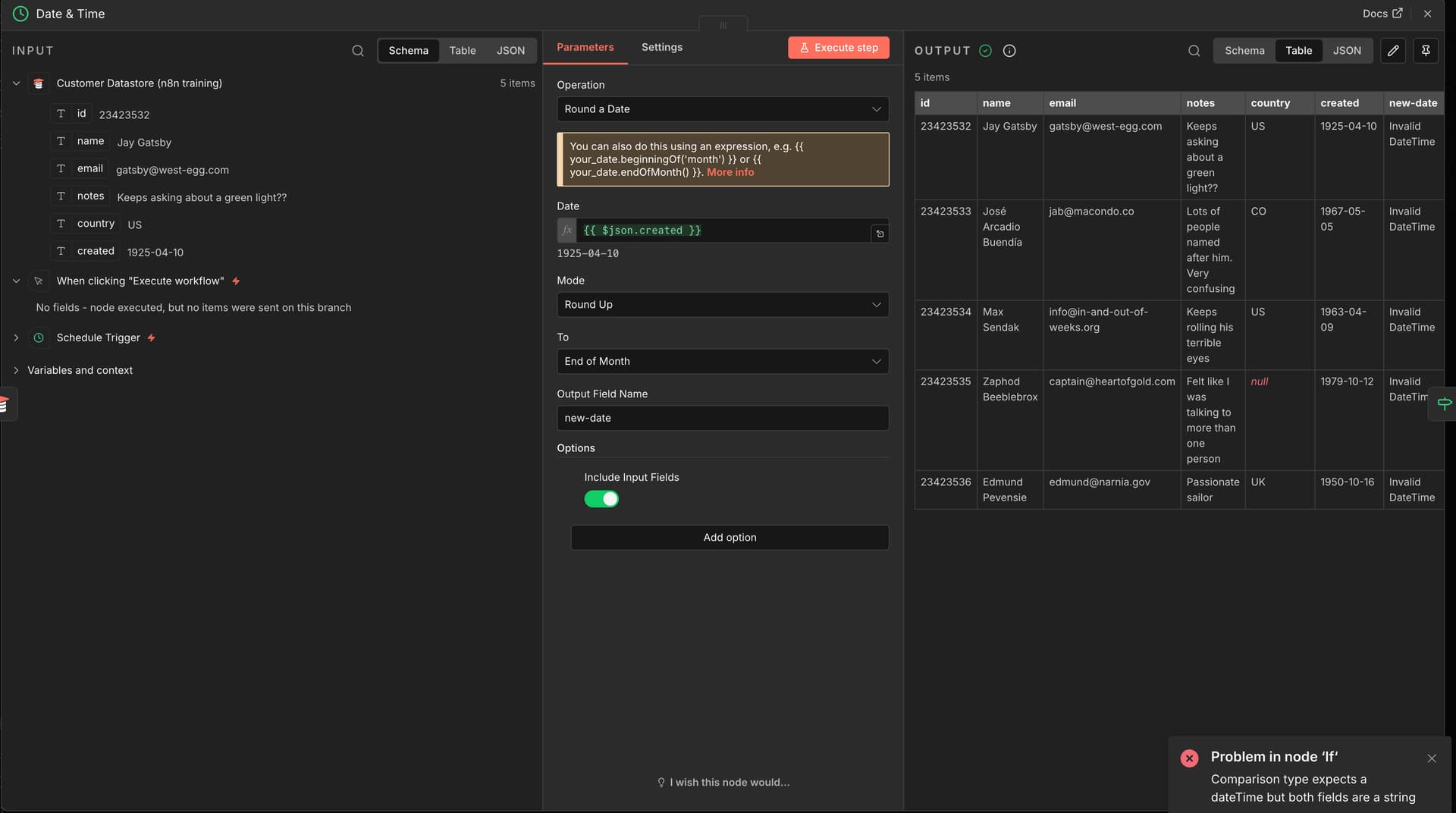
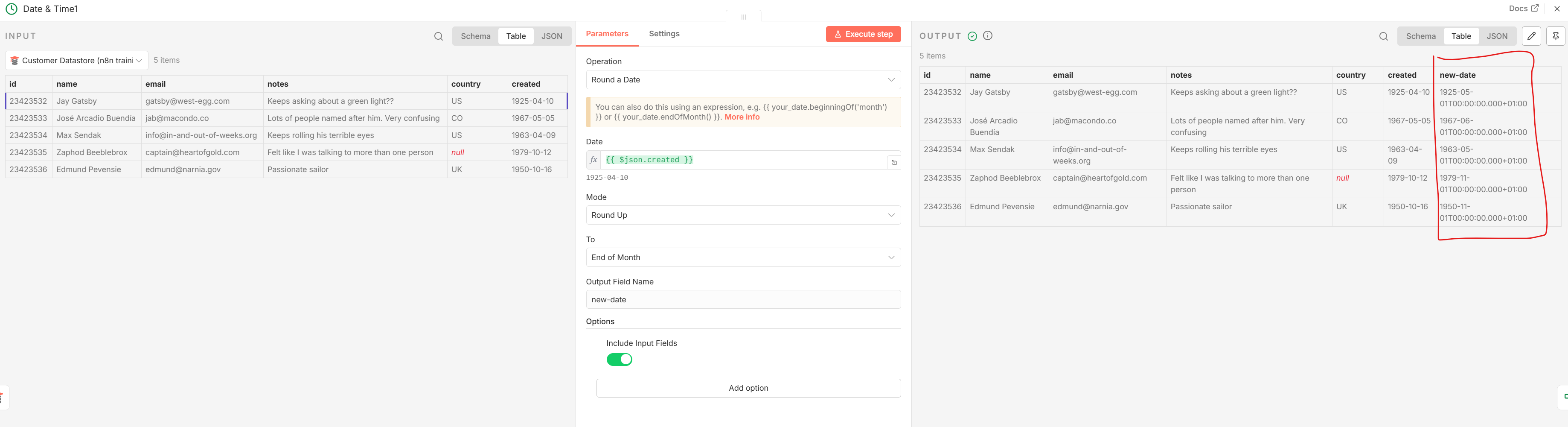
I am currently doing the Level 2 course and am on the Data Exercise example on the Processing different data types | n8n Docs website. I copied the JSON and wanted to try out the code, but the IF statement is not working. Every time I get an error saying that it is a string and does not match the date-time. I haven’t changed anything in the code and would like to understand how to solve this. In addition, the code offered as a solution in the course itself should work. Please be patient with me, I am completely new to this whole Space.
hey @Gregor welcome to the forum! So barn4k spotted it right, the issue is actually happening in the Date & Time node before the IF, not in the IF itself. When you see “Invalid Date” showing up in that preview that means the conversion already failed upstream and then the IF node is just complaining because it’s getting garbage instead of an actual datetime object.
The thing with that course workflow is it was probably built on an older n8n version and the Date & Time node has gone through some changes, so sometimes the field references or format strings don’t quite match up anymore. Open up your Date & Time node and check what field it’s trying to read from and what format it expects, then compare that against what’s actually coming in from the previous node. Usually it’s either the field name is slightly off or the incoming date string format doesn’t match what the node is configured to parse.
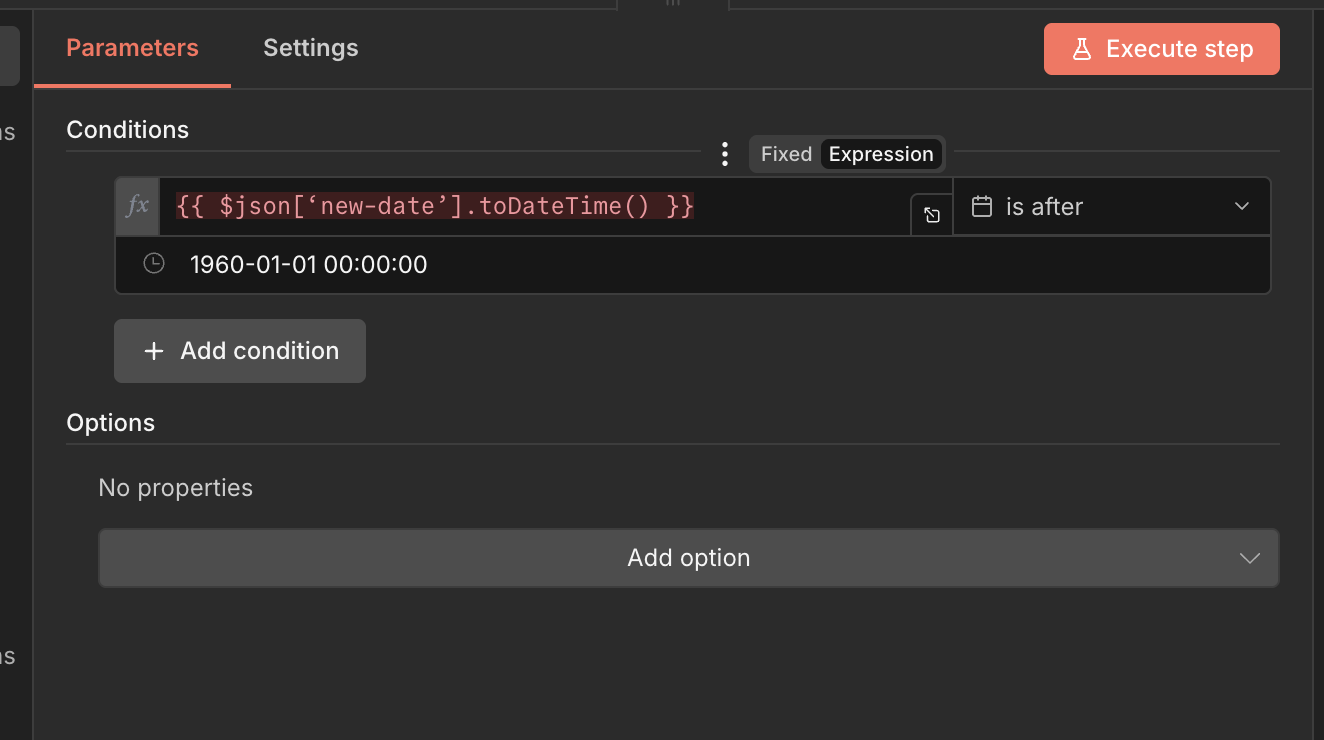
If you want to skip messing with the Date & Time node entirely you can do what Msquare suggested and just use `.toDateTime()` directly in your IF condition on the raw date string, that’s often easier than trying to get the Date & Time node config exactly right.
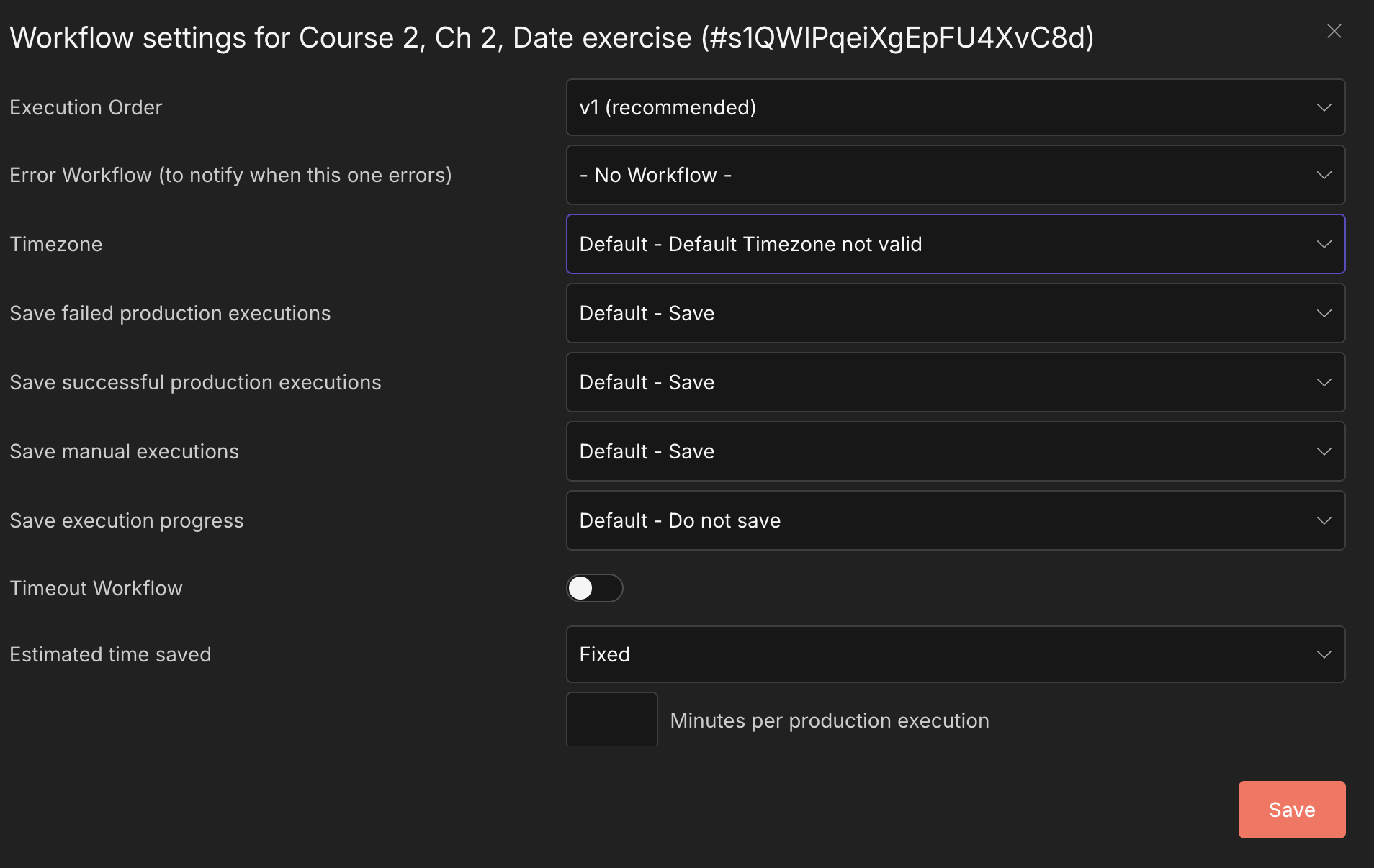
Guys i found the mistake on my own. I think it was cause on my settings the Timezone was on Default. Where can i change this globally? I need to change this on every Workflow. After i changed this to my TZ the workflow is working haha