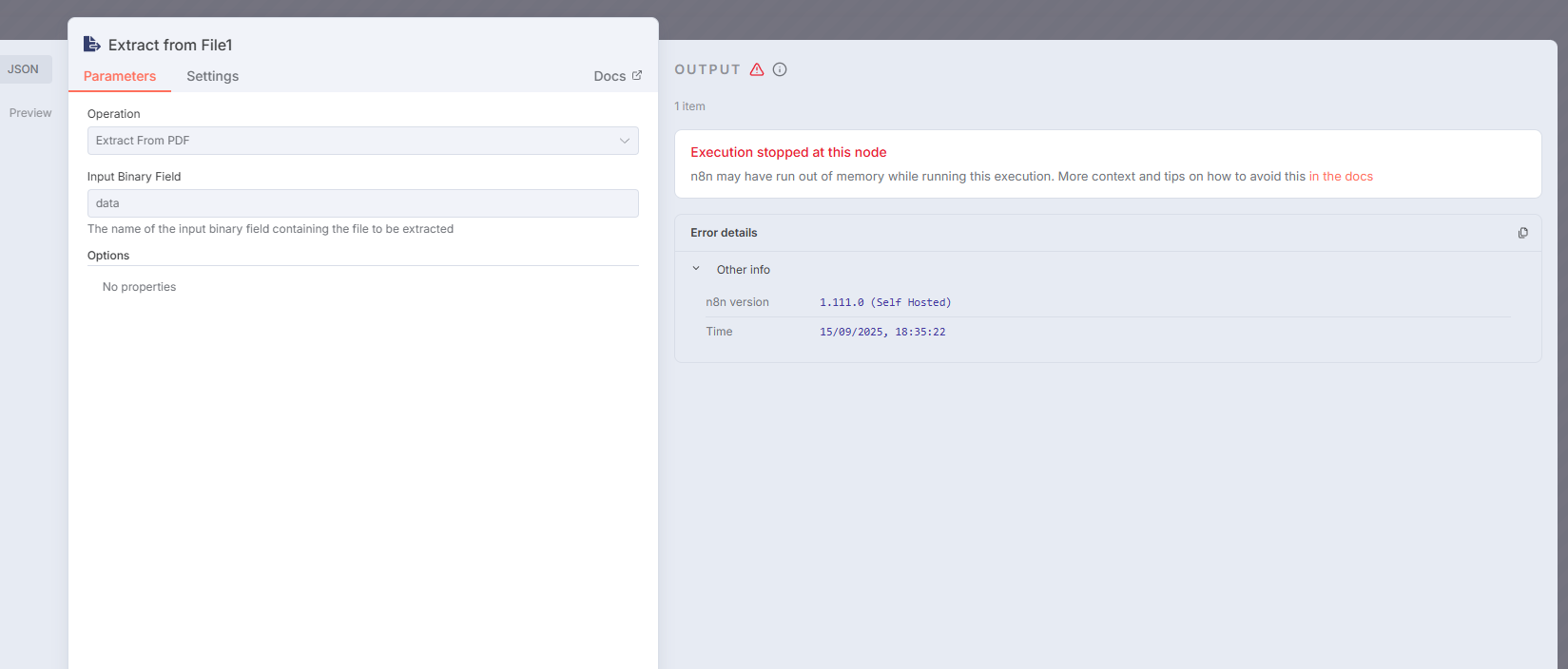
Hello. When I try to run the “Extract From File” (PDF) node in my workflow, the node doesn’t execute and an intermittent message appears saying Connection Lost.
I rule out connection issues, since this error only occurs with this specific PDF extraction node.
I rule out memory or CPU issues, since my virtual machine has 8 cores and 8 GB of RAM (and I am only trying to extract a 157 KB PDF).
My N8N is self-hosted and I’m using version 1.111.0.

Hey @Marcos_Fouyer hope all is well.
If this PDF something you can share, so we could test and see if we get similar problem trying to extract info from the file?
Hey @jabbson.
I cannot share a PDF as there is no sharing option for this type of file.
However, I have already tested with several types of PDFs (with different sizes) and none of them worked. All of them showed me a message in the top right corner saying ‘Connection Lost’, but this only happens with this node. Please see the behavior in the video I recorded, attached here.
You can try to share the file through Google Drive or any other file sharing solution.
Thank you, I attempted to read the file with extract from file and had no issues with it, so we can be sure this is not about the file.
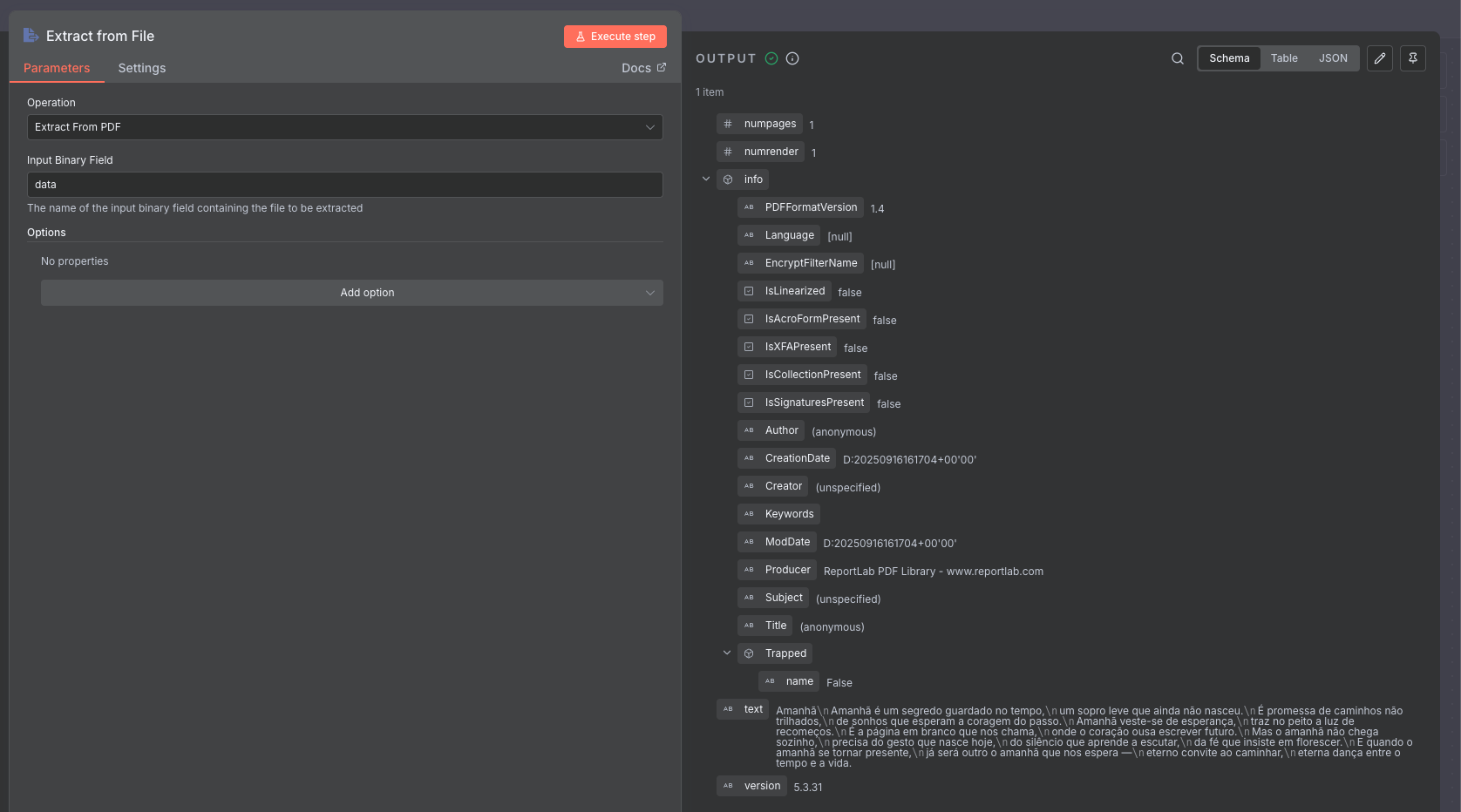
Alright, thanks for the help. I also tested it on my N8N cloud account and it worked perfectly, but I want this to work on my Self-Hosted N8N. The problem is certainly in some configuration of my Self-Hosted setup, but I don’t know which one. I’ve noticed that there are other users complaining about the same issue in version 1.111.0, but so far no one has provided a solution for it.
Quer que eu adapte para um tom mais técnico e formal, como num fórum de suporte, ou mantenho esse tom conversacional?
It still looks like memory or virtual machine issue.
If you don’t run it through UI. (Test if it’s UI issue)
Let’s say activate the workflow and upload the file in google drive.
Then open the n8n UI to check the execution will work.
To test if it’s machine issue.
You can use terminal and there are commands can check how much resource is using realtime.
Then doing the test and check the how much resource is using.
Other config you can check.
If you are using Docker. Check if you can allocate more memory to n8n instance.
Not sure if your n8n can use all 8g memory that your virtual machine has.
Hi @darrell_tw.
I’ve been researching, and on N8N’s GitHub there are some people complaining about the same issue ( Out of Memory when using "Extract from File" node with "Extract From PDF" · Issue #19359 · n8n-io/n8n · GitHub ).
In fact, it seems to be a problem related to the virtual machine configuration.
A guy who had the same issue managed to solve it by configuring the virtual machine through Proxmox.
In my case, I’m using VirtualBox. Tomorrow I’ll try to replicate the configurations on my VirtualBox to see if it works.
After many tests, I found out that the root of the problem was not exactly in n8n or in the node itself, but rather in the virtualization layer where the environment was running.
In my case, I was running n8n inside a VirtualBox VM, and the way virtualization exposes CPU instructions to the system invites conflicts.
Some heavier operations involving file reading and parsing (such as with PDFs) end up failing because the VM doesn’t properly deliver the required hardware resources. This has already been reported by other users in virtualization environments like Proxmox, when the CPU is not configured to be passed “in host mode” to the guest machine.
 What was causing the issue:
VirtualBox (and other hypervisors) do not always pass all CPU instructions transparently to the VM.
The result is that intensive processing operations (such as text extraction from PDFs) fail because they don’t have access to those instructions.
That’s where the “Connection Lost” error came from—it wasn’t about network or memory, but rather incompatibility at the virtualization layer.
How I solved it:
The solution was to remove n8n from the virtual machine and install it directly on Docker (on the host system).
In Docker, hardware access is much more direct and consistent, without the VM barrier. Since then, the “Extract From File” node has been working normally, even with heavier PDFs.
Therefore, for those facing the same issue in a Self-Hosted environment, the practical recommendation is:
If possible, run n8n directly in Docker (or another bare-metal environment).
If a VM is mandatory, ensure that the CPU configuration is set to “host” mode with virtualization instructions enabled (in Proxmox, for example, host instead of x86-64-v2-AES).
1 Like
Thanks for your reply.
Can you advice any ways to solve this issue for me?
I dont have VM, n8n runs on synology nas via portainer (container manager).
I’ve tried to provide n8n container with all the RAM and CPU, but still have this error.
i indeed encounter the same issue: “connection lost” error when running “Extract from file”-node (pdf) in self-hosted n8n via docker container (also using portainer).
So i figured out the issue because I was also facing it on my nas where I host my n8n instance.
There is a segmentation fault in the Skia library (skia.linux-x64-musl.node). Skia is used for canvas/image rendering operations.
The problem: Your Extract from File node is trying to process an image or PDF that requires canvas rendering, and the Skia native module is crashing with an “invalid opcode” error. This often happens when:
-
Processing images embedded in PDFs
-
Rendering PDF pages as images
-
Image manipulation operations
-
The musl variant (Alpine-based n8n) hitting architecture incompatibility
The fix - switch to the Debian-based n8n image.”
1 Like
I may not understand programming, but everything was ok till version ~ 1.107 release.
Anyway, can you advice where to read about Debian/based n8n image? Will it work with docker?
Today I’ve set up another n8n docker container using jamminroot/n8n-debian:latest (on my Synology NAS) & indeed that one doesn’t crash on “Extract from file” node. I also read that downgrading n8n to 1.106.x should work. (Note that I tried increasing memory allocation etc before, but it kept crashing, so I think it’s just a bug in the latest n8n versions.) (btw For some reason I can’t seem to import or copy/paste json workflows to this n8n instance, while directly importing from Discover 5828 Automation Workflows from the n8n's Community does work.)
I have the exact same problem in my self-hosted n8n instance on a Proxmox LXC container.
I did not try the any Debian images since I could not find a recent official one.
I can also confirm this problem did not exist in a previous version.
I tried to find an independent issue on Skia about a this kind of problem, but I couldn’t. So, this comment have become an effort to keep this topic alive.
Same happening with me with n8n self hosted instance on my Rpi 4 B 8GB running a modified debian bullseye, and the official debian based image is over 2 years old atp.
I solved it as follows:
Prerequisites:
- You need to build your own Docker image with a Dockerfile to install
poppler-utils:
FROM docker.n8n.io/n8nio/n8n:latest

USER root
RUN apk --no-cache add poppler-utils

USER node
- You need to add the following environment variable to your
docker-compose.yaml:
environment:
  - NODE_FUNCTION_ALLOW_BUILTIN=child_process,fs
- Use this Workflow for extracting the text from pdf