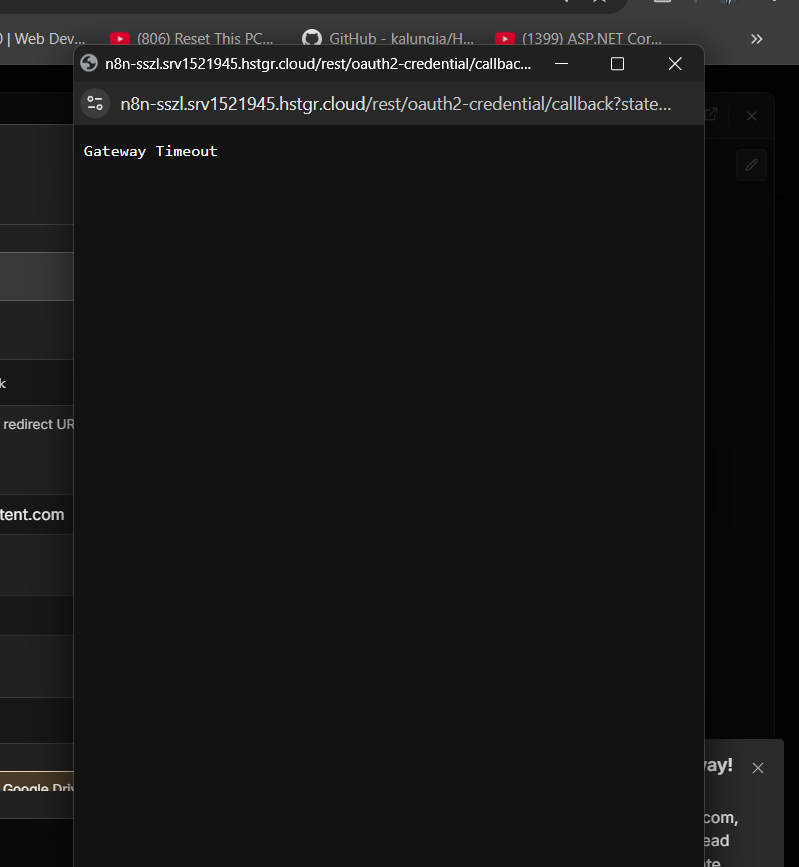
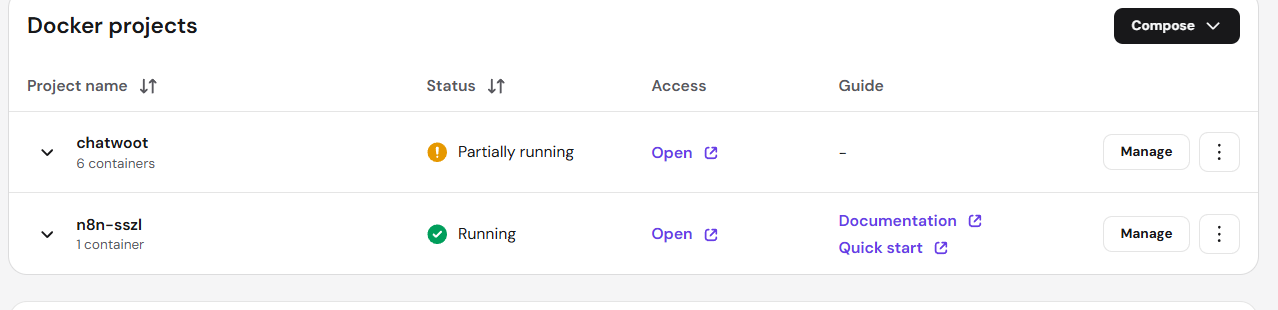
I have deployed n8n on hostinger through their latest template feature already chatwoot is install , but when sign in with google for sheet integration timeout error shows up , how to fix it
1 Like
Hi Welcome! This is almost certainly your WEBHOOKURL and N8NEDITORBASEURL env vars not being set to your actual public Hostinger URL, so Google’s redirect can’t reach n8n. Set both to https://n8n-sszl.srv1521945.hstgr.cloud and make sure the redirect URI in Google Cloud Console matches https://n8n-sszl.srv1521945.hstgr.cloud/rest/oauth2-credential/callback exactly
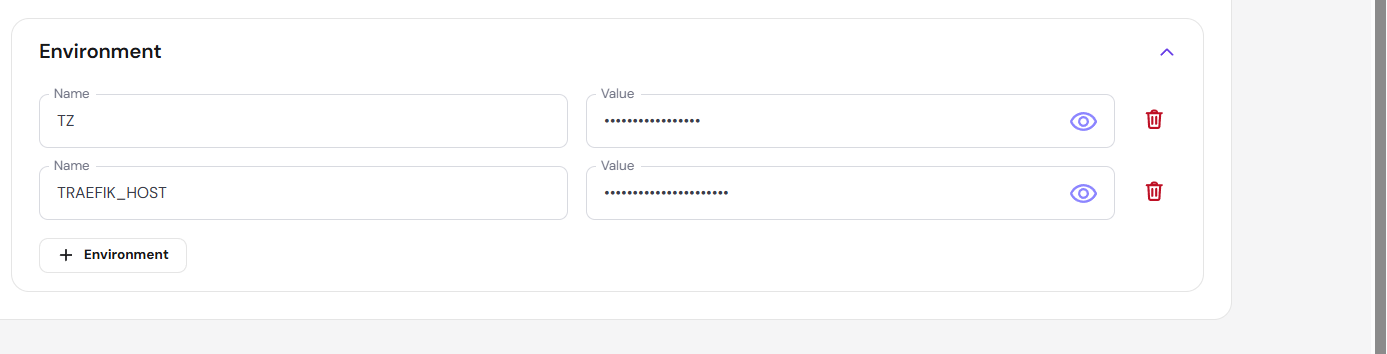
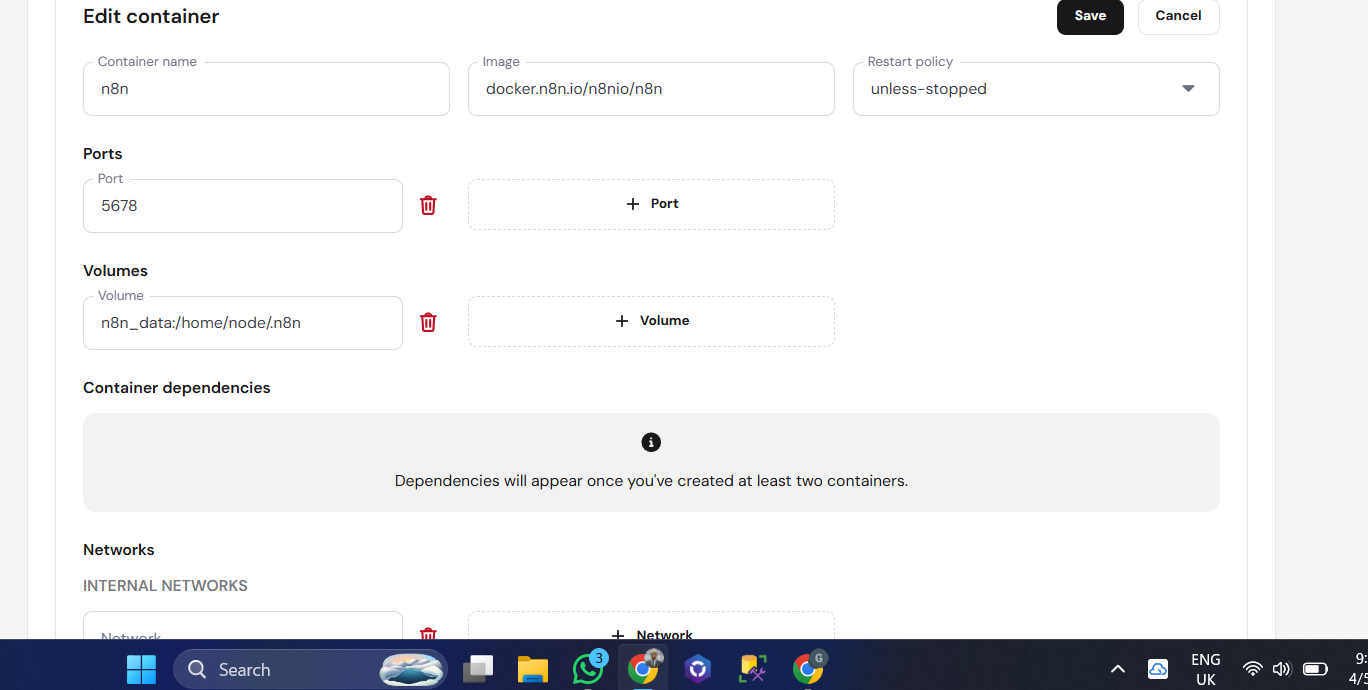
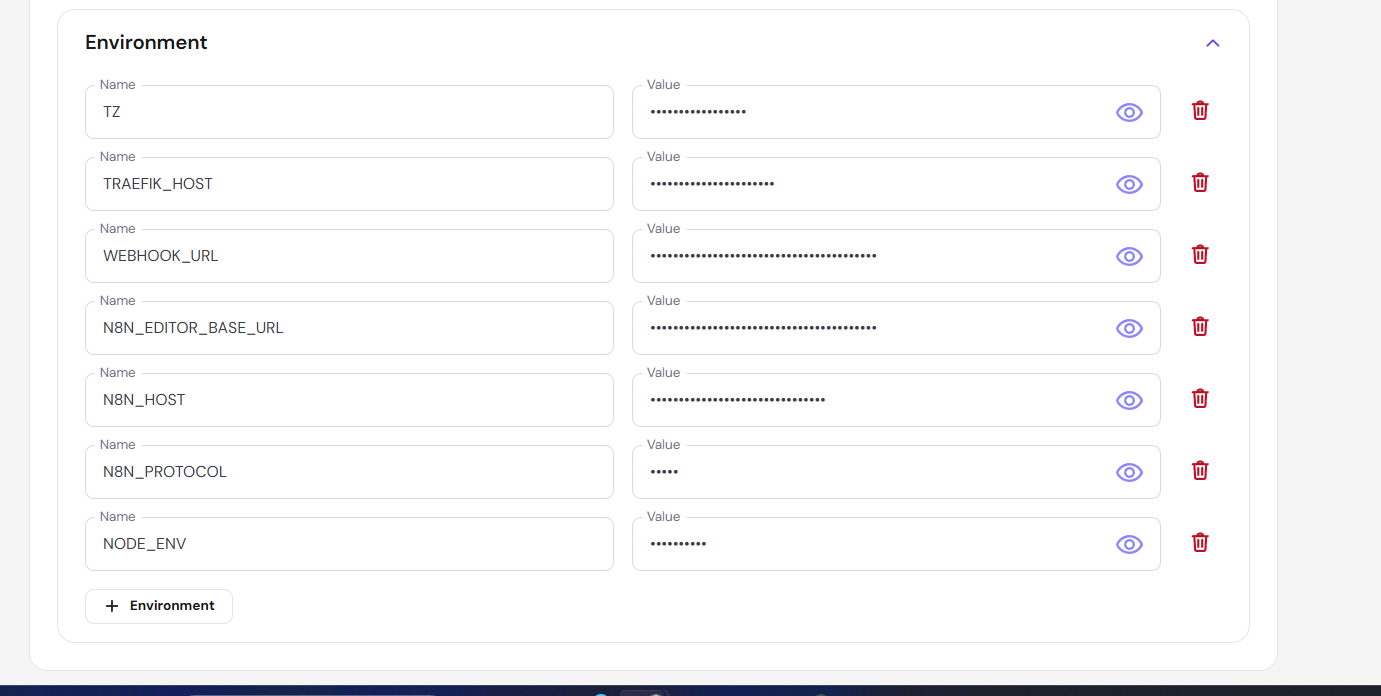
Yeah looks right, just make sure you restart the n8n container after saving those env vars so it picks them up.

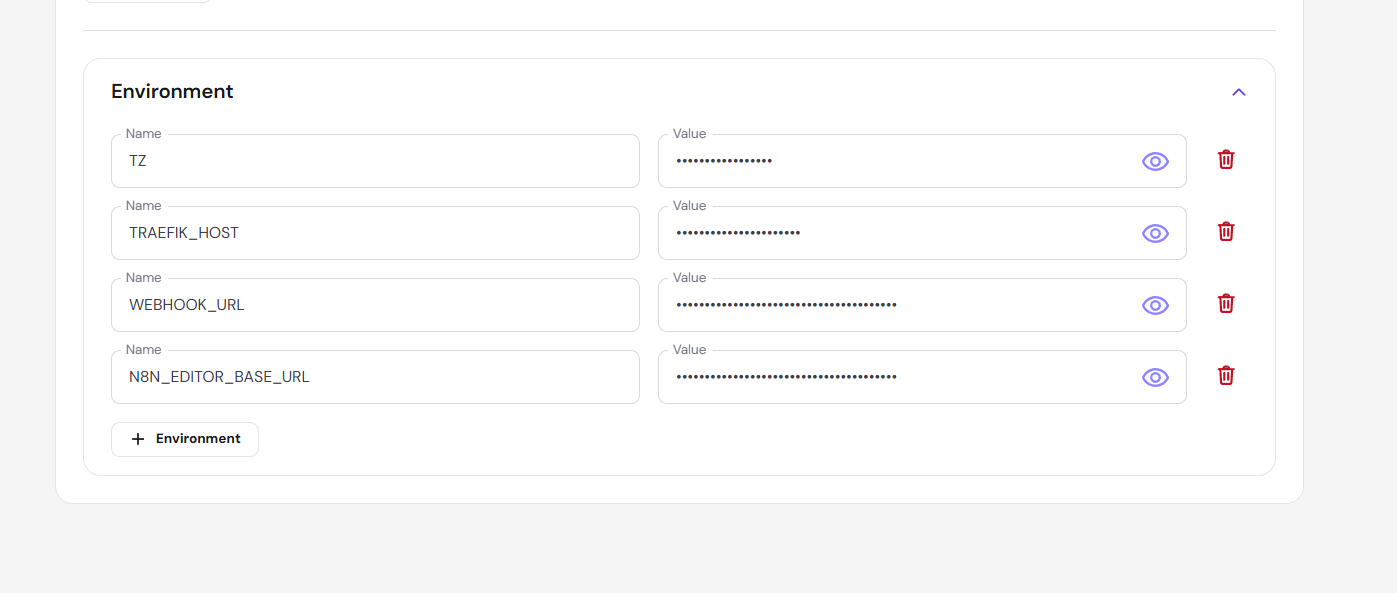
That looks right. Just double-check that the OAuth redirect URI in Google Cloud Console exactly matches https://n8n-sszl.srv1521945.hstgr.cloud/rest/oauth2-credential/callback — that’s the most common cause of timeouts. Save it, then try signing in again.
didnt work either , i deployed dokploy and then installed n8n , and it worked then
1 Like
can you please share the env variable u added , or a video demostration , because am getting confused of how can i do this
@Burhan_Nathdwara
you just need to add one missing variable.
In that same section where you added WEBHOOK_URL, click + Environment and add:
Name: N8N_PROXY_HOPS
Value: 1
Save the container and restart it completely.
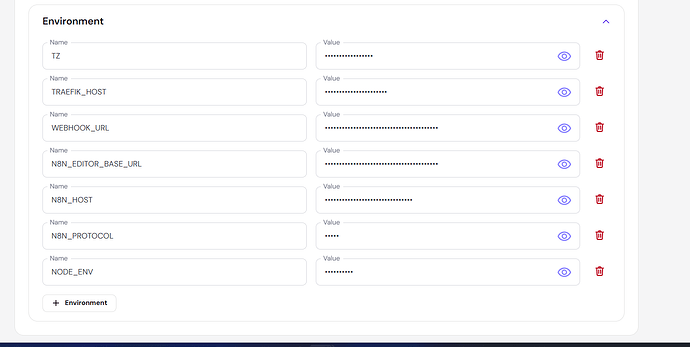
After restart, do this:
- Delete your current Google credential in n8n
- Create it again
- Copy the redirect URL from n8n
- Paste it EXACTLY into Google Cloud Console
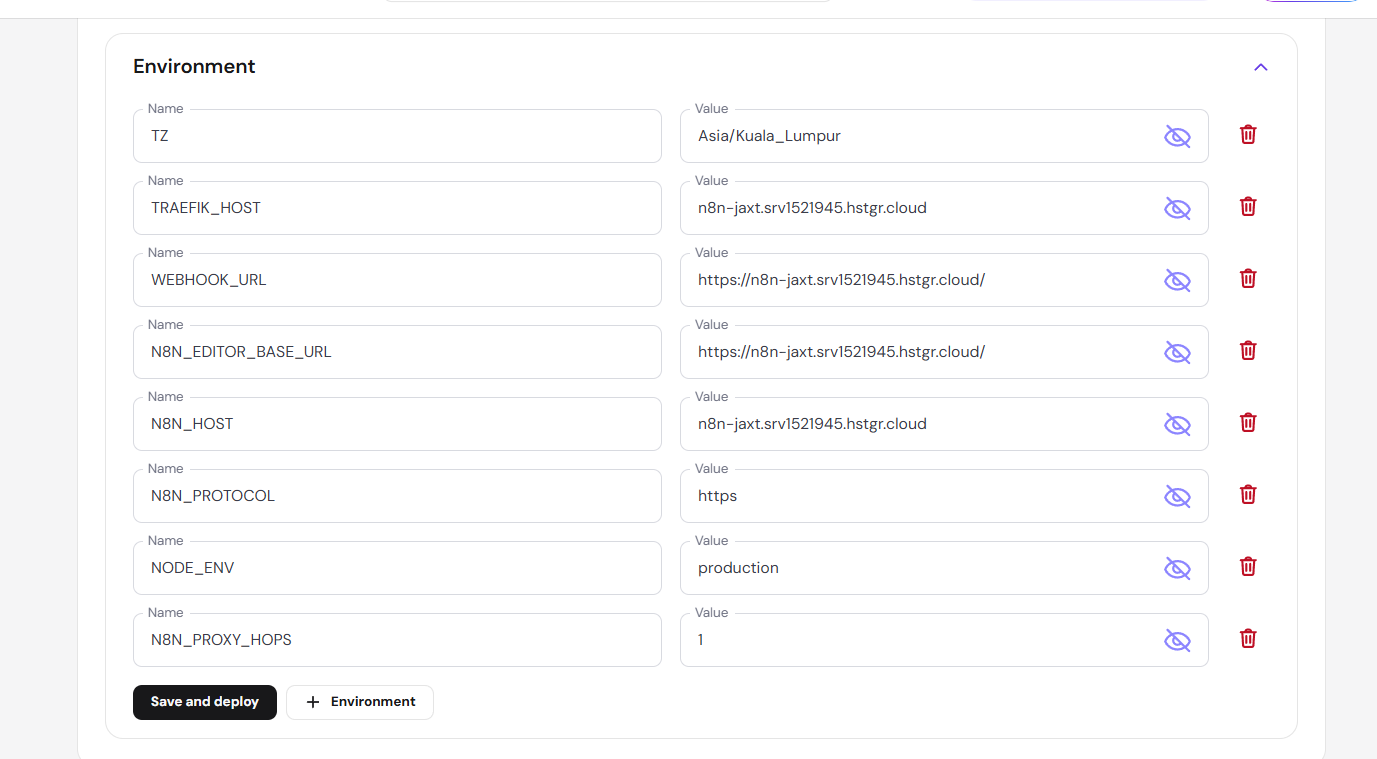
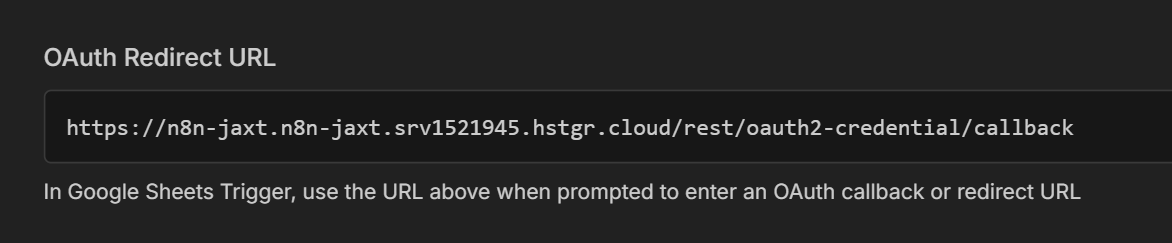
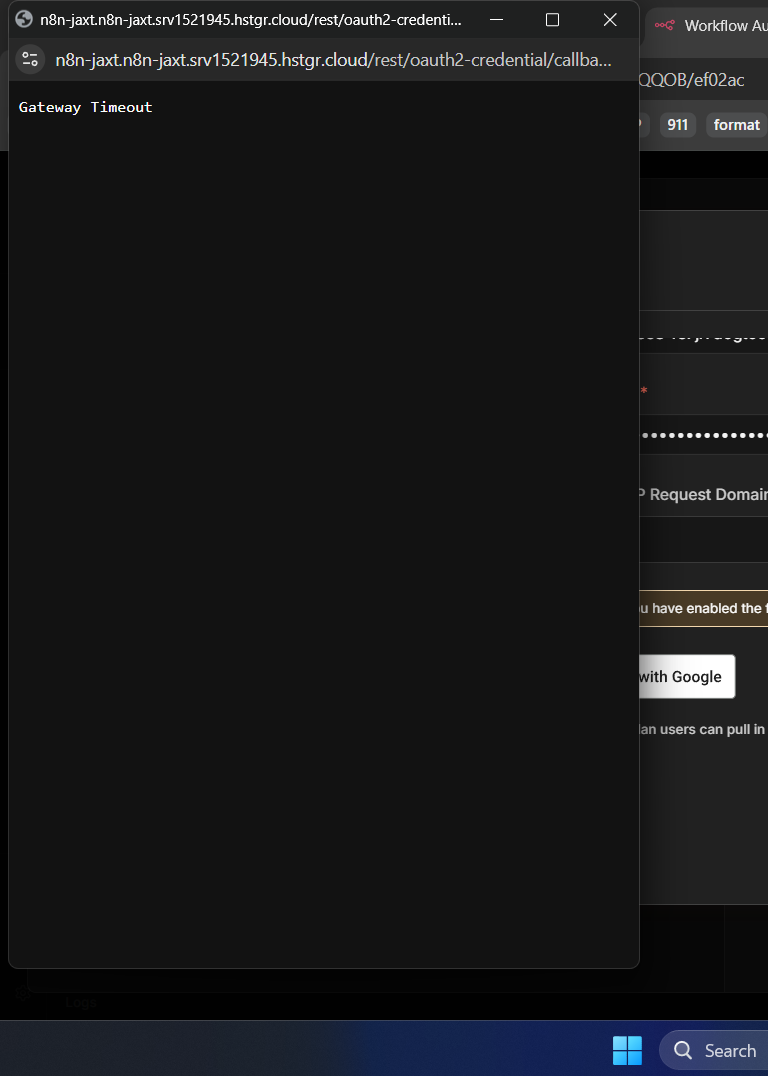
@Burhan_Nathdwara
What I see from your screenshots is that n8n is generating the wrong OAuth redirect URL. The domain is being duplicated (n8n-jaxt.n8n-jaxt…), so Google is redirecting to the wrong address.
I’d fix N8N_HOST, WEBHOOK_URL, and N8N_EDITOR_BASE_URL so they all use exactly https://n8n-jaxt.srv1521945.hstgr.cloud, then restart the container, recreate the Google credential, and update the new redirect URL in Google Cloud.
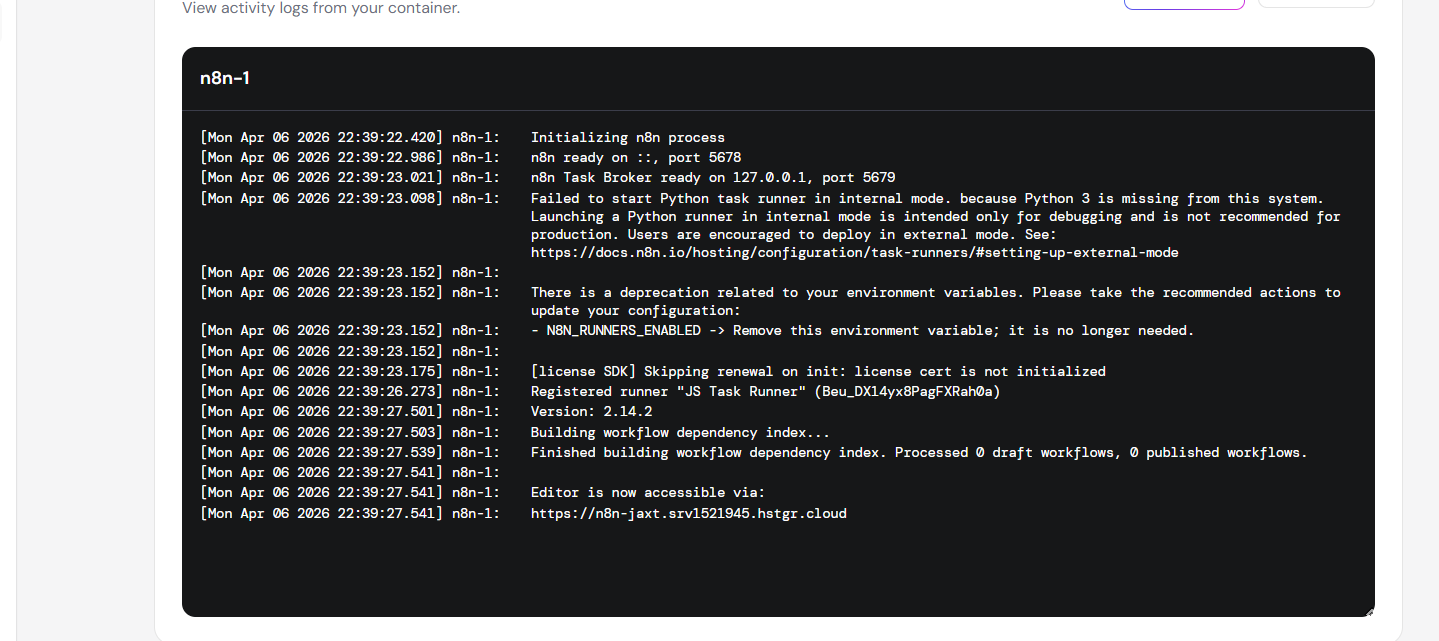
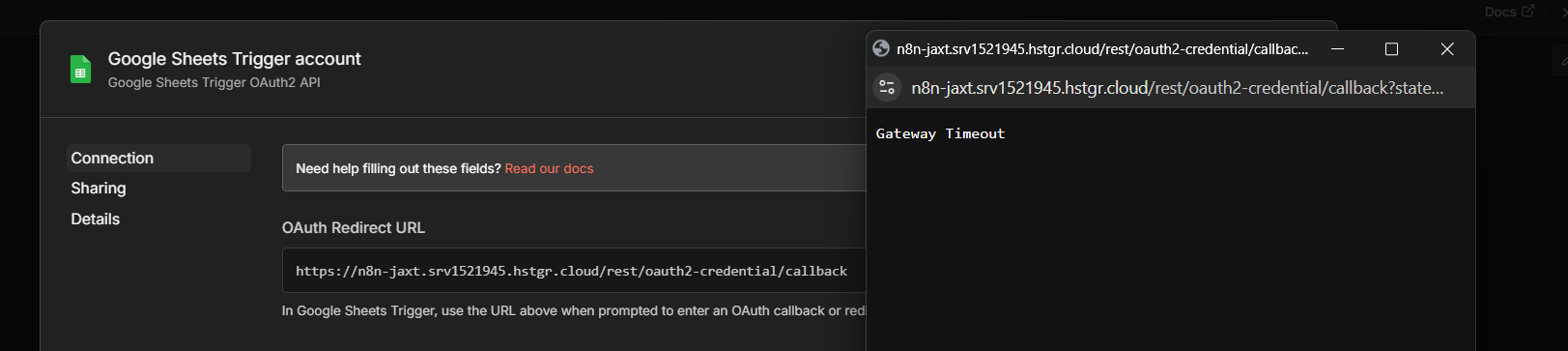
my fix would be leave the n8n env vars as they are, verify Hostinger/Traefik is routing all paths for n8n-jaxt.srv1521945.hstgr.cloud to the n8n container on port 5678, and confirm those X-Forwarded- headers are passed through. Once that proxy routing is corrected, the Google sign-in callback should stop timing out.
worked , issue was of traefik accessing directly the port , fixed the yml and it worked
1 Like
great  !
!
1 Like
@Burhan_Nathdwara
please consider leaving a like or marking the reply as the solution ( it helps others find the answer more easily and also supports community contributors.)
1 Like
For Sure ,
Thanks for the support