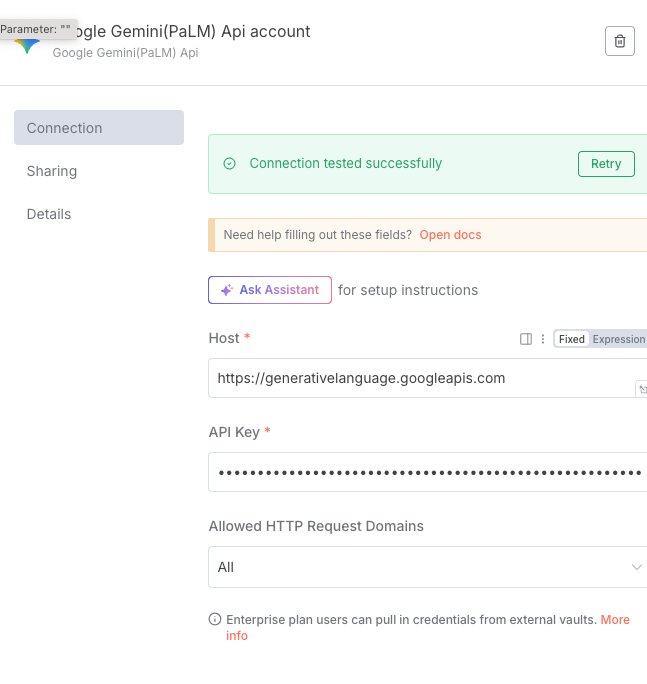
I have been trying to connect the Gemini API and keep getting the same error saying “Couldn’t connect with these settings
Authorization failed - please check your credentials“
Please help if anyone ran into the same problem and managed to solve it. API keys have been generated in cloud and all restrictions (set to Vertex AI only) set as requested.
From the error, it looks like there could be an issue with the exact api key. Can you regenerate one from https://aistudio.google.com/apikey and try again?
taking my words back. Google is super confusing, I have been working in Vertex AI Studio , and totally missed that there is a separate Google AI Studio… Thank you @jabbson
Thank you! Looking back, your suggestion was correct. I was trying to use the keys from Vertex AI Studio and was completely oblivious that there is a Google AI Studio…