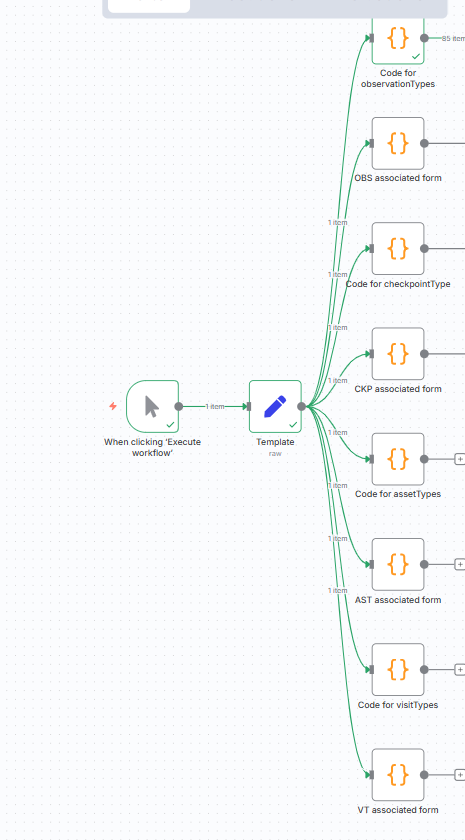
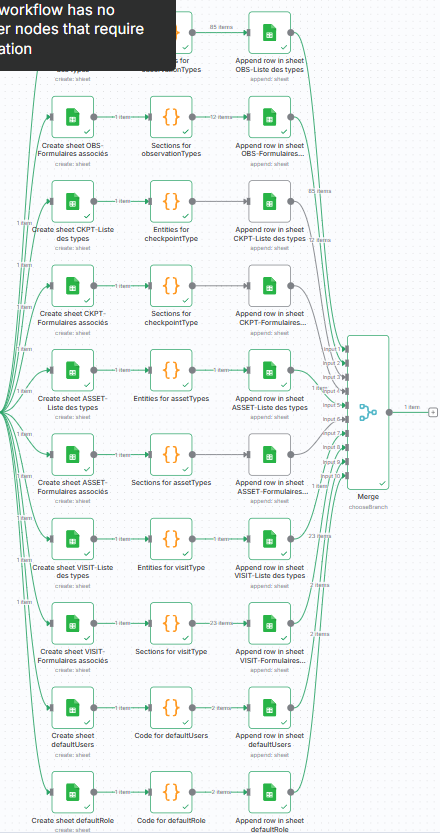
hello i’m using an n8n workflow in order to generate and xlsx file with multiple sheet , every sheet will take the output of js code node .could you help me please with that
Hi @wassim_jguirim, Are you open to use something like Google Sheets and then download the file as xlsx? It will be a lot easier to handle the different sheets like this, or unless you have a Microsoft Excel 365 account, then that would be your best bet. Using the Convert to file node is limited to 1 sheet at a time
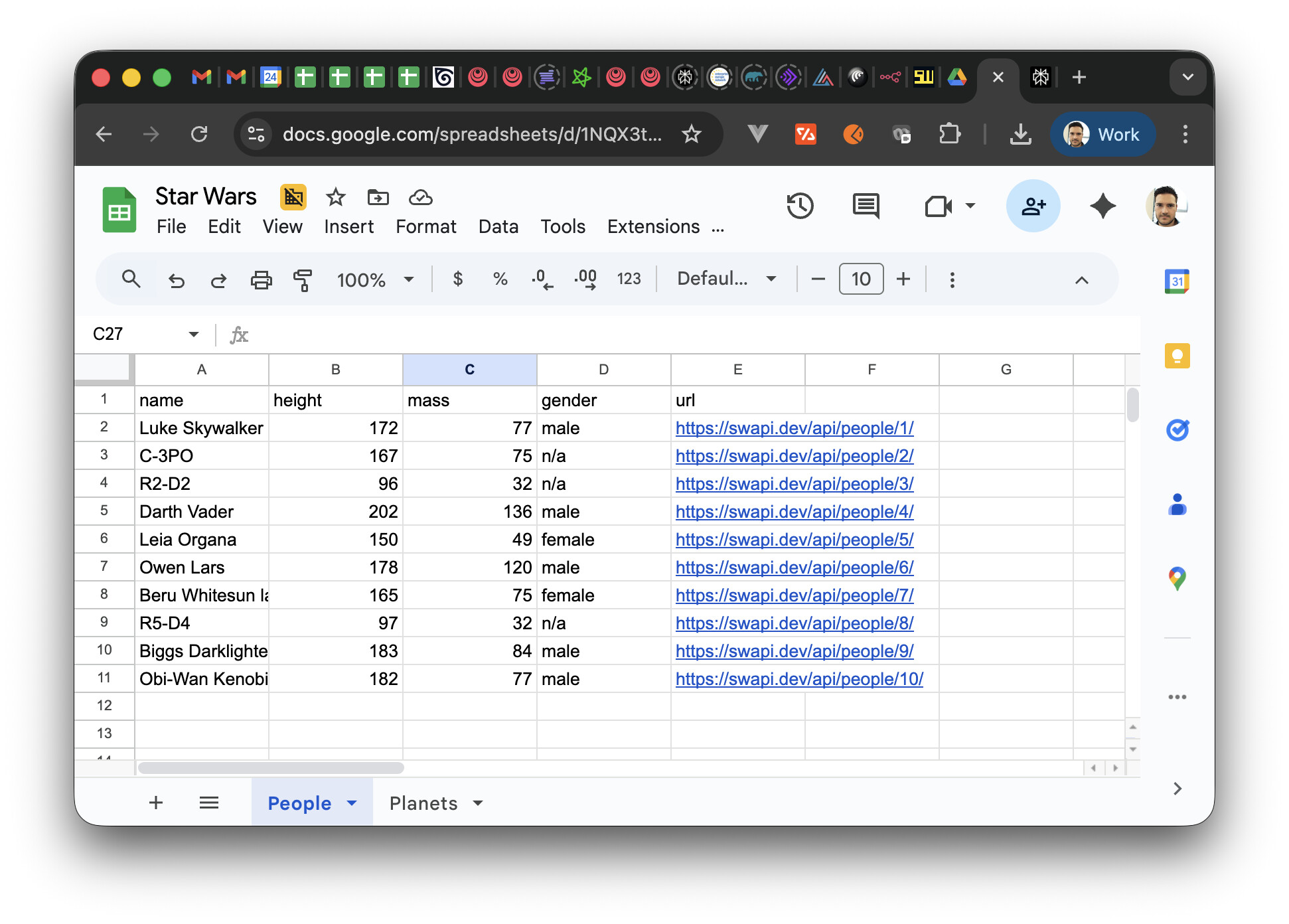
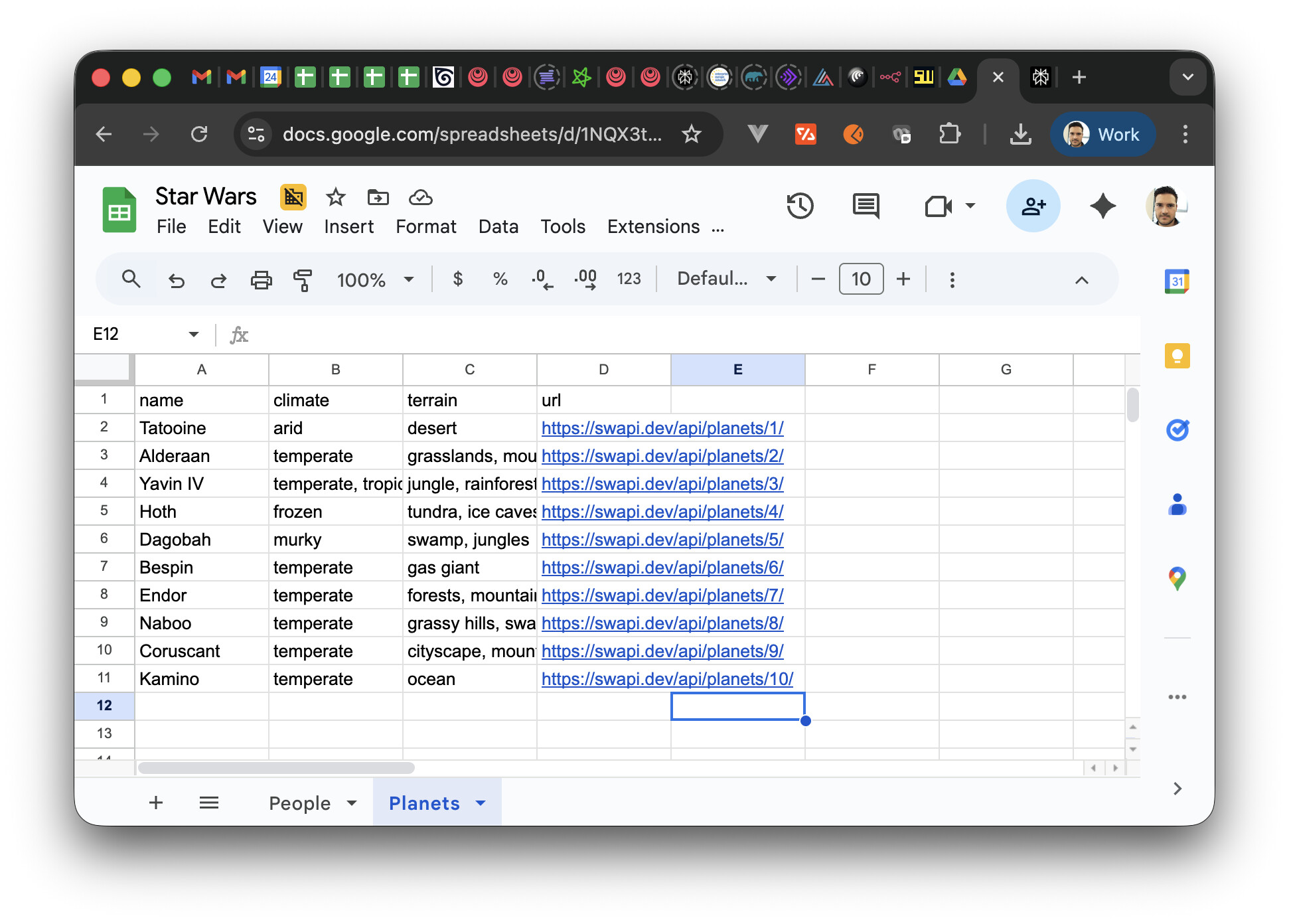
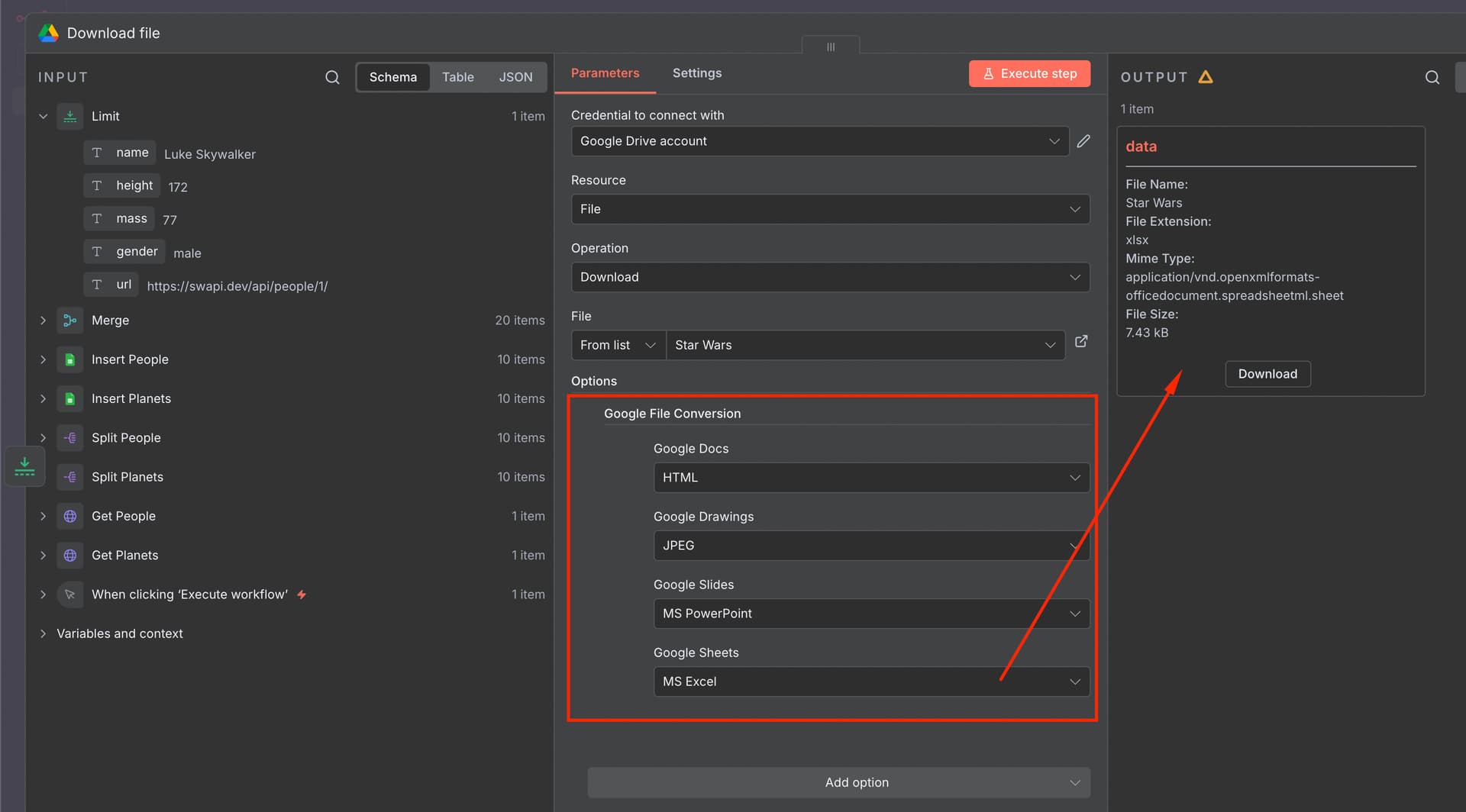
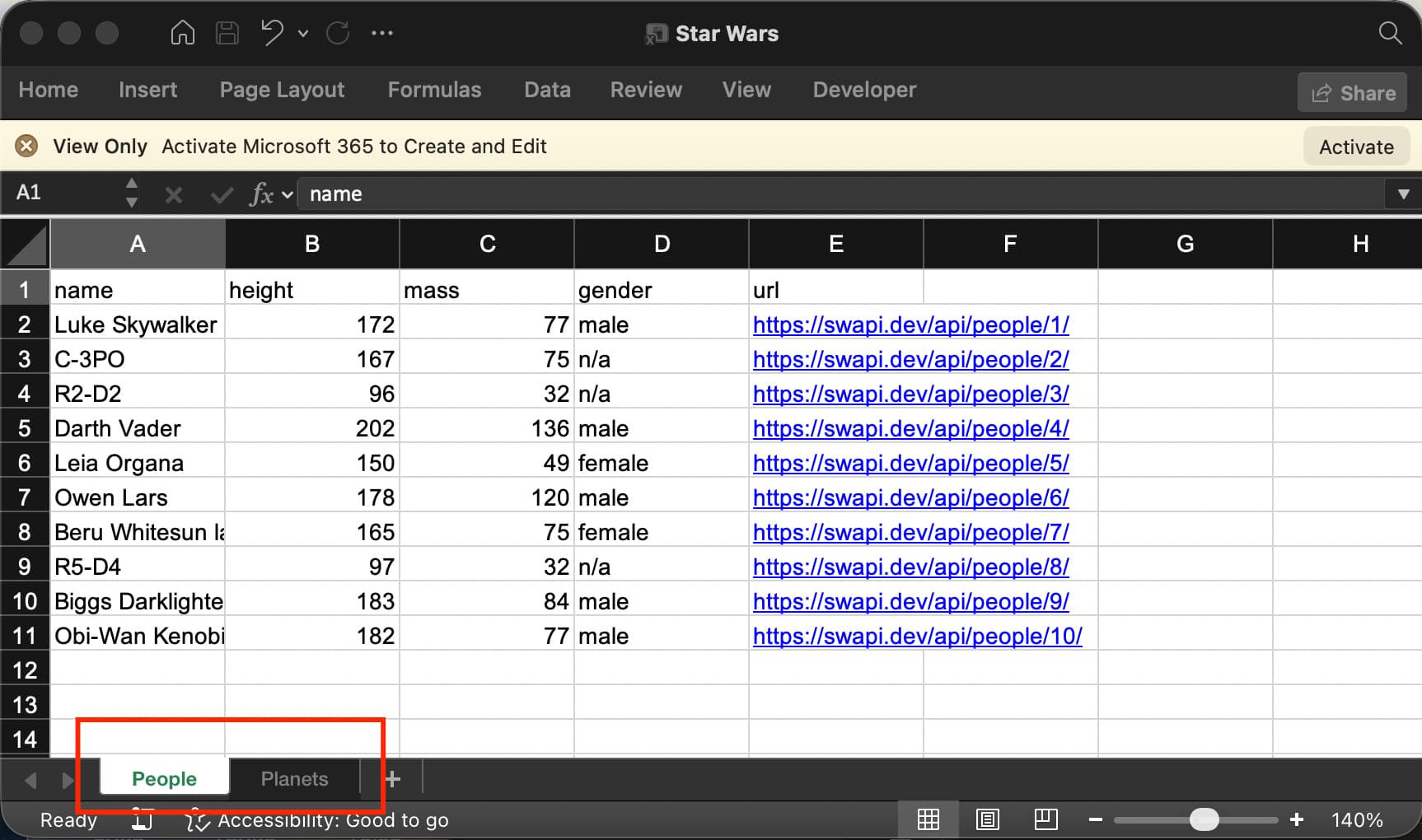
Here is an example of writing two different sets of sample data (from the star wars api - people and planets) to separate sheet tabs on the same google sheet. At the end we then just merg back in and limit to 1 item to download the Google Sheet as a xlsx file.
Hi @Wouter_Nigrini, I have the same challenge, but I would have to do it with Microsoft Excel.
You have mentioned it would be easier with Google Sheets. Do you know how to save different extracts to an Excel file in multiple sheets using Microsoft Excel/Sharepoint? Or is this not possible today with the resources of Microsoft nodes? Thanks in advance.
@Wouter_Nigrini Thank you for sharing this example with us. However, in my use case, the number of columns and their titles are dynamic, so I’m not sure it addresses my issue, but thank you anyway.
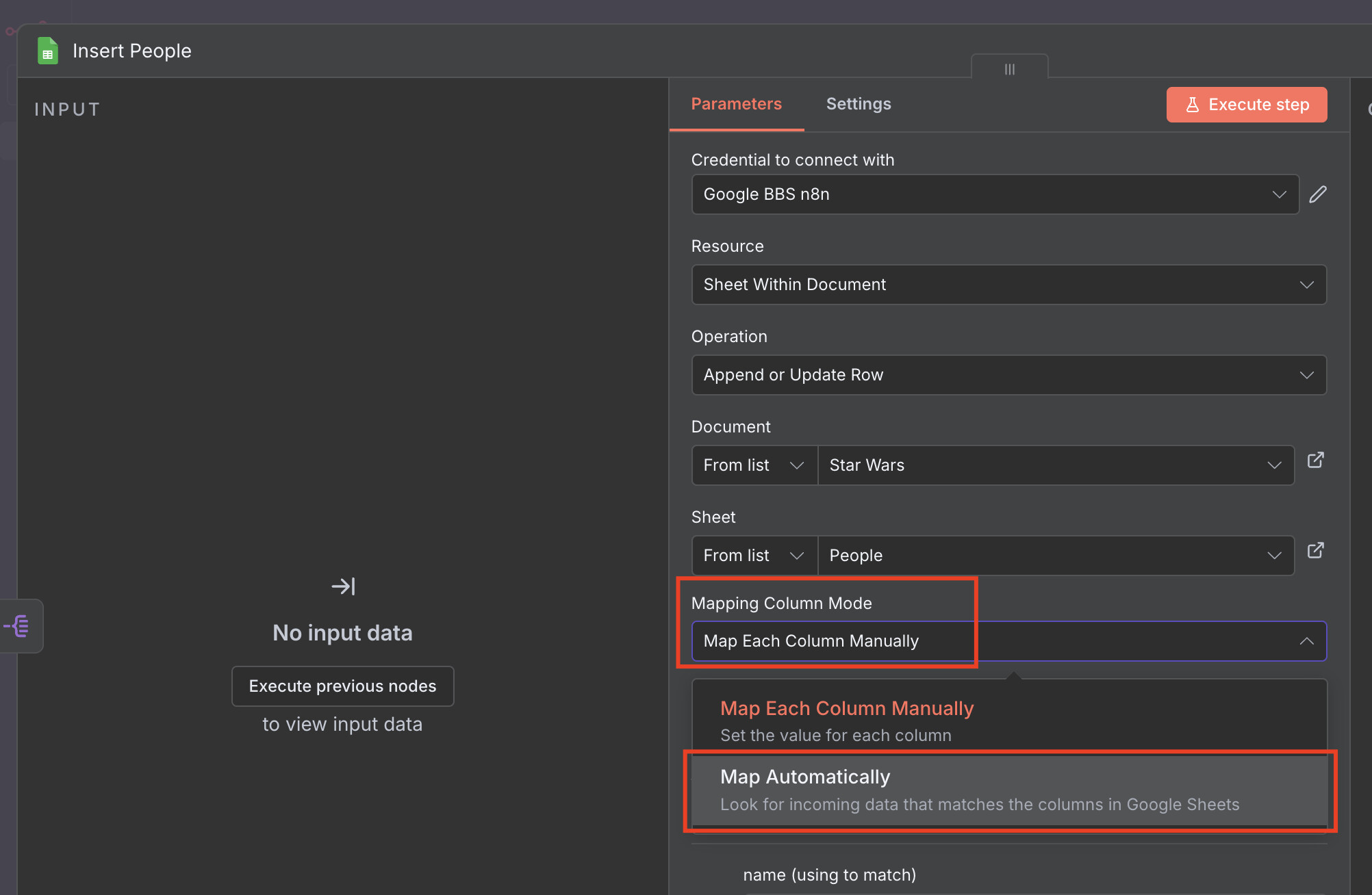
@wassim_jguirim you can still achieve dynamic columns in the excel by setting this property to Automatic. I just used manual to prove the concept of multiple sheets.
Thank you very much for your feedback @Wouter_Nigrini. This confirms my findings from various attempts and research by getting done this with Microsoft Excel nodes.
I will check whether it works with Office 365 nodes and report back if successful.
Perfect! You probably could build your workflow using only 3 nodes after you get your pieces of data, but if the above solves your problem then perfect.