it seems telegram bots can’t download upper than 20mb. if anyone has a solution tell me.
—
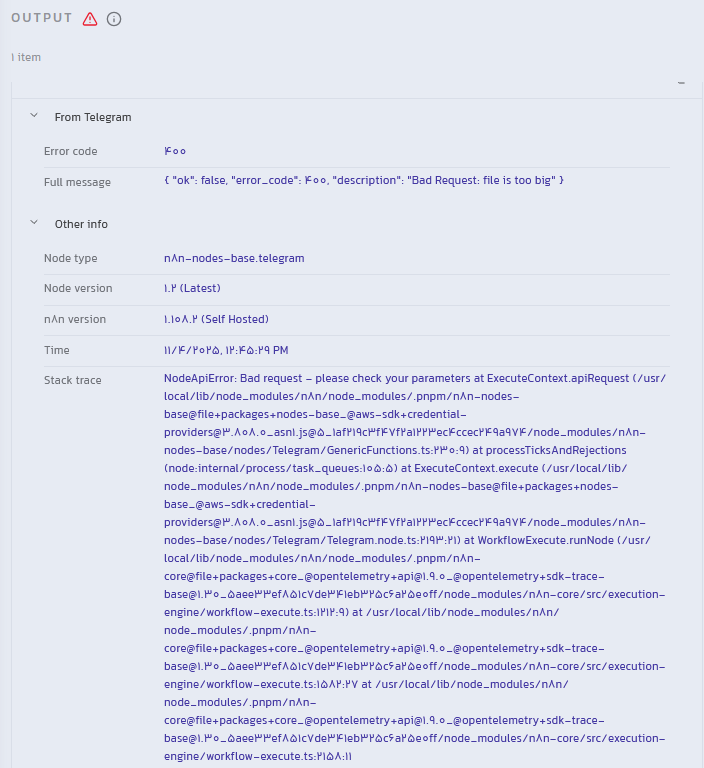
hi, i get error when i want to get a large file (mp4) with n8n from telegram.
the file is about 1.2 gb. my storage in my server has 5gb storage enough. but i get this error. what should i do?
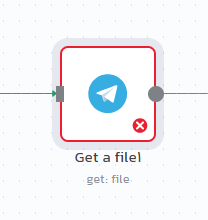
this error occure on “get file node telegram”.
What is the error message (if any)?
Bad Request: file is too big
i test it on 3.6mb file it was okay but in 1.2gb i get this error.
————————————-
Information on your n8n setup
- n8n version: 1.108.2
- Database (default: SQLite):
- n8n EXECUTIONS_PROCESS setting (default: own, main):
- Running n8n via (Docker, npm, n8n cloud, desktop app):
- Operating system:
To be honest, even if you upload it and lets say for example you wanna use it with an ai agent, it will cost you a lot of tokens. so better not use telegram in general. But if you’re gonna use it for something rather than that, you can create an interface and pair it with n8n as an api, so whenever you upload the file on that interface it will go to the backend which is n8n. But Im not sure if it will handle big files tho.
To use n8n as api, make sure the trigger is the webhook node, then take the production url and put it in your interface code so it sends the file to n8n.
well i bought a virtual server and install n8n app on it so i don’t use tokens in n8n.
but anyway telegram has limit to download with bot and i can’t.
———–
my another question is has google drive this limit?
because i get error to upload large files from google drive to youtube with n8n. i think there is a problem with that.
i test 100 mb mp4 file in n8n itself website, it work well but i couldn’t upload large file with n8n website, also i use virtual server but still i can’t upload. has google drive any limit to download or n8n app upload limit?
Hi @michel_boush
The “Bad Request: file is too big” error occurs because the standard Telegram node in n8n uses the Telegram Bot API, which has a strict download limit of 20MB. Your 1.2GB file is far too large for this API to handle.
The best solution is to switch to Telegram’s User API, also known as MTProto, which is designed for user accounts and can download files up to 2GB. You can achieve this in n8n by installing a community node called n8n-nodes-telegram-mtproto.
To get this working, you first need to install this community node into your n8n instance. After that, you will have to obtain API credentials, specifically an api_id and api_hash, by creating an application on the my.telegram.org website. Once you have the node installed and your credentials ready, you can add the new Telegram MTPROTO node to your workflow and configure it. Finally, replace your current “Get a file” node with this new one, and it will be able to download your large file without any issues.
If my reply is helpful, kindly click like and mark it as an accepted solution.
Thanks!
1 Like
oh sounds good. i try it now. i will share result.
—-
do you have any tutorial to install that community node called n8n-nodes-telegram-mtprot?
i am newer so i need a step by step guide for it.
If you are on cloud, you can install verified community nodes directly from the canvas → Installing Community Nodes. If you are self-hosting, go to Settings → Community Nodes → Install Nodes.
1 Like
You need to tell your n8n instance to install this new package. The method depends on how you are running n8n (Docker, npm, etc.).
-
Navigate to your n8n settings:
- In your n8n interface, go to Settings > Community Nodes.
-
Install the Node:
N8n will now download and install the node. This might take a minute or two. Once it’s done, the page should refresh, and you will see the new node listed under your installed community nodes.
Alternative for Docker Users: If the above method doesn’t work, you may need to add an environment variable to your Docker configuration.
-
In your docker-compose.yml or Docker run command, add the following environment variable:
NODE_FUNCTION_ALLOW_EXTERNAL=n8n-nodes-telegram-mtproto
-
Then, restart your n8n container.
If my reply is helpful, kindly click like and mark it as an accepted solution.
Thanks!
1 Like
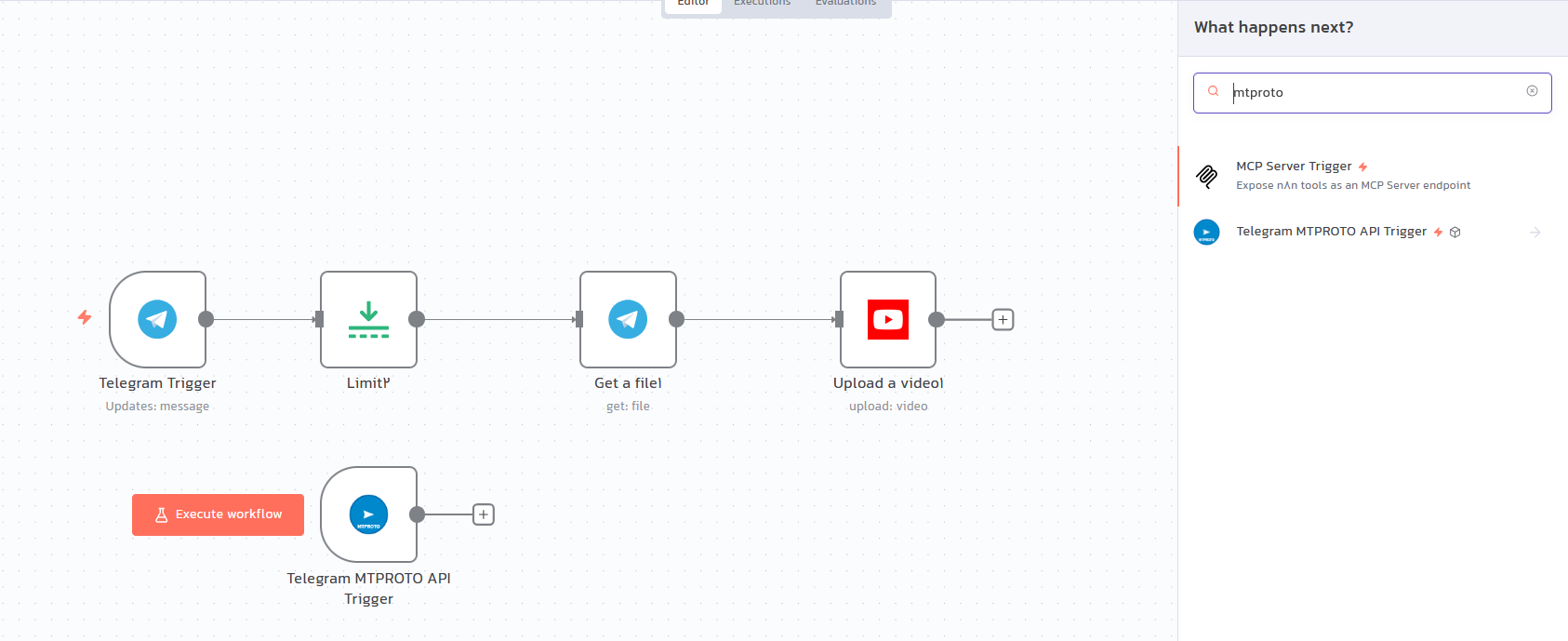
bro, i installed that n8n-nodes-telegram-mtproto but it has only one node named “telegram mtproto api trigger”. there is no other nodes so i can get file from my bot and upload it on youtube. i get api id and hash and create session telegram but now how i should use n8n-nodes-telegram-mtproto?