Gmail API - Bad request - please check your parameters

Describe the problem/error/question

I’m trying to create my first workflow using Gmail Service Account (Im using this method since my N8N is in my local server and OAuth was not accepting my local IP as URL).

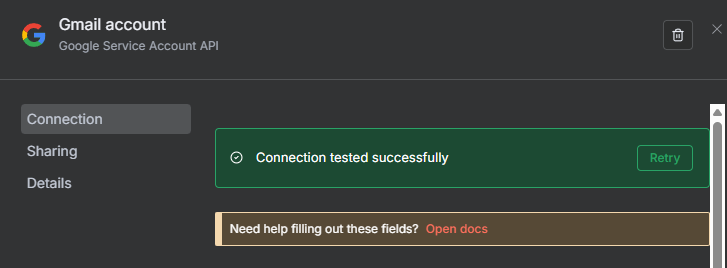
I followed the N8N documentation below an the connection test was successfull.

Google Service Account | n8n Docs

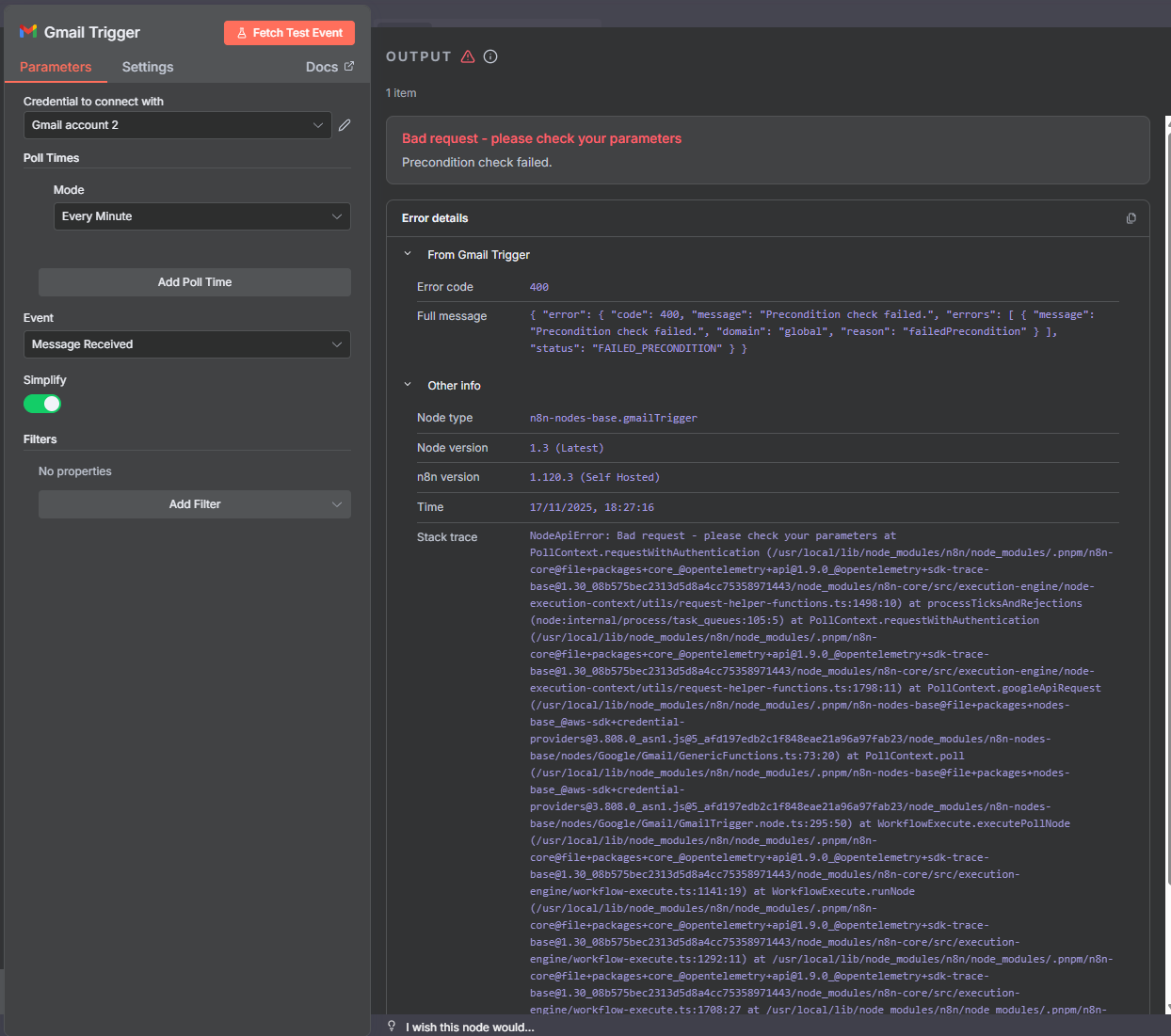
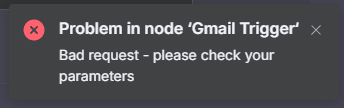
But when in insert the Gmail messages trigger and test I keep getting the error message:

Problem in node ‘Gmail Trigger‘ Bad request - please check your parameters

Does anyone had this same error and knows how to fix this error?

What is the error message (if any)?

Gmail Trigger Error - Bad Request - check parameters

Information on your n8n setup

    • n8n version: 1.6.70

    • Database (default: SQLite): Postgres 17

    • n8n EXECUTIONS_PROCESS setting (default: own, main): own

    • Running n8n via (Docker, npm, n8n cloud, desktop app): TrueNas Scale App

    • Operating system: TrueNAS System Version: 25.10.0

The issue is related to the parameters you are sending. Could you share an SS of your node?

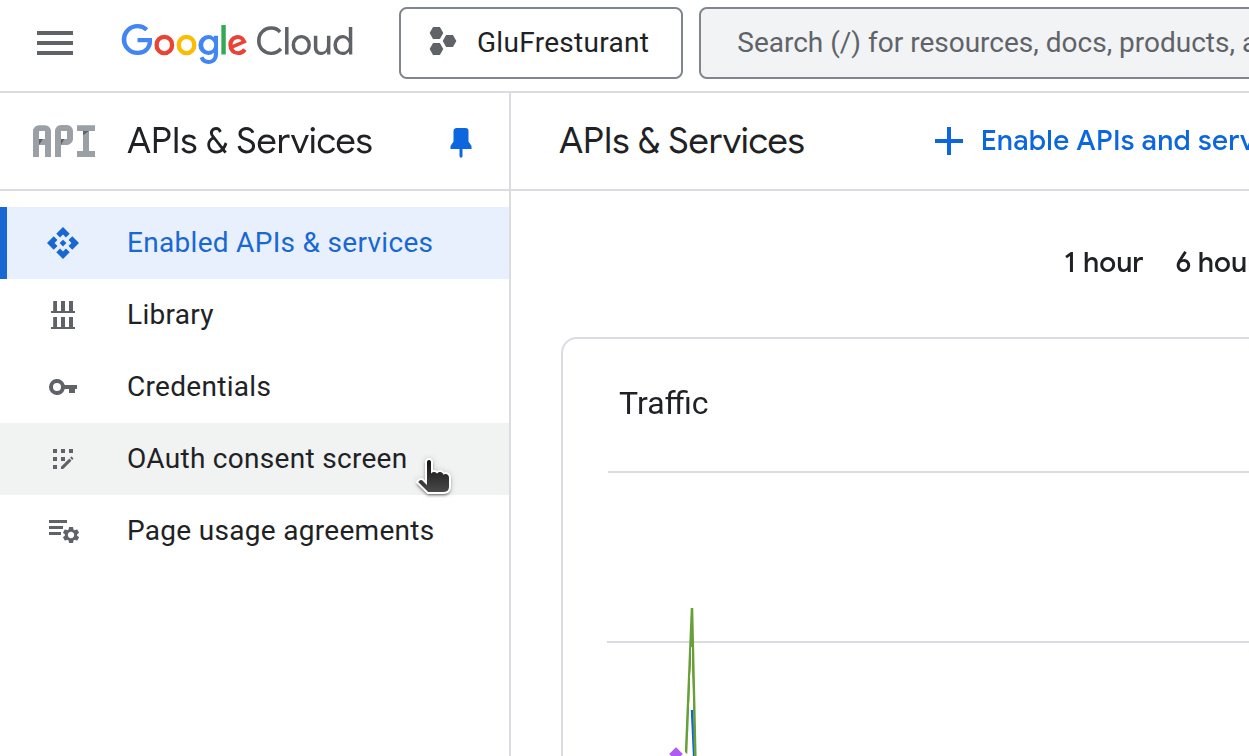
Hi @Thomezim - Check out your Google API Console dashboard - you’ll be able to understand the error of what parameter is expected. You also need to ensure you’re either enabled the gmail api service in google api console or also to configure ‘Oauth Consent screen’

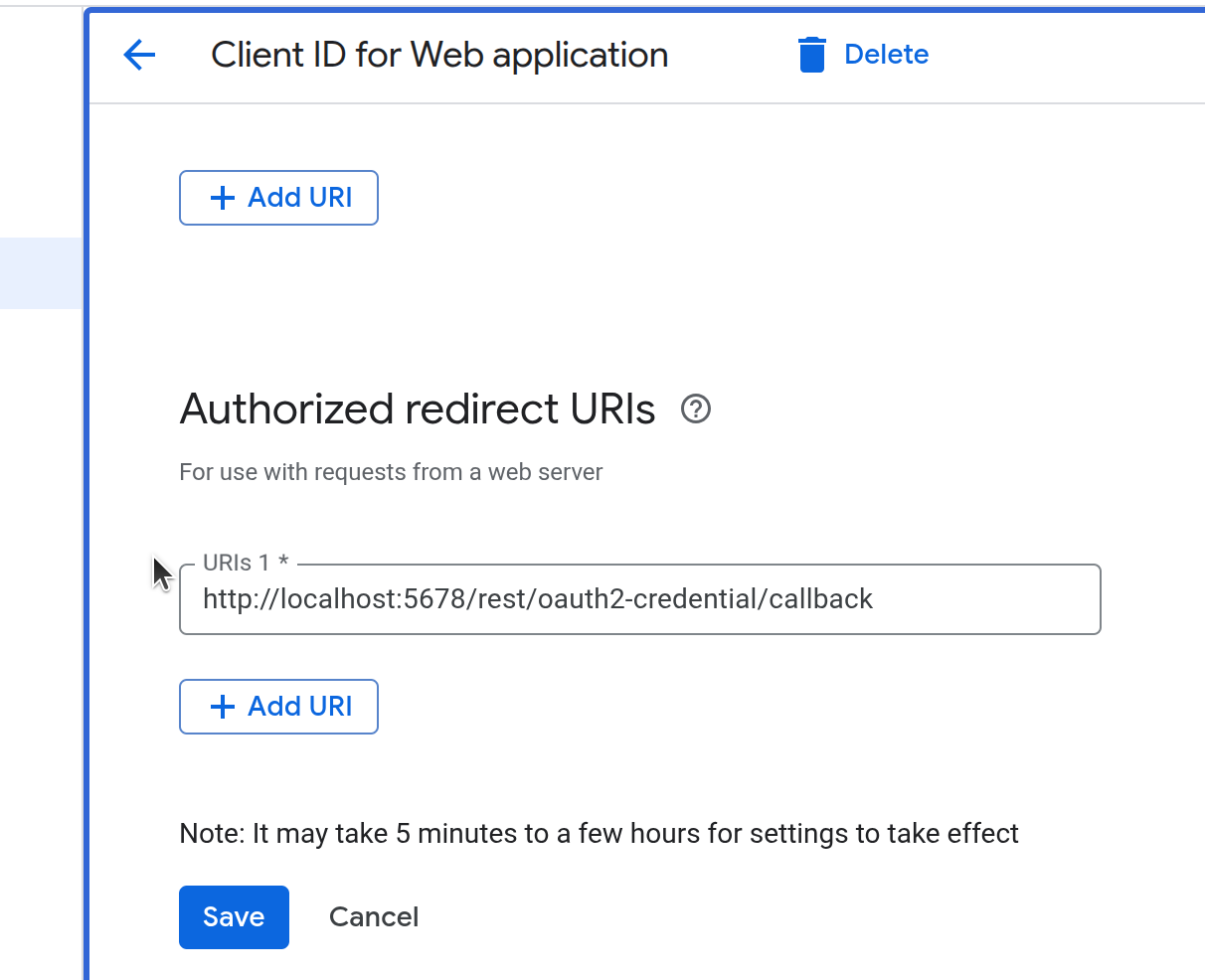
if you still have issue with the local ip issue with Oauth - make sure that you set the redirect URL within the Oauth setting in google console to localhost - this will allow you to connect the account after logging into google.
http://localhost:5678/rest/oauth2-credential/callback

Hello

I tried accessing the OAuth settings, but I get an error when attempting to sign in with Google.

I added this information to the Client ID for the Web Application in Google Cloud.

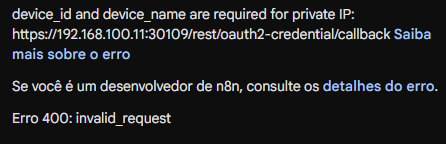
Google authentication error:

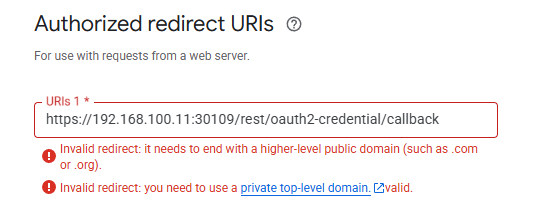
When I use the N8N callback URL, the error on URL appears again.

Using a service account, I checked the logs and found the issue in the method caribou.api.proto.MailboxService.ListMessages.

Below is the error screen from N8N.

Hi @Thomezim Are on the same machine that N8N is hosted?

Ngrok offers a free dev subdomain that persists after each reboot.

Use that url with the n8n port , set env variables (WEBHOOK_URL) and I assure you that no service will refuse the connection.

For your case, be sure to enable the API as @Jekylls suggested, set the callback with the https url from ngrok and done.

1 Like

@Thomezim

I’m 99% Sure its

Remove the ‘s’ from https on http://localhost:5678/rest/oauth2-credential/callback

Please mark as solution if this solves your issue :slight_smile: