The problem/error/question
The Google Calendar Trigger node “match term” function keeps malfunctioning. The node works well and is able to fetch events when not using the match term function. However, when using the match term function, it only fetches matched events very inconsistently. I’ve checked multiple times that the Google credentials are correct and that I selected the correct personal calendar.
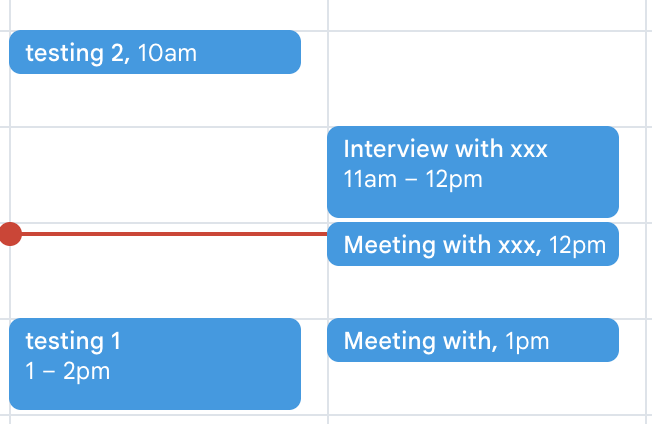
I tested it by creating multiple testing events in my calendar: “Interview with xx,” “Meeting with xx,” “Meeting with,” “testing 1,” and “testing 2.”
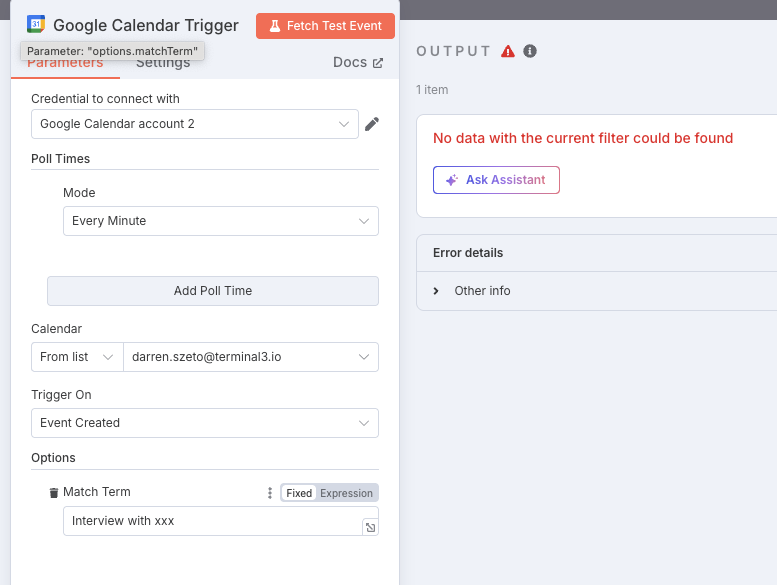
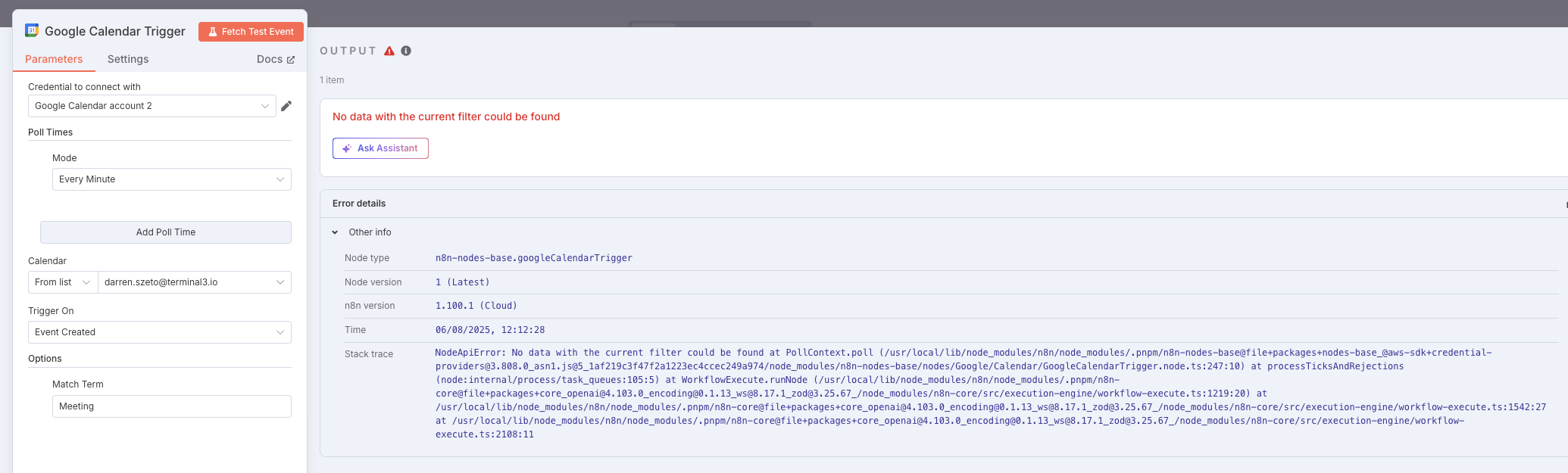
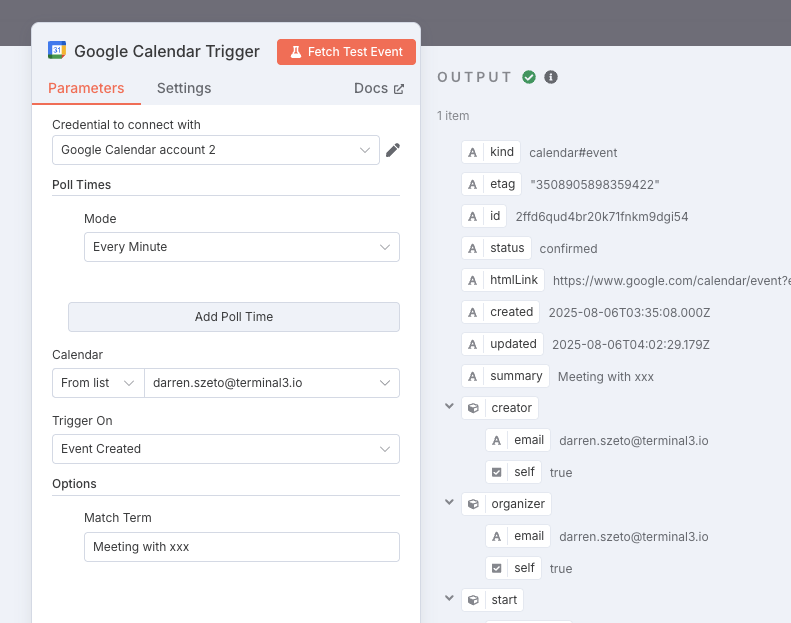
I then test the match term function with the full names of each event and then with the partial names of each event. The match term works if I input “testing 1” but not if I input “test.” It works with the input “Meeting with xx” but not with “Meeting with”. Interestingly, it didn’t work with “Interview with xx” (full name of event) and with “Interview”.
I am really confused as to why the match term function is so inconsistent and would appreciate any guidance as to how to fix this problem.

Workflow
The goal of my workflow is to use the Google Calendar trigger to find my meetings with leads as a sales representative of my company, and then use the lead’s company to write a pre-meeting sales report that tells me about their pain points. I already have the other nodes set up, I just need to fix the Google Calendar trigger node.
n8n setup
- n8n version: 1.100.1
- Running n8n via n8n cloud:
- Operating system: Mac 15.3.2 (24D81)