I have a Gemini Image generating but it returns an ID. I believe it is saving the file in a temporary n8n folder - I can preview it fine. How do I retrieve it so I can send it to my other server as a base64 image?
For example, the file id is: filesystem-v2:workflows/ktDakD-X3TnqPTQ8TUeDE/executions/53/binary_data/bfc7698e-a918-4f95-bb8c-18023ABS87c9
Hi @TechWizard !
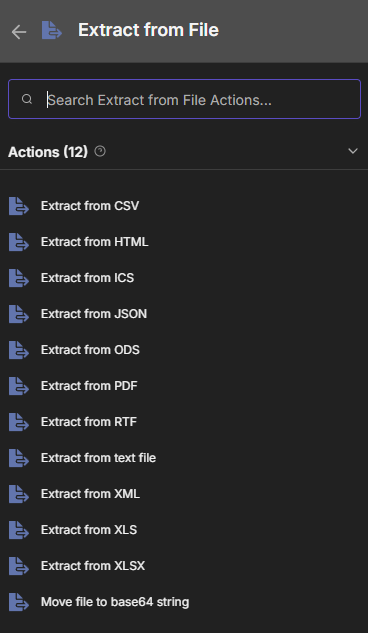
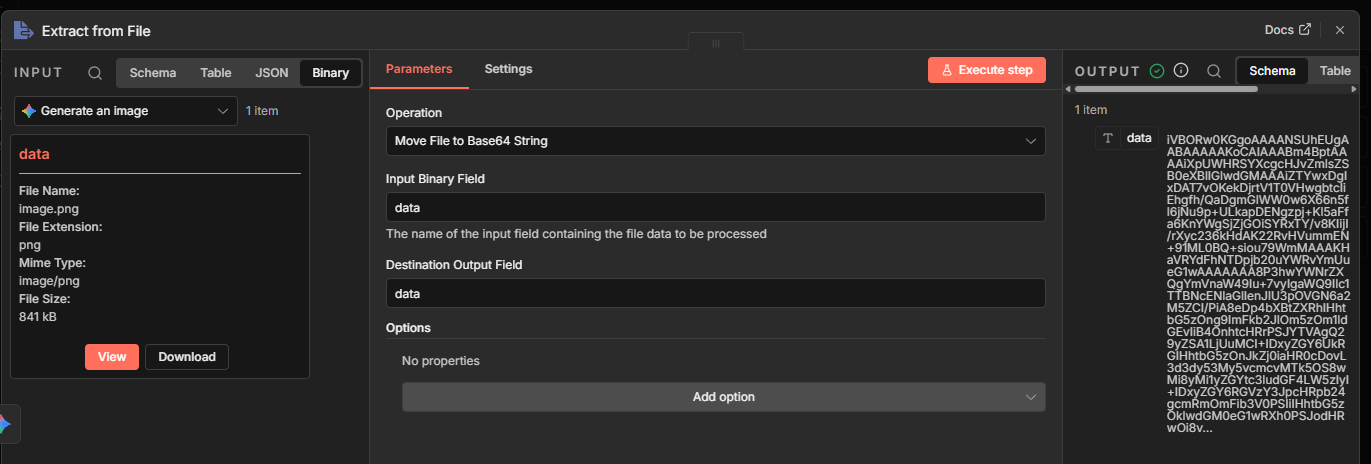
Hope you’re doing well. This “filesystem-v2” that appears in the ID is just an internal path where n8n temporarily stores the file. You need to convert it to base64 and send it to another server. You can do this with the ‘extract from file’ node or with node code. If the details aren’t in the post shared above, check the n8n docs, will probably give you the step-by-step instructions.
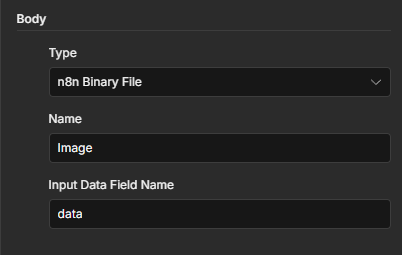
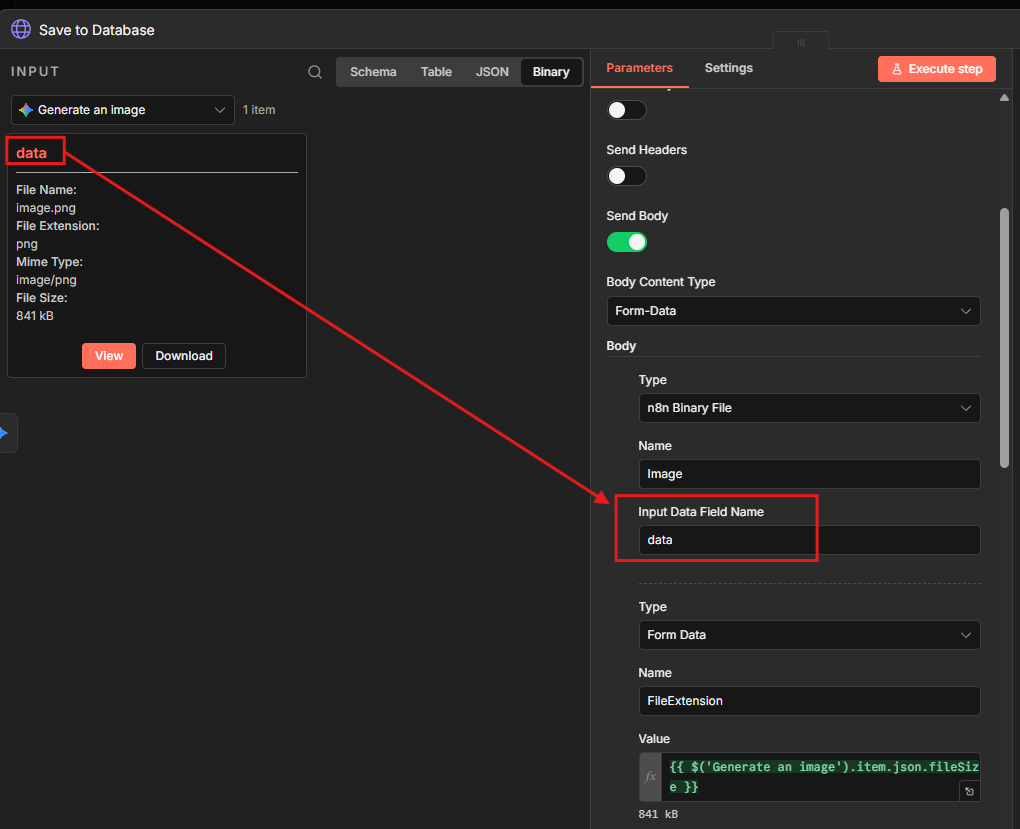
First I tried copying your recommendations to my workflow, then when that didn’t work I tried using your workflow exactly as-is. I tried with the data being both “Fixed” and “Expression” but neither worked. I noticed I had one flaw in the original sample:
“name”: “FileExtension”, “value”: “={{ $(‘Generate an image’).item.json.fileSize }}”
… should be:
“name”: “FileExtension”, “value”: “={{ $(‘Generate an image’).item.json.fileExtension }}”
—
My PHP page receives the post with the FileSize, Extension, etc. But no data with an image in it.
Thanks Anshul. I am certain your method works but I’m really trying to use the Gemini native node option. I have direct API calls working to generate images on my server… I’m just hoping to utilize the n8n Gemini node.
Is this link using an API? or are you uploading the image in the usual way?
Are there any docs describing the expected parameters?
Could you also share screenshots of what you’re doing and the error you’re getting?
The problem is I haven’t been able to figure out how to get the image passed to my server as a binary file. I have the n8n temporary file location in the id like:
However, as I mentioned idk exactly what your server’s upload endpoint expects,
Does it need the binary file?? Base64 string?? only you would know that since those details weren’t shared..
if you just need the base64 you can use the node Extract from File: