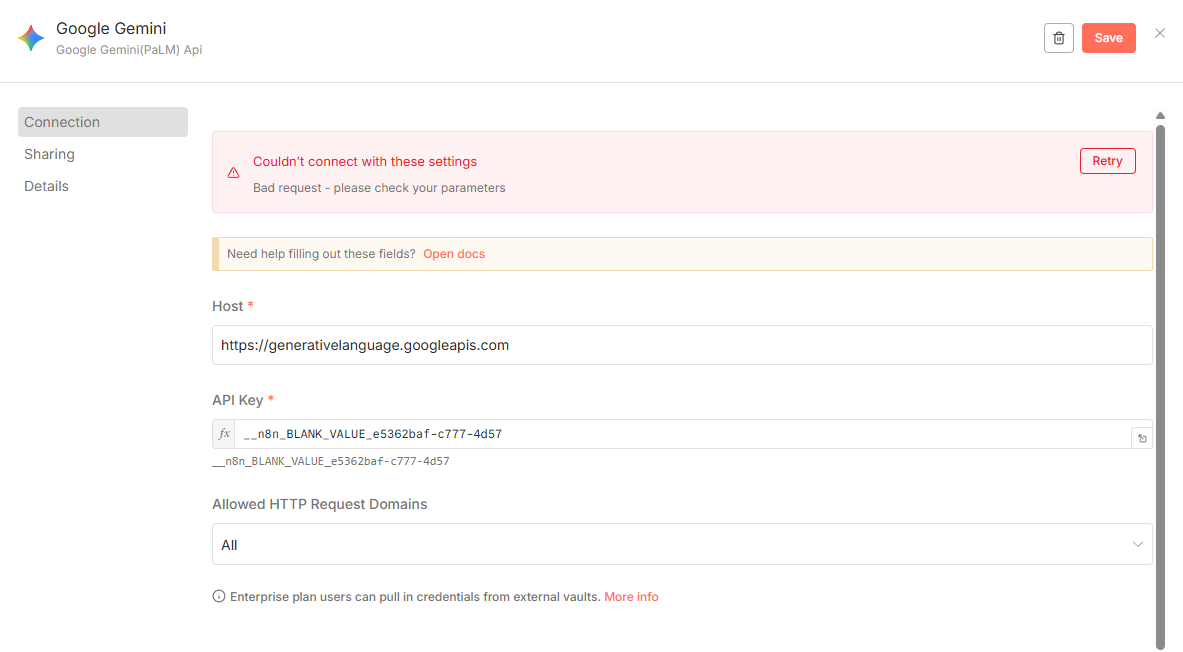
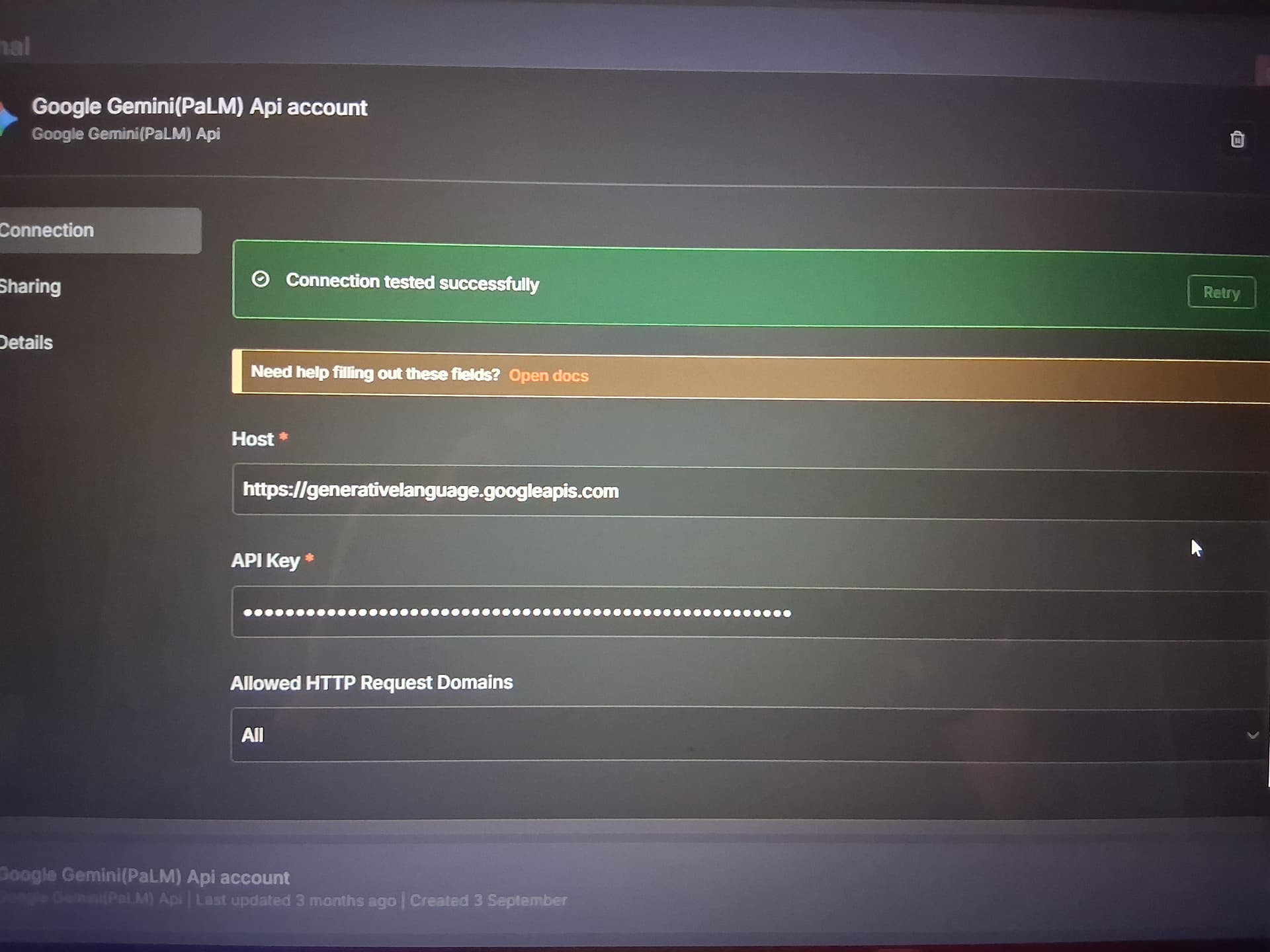
I’m running n8n v1.123.5 via Docker on Ubuntu Server 24.04 64-bit. When I try to configure credentials for the Google Gemini (PaLM) node, I consistently get a red error message after clicking “Save” or “Test Connection”:
Couldn’t connect with these settings. Bad request - please check your parameters
I have confirmed that the API key is correctly copied from Google AI Studio and has the necessary permissions for the Generative Language API. The Host field is left at its default value: https://generativelanguage.googleapis.com.
What is the error message (if any)?
Main error:Couldn't connect with these settings
Details:Bad request - please check your parameters
Please share your workflow
I haven’t created any workflow yet—this issue occurs during credential setup.
Share the output returned by the last node
Not applicable, as no node has been executed yet. The error appears in the credentials configuration dialog.
Hi @dulles Welcome to the n8n community! For the Google Gemini/PaLM API in n8n you must:
Use an API key created in Google AI Studio and set the Host to exactly https://generativelanguage.googleapis.com ,custom hosts aren’t supported.
Make sure the Gemini/Generative Language API is enabled in the same Google project as the key.
Check key restrictions so it can call that API (too strict IP/referrer limits can block it).
Billing must be set up in AI Studio if required by the API Depends on the usage.
A common real-world issue is that n8n’s credential test sometimes returns a generic “Bad Request” even with a valid key, because the test logic isn’t always aligned with Google’s API test expectations.
If everything above is correct and the test still fails, run a quick call with an HTTP Request node to a known working endpoint (e.g., a simple generateContent call) to see the actual error from Google’s API, that usually shows the real root cause. In my case the problem was ‘Billing’ as i use Gemini in most of my workflows it always gets exhausted and sometimes i switch between Gemini models and it used to work somehow and once i have settled my Billing everything works smoothly
I ran into a same issue today (self hosted Ubuntu, n8n in a docker container) … in a nutshell: the problem wasn’t with the n8n but with the container - it ran into an ipv6 blackhole - not long before when I wanted to create the Google credential … since that didn’t work, I made an http node in order to call the https://generativelanguage.googleapis.com/v1/models/gemini-1.5-flash:generateContent endpoint but that didn’t work either and it was starting to get suspicious .. tried a simple Telegram call node … did not work and that was the point I realized that something wierd happening