Learn how to set up Google OAuth authentication for n8n to connect Google Sheets and other Google services to your workflows. This tutorial covers the complete 5-step process in under 3 minutes.
Learn how to set up Google OAuth authentication for n8n to connect Google Sheets and other Google services to your workflows. This tutorial covers the complete 5-step process in under 3 minutes.
Hi, I have been facing an issue and I see few others facing the same. I haven been following the tutorial but I cannot find Oauth redirect url, client id, client secret. Do you know what this could be? Thanks for the help!
me too. I use n8n cloud trial
ME TOO since yesterday
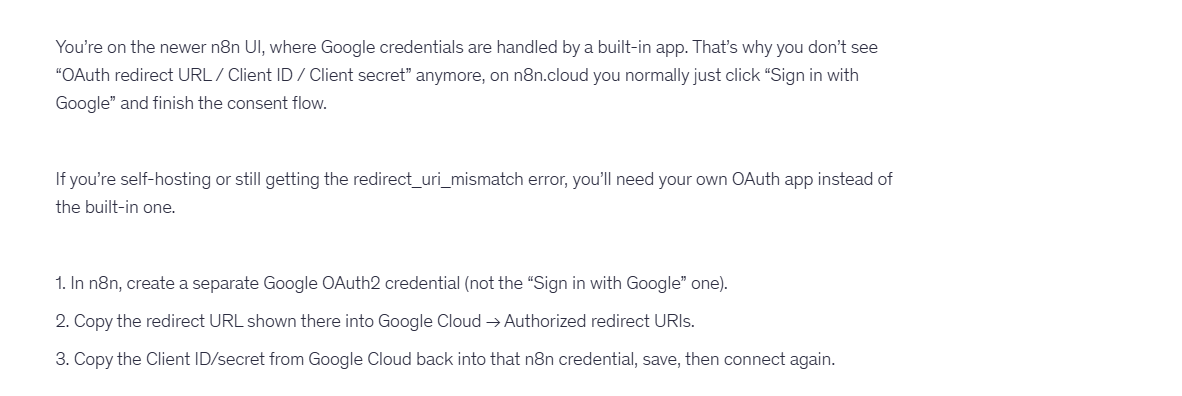
If you are our using our cloud service, then you don’t need to set up the full oauth, you can click on sign in with google to authorise your account.
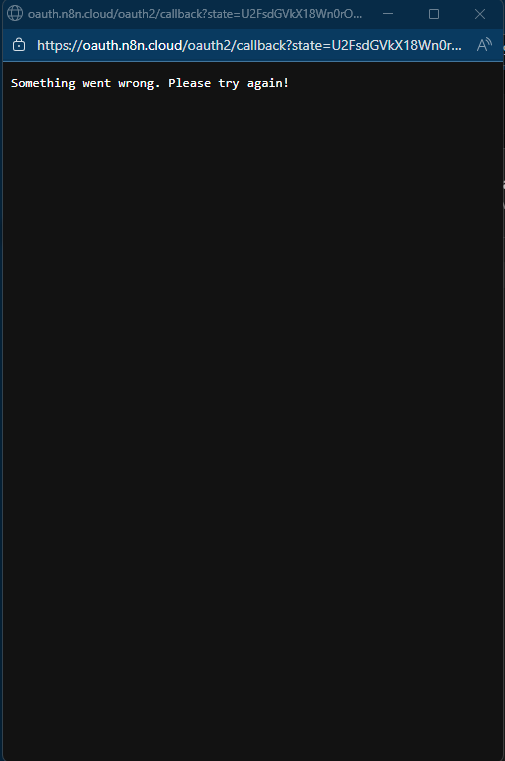
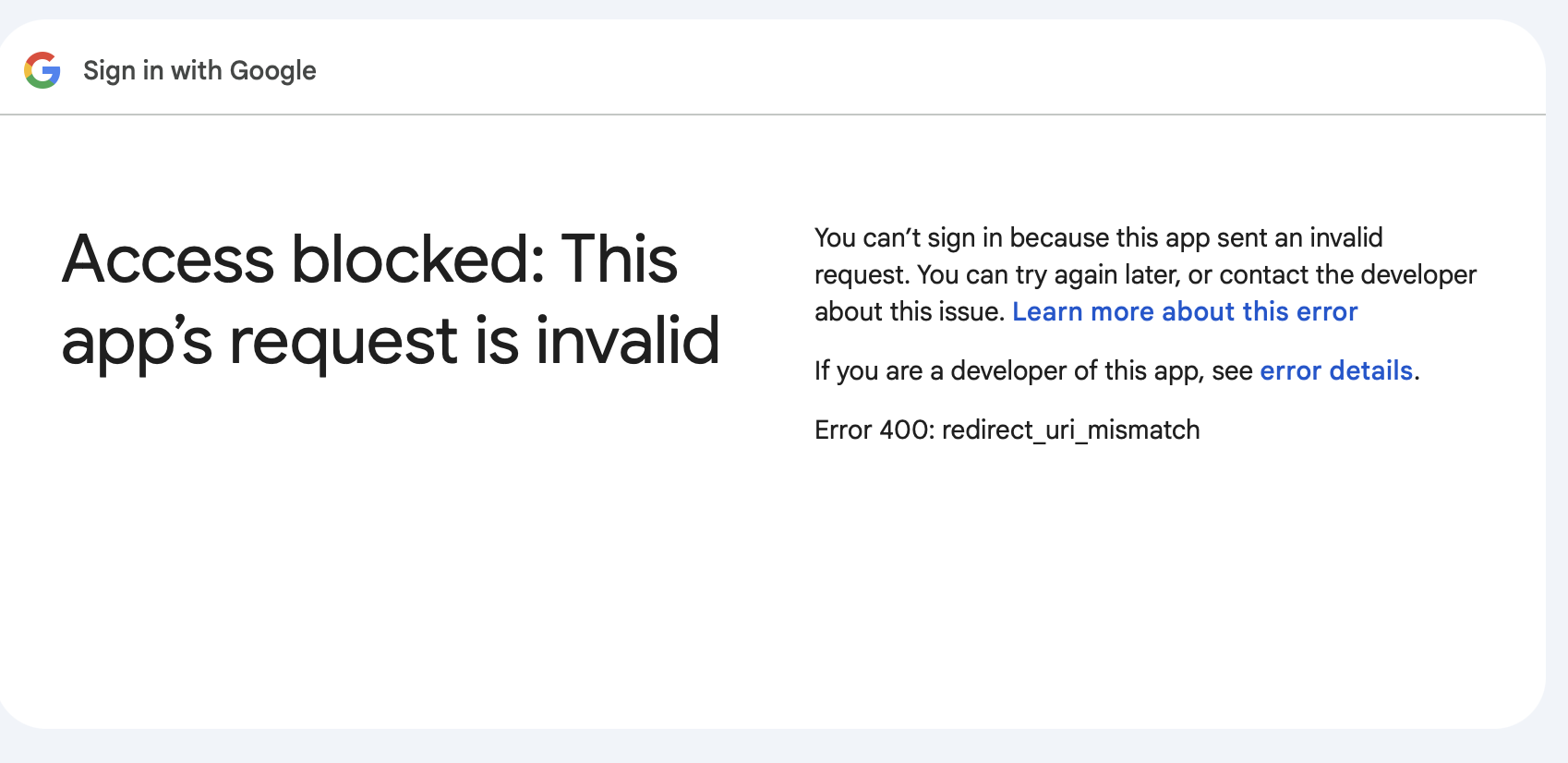
I am getting the same error too
For everyone having this issue.. try updating the version of n8n to 2.1.4 or later. This was a known issue, and most of the times it’s fixed by just updating the n8n version