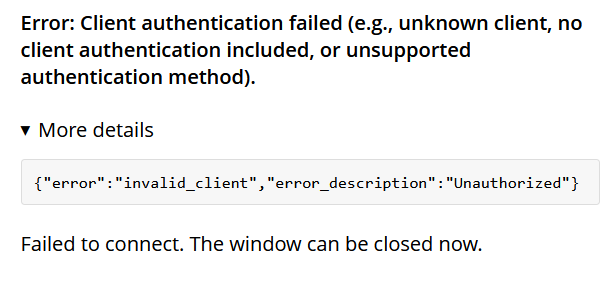
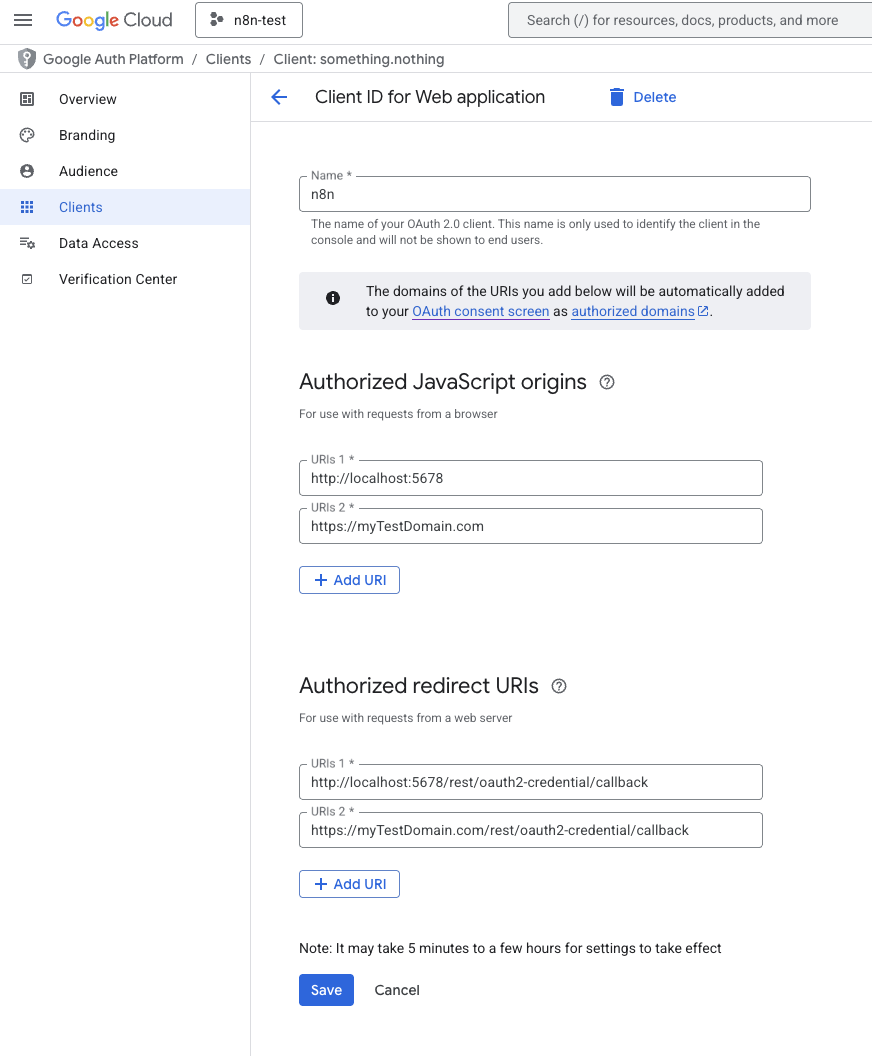
Could you send a screenshot of the Google OAuth credential configuration and also the Google Cloud Console screen that shows the callback URL configuration?
As Cloudflare and n8n both run in docker, they are in the same docker network, so you need to use the container name. If you were running Cloudflare outside docker, then you would use the IP.
Ok so im not sure what i did but ill still mark this as a solution. Steps I took to get the error to go away:
move to chrome (since i was using firefox) I do not believe this work however it segways into the next solution
I really hope this wasnt it but i just clicked “Save” on the oauth credentials and it worked i can know choose my gmail account. If so thats embarrassing
I also did change the tunnel url to my container name
I’m actually interested in whether you should be embarrassed or not (jk of course), can you change your tunnel url back and see if it breaks? Would be a good verification.
The URL can be either or for the tunnel as i just tested it. My portainer shows that the server IP is different for cloudflare and n8n not the actual host network so i guess that wasnt a problem
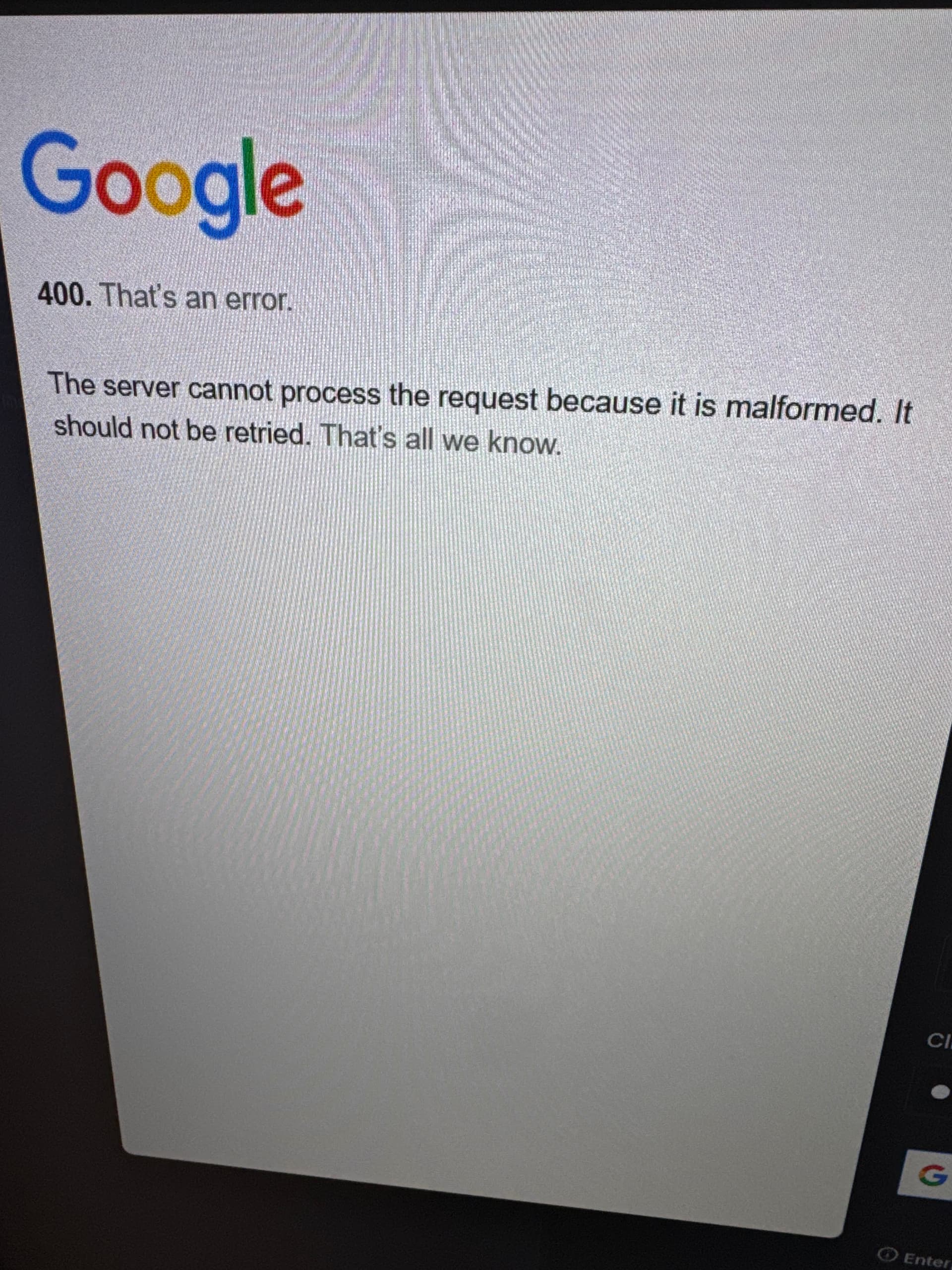
however im running into a new issue, this is after i select make “yourdomain. org wants to access your google account”
I added test users and put my gmail on it with some others. DO i need to hit “publish app” in google cloud for it to work??
One more thing: Under OAuth consent screen, set your app to In Production to avoid credentials expiring. That shouldn’t be the fix but still recommended.

 (jk of course), can you change your tunnel url back and see if it breaks? Would be a good verification.