I’m using an AI Agent with Google Sheets to store my data.
The AI outputs empty strings for fields that aren’t provided, and when I update the sheet those empty values overwrite existing data.
Is there a clean way in n8n to update only non-empty values and avoid wiping existing cells, or is lookup → merge → update the only solution?
Currently just like with the normal google sheets node, to update a record, you will need to pass the entire row’s contents including the updated columns for the record to stay intact.
Similarly this should happen with the AI Agent, and with all agents it starts with a really detailed system prompt. Imagine you had to tell a child how to update your sheets. Give as much context, rules and behaviour as possible.
This can be done fairly easily these days by asking claude ai to enhance your prompt based on what you want it to do.
No not know what your AI Agent is supposed to do and how complex it is, I went an created a simple example of pre existing data in a sheet which I just want to update.
Indicate what your data model looks like, this will help the agent not hallucinate new variables/columns. This should be as close of a match to the columns in your sheets as possible with exact naming
Give it clear tool definitions. This will ensure the agent can call the right tools as per its rules
Create explicit rules on the order of how tools need to be called. Here we make sure the agent calls the get tool first to make sure a) we are working with the right record and b) we now have the other column’s values which will be given in the update to not blank them out
Examples of good and bad behaviour / interactions
Any validations or error handling. When things go wrong, how does the agent recover from it to make sure you dont get garbage results


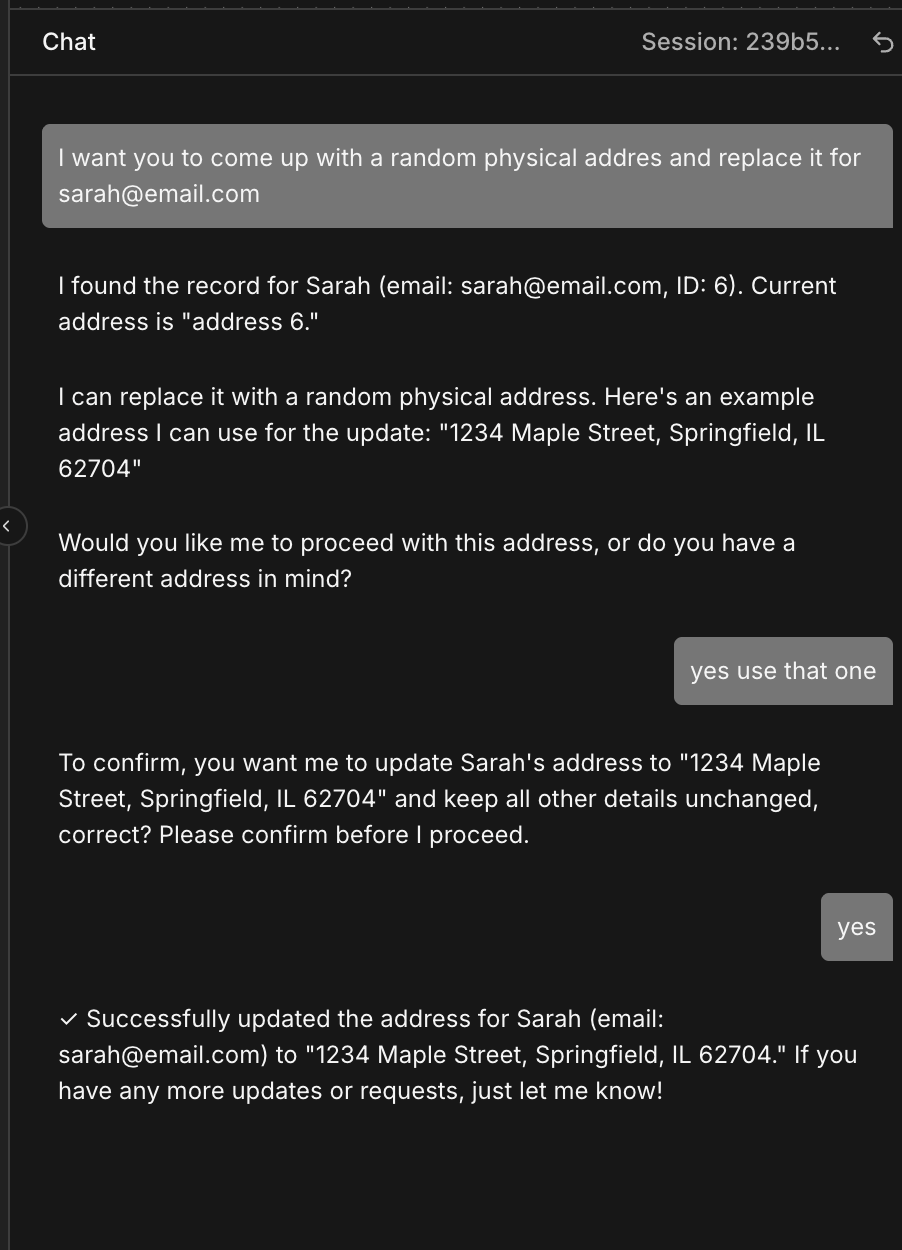

 . I marked it already