Could someone help me? When I try to authenticate with Google (Google Drive, Sheets, etc.), after selecting what the app can access, I get this error at the end of the process:
{
“status”: “error”,
“message”: “Unauthorized”
}
I entered the URLs correctly in the fields when creating the client ID in Google Cloud. I also created a new Google Cloud project and new credentials.
What is the error message (if any)?
Please share your workflow
(Select the nodes on your canvas and use the keyboard shortcuts CMD+C/CTRL+C and CMD+V/CTRL+V to copy and paste the workflow.)
I think this is how it looks for me - I dont know if its accurate but i’m pretty sure thats what happens when your client id doesnt have permission to access the app. Let me know if this works! or Good luck!
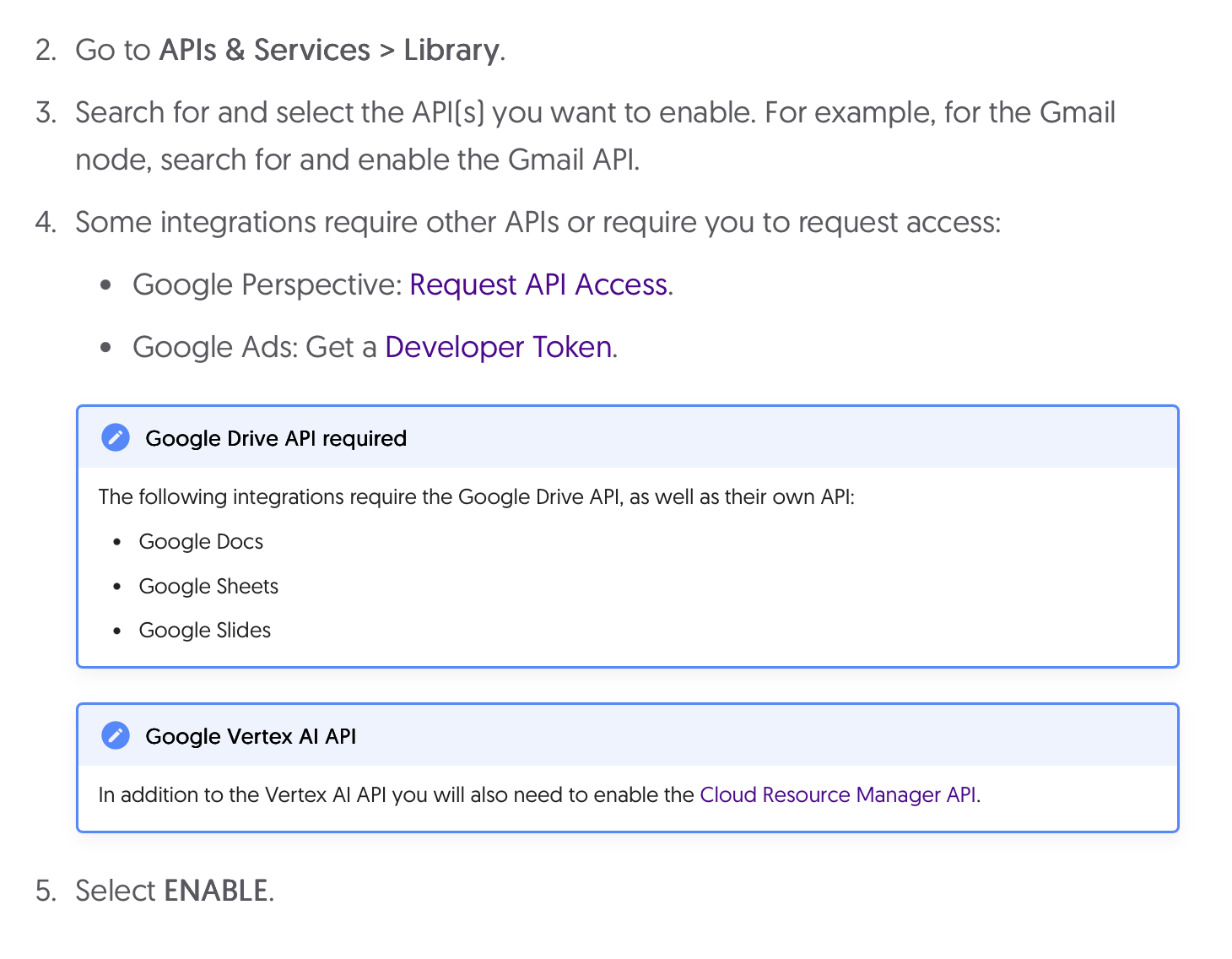
This error is pretty common and usually occurs when the client ID you’re using doesn’t have sufficient permissions to access the resource (in this case, Google Drive). This could be due to a few reasons such as misconfigured credentials, incorrect API keys, or not having enough permissions in your project.
Setting N8N_SKIP_AUTH_ON_OAUTH_CALLBACK=true immediately resolved the Unauthorized OAuth callback issue for me on n8n v2. This appears to be a regression in the internal auth/session validation during OAuth callbacks.