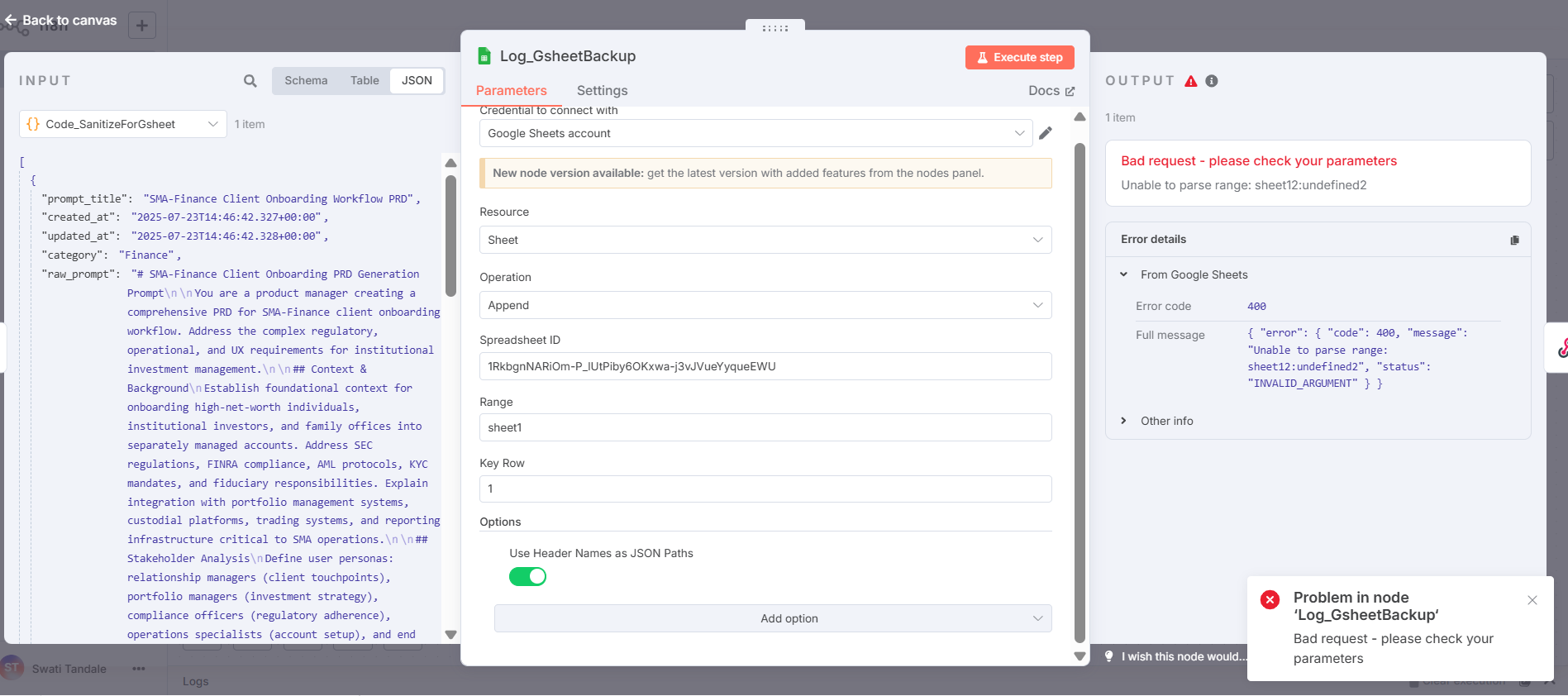
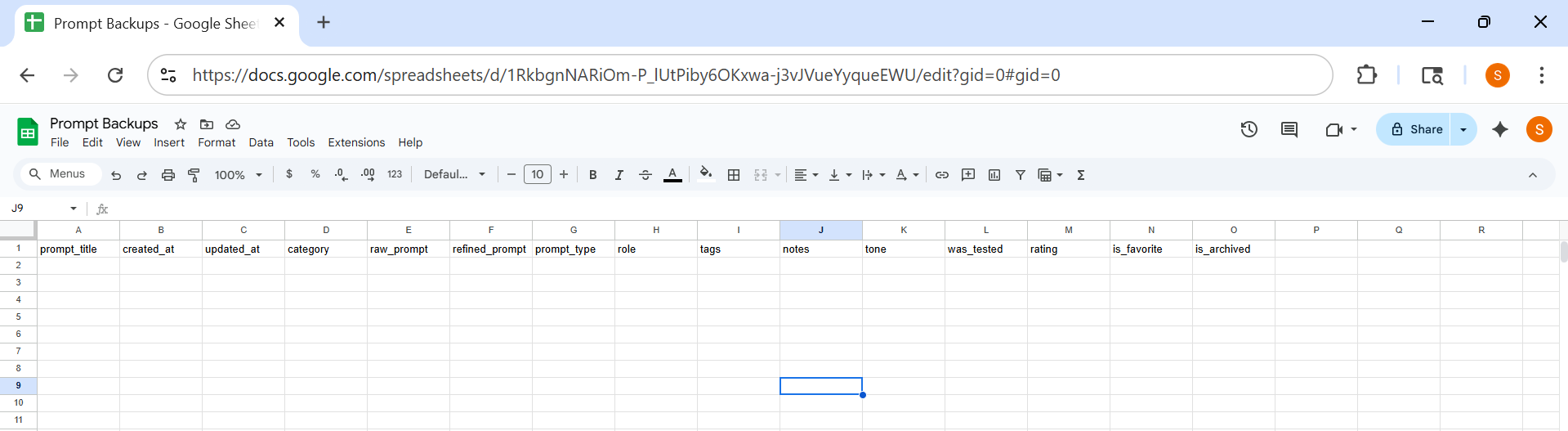
I have an n8n flow where data from a webhook is parsed and entered into supabase first and then a backup is done in googlesheets , i have ensured the googlesheet header row matches the data being inserted, i have enured my sheet name is “sheet1” , yet i get an error unable to parse range,
{ “error”: { “code”: 400, “message”: “Unable to parse range: sheet12:undefined2”, “status”: “INVALID_ARGUMENT” } }
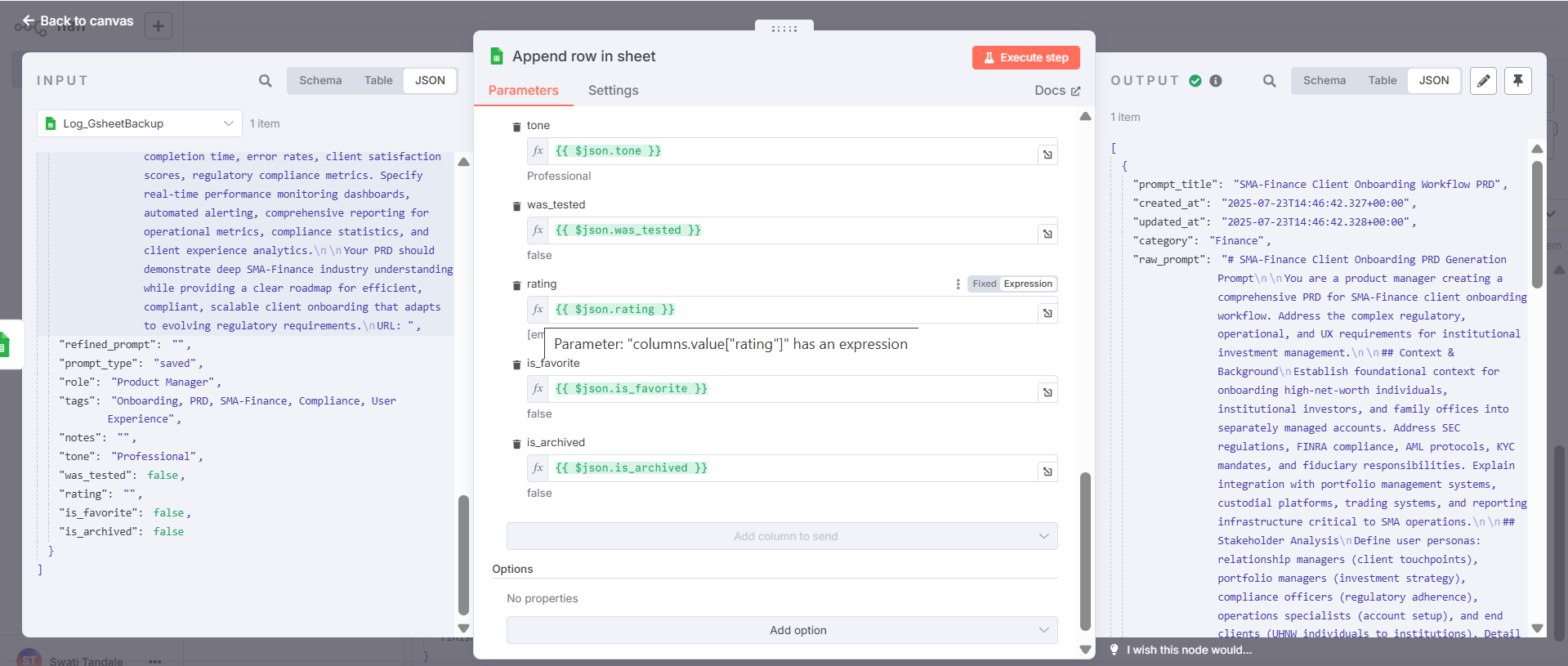
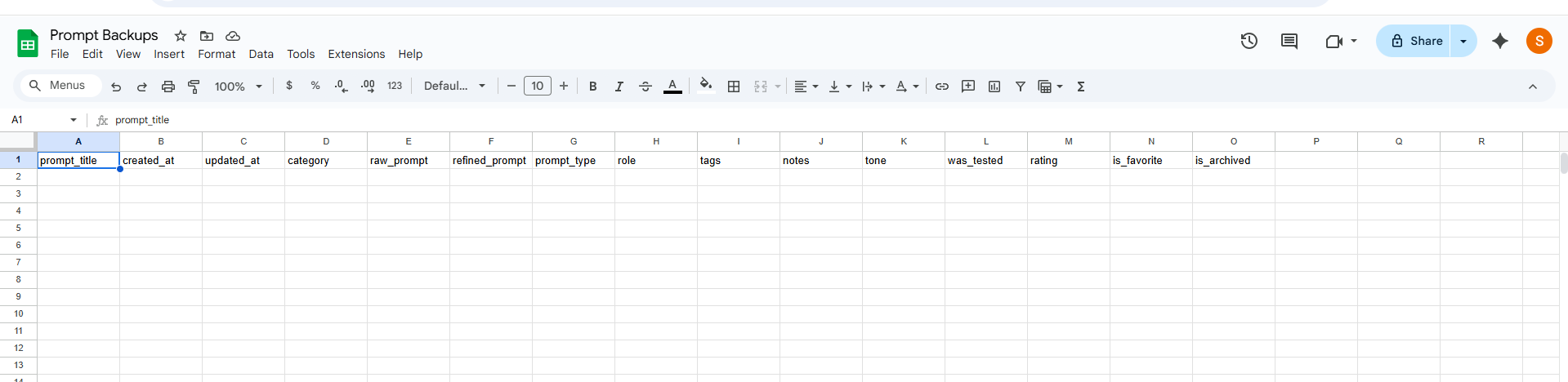
thank you, I missed this .I replaced it with the latest version which allows sheet selection and field mapping. the error is gone but the google sheets is not being written into. it is empty.
I cannot see the option </>in the reply for pasting the workflow, let me try creating a new post instead. [quote=“Swati, post:3, topic:154975, full:true”]
thank you, I missed this .I replaced it with the latest version which allows sheet selection and field mapping. the error is gone but the google sheets is not being written into. it is empty.
[quote=“Swati, post:3, topic:154975, full:true”]
thank you, I missed this .I replaced it with the latest version which allows sheet selection and field mapping. the error is gone but the google sheets is not being written into. it is empty.
I messed up. Was troubleshooting some stuff and Lovable was misbehaving and asked me to clear cache. Now im not able to login into n8n (self-hosted via npm), i thought i entered the right password, although yesterday I was asked to do an MFA by google on that gmail account. Not sure, either ways , forgot password isnt working. Does this mean , I lose all my data , all my workflows and start from scratch ?
I finally found my password in document. I didnt want to reset the password and lose all workflows. Regarding pinning the data , it is not allowing me to pin the data as it says production data cannot be pinned.