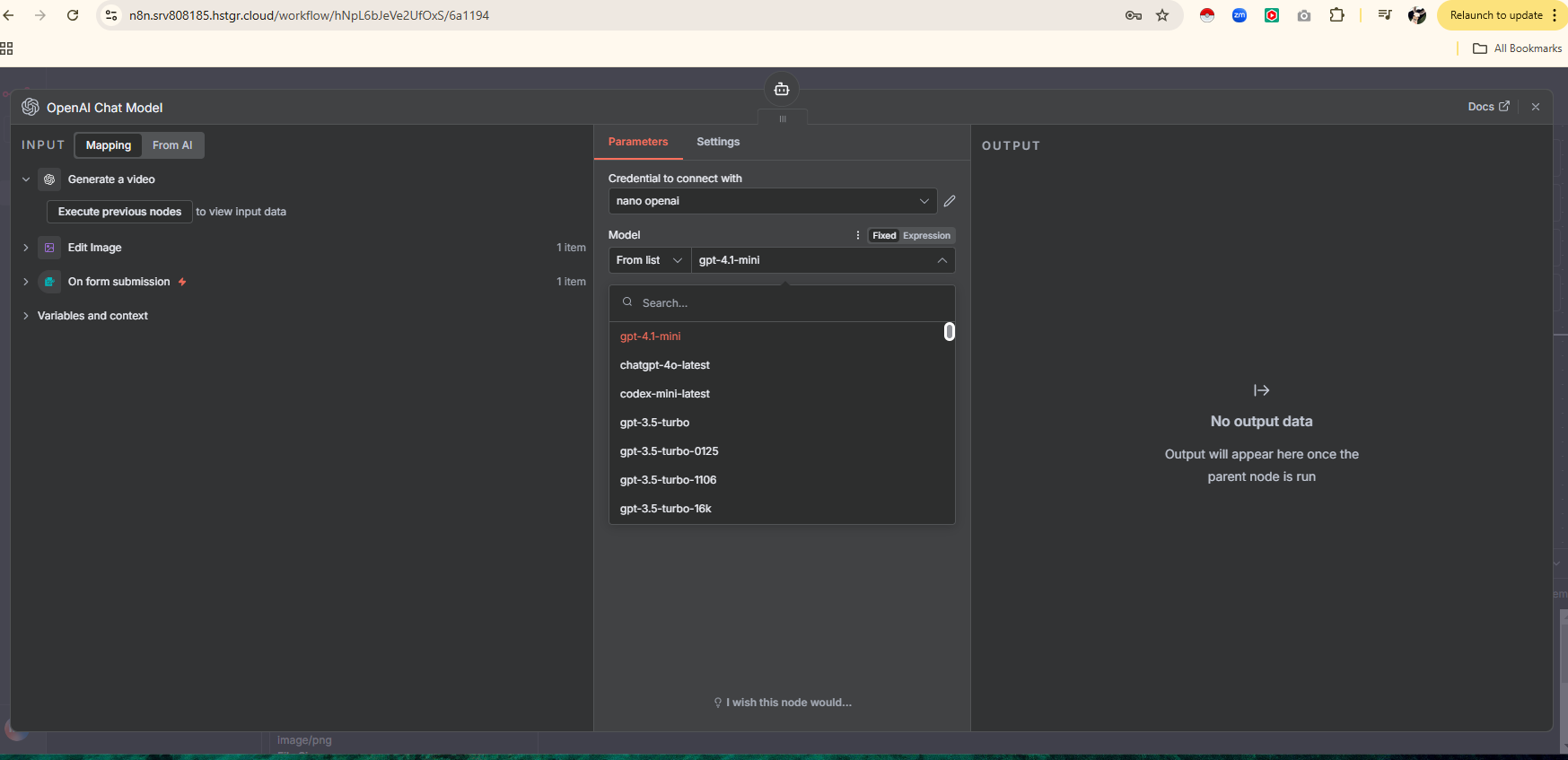
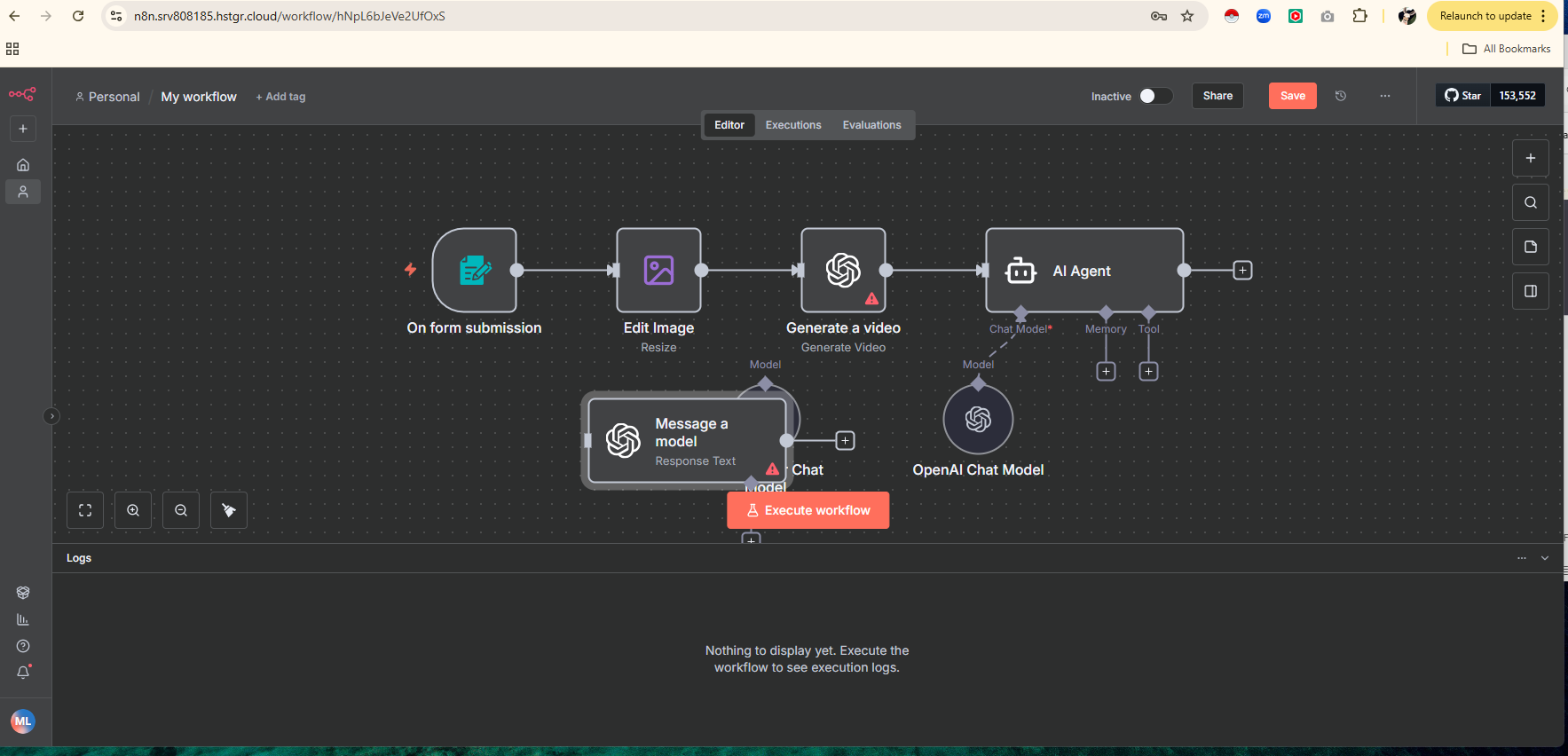
HELP! Open AI nodes don't work with my credentials and I don't have an "organization ID" element

Describe the problem/error/question

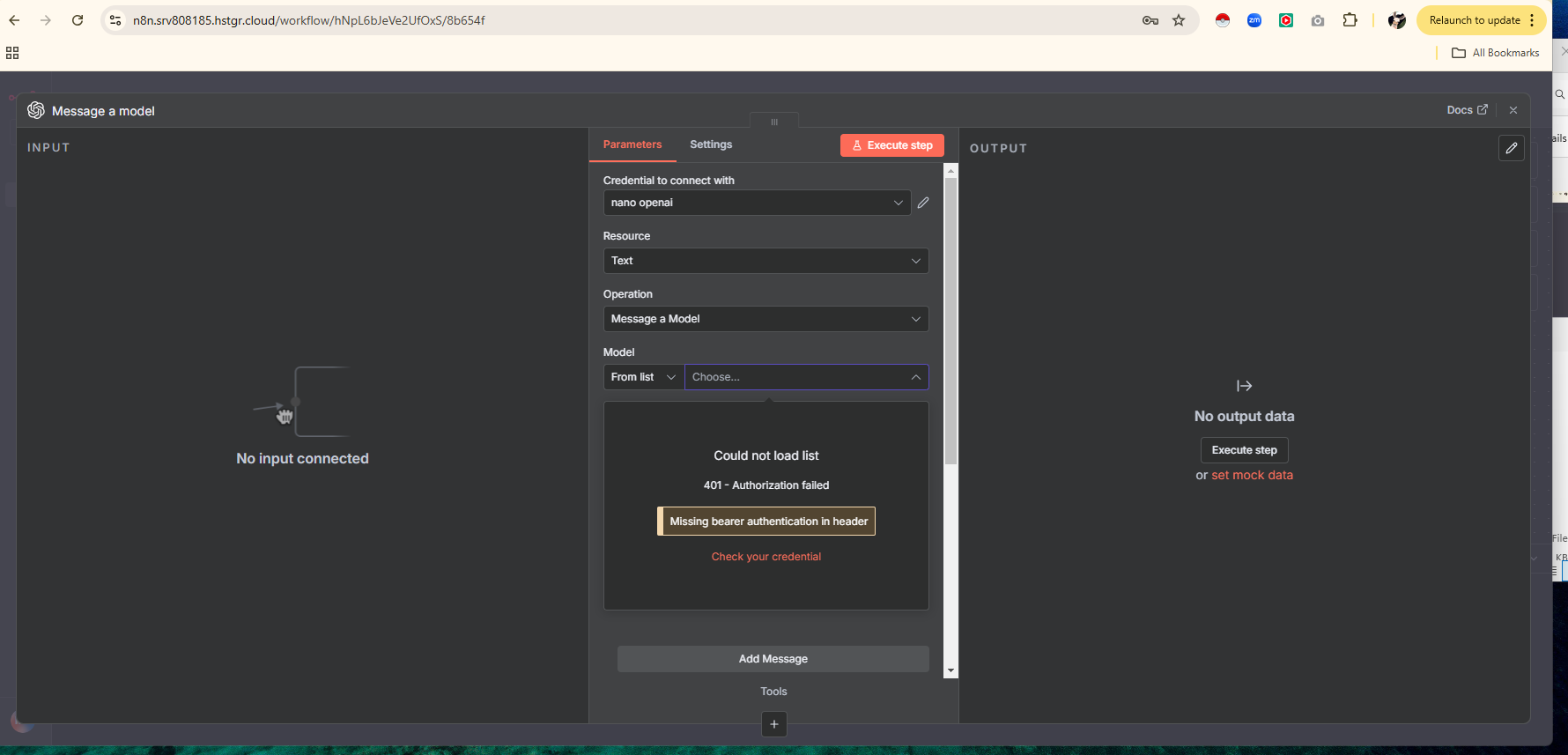
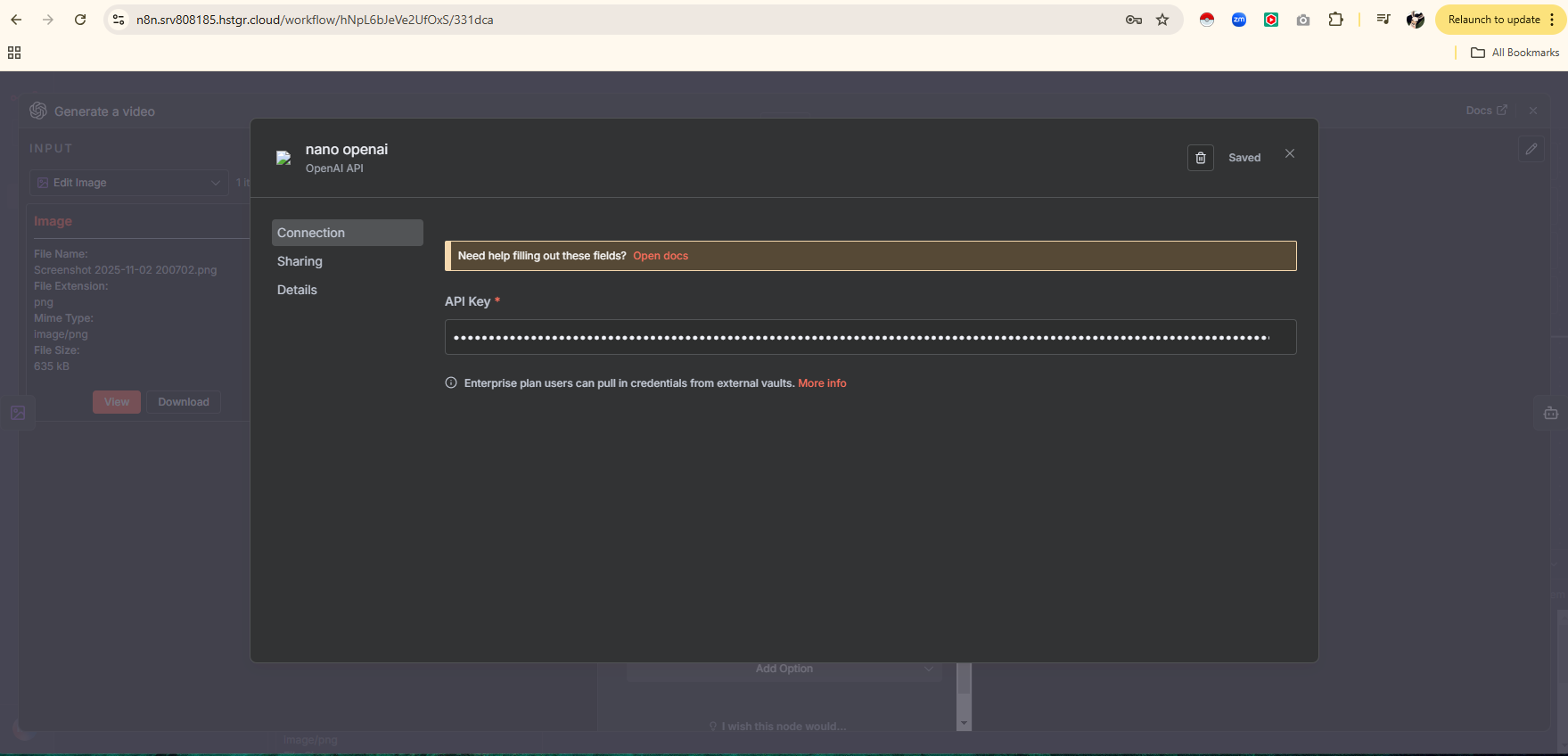
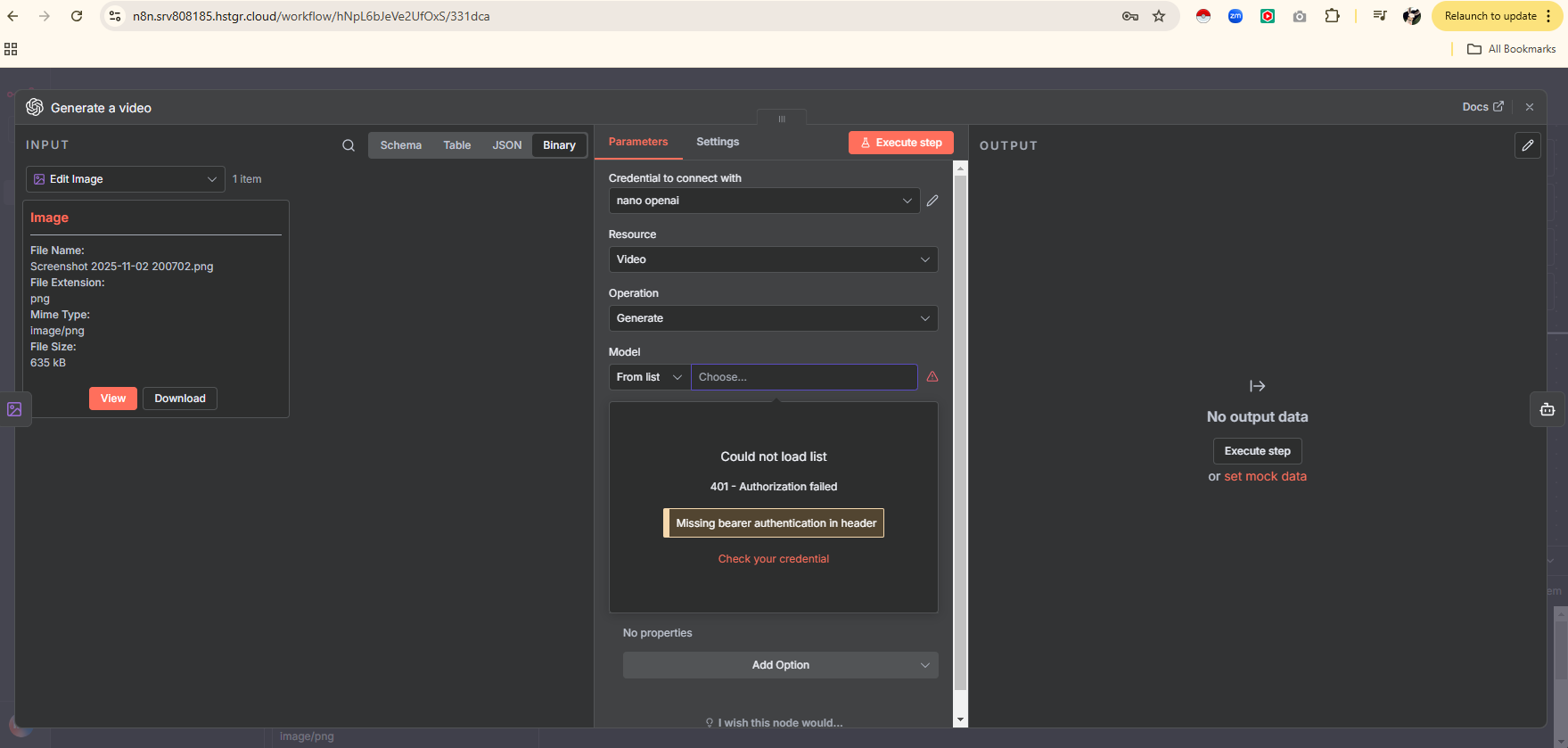
I keep getting a 401 authorization failed error but I know my keys work. Whenever I use an Open AI node (message a model, generate video, transcribe, etc) it tells me to check my credentials. When I use an AI Agent and connect Open AI for the model, the same credential works fine. Plus, I’ve seen screenshots and videos of other people connecting their APIs and theirs has an organization ID element but mine does not. Anyone know what I can do to fix this?

What is the error message (if any)?

401 authorization failed

Please share your workflow

(Select the nodes on your canvas and use the keyboard shortcuts CMD+C/CTRL+C and CMD+V/CTRL+V to copy and paste the workflow.)

Share the output returned by the last node

Information on your n8n setup

  • n8n version: 1.118.0
  • Database (default: SQLite):
  • n8n EXECUTIONS_PROCESS setting (default: own, main):
  • Running n8n via (Docker, npm, n8n cloud, desktop app): docker
  • Operating system:

Your answer is here posted by one of supporters :

If you don’t belong to an organization or if the field contains incorrect information, it can cause 401 authorization errors even when your API key is valid.

In your case, just leave it empty the organization id field.

2 Likes

I saw this post but I don’t even have the option to put in an organization id. I took a screenshot of what it looks like when I’m adding my API. How come mine looks different?
Try use a HTTP node…

HTTP Request node, under Authentication, you should select Header Auth and manually add a header:

Authorization: Bearer YOUR_API_KEY.

1 Like

I had to completely wipe my VPS and install a new N8N instance. Now everything works as it should. Thanks for the help.

Ok, then it seems it was just a configuration issue.

Glad that is solved!

1 Like