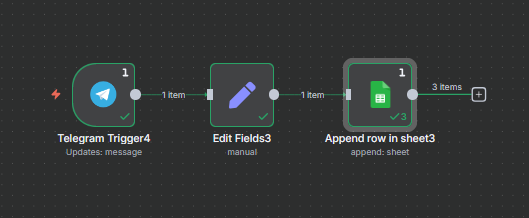
I’ve been trying to append multiple forwarded messages on Telegram to Google Sheets, but when that happens, the one row the information gets appended to keeps getting overwritten by the next entry it takes in rather than starting a updating the next row.
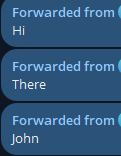
As an example, I would forward 3 messages in this order at the same time: Hi, there, John. It would append “Hi” to the first row, but it would then quickly replace the “Hi” with “there”, then “John” despite the action being Append.
Why is this happening? How can I get the next message to append to the next row?
But when it appends, the row it appends the first entry to keeps getting overwritten by the other messages (in the example below, the text went from There → John → Hi):
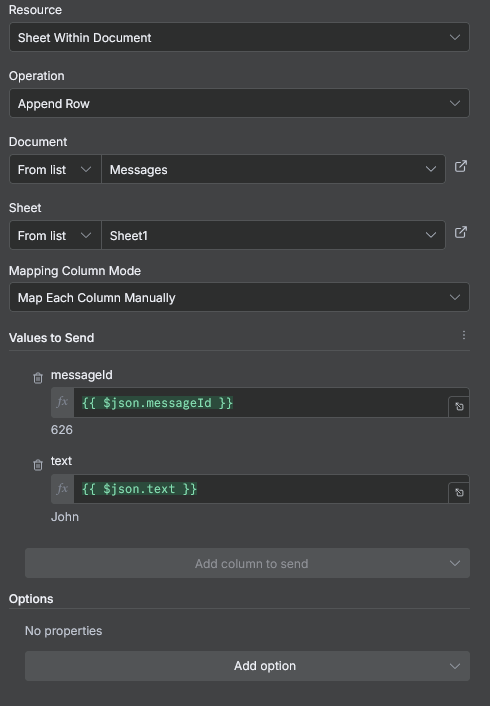
For the Google Sheet node, I haven’t adjusted much. Only added the values to send:
well it sounds like a race condition. you send multiple messages at the same time to the same node, which at the same time checks the next available cell and since it happens at the same time, it is the same cell, so all three writes happen in the same row.