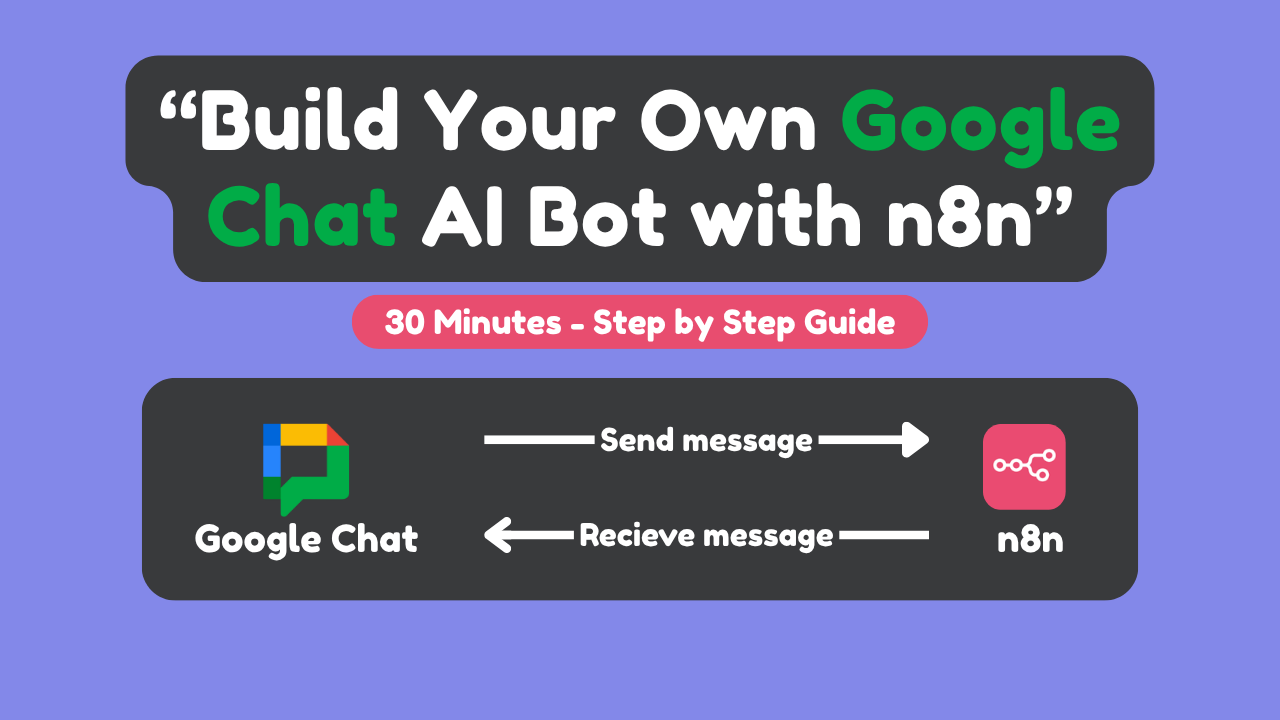
This guide will walk you through the process of integrating an n8n AI assistant with Google Chat. By following these steps, you’ll create a functional chatbot that can respond to messages in Google Chat spaces and direct messages.
TLDR;
 Step 1: Created n8n workflow with Webhook node
Step 2: Created Google Cloud project and enabled Google Chat API
Step 3: Created Service Account and configured credentials
Step 4: Configured Google Chat API with webhook URL
Step 5: Created Google Chat space and added bot
Step 6: Configured webhook response for proper acknowledgment
Step 7: Made space name dynamic in Google Chat node
Step 8: Added and configured AI Agent with OpenAI
Step 9: Tested in both spaces and direct messages
Step 10: Verified memory persistence across conversations