Hello Everyone,
I’m struggling with this issue for quite some time now.
What I understood so far? To store data that is information that I want to retrieve as it is (persons, orders, items table) it is good to store them normally in tables. To store data that I want to retrieve using AI agent, it is better to store data in vector stores, as it is consumed by agent after retrieval and the LLM is creating answer based on that.
I am trying to create an ordering and tracking bot. The task is that I want to store orders and items in a database. Normally we store orders and items in two different tables, and we store the orders made by clients in a different, third table (junction table, many-to-many relationships) where every order has the items that belongs to them (maybe in this scenario the items table and the orders junction table would be enough and it’s just me overcomplicating it.). I can’t figure it out how to create it effectively.
How can I create a workflow that a client asks through email, Telegram or other channel for order details and it will answer with the right details and items? How can I take it further and make it able to take order from clients too? And then how can I implement to only answer the order that belongs to that client?
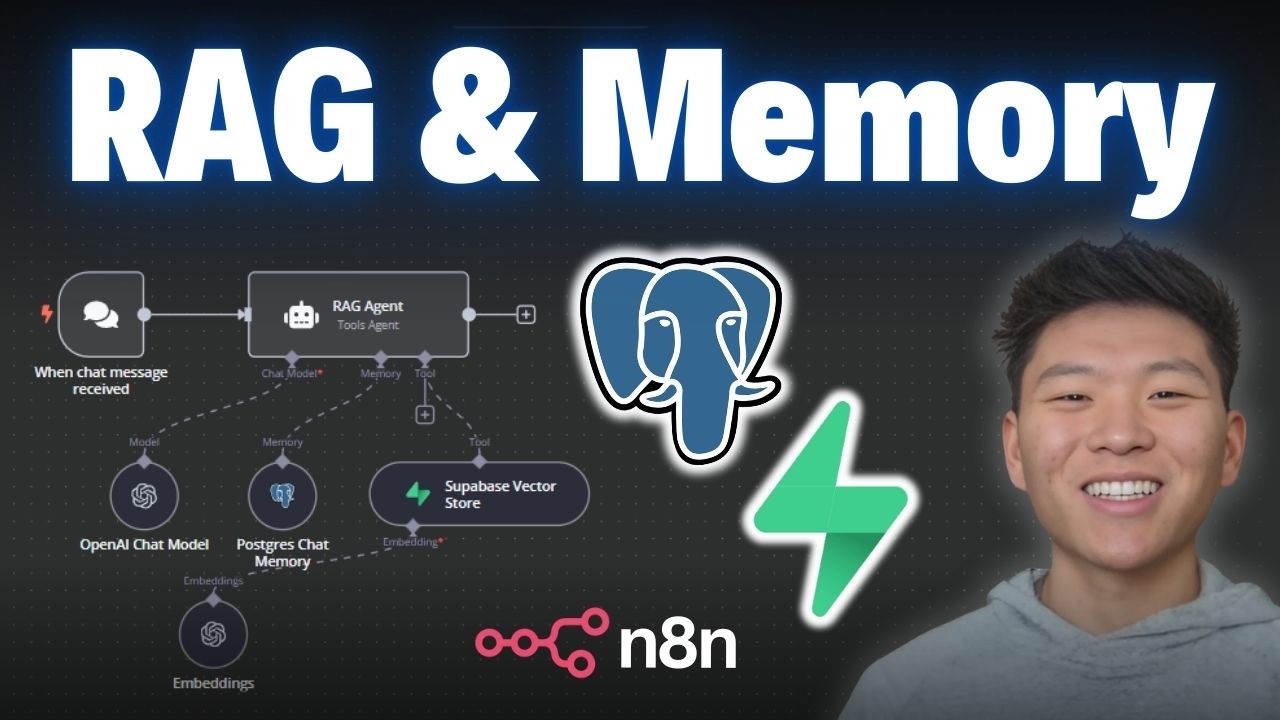
This is how far I’ve got in the workflow:
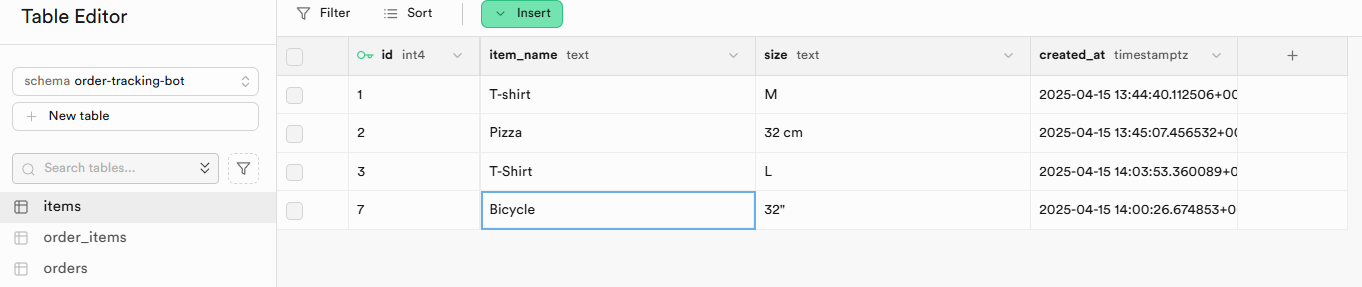
And the Supabase database I created:
Most tutorials on YouTube, Skool and even Supabase want users to arrange the database and n8n to have content and metadata in the same table, but both of us are trying to put them in different tables and have Supabase and n8n work with that. I’ll tell you more as I figure it out.
2 Likes
Initialize in Supabase a LangChain database, which will create a match_documents function that n8n will use to store and retrieve documents with their Supabase Vector Store nodes. Change match_documents function’s implementation to work with multiple tables, while keeping the same input and output signature for n8n to use. Then, implement these nodes in n8n to use the match_documents function, passing in the appropriate parameters. Look up tutorials and ChatGPT for more help.
1 Like
@Timothy, thanks for you reply! 
Looks like I have to get more familiar with Supabase and databases in general.
I checked out how to make Langchain database in Supabase as it wasn’t familiar. But now I can see I already created a Langchain related table and function, which I did’nt remember.
I’m good with n8n but I can see I’m really missing this one. 
If all you’re trying to do is query based on multiple tables, I would simply create a db view by joining the tables I need and then use that to query in the tool. If you need to insert into multiple tables then create a function in the db and call it via an http request since the supabase nodes dont support the rpc calls as far as I know. Id also just use the supabase sub-nodes instead of the postgres ones
1 Like
Thank you! Great advice.
I am not used to the way of thinking and working of databases. But I will definitely try this one.