How to move a Workflow to a Project? I have a paid version with one Project allowed.
you can use move option:
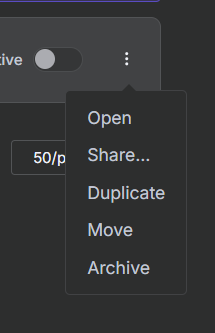
then you will see move to project or user option
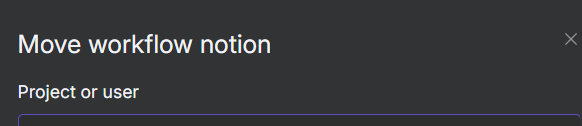
if it solves your problem do mark my responce as solution

Well thanks, but I miss the Move option in my dropdown list, hence the question.
I am on starter plan. Which allow 1 shared project.
Where are you looking for move option?
Like you. Starter plan with one project. Thought I should move the executing ready workflows to the Project area. I look under the three dots, and there is no Move alternative for me.
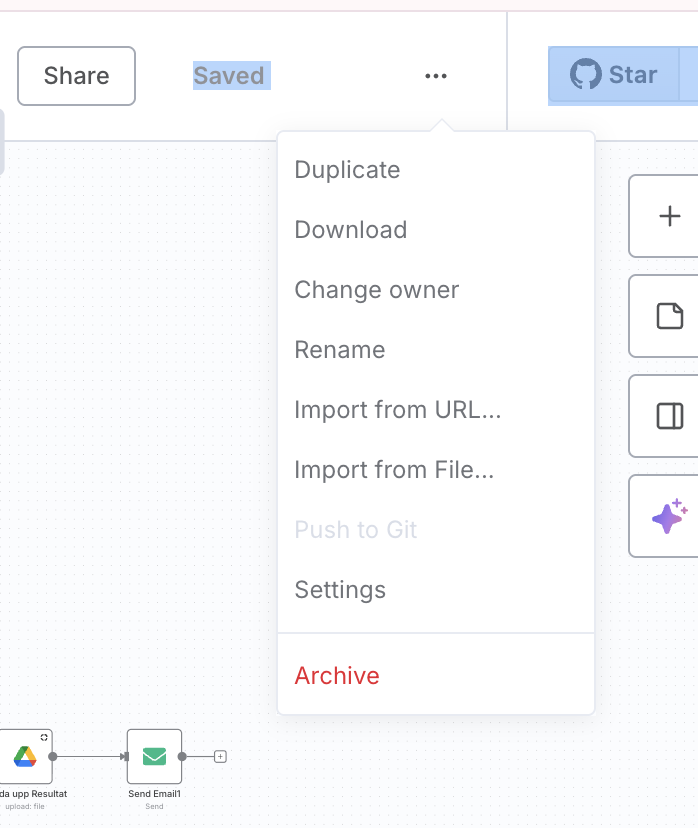
You can use duplicate tho…
It will make a copy for the file, or you can select all workflow, and create new one in another folder/workflow project
looks like you are looking in wrong place.
it is not inside the workflow but:
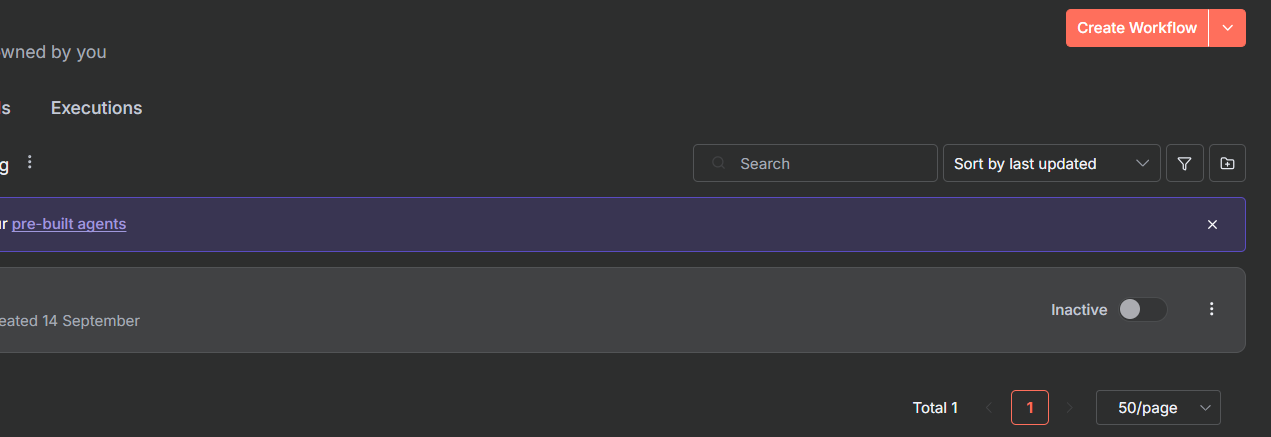
where list of all project section:
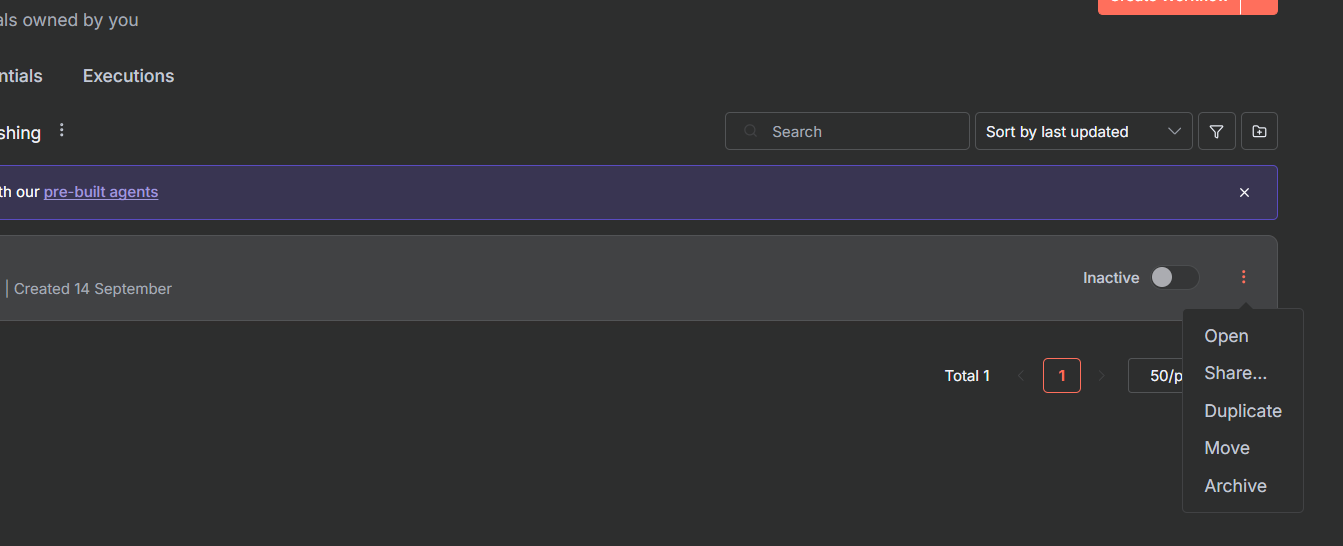
@Claes_Rickeby do mark my response as solution if it solved your issue.
1 Like
Well, i did not solve it that way, as it did not work tried Move and Duplicate no link to projects i my n8n world. Instead I created a folder under my Personal instance into which I could draw my ready workflows. Quite smooth actually. Regards and thnk you for your engagement!
1 Like