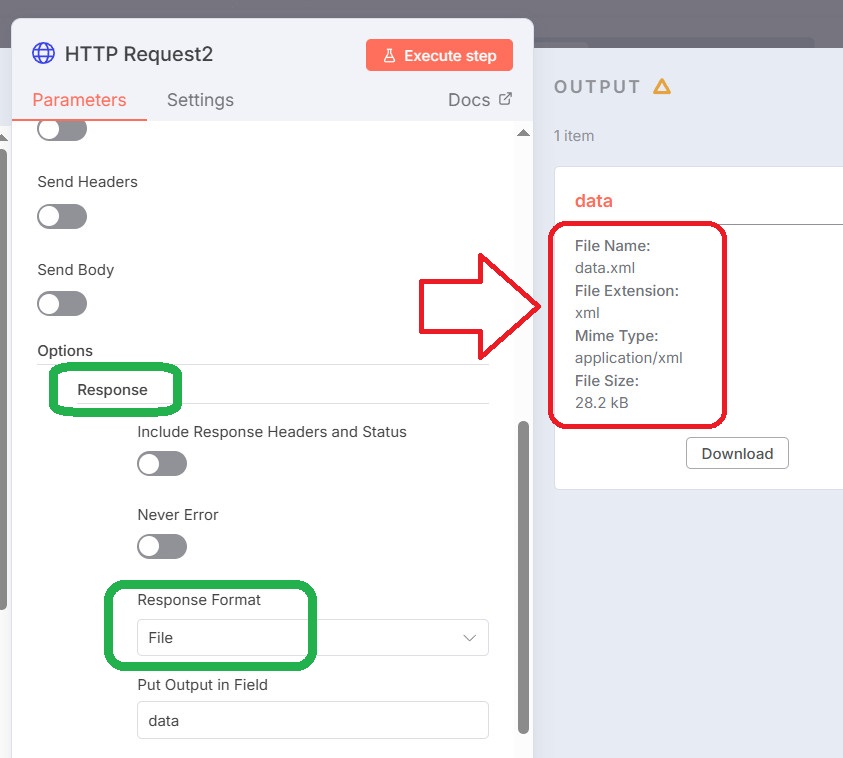
I make a HTTP request to Zoho Mail API to get an email’s attachment (It’s a .XLS file).
It returns the binary (An LLM told me that it’s binary) as shown in the image below:

Result: [ { “data” : "… binary… " } ]
When I try to extract the data from this by using “Extract from File”, it returns an error:
“NodeOperationError: This operation expects the node’s input data to contain a binary file”
and
“Make sure that the previous node outputs a binary file”
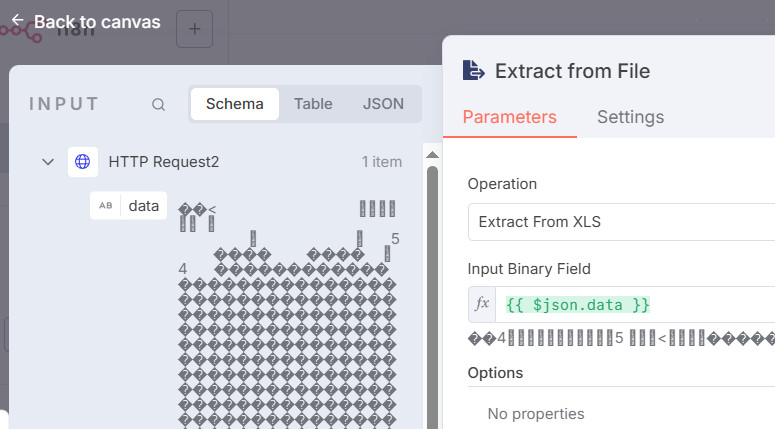
The error:
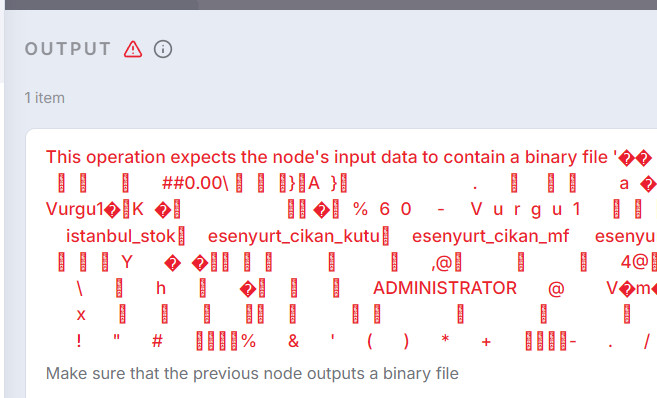
Isn’t this already binary?
Is it because it’s provided from the previous node inside a JSON object?
What can I do?
“Convert the file” node also doesn’t work.
And I tried using some custom code snippets that LLMs wrote but the output Excel file is a mess, often unopenable.
Note: I use n8n cloud, signed up on there yesterday.