
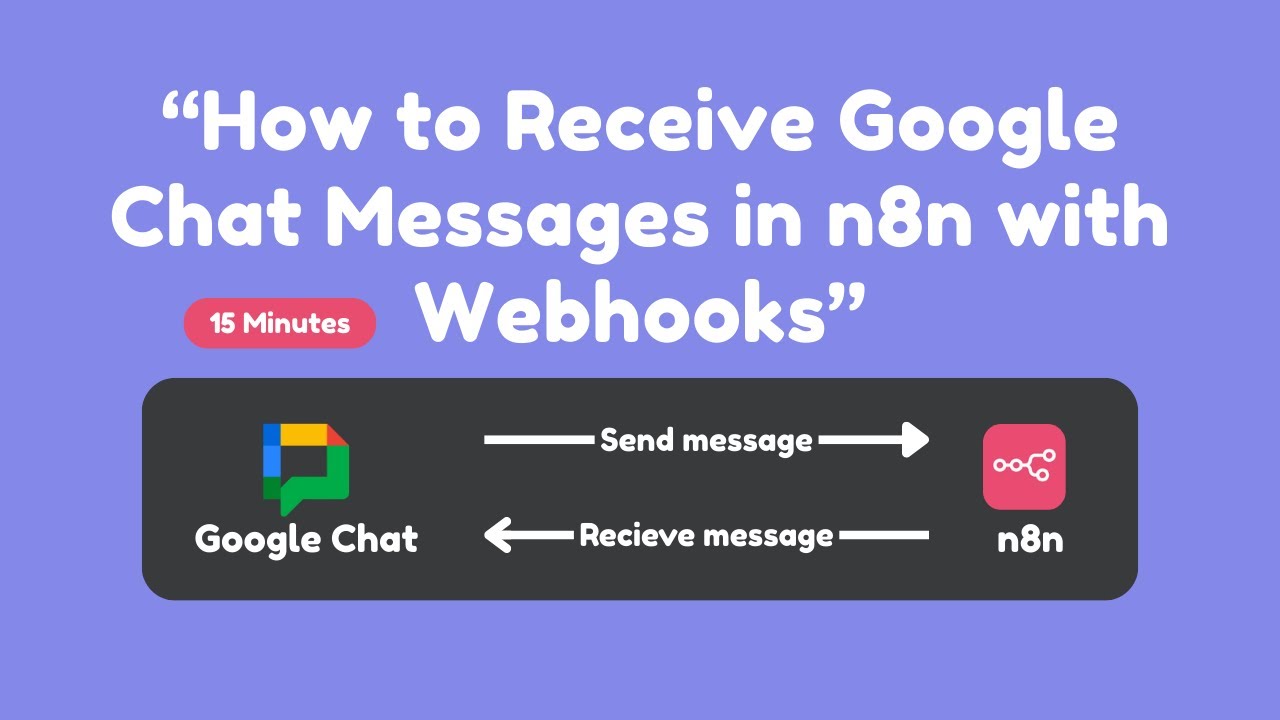
What You’ll Learn:
 Setting up webhooks in n8n to receive Google Chat messages
Creating bidirectional communication between Google Chat and n8n
Building an AI agent that responds automatically
Handling both Space messages and Direct Messages (DMs)
Making responses dynamic based on the originating space
Implementing proper authentication and security
Managing conversation context across different spaces
Key Features Covered:
→ Webhook configuration with authentication headers
→ Google Apps Script code for message handling
→ Dynamic space ID management
→ Session management based on Space IDs
→ Security best practices with bearer tokens
→ Troubleshooting common issues
