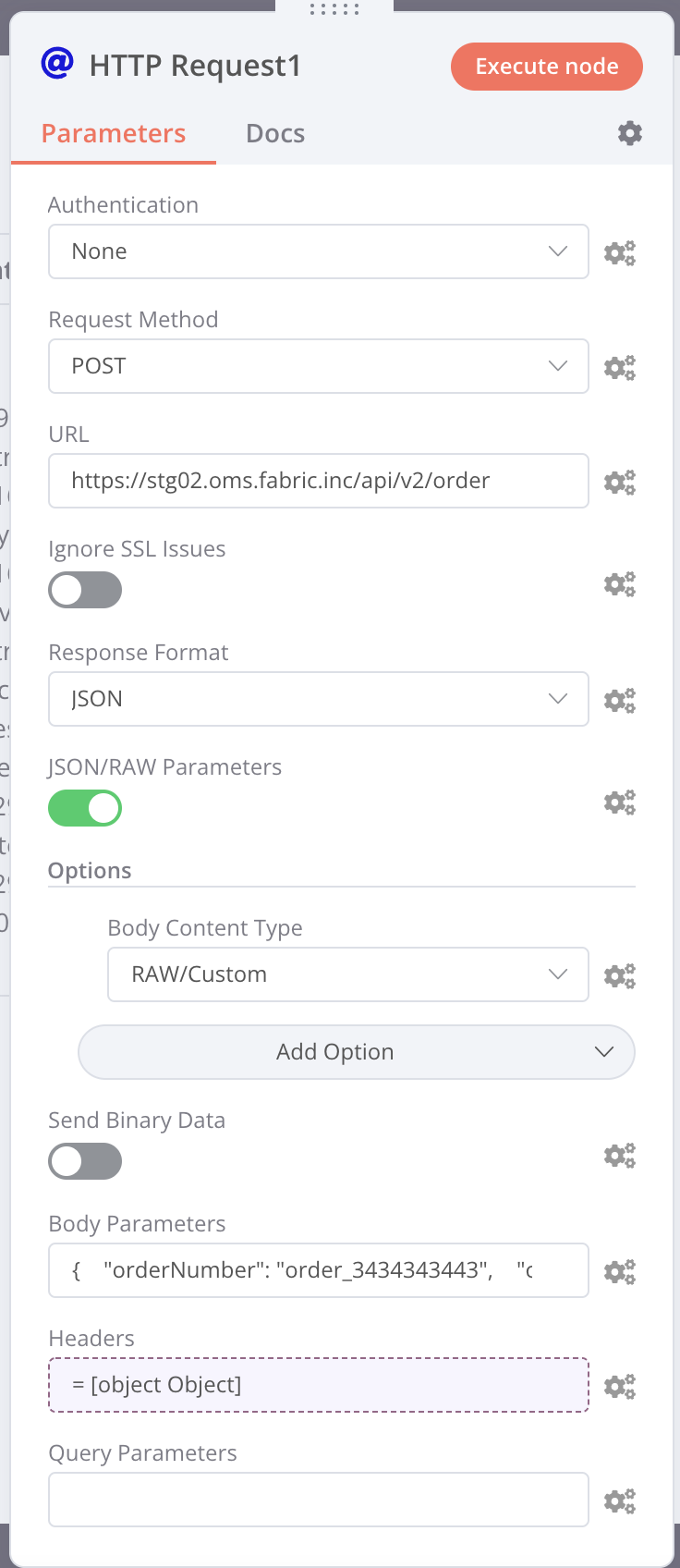
I wanted to send a very long JSON body, so I decided to select the toggle for JSON/RAW.
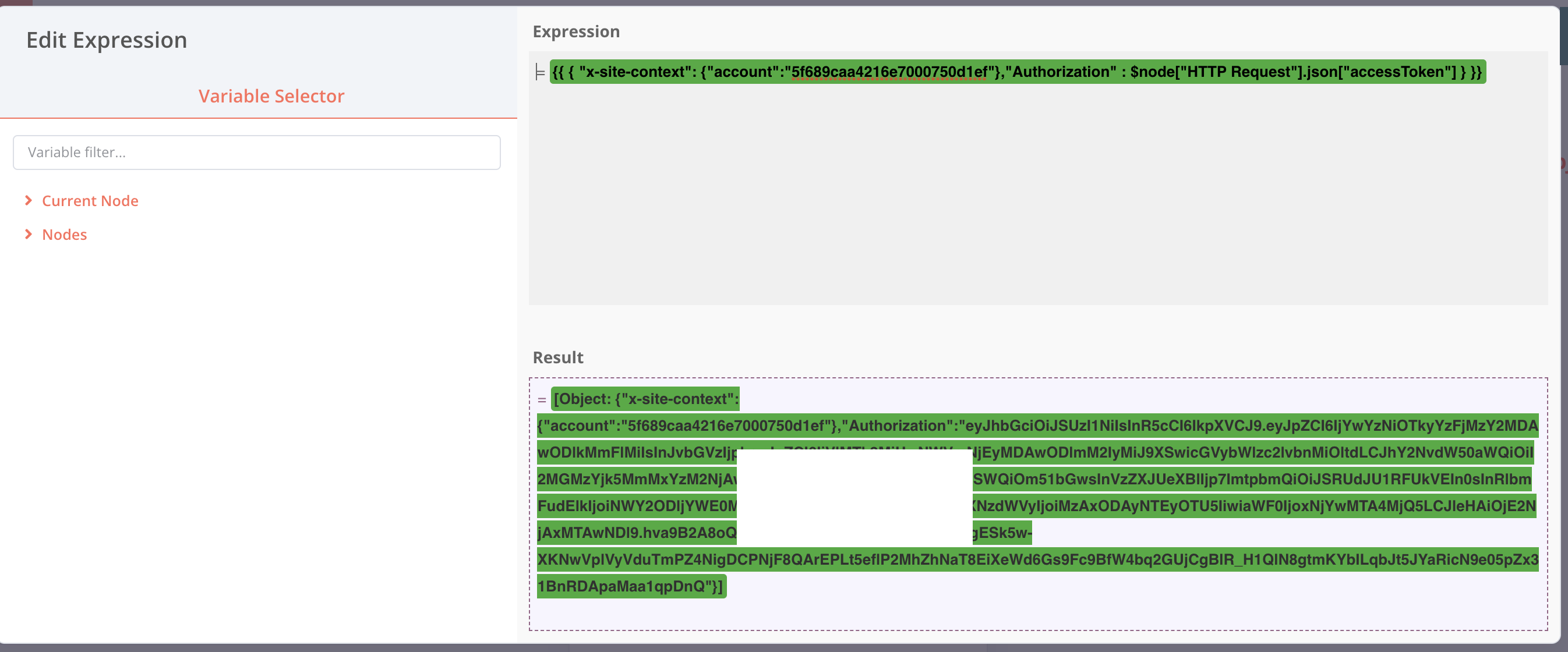
And for the Headers, I created as an expression like this using output from previous step:
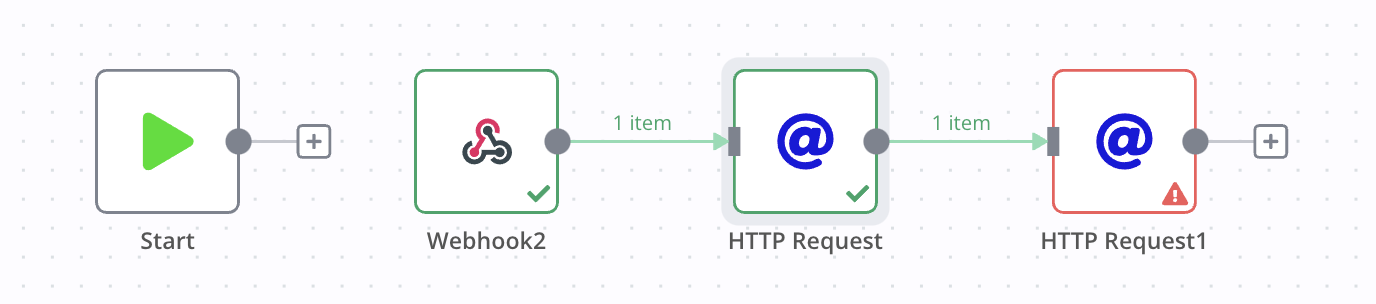
However, when I click on the Execute Node, I get the following error.
Problem executing workflow
There was a problem executing the workflow:
“Cannot create property ‘accept’ on string ‘= [object Object]’”
This looks like a problem in the Header because it is pointing to = [object Object]’
Here is the detailed log:-
TypeError: Cannot create property 'accept' on string '= [object Object]'
    at Object.execute (/Applications/n8n.app/Contents/Resources/app/node_modules/n8n-nodes-base/dist/nodes/HttpRequest/HttpRequest.node.js:1077:54)
    at Workflow.runNode (/Applications/n8n.app/Contents/Resources/app/node_modules/n8n-workflow/dist/src/Workflow.js:594:51)
    at /Applications/n8n.app/Contents/Resources/app/node_modules/n8n-core/dist/src/WorkflowExecute.js:537:64
Please share the workflow
Information on my n8n setup
- n8n version:0.182.0
- Database you’re using (default: SQLite): Not sure. Whatever comes with the desktop app
- **Running n8n with the execution process [own(default), main]: Not sure. I just clicked on Execute Node
- Running n8n via desktop app
Hi @Anil_Punjabi, it seems you are mixing an expression (which is a Javascript object) with text here (the equal sign and whitespace = before your actual expression), resulting in JS to return a string of = [object Object] when combining both. Could you try removing this text including whitespaces so your expression starts with {{ and ends with }}?
OK removing that = sign fixed that problem.
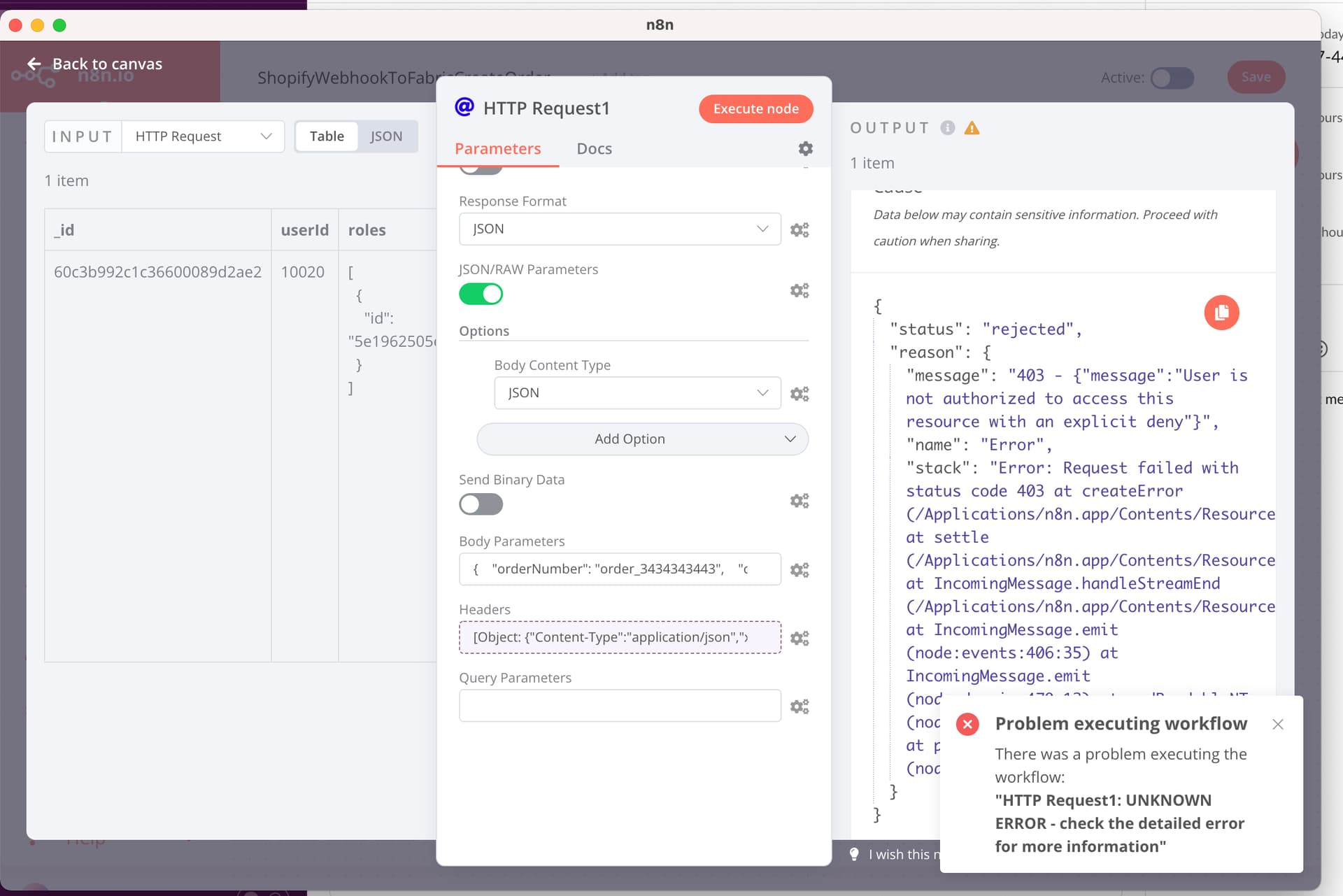
However, now I am getting a server error like this.
User is not authorized to access this resource with an explicit deny
I know this means that the request was sent to the server because this error is from my endpoint.
How can I get the curl equivalent of what got sent to the server, so that I can test it in Postman?
Should I set something under Options? I tried JSON, but that didn’t help.
Figured out how to see the request headers.
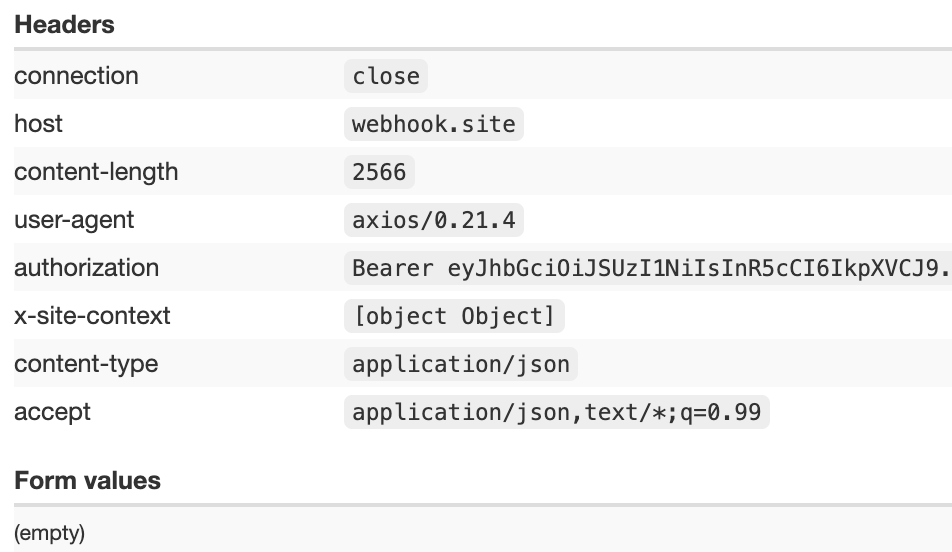
I modified the URL temporarily to send to a webhooks.site URL – and I found this
Notice that the x-site-context received by webhooks-site is incorrect.
It is being sent as [object Object] in text, which is weird.
What should the structure be for the header? Here’s how I have formatted it.
{{ { “Content-Type”: “application/json”,“x-site-context”: {“account”:“5f689caa4216e7000750d1ef”},“Authorization” : "Bearer "+ $node[“HTTP Request”].json[“accessToken”] } }}
It seems, with the header above:
Content-Type is good.
Authorization is good
x-site-context is NOT GOOD.
Do you guys have any suggestions?