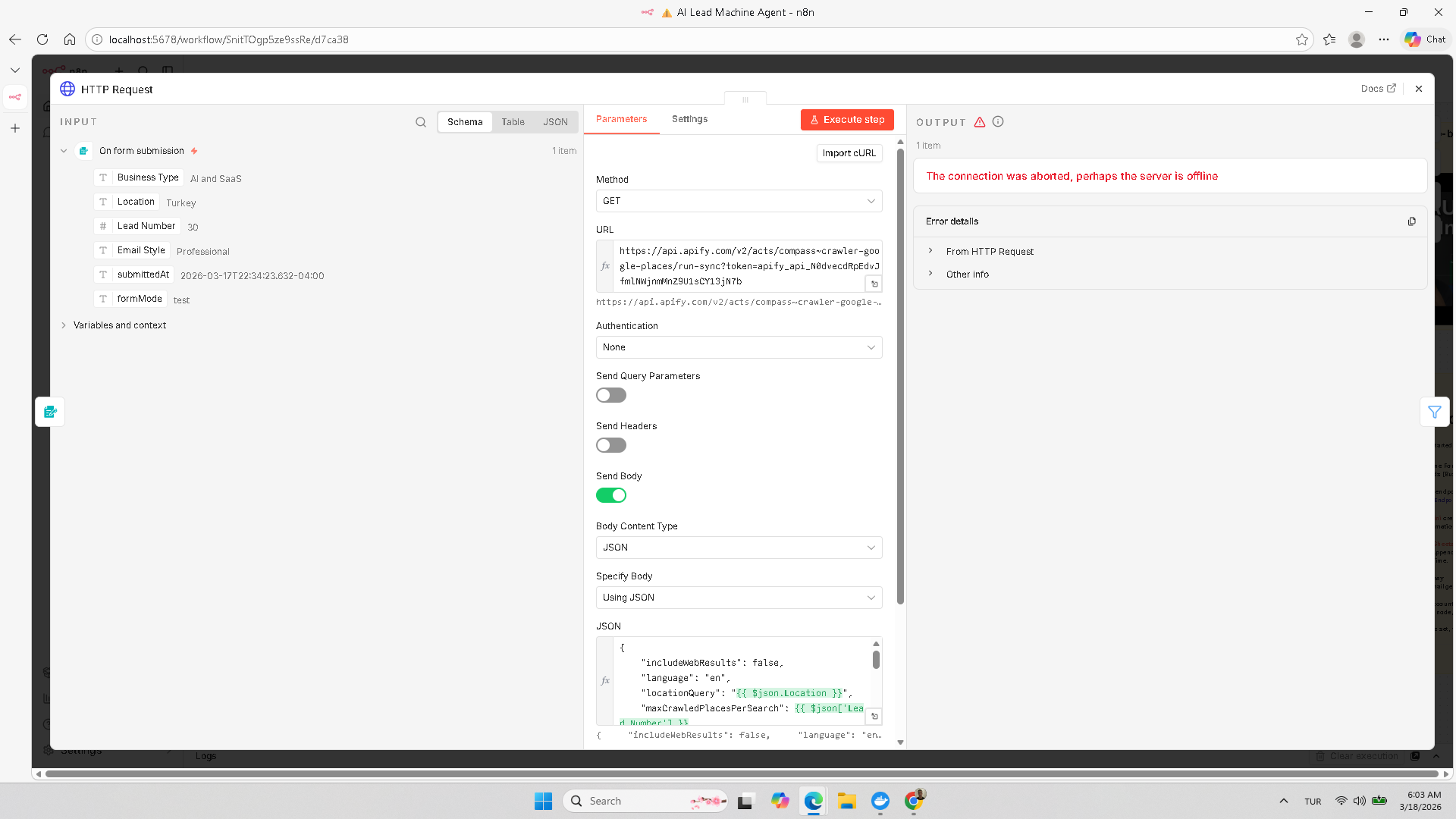
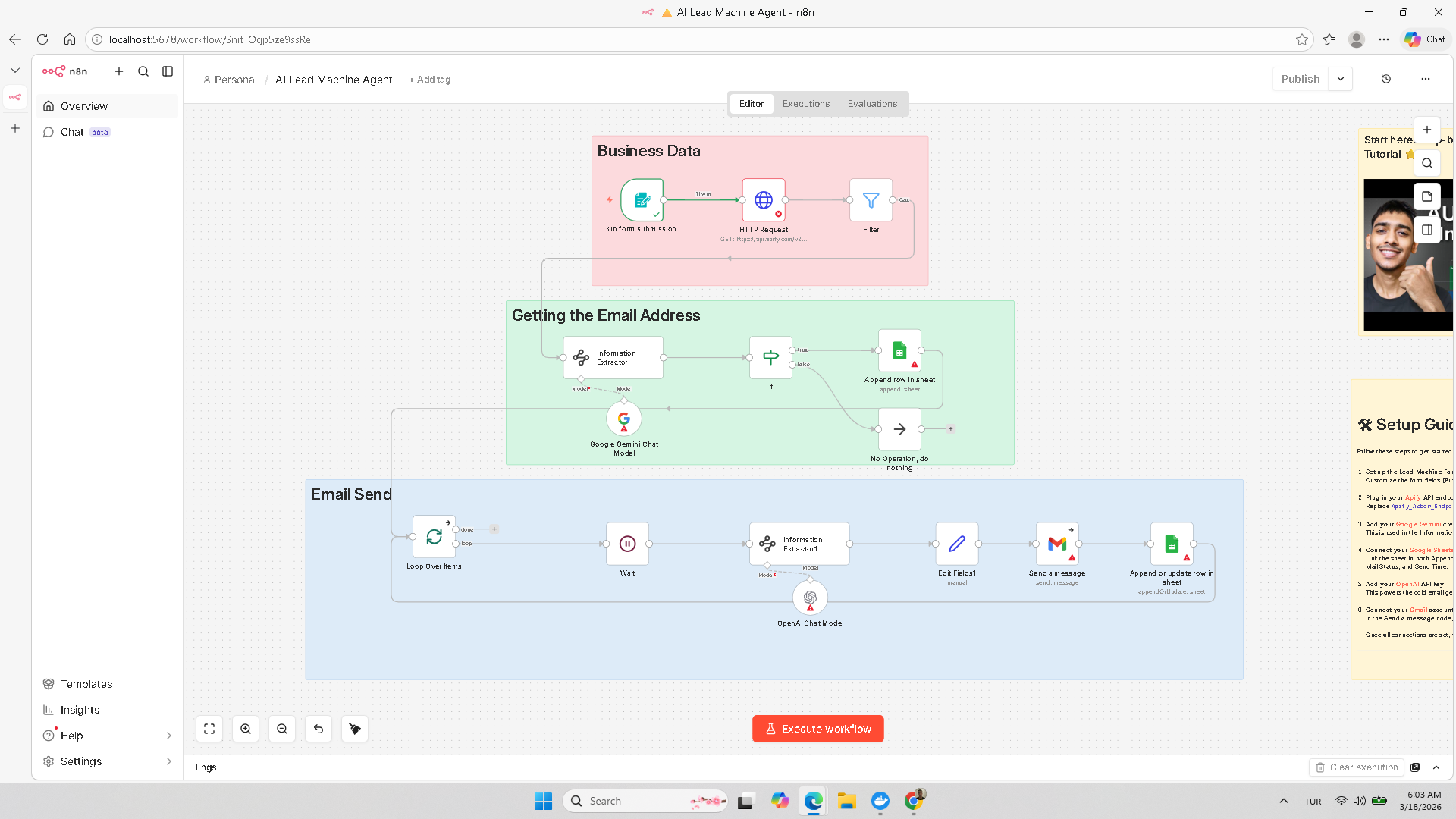
One of the workflows that I am using for lead generation ,the HTTP Request node gives me an error like this: “Connection was aborted, perhaps the server is offline”. What is the solution for this ?
What is the error message (if any)?
Please share your workflow
(Select the nodes on your canvas and use the keyboard shortcuts CMD+C/CTRL+C and CMD+V/CTRL+V to copy and paste the workflow.)
2. No retry on transient failures
The connection drops mid-request and n8n doesn’t retry by default. Enable retry in the HTTP node Options tab — set “Retry On Fail” to 3 retries with a 2000ms wait. For batch lead workflows this alone fixes ~80% of aborted connection errors.
3. Timeout too short
Default timeout is 10s. If the server is slow or the payload is large, increase it in the HTTP node Options to 30-60 seconds.
4. SSL/TLS mismatch
If you’re hitting an HTTP (not HTTPS) endpoint or an endpoint with a self-signed cert, toggle “Ignore SSL Issues” in the node settings.
Quick diagnostic: test the exact URL in a browser or with curl -v [url] on your n8n server to confirm it’s reachable from that network. If curl works but n8n fails, it’s almost always a header or timeout issue.
What’s the target domain/API you’re hitting? That would help narrow it down further.