My CEO mentioned he’s got a few conferences coming up in the next weeks and he’s actually looking forward to them. There’s just one problem: every time he comes back from an event, he has a stack of business cards in his pocket and zero time to manually add them all to his phone.
So I went looking for a tool I could just hand him. Plenty of business card scanners exist. But every single one of them has the same baffling design choice: you have to photograph each card individually. One at a time. For 20 cards.
That’s not really a scanner. That’s a slightly faster version of typing them in by hand.
So I built him something better in n8n.
What it does
He lays all the business cards out on a hotel desk, takes ONE photo, and sends it to a Telegram bot. The workflow extracts every contact, deduplicates against a Google Sheet (so contacts he’s already saved don’t get re-added), and sends back a separate vCard file for each new contact. He taps a vCard on his iPhone → “Add Contact” → done. About 15 seconds for 20 cards.
Full walkthrough
I made a video that walks through the workflow setup in n8n and does a live test run with 8 business cards in one photo – figured it’s easier to see it in action than describe it:
Anyone else built something similar for handling event leads? Curious whether people are pushing contacts straight to a CRM (HubSpot, Pipedrive) or keeping it in a sheet. The Sheet → vCard pattern is nice because it works for everyone, but I imagine the CRM version would be even better for sales-heavy teams.
Thank you so much for the kind words, @bartv! I really enjoy sharing these kinds of use cases because they’re broadly applicable and can help people save a lot of time right from the first application step.
Great work! The ability to extract multiple business cards from a single photo is a huge usability improvement over traditional scanners. I also like the Google Sheets deduplication and vCard export workflow, it keeps the process simple while preventing duplicate contacts. An optional integration with CRMs like HubSpot or Pipedrive for automatic lead creation would make this even more powerful for sales teams. Thanks for sharing this practical n8n workflow!
Hey @Andrew_Bell, first of all, thank you so much for the kind words! I really appreciate it. I actually thought about integrating the workflow directly with our CRM, but ended up taking a slightly different approach. Instead, I added a Status column to the spreadsheet, which allows my CEO to decide what should happen with each contact. If he changes the status to “CRM”, a second workflow automatically detects the change and routes the data accordingly. In the CRM case, it pushes the contact directly into our CRM via the API.
I felt this approach was more flexible because not every business card represents a sales opportunity right away. Sometimes they’re simply contacts my CEO wants to stay in touch with, so having that extra filtering step before sending data to the CRM made more sense.
The multi-card extraction from a single photo is a genuinely hard thing to get right and the Google Sheets deduplication approach keeps the handoff clean.
One edge case worth adding: AI-extracted contact data has a fuzzy-duplicate problem that exact-match dedup misses. The same person’s card can come back as “J. Smith” from one photo and “John Smith” from another, or the email can vary between “john@company.com” and “j.smith@company.com” if the card has both and the model picks differently. Exact match on name or email treats these as distinct contacts and imports both.
A normalize-then-compare pass handles this before the dedup check:
Name: lowercase, strip honorifics (Dr., Mr., etc.), split to first + last. Compare the normalized forms rather than the raw extracted string.
Email: lowercase the full address before comparing. If a card has multiple email fields, check each against existing rows.
Domain match as a soft signal: if the domain matches an existing contact row and the name is close (edit distance of 1-2 characters), route to a “review” tab in Sheets rather than auto-importing. The reviewer sees both rows side by side and decides.
The critical branch is the uncertain case. Exact duplicates can auto-skip. Clear new contacts auto-import. The fuzzy middle gets human eyes before it lands in the CRM. This way a batch of 30 cards from a conference does not silently create 5 duplicate leads that inflate your pipeline count.
A Code node after the AI extraction step can do the normalization and emit a confidence field: exact_match, fuzzy_match, or new_contact. Downstream branches route on that field.
Hey @cadence_flows, thank you so much for the kind words and for the thoughtful feedback!
To address the issue you mentioned with multiple email addresses on business cards, I actually extended the extraction to capture a second and even a third email address if they’re present (did the same for phone numbers as well). The deduplication check now considers all extracted email addresses, which has worked really well so far.
The name normalization is a great suggestion as well. I’ll definitely keep an eye on that and add it if I start seeing cases where it’s needed.
I’m a bit on the fence about using the domain match as a soft signal. At the moment, the deduplication works reliably without it, so I’d rather keep the workflow as lean and simple as possible. If I start running into edge cases where the current logic isn’t sufficient, that’s definitely one of the first improvements I’d look at implementing though.

 Hey n8n Community,
 What it does
 Full walkthrough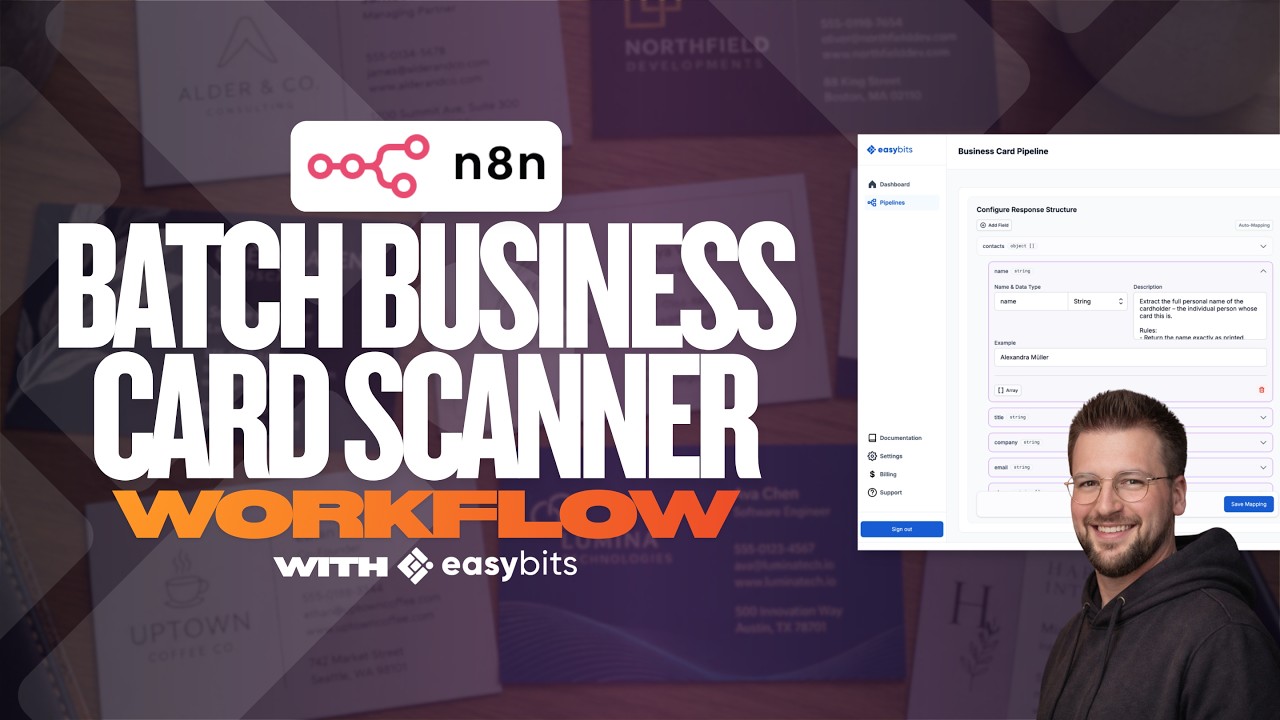
 Workflow JSON