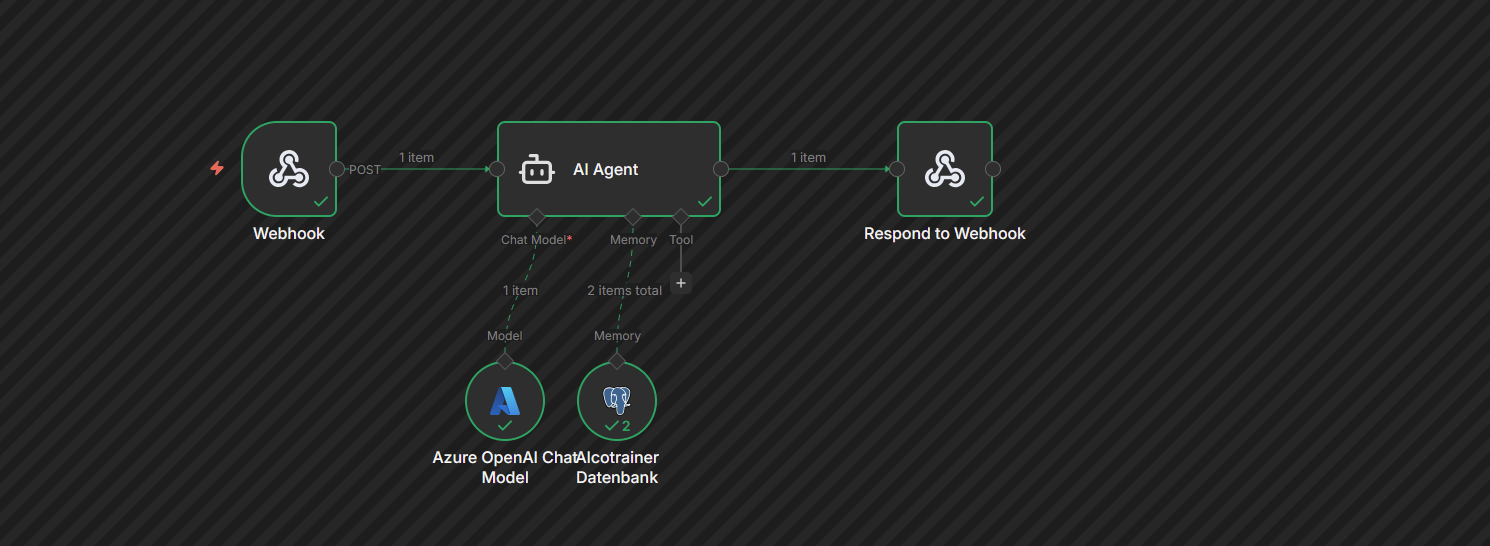
What i have understood is that you are trying to call a URL which is of this workflow which takes webhook given parameter as input and it gives it to AI agent and return back the output which i guess you are trying to display inside your Main.py, for now let’s consider a basic workflow which is very similar to this one which is:
And now in this workflow it is very straightforward that the webhook passes Prompt parameter to the AI agent and it computes it and returns the AI output using respond to webhook, now for calling this kind of workflow your pythong Main.py should look like my .py file which is:
import requests
import json

url = "http://localhost:5678/webhook-test/bce63a46-55fd-4531-be90-8f6403b22327?Prompt=Hello%20World%21"

try:
    response = requests.get(url)

    print(f"Status Code: {response.status_code}")
    print(f"Headers: {dict(response.headers)}")
    print(f"\nResponse Body:")

    try:
        print(response.json())
    except:
        print(response.text)

except requests.exceptions.ConnectionError:
    print(f"Error: Could not connect to {url}")
except Exception as e:
    print(f"Error: {e}")
You can always change the Prompt parameter i was testing this to showcase you so i have embed that parameter in the URL itself, so here if you will execute this your output would look like this:
[Running] python -u "c:\CODE_SPACE\testCase.py"
Status Code: 200
Headers: {'Content-Security-Policy': 'sandbox allow-downloads allow-forms allow-modals allow-orientation-lock allow-pointer-lock allow-popups allow-presentation allow-scripts allow-top-navigation allow-top-navigation-by-user-activation allow-top-navigation-to-custom-protocols', 'Content-Type': 'application/json; charset=utf-8', 'Content-Length': '59', 'ETag': 'W/"3b-eRtVrj3uhkpwvIGLl5FLa9rq9b0"', 'Vary': 'Accept-Encoding', 'Date': 'Mon, 16 Feb 2026 06:02:47 GMT', 'Connection': 'keep-alive', 'Keep-Alive': 'timeout=5'}

Response Body:
{'output': 'Hello World back! What can I do for you today?'}

[Done] exited with code=0 in 1.886 seconds
So you can see the output parameter it has returned, if you configure your workflow correctly and just change the url variable in this python snippet your instance would also work. Let me know if you have any errors related to this.
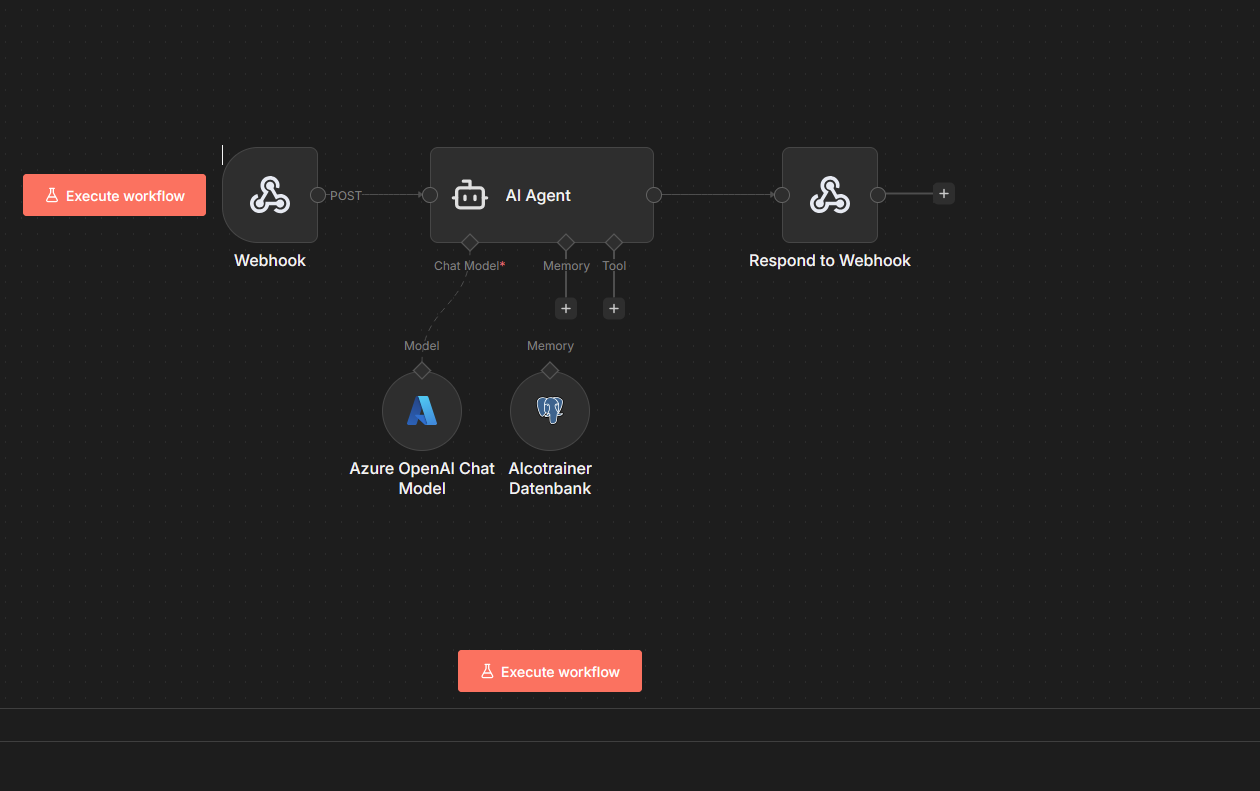
I find out yesterday, that my main.py was not updated on my server . So the workflow has point to a wrong file. I think i could solve that.
I sill have the problem with he Post Webhook, because he still dont see the input from my homepage. I get another issue. I will chech everything what @DrPonka and also @Anshul_Namdev suggest, and i hope it will work.
Thanks one more time for the fast help.. i will need more im sure
 . So the workflow has point to a wrong file. I think i could solve that.