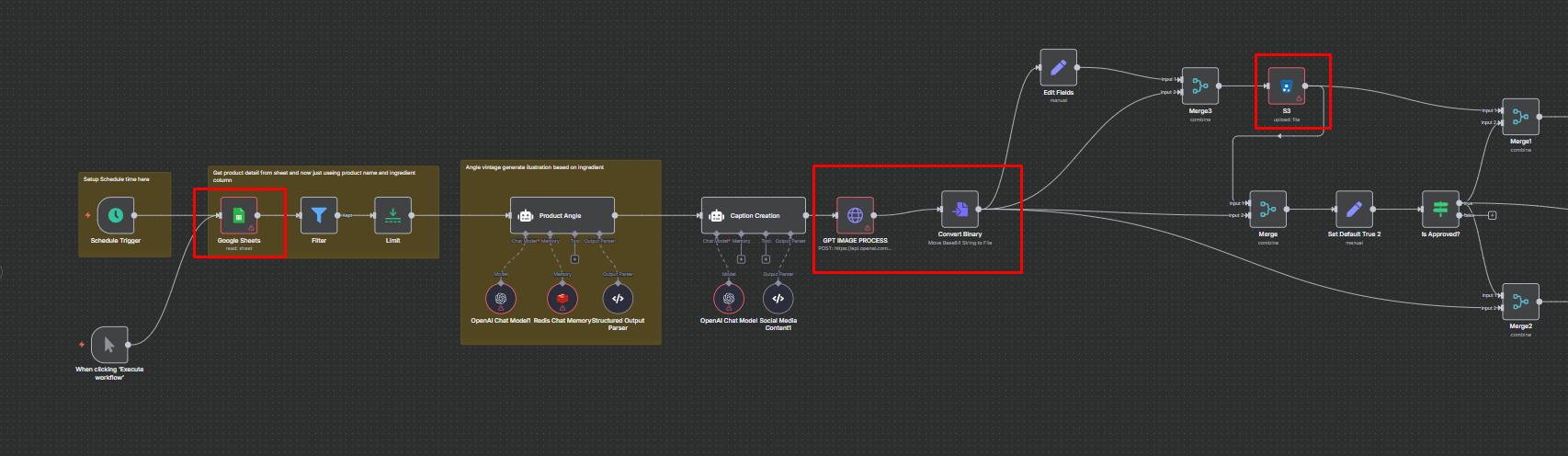
Hi. For a similar case, I would definitely use S3 object storage like AWS or Cloudflare R2, or a budget-friendly option you can self-host like MinIO to store binary data. Then, I’d use the static URL or a pre-signed URL from the S3 object feature for automation needs. Is there any other reason you don’t want to store the image as binary data?
This one. I have a case where I need to combine multiple images. Let’s say I have a picture of my product and I need to show it in hand. So, for that reason, I choose the combine function of FLUX, because it works close to perfect (except for the text on the product). But if you have other better options for this use case, please let me know Maybe we dont need to combine, but instead just put the product photo and do the rest by a prompt (“Photorealistic medium shot of a fit athletic woman confidently holding smth…”)
For a similar case I’ve handled, I prefer the GPT IMAGE model from ChatGPT because the results are far better. Alternatively, you could try using “JSON PROMPT” on Replicate for more precise results.
This is the exact same use case for social media brand awareness, where I had to use product insights from the client for the captions and the product reference context to create the JSON prompt.

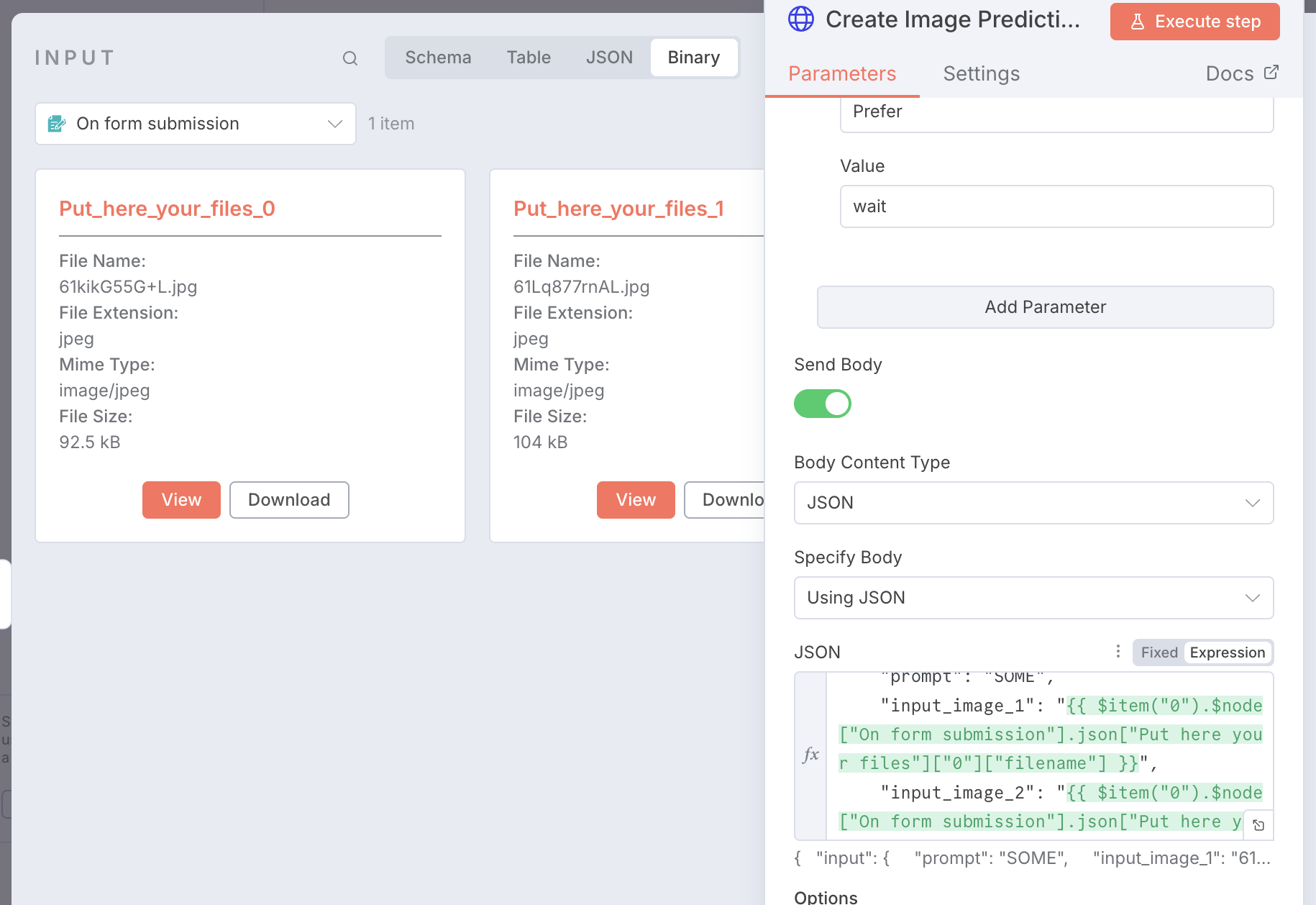
 Maybe we dont need to combine, but instead just put the product photo and do the rest by a prompt (“Photorealistic medium shot of a fit athletic woman confidently holding smth…”)